
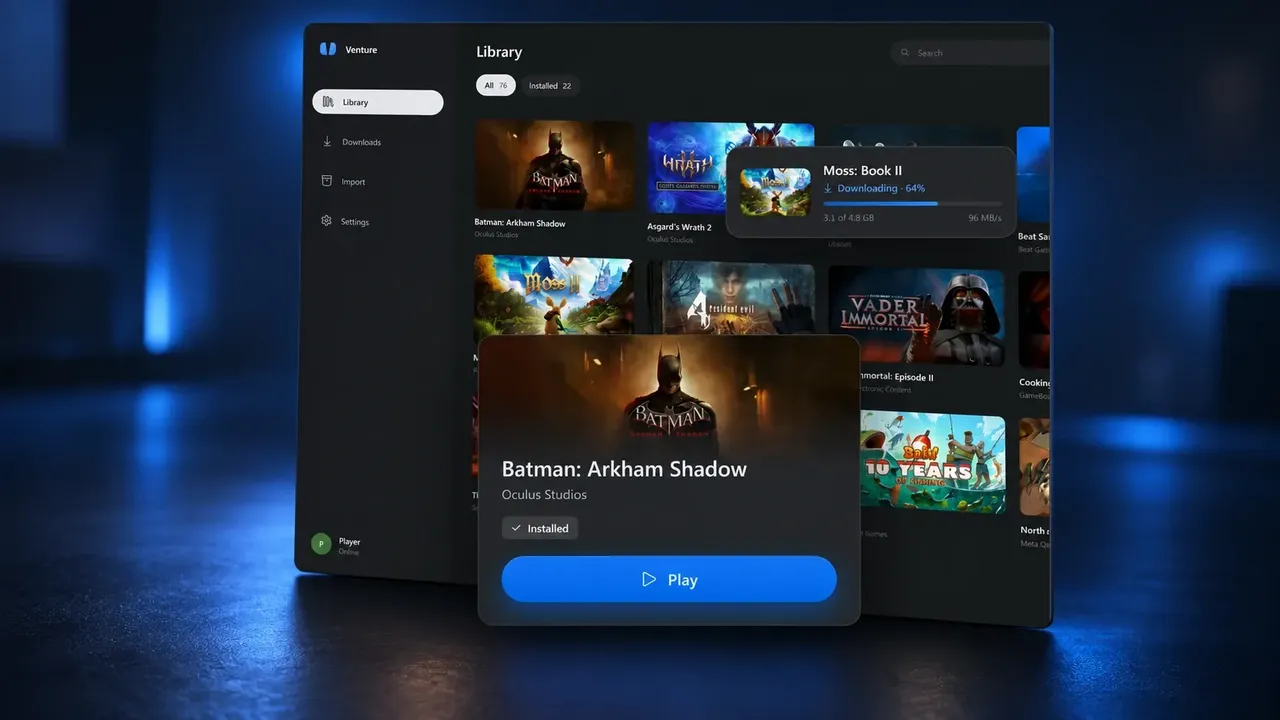
Quest emulator Venture adds mixed reality and PC mirroring in version 0.2.0. The unofficial Meta Quest emulator runs Quest software through a PC VR runtime rather than on a standalone Quest headset.
The update adds mixed reality support across more headset setups, a desktop mirror, controller remapping, and resolution and frame-rate controls that can apply globally or to individual games. Venture’s developer also reports lower memory use and less stuttering in tested games, but those results are not independent benchmarks and will vary between systems.
Mixed reality through supported runtimes
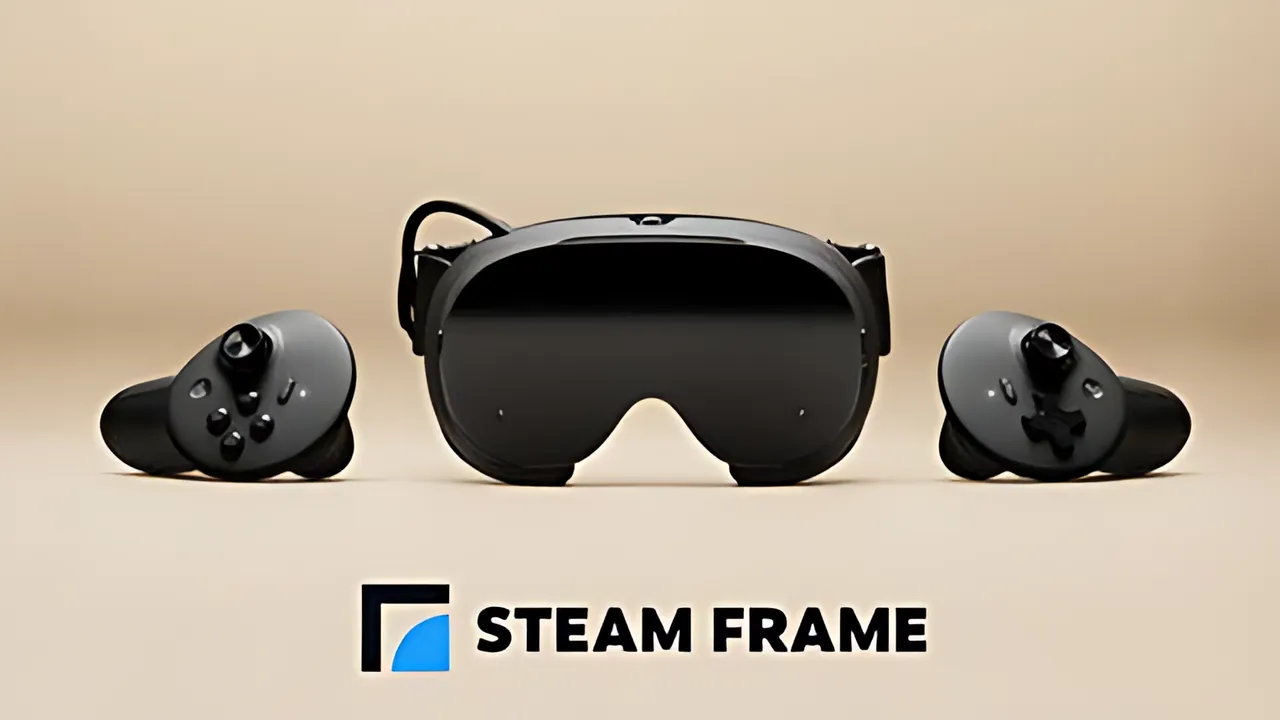
Venture enables mixed reality by default. It uses passthrough supplied by the selected runtime, with listed options including Quest Link, Air Link, SteamVR headset cameras, a native passthrough tool for Steam Frame, color-key tools and Linux runtimes. Setup can differ between these options.
If a setup cannot show the user’s room, Venture says games fall back to VR. This makes mixed reality part of version 0.2.0, but does not mean every Quest mixed reality game works with every headset and runtime combination.
Desktop mirror and audio output
The new desktop mirror can show either eye in a cropped or full window. It can be disabled. The feature gives someone at the PC a way to watch or record what is displayed in the headset.
An optional audio setting can send game sound through the PC’s default output as well as the headset. Venture therefore supports viewing and listening options beyond the headset itself, subject to the selected setup.
Controls and display settings
Venture’s Controls page shows a connected controller and lets users change mappings for Quest buttons. Mappings can include held buttons and two-button combinations.
Resolution and refresh-rate overrides can apply globally or to one game. Without an override, games continue using choices made by the VR runtime.
Reported performance changes
Version 0.2.0 stores translated game code and caches graphics pipelines between launches, reducing repeated work. In its release blog, the developer reports 44% less startup hitching across seven tested games than in version 0.1.0.
The same testing reports that the worst hitch in an Assassin’s Creed Nexus test fell from 222 milliseconds to 35 milliseconds. These figures come from Venture’s own testing, not independent verification or a guarantee for every PC. Other fixes address game audio, videos and headset-specific problems.
Downloads and compatibility
Venture’s version 0.2.0 release notes list downloads for Windows 10 and Windows 11 alongside Linux packages. The project says users can sign in with Meta to install games. Compatibility depends on the title, headset and runtime.
Venture is open source and says it is not affiliated with Meta. Users should check compatibility and their own game access before relying on this unofficial emulator.
Enjoyed this story?
Like it to tell the editors, or save it to read later.

Comments
Sign in to join the conversation.
Sign inNo comments yet. Start the conversation.
·