
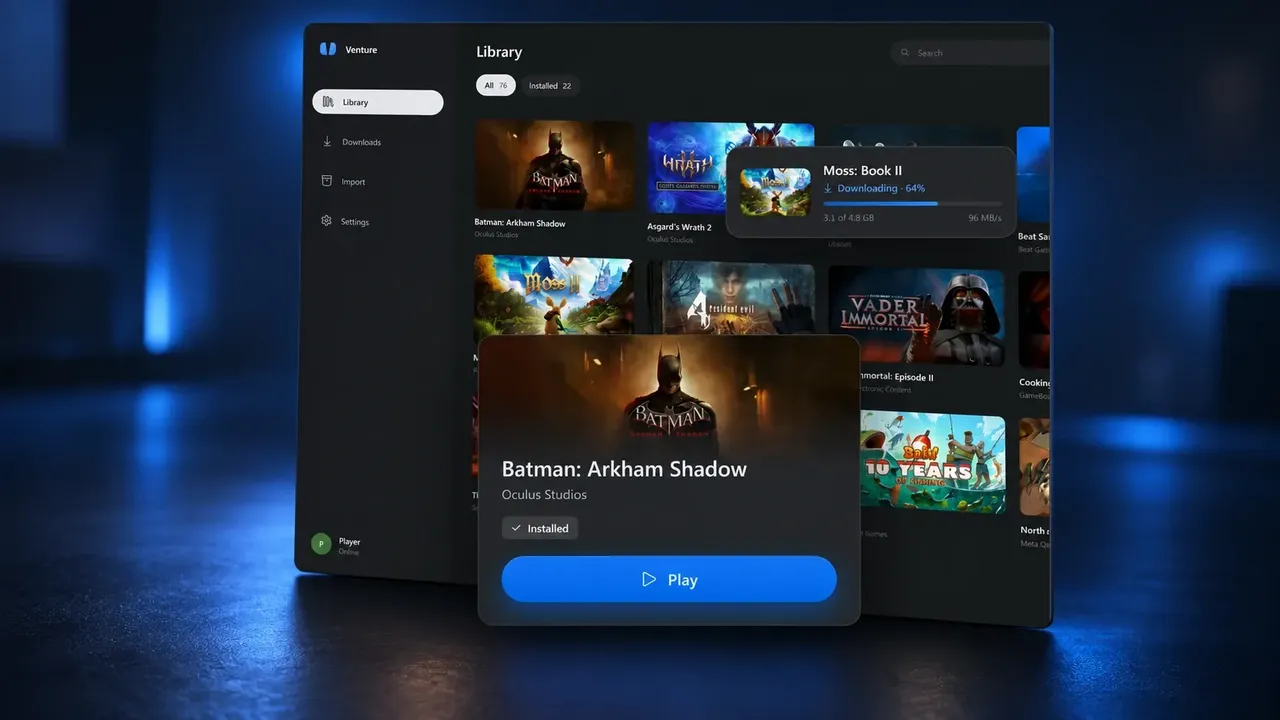
संस्करण 0.2.0 में Quest emulator Venture में mixed reality और PC mirroring शामिल हैं। अनौपचारिक Meta Quest emulator standalone Quest headset पर चलने के बजाय PC VR runtime के ज़रिए Quest software चलाता है।
यह अपडेट अधिक headset setups में mixed reality support, desktop mirror, controller remapping और resolution तथा frame-rate controls जोड़ता है, जिन्हें global रूप से या individual games पर लागू किया जा सकता है। Venture के developer ने tested games में कम memory use और कम stuttering की भी रिपोर्ट दी है, लेकिन ये नतीजे independent benchmarks नहीं हैं और अलग-अलग systems में बदलेंगे।
Supported runtimes के ज़रिए mixed reality
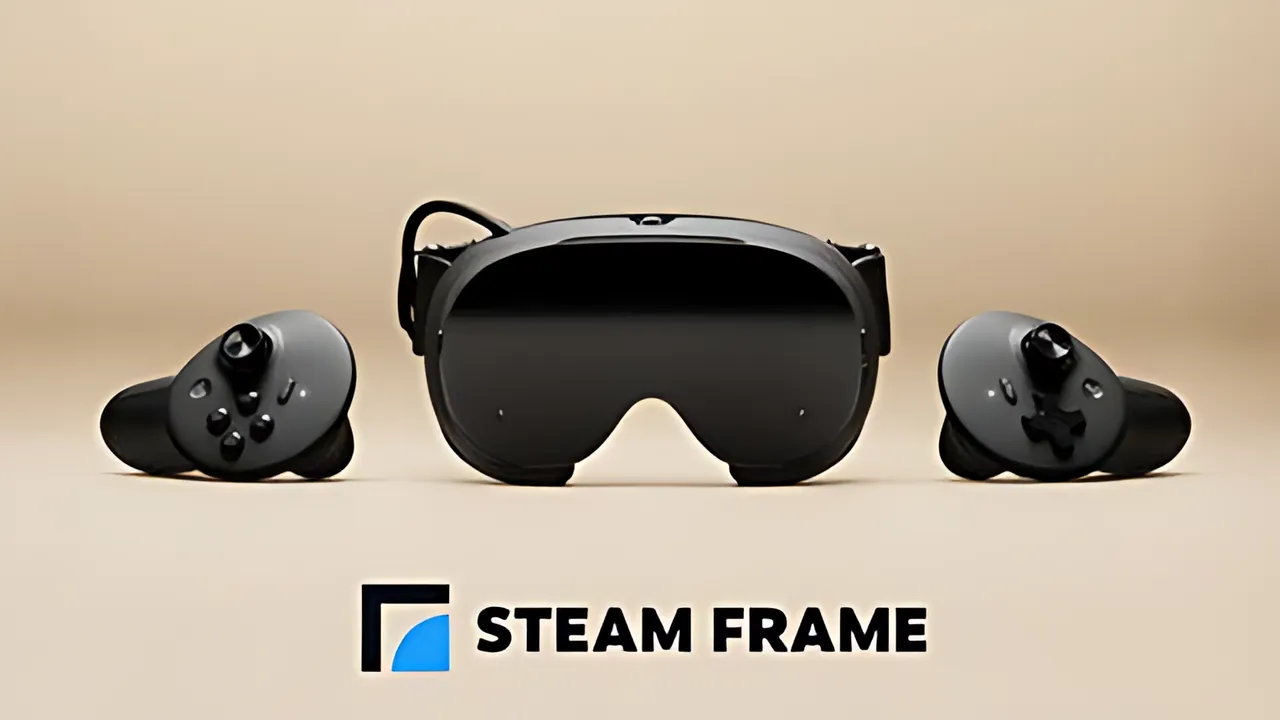
Venture mixed reality को default रूप से enable करता है। यह selected runtime द्वारा दिए गए passthrough का इस्तेमाल करता है, जिसमें Quest Link, Air Link, SteamVR headset cameras, Steam Frame के लिए native passthrough tool, color-key tools और Linux runtimes जैसे listed options शामिल हैं। इन options के बीच setup अलग हो सकता है।
अगर कोई setup user का कमरा नहीं दिखा सकता, तो Venture के अनुसार games VR पर वापस चले जाते हैं। इससे mixed reality version 0.2.0 का हिस्सा बनती है, लेकिन इसका मतलब यह नहीं कि हर Quest mixed reality game हर headset और runtime combination के साथ काम करता है।
Desktop mirror और audio output
नया desktop mirror cropped या full window में किसी भी eye को दिखा सकता है। इसे disable किया जा सकता है। यह feature PC पर मौजूद व्यक्ति को headset में दिख रही चीज़ों को देखने या record करने का तरीका देता है।
एक optional audio setting game sound को headset के साथ-साथ PC के default output से भी भेज सकती है। इसलिए selected setup के आधार पर Venture headset से आगे viewing और listening options support करता है।
Controls और display settings
Venture का Controls page connected controller दिखाता है और users को Quest buttons की mappings बदलने देता है। Mappings में held buttons और two-button combinations शामिल हो सकते हैं।
Resolution और refresh-rate overrides को global रूप से या किसी एक game पर लागू किया जा सकता है। Override न होने पर games VR runtime द्वारा चुनी गई settings का इस्तेमाल जारी रखते हैं।
रिपोर्ट किए गए performance changes
Version 0.2.0 translated game code store करता है और launches के बीच graphics pipelines cache करता है, जिससे दोहराया जाने वाला काम कम होता है। अपने release blog में developer ने version 0.1.0 की तुलना में सात tested games में startup hitching 44% कम होने की रिपोर्ट दी है।
इसी testing report के अनुसार Assassin’s Creed Nexus test में सबसे बड़ा hitch 222 milliseconds से घटकर 35 milliseconds रह गया। ये आंकड़े Venture की अपनी testing से आए हैं, independent verification या हर PC के लिए guarantee से नहीं। अन्य fixes game audio, videos और headset-specific problems को address करते हैं।
Downloads और compatibility
Venture के version 0.2.0 release notes में Linux packages के साथ Windows 10 और Windows 11 के लिए downloads listed हैं। Project के अनुसार users games install करने के लिए Meta से sign in कर सकते हैं। Compatibility title, headset और runtime पर निर्भर करती है।
Venture open source है और कहता है कि उसका Meta से affiliation नहीं है। इस अनौपचारिक emulator पर निर्भर होने से पहले users को compatibility और अपने game access की जांच करनी चाहिए।
क्या आपको यह स्टोरी पसंद आई?
संपादकों को बताने के लिए इसे पसंद करें या बाद में पढ़ने के लिए सेव करें।
टिप्पणियाँ
बातचीत में शामिल होने के लिए साइन इन करें।
साइन इन करेंअभी तक कोई टिप्पणी नहीं। बातचीत शुरू करें।
·