
Steam Frame Beta Adds Room View Passthrough During PC Streaming
Steam Frame Beta Adds Room View Passthrough During PC Streaming, keeping room view visible with desktops, game theaters and compatible OpenXR VR content.
By vrBlogs
· 2 min read · Source: MIXED
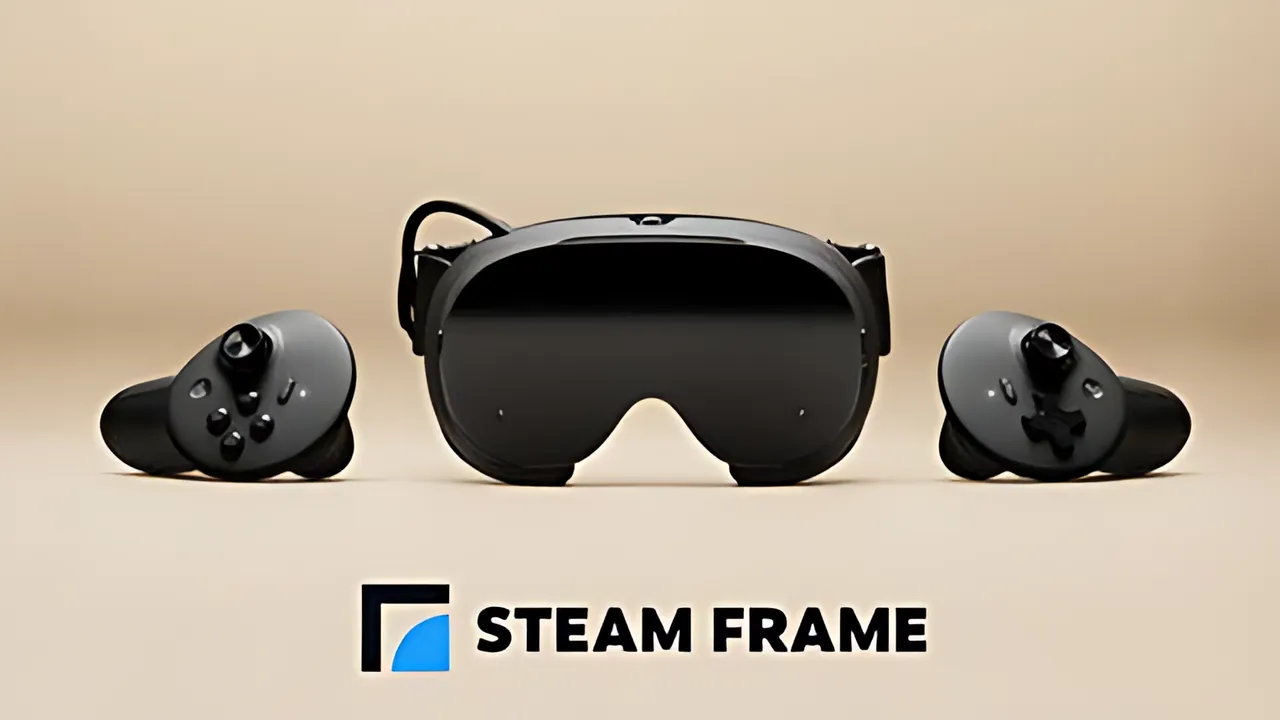
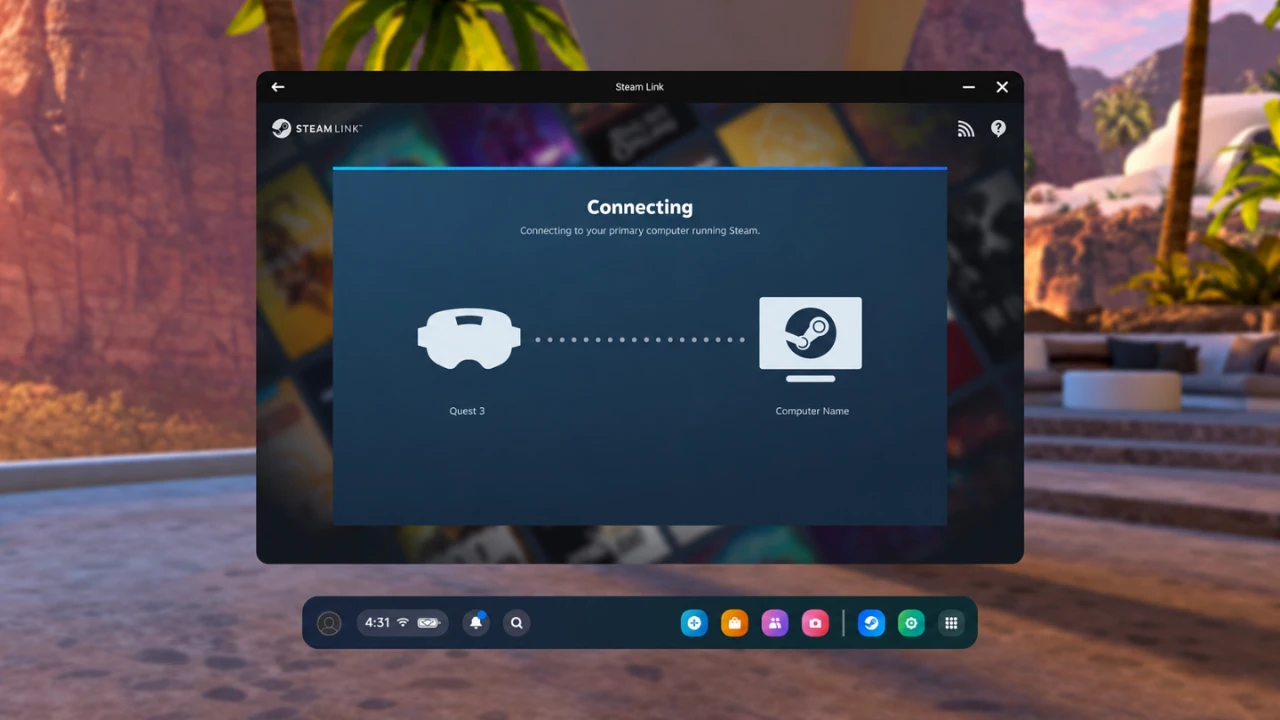
Steam Frame Beta Adds Room View Passthrough During PC Streaming through Valve's SteamOS 0.5.8 beta. Users can view a streamed PC desktop or game theater while the headset cameras continue showing their surroundings.
The update also supports passthrough in compatible PC VR software. OpenXR mixed-reality games can combine virtual content with Steam Frame's camera view, with X-Plane 12 named as one example. This support depends on each game's capabilities; it does not convert every PC VR title into a mixed-reality experience.
What Room View changes
Previously, enabling Room View hid remote content. SteamOS 0.5.8 changes that behavior for PC streaming. The headset can now keep showing a remote desktop or game theater while its cameras display the room around the wearer.
The same distinction applies to streamed PC VR games. Compatible OpenXR applications may blend their virtual scenes with passthrough, while unsupported games continue to lack that mixed-reality capability.
PC streaming still requires a host computer. The PC runs the application, and Steam Frame receives its stream. Image quality and responsiveness depend on PC hardware and the network connection.
Beta setup and availability
Both devices need beta software. On Steam Frame, open Settings > System > System Update Channel and select the beta system update channel. On the host PC, right-click SteamVR in the Steam library, open Properties, then choose the beta under Game Versions & Beta.
Valve released SteamOS 0.5.8 through the Steam Frame Beta channel on November 6, 2026. The feature remains under testing and is not part of the stable release for every Steam Frame owner. Users who avoid pre-release software can wait for a stable update.
Other Steam Frame beta changes
The headset update improves eye-tracking self-calibration, fixes a WebXR permission problem in Chrome 157 and addresses low-end gamma response, including dark-tone inconsistencies between the eyes on some headsets.
Valve has temporarily fixed overlay render quality at Low on Steam Frame. The control for Ultra is hidden to avoid problems with that setting.
SteamVR beta 2.19.2 is included with the update. MIXED reports that it fixes several Steam Link overlay and game-menu regressions introduced in the previous beta, along with an occasional crash when streaming resolution changes. The Room View feature and these related fixes remain beta software, so behavior can differ from stable releases.
Enjoyed this story?
Like it to tell the editors, or save it to read later.

Comments
Sign in to join the conversation.
Sign inNo comments yet. Start the conversation.
·