Logitech MX Ink
by Logitech
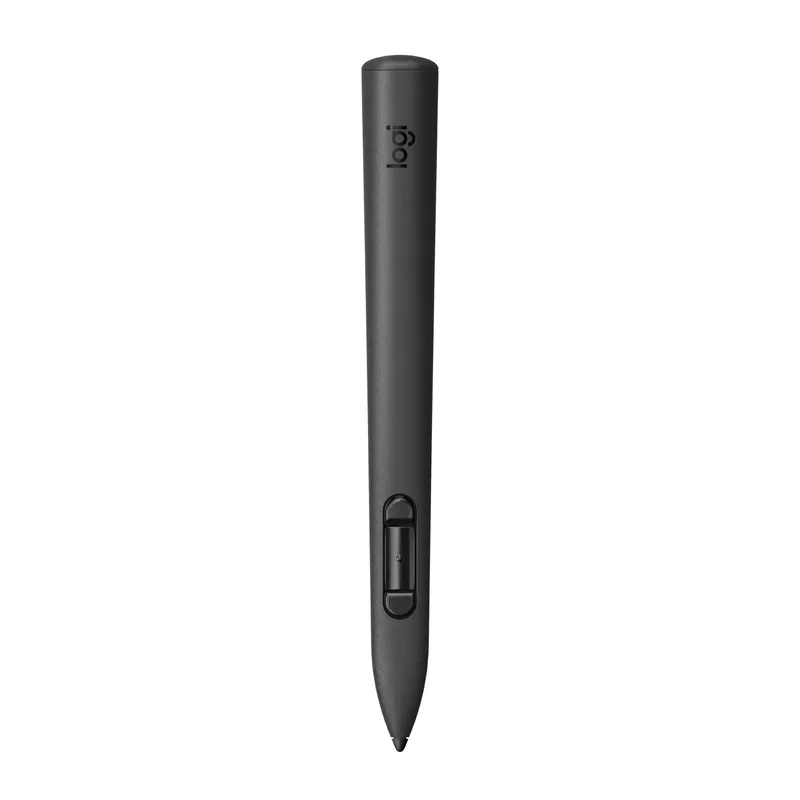
Logitech's pressure-sensitive mixed reality stylus for Meta Quest 3S, Quest 3 and Quest 2, with haptics and up to 7 hours of battery life.
- Weight
- 29 g
- Battery
- 7 h
Overview
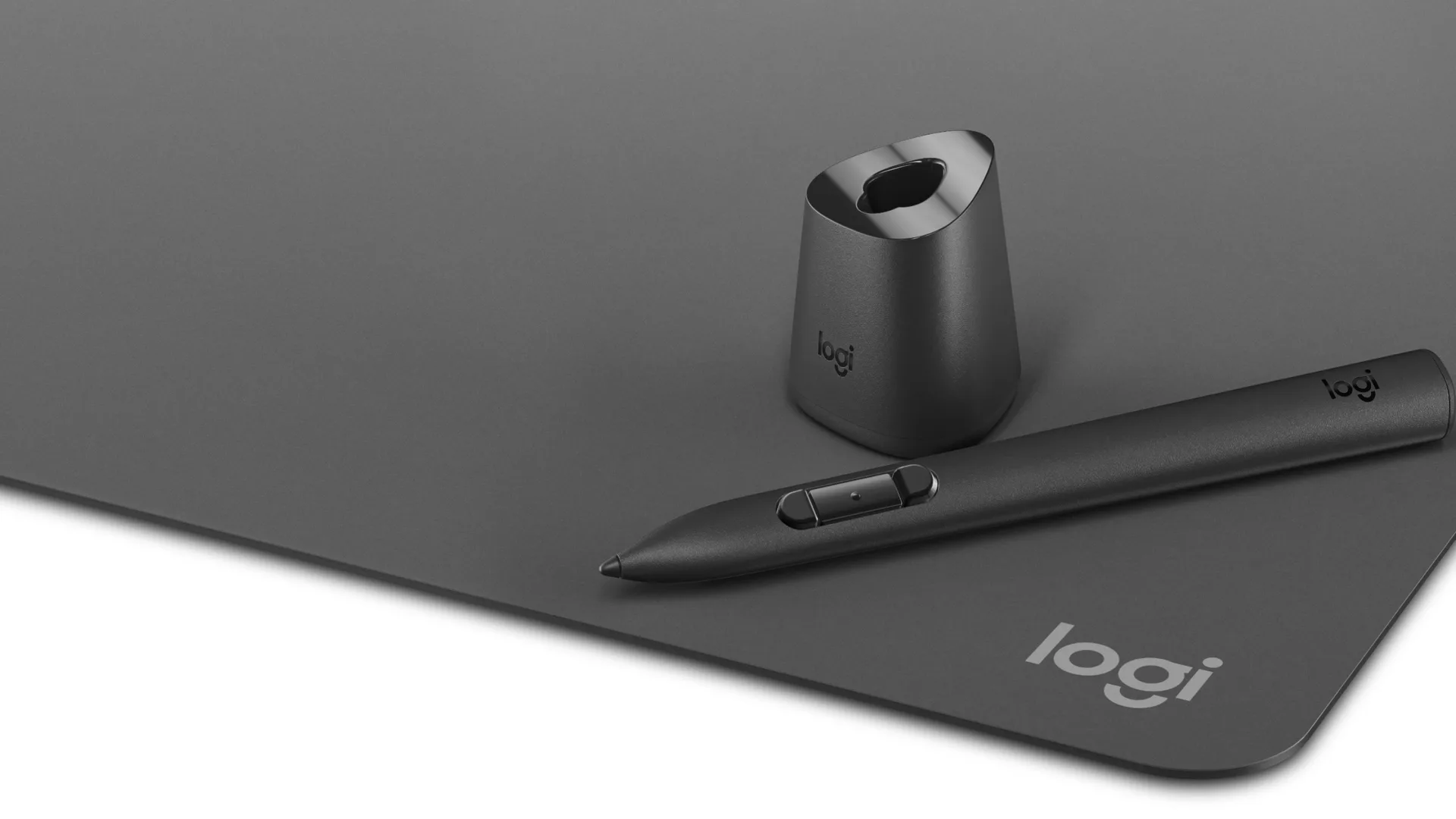
Logitech MX Ink is a mixed reality stylus made for Meta Quest headsets. Logitech first showed it in June 2024 and announced it on sale on September 25, 2024 at $129.99. It was the first stylus designed for Quest and carries the "Made for Meta" label. Both logitech.com and meta.com list it at $129.99. Logitech also sells an MX Ink + MX Inkwell combo with a charging dock for $169.99 and an MX Mat drawing surface for $49.99.
Design and battery
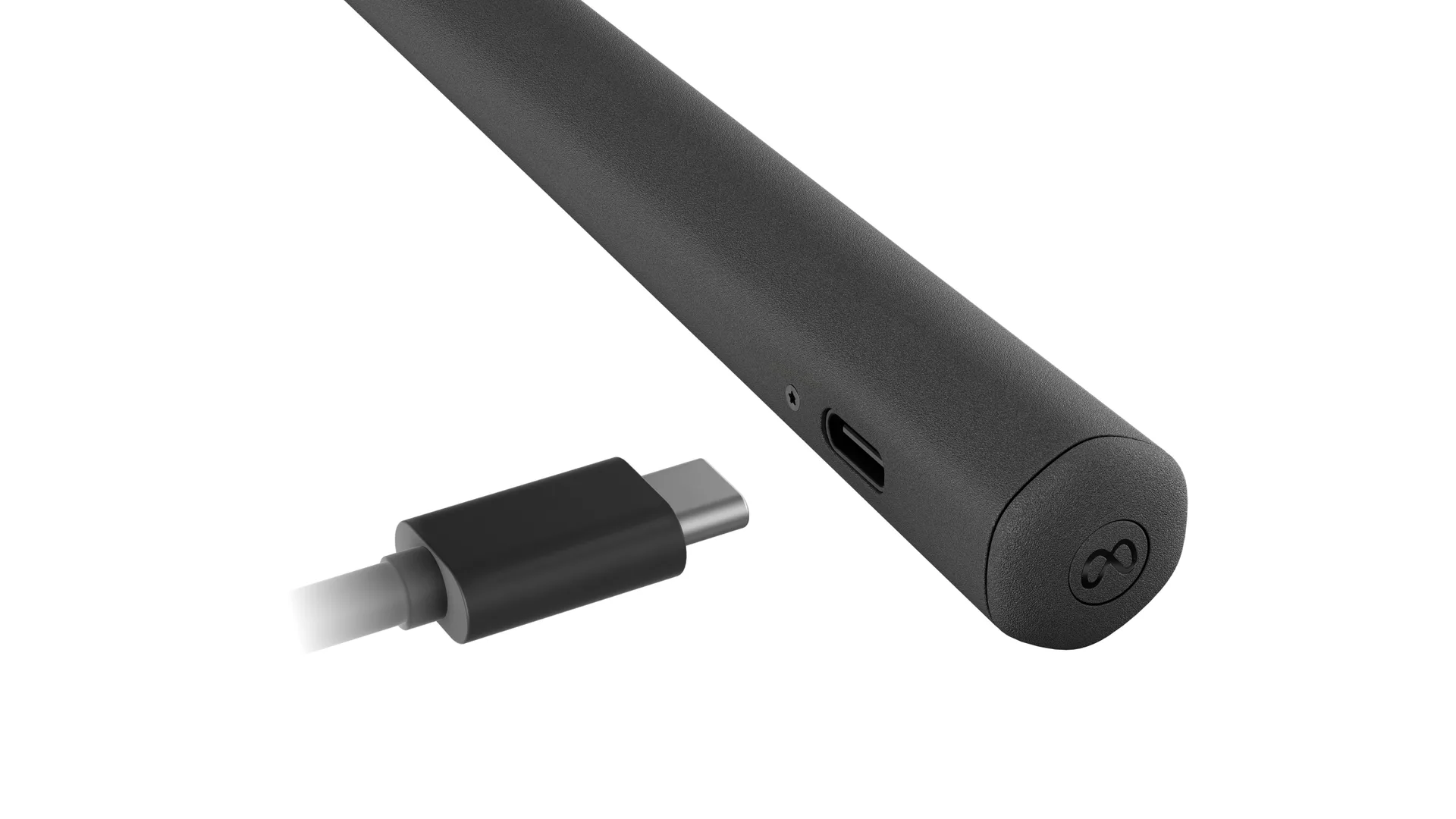
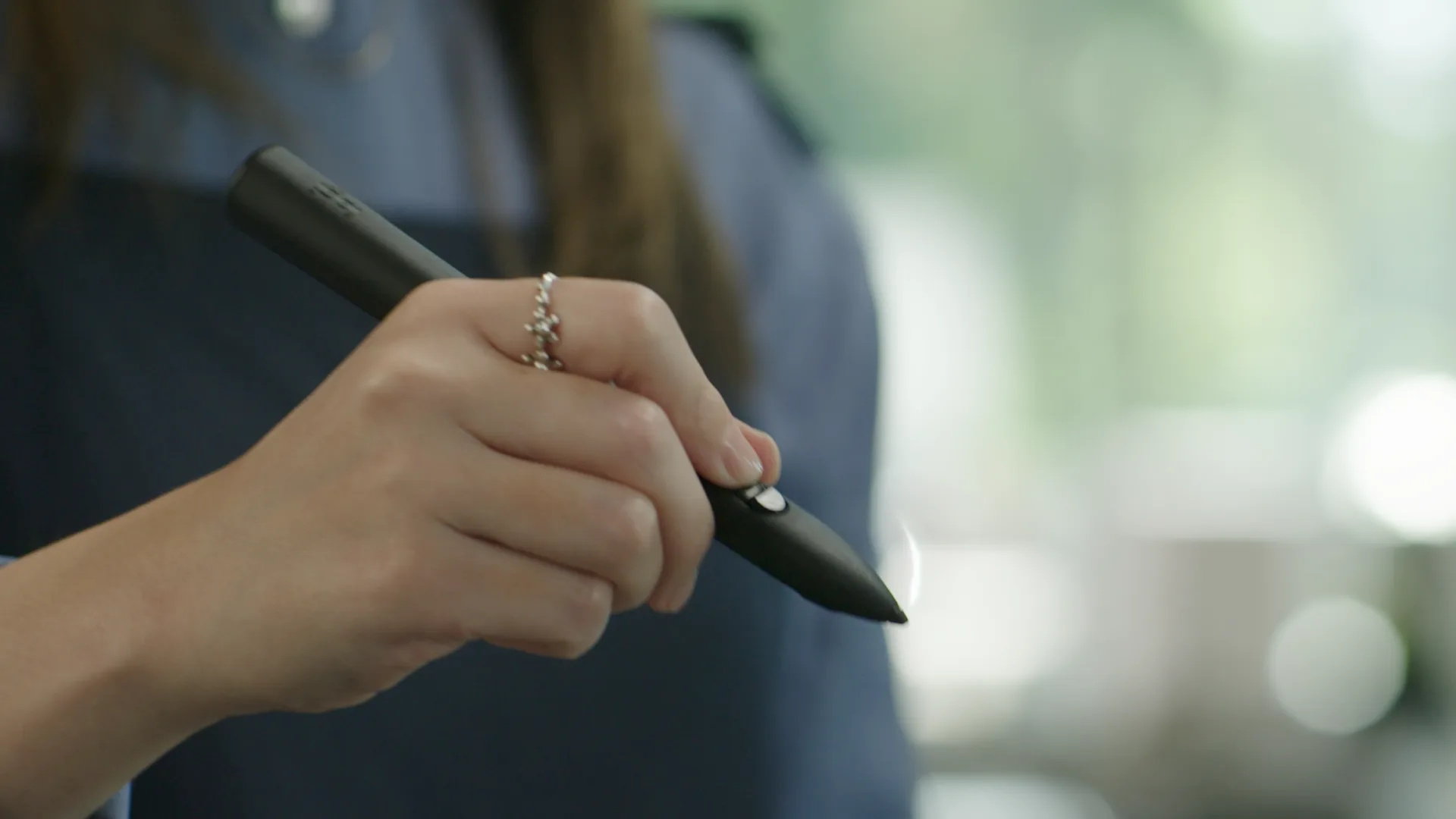
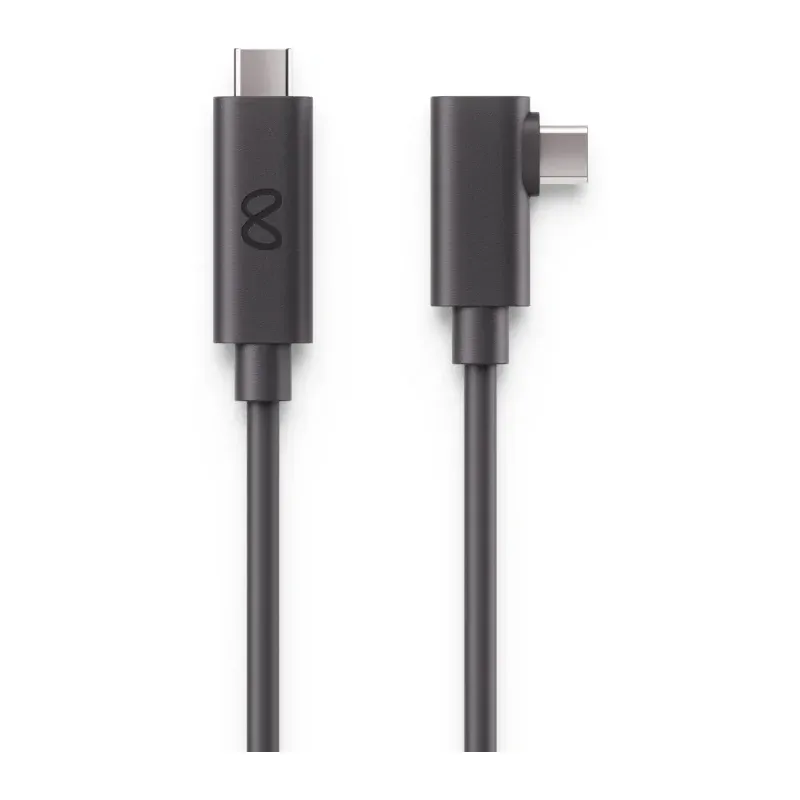
The stylus is 164 mm long, 18.2 mm across and weighs 29 g. It has a pressure-sensitive tip for writing on surfaces and a pressure-sensing middle button for drawing in the air. A front button grabs objects, a rear button acts as the A and B buttons, and a Meta button opens the menu and recenters the view. Haptics give feedback while you draw. Two spare tips, one fine and one wide, come in the box. Logitech rates battery life at up to 7 hours in a typical workflow, or about 3 hours with haptics, based on Quest 3 use. It charges over USB-C, but no cable is included. Pogo pins on the back let it charge in the MX Inkwell dock, which is sold separately.
Compatibility
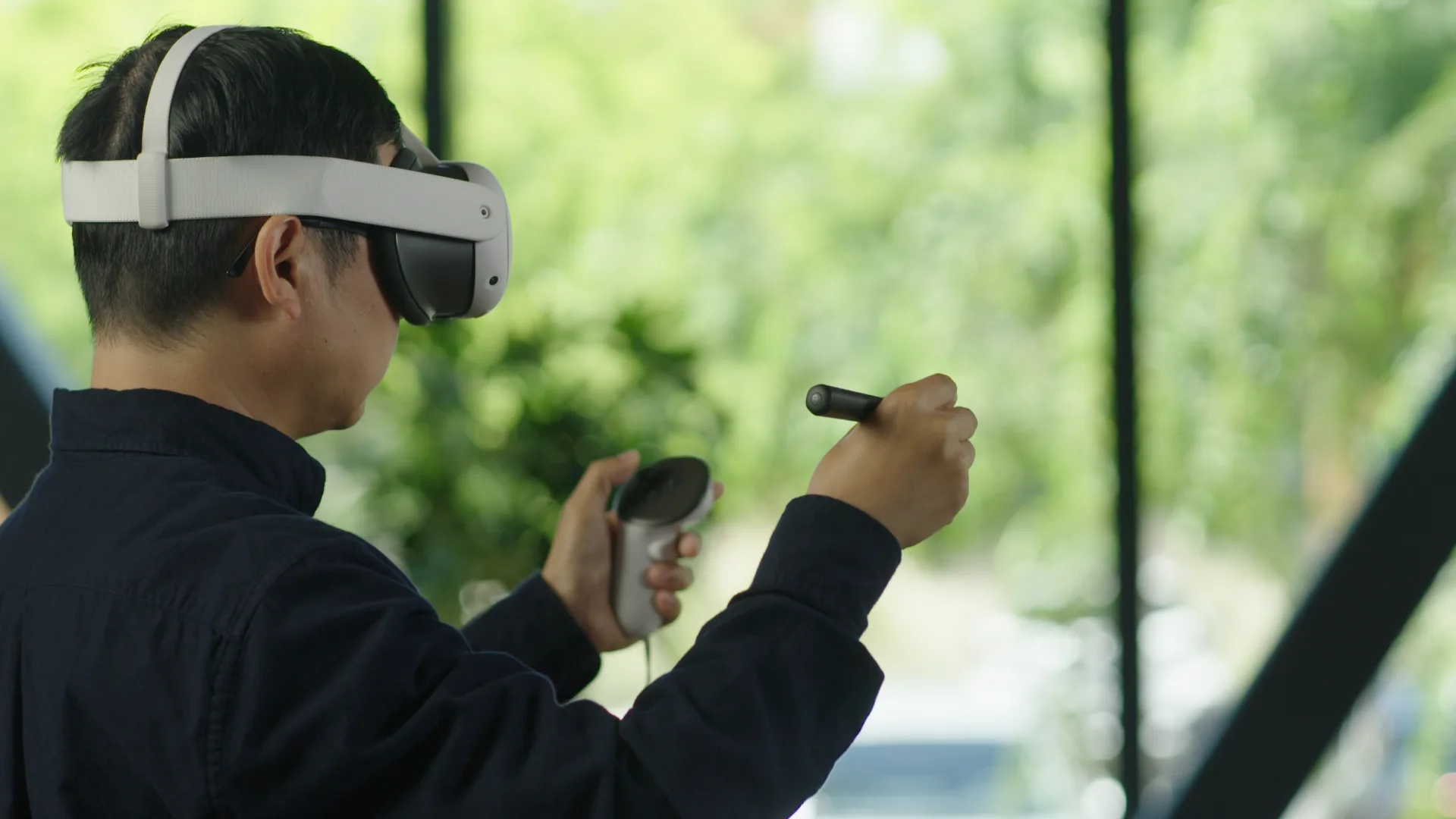
MX Ink pairs through the Meta Quest app with the Meta Quest 3S, Meta Quest 3 and Meta Quest 2. It needs Meta Quest OS v69 or later. Only one MX Ink can be paired alongside the Touch controllers. Logitech states that the Meta Quest Touch Pro controller does not work with MX Ink, and Quest Pro is not on its supported headset list.
Tracking and setup
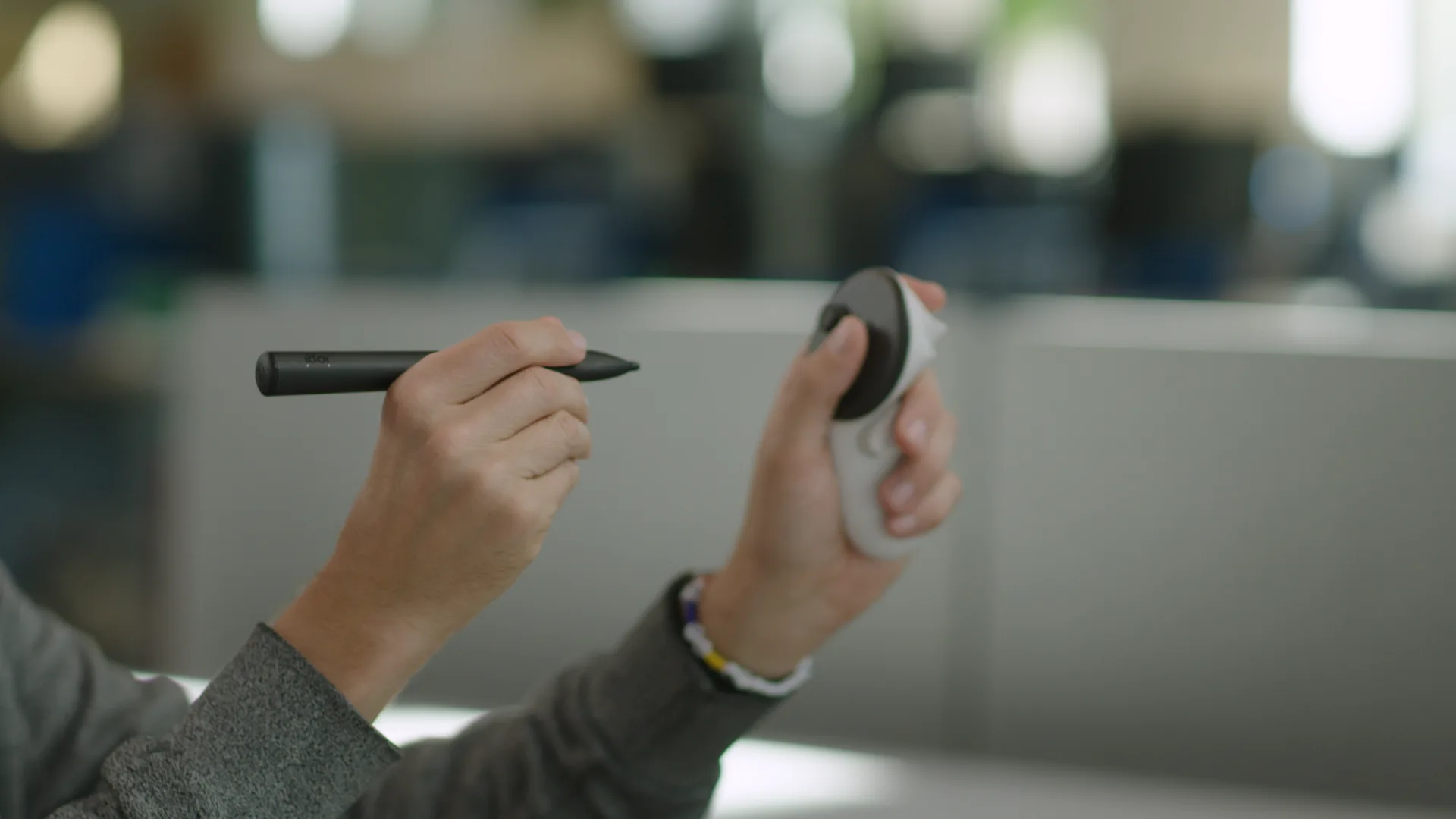
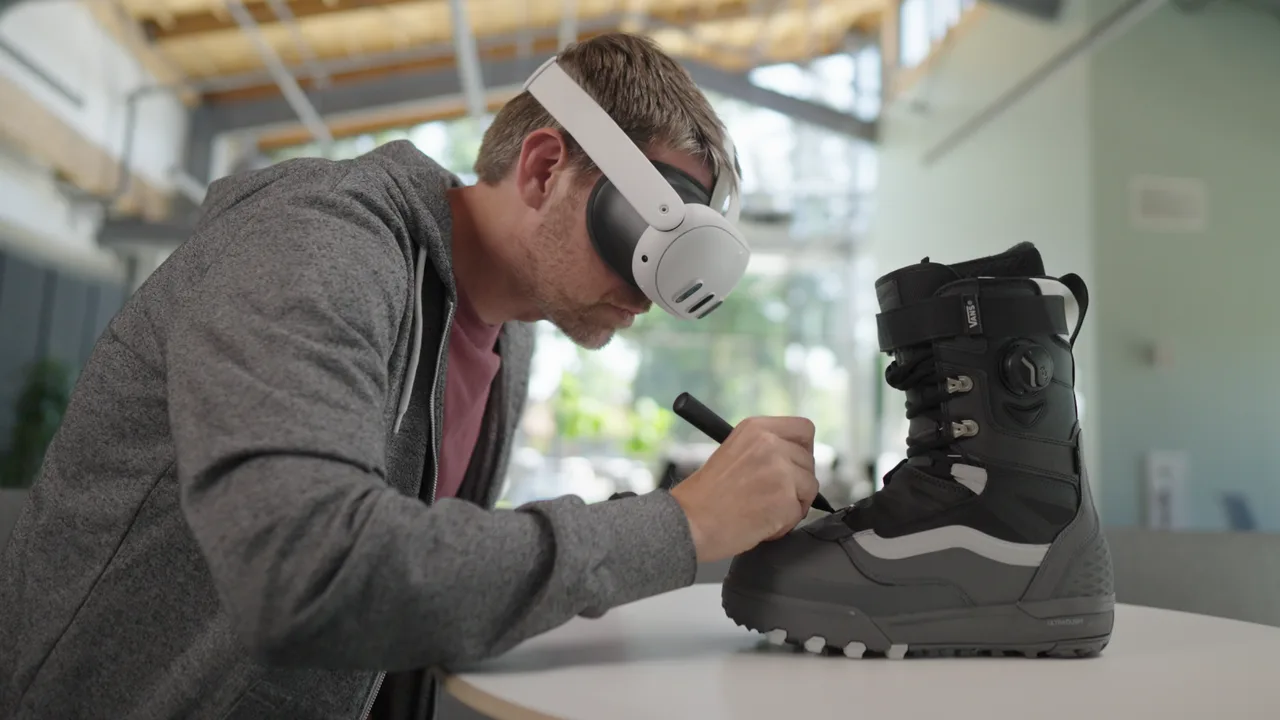
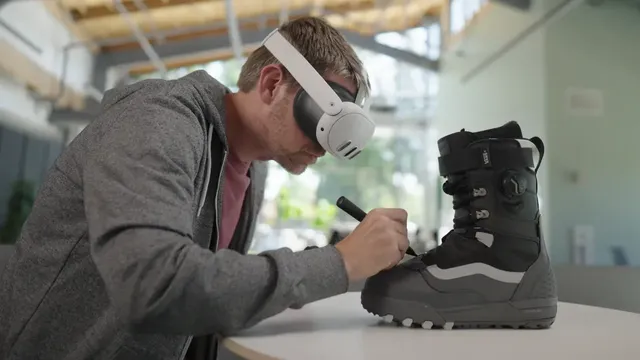
Logitech lists high-accuracy six degrees of freedom tracking with low latency. Quest headsets can keep more than two controllers paired at once with MX Ink, so you can switch between the stylus and a Touch controller without pairing again. Button mapping, pressure curves, activation force and left- or right-hand use are set in Meta Settings on the headset. You can write or sketch on a flat physical surface, then lift the pen and keep drawing in 3D space.
Who it is for
MX Ink is aimed at designers, 3D artists and other creative and productivity users who want pen-style precision in mixed reality instead of a controller. Logitech also points to uses in medicine, architecture and education. It only helps in apps that support it, so check your apps before buying. People who mostly play games get little from it.
Specifications
Hardware
- Weight
- 29 g (stylus only)
- Battery
- 7 h
Tracking & input
- Tracking
- Inside-out
Release & price
- Status
- Available
- Released
- September 25, 2024
- Launch price
- $129.99