


SideQuest is a free, independent store for Quest and PICO headsets where you find and install sideloaded games, demos, mods and early-access VR apps.
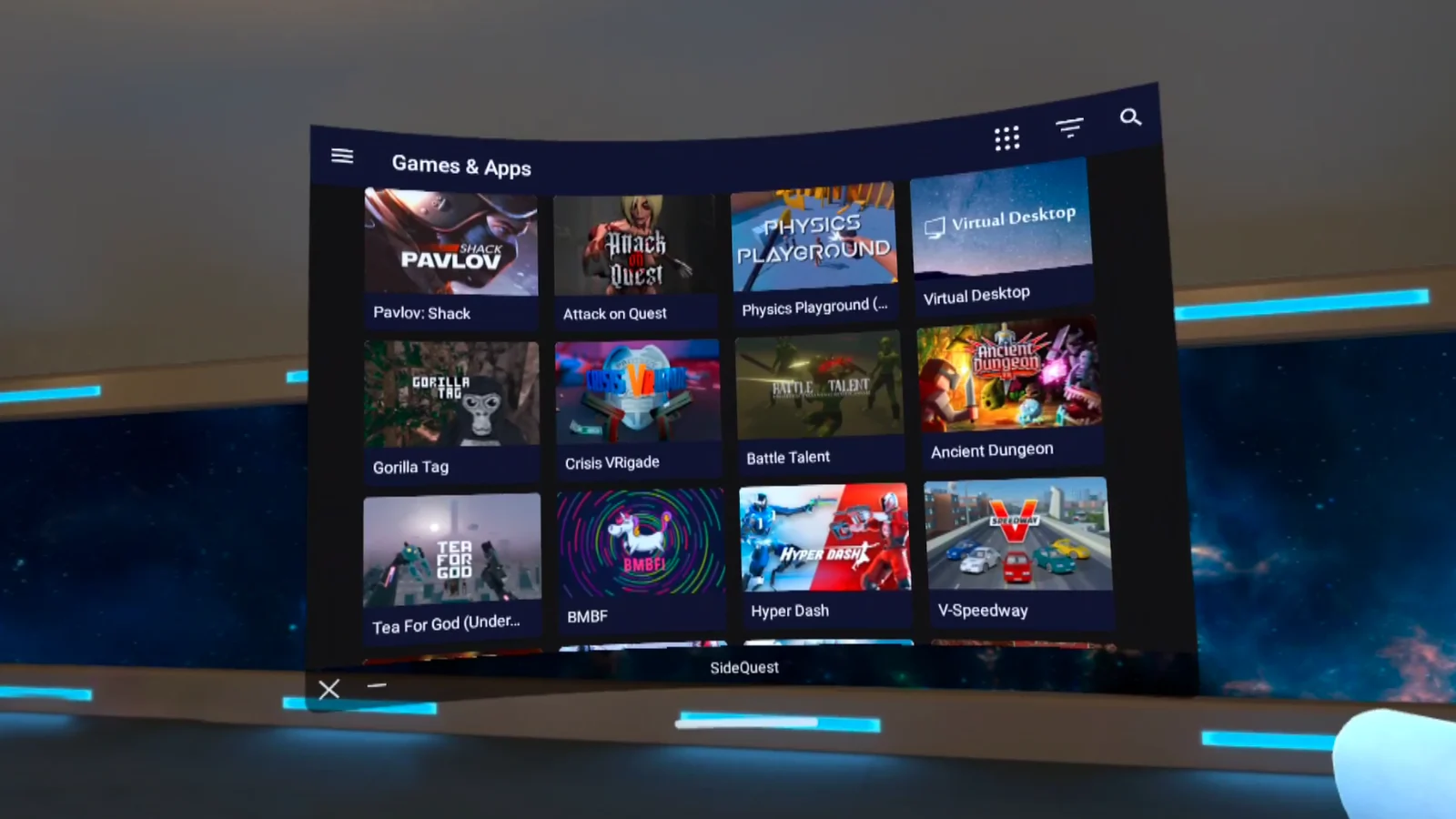
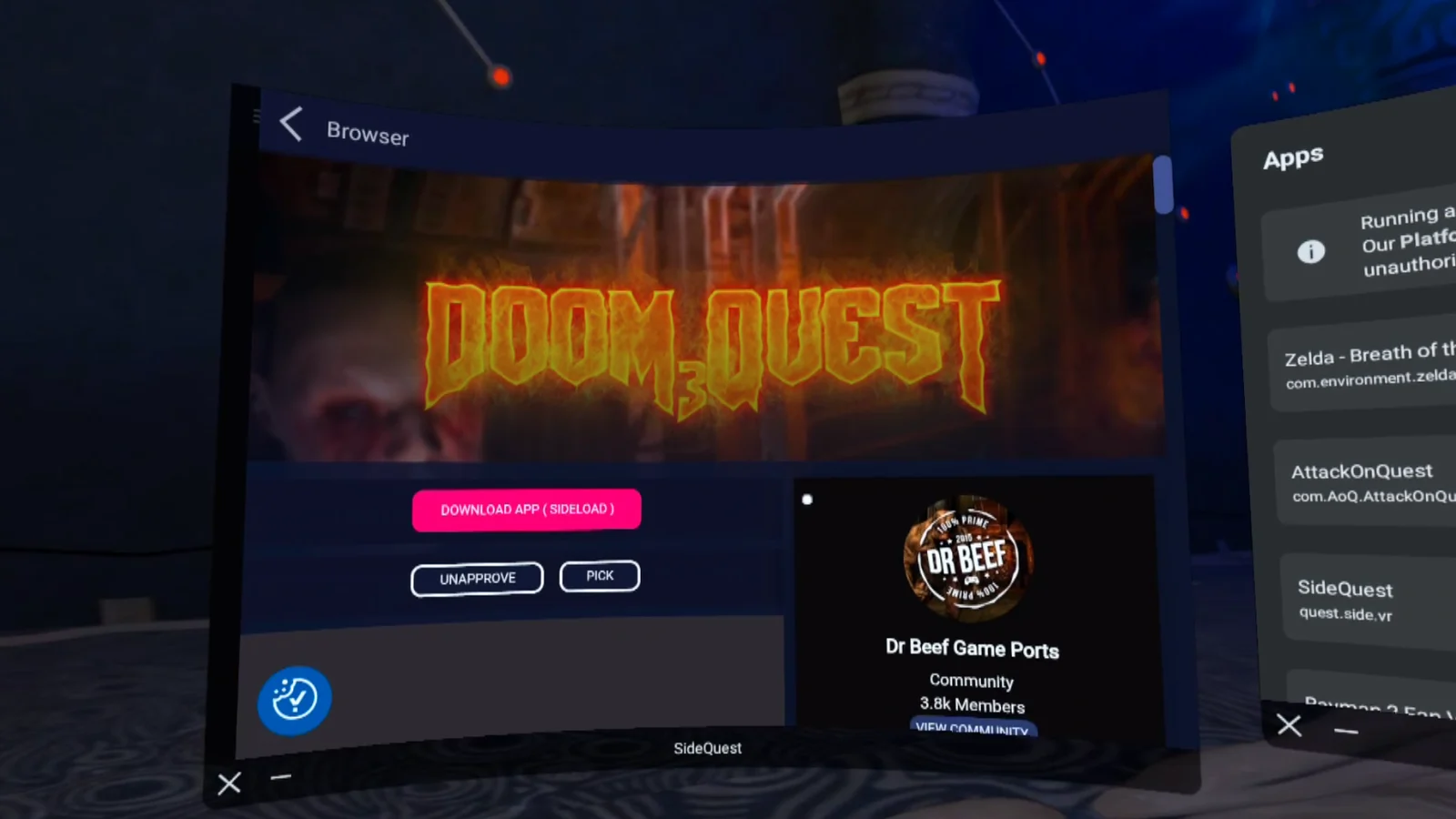
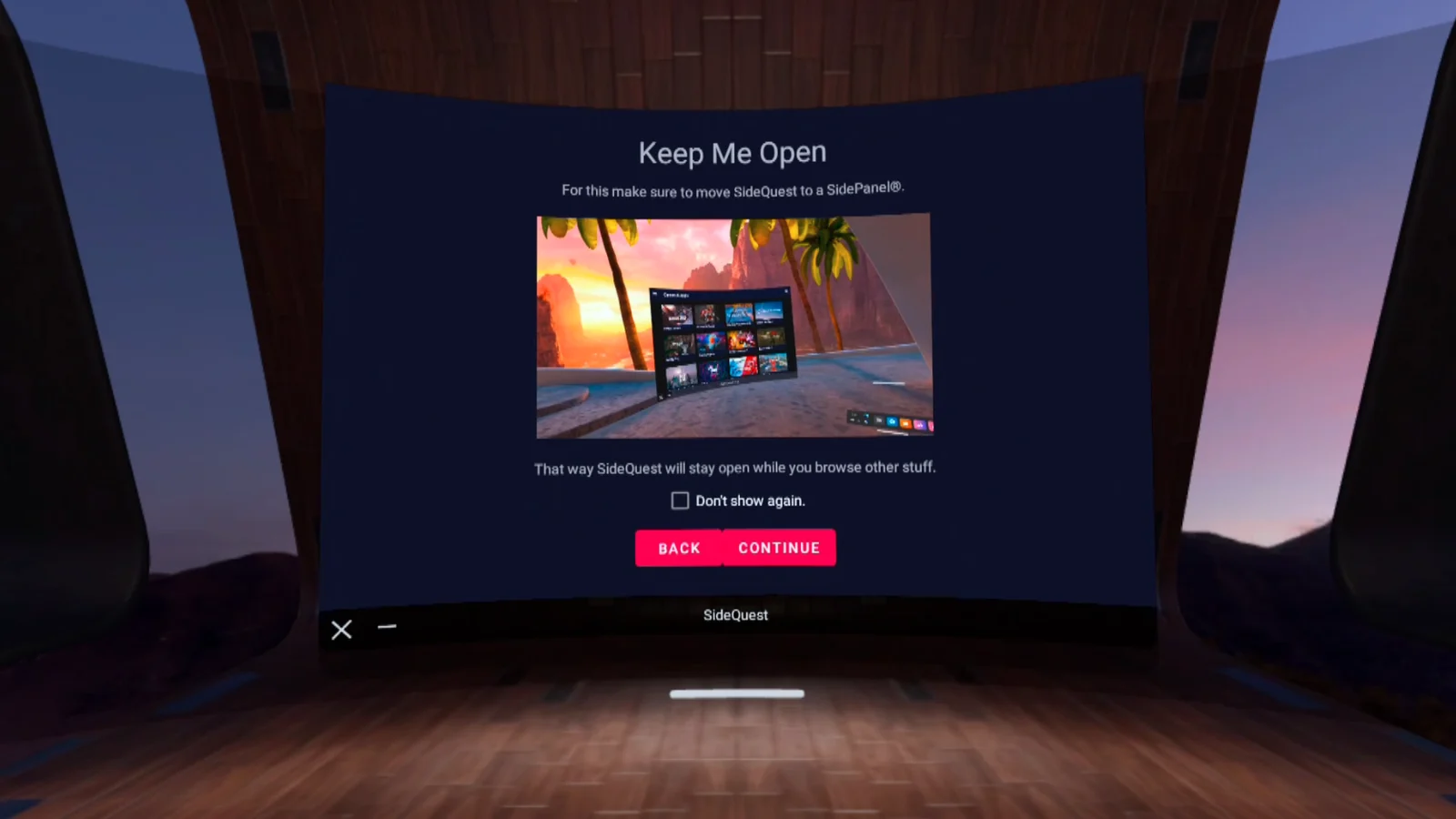
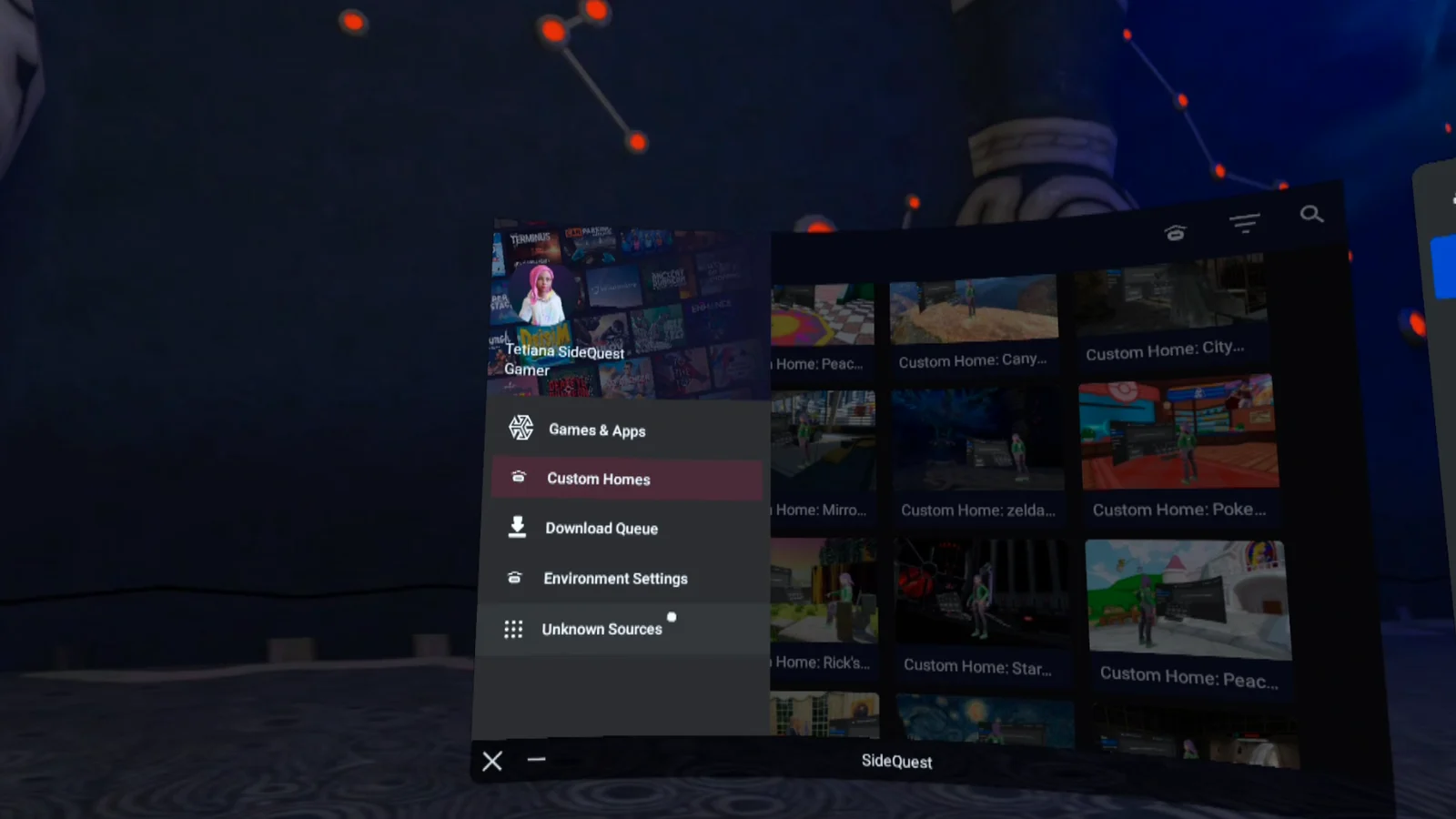

SideQuest is a free productivity tool and alternative app catalogue from SideQuest for standalone VR headsets. It collects VR games, demos, mods, ports and early-access projects, including many that are not sold in the Meta Horizon Store. The in-headset app, called SideCeption on its own listing, launched on June 24, 2022 and is still marked as early access.
What you can do
SideQuest comes in three parts that share one account and one catalogue. The website at sidequestvr.com lists apps with trailers, ratings and links to where each one is sold. The free desktop app for Windows, macOS and Linux installs APK and OBB files on a headset connected by USB, and lets you manage installed apps, files and headset settings. The VR app lets you browse and install content without taking the headset off.
- Browse a catalogue of sideload-only, early-access and indie VR titles.
- Install apps and mods from the desktop app or directly in the headset.
- Manage installed apps, files and some headset settings.
- Stream the headset view to a Windows PC from the desktop app.
- Follow links to the official store when a listing is sold elsewhere.
In October 2026 SideQuest said in its own videos that the VR app can now be set up without Developer Mode or a PC for the main install, and added a free game optimizer for performance settings. Those claims come from SideQuest itself; the classic USB route still requires Developer Mode.
Setup and safety
For the desktop route you need a USB cable, a Meta developer account with an organisation, and Developer Mode switched on in the Meta Horizon phone app. Our guide on turning on developer mode and sideloading apps on Meta Quest walks through it. Content on SideQuest is not reviewed by Meta, so check each listing's developer and comments before installing, and keep in mind that sideloaded apps do not get store refunds or automatic support from Meta.
Comfort
The VR app is a flat panel you use seated or standing with controllers, so it is comfortable for most people. Comfort in the games you install depends on each title.
Platforms and what to know before using it
- Price: free. Some listed apps are paid on their own stores.
- Headsets: Meta Quest 3, Meta Quest 3S, Meta Quest Pro, Meta Quest 2 and PICO headsets such as the PICO 4 Ultra.
- Where to get it: sidequestvr.com, not the Meta Horizon Store or PICO Store.
- Desktop app: Windows, macOS and Linux, open source under the MIT licence.
- Early access: yes, for the VR app.
- Internet: required to browse and download.