

Productivity3.7Free

VR appsProductivity
VR productivity apps turn a headset into a private multi-monitor workspace, stream your PC desktop and games, and add tools that float over SteamVR.
Apps: 18
Creativity & Design3.7Free

Media & Video4.6Free

Social3.6Free
Productivity4.3Free

Learning & Education4.0Free
![LIV Hub [Alpha]](https://cdn.vrblogs.net/statics/media/2026/10/01a18ef2-7686-707c-ab30-6a4ea15962c5.webp)
Media & Video3.0Free
Media & Video3.5Free

Learning & Education3.5Free

Learning & Education3.9$19.99

Learning & Education3.0Free

Productivity3.2Free

Learning & Education3.7$9.99
Productivity$24.99

Productivity3.1Free
Productivity2.8Free

Productivity3.4Free
Productivity$9.99
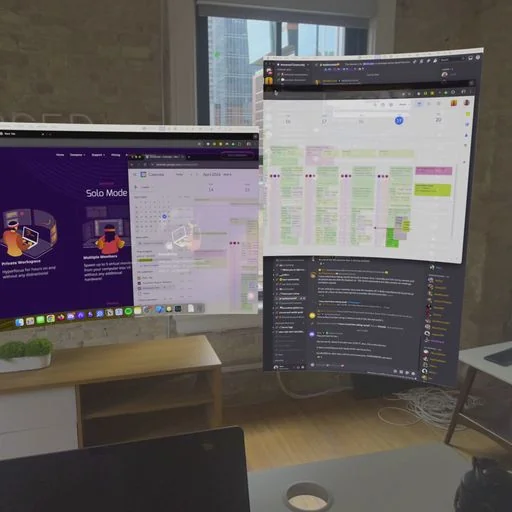
Productivity apps use a headset as a workspace instead of a game console. The most common job is showing your computer's desktop on large virtual screens, so you can work, browse or watch with several monitors that only you can see.
What these apps do
- Desktop streaming: mirror a Windows or Mac desktop into the headset over Wi-Fi or a cable, often with multiple virtual monitors.
- PC VR streaming: play SteamVR games on a standalone headset by streaming them from a gaming PC.
- Overlays and utilities: pin windows, notifications and controls on top of any SteamVR game.
What to check before you buy
- Streaming quality depends on your router: a Wi-Fi 6 or 6E router close to the play area makes a big difference.
- Typing is easiest with a real keyboard; some apps track supported keyboards in passthrough.
- Long sessions are more comfortable with a lighter head strap and good lens clarity.