
SteamVR 2.19.1 Beta Improves Steam Link Streaming Quality Across Supported Headsets
SteamVR 2.19.1 Beta Improves Steam Link Streaming Quality Across Supported Headsets, with sharper visuals, a 1.4× render target and new controls.
By vrBlogs
· 2 min read · Source: Road to VR
SteamVR 2.19.1 beta improves Steam Link streaming quality across supported standalone headsets. Valve says the update brings sharper text, clearer colors and more detail, while raising the recommended render resolution to 1.4× the headset panel resolution.
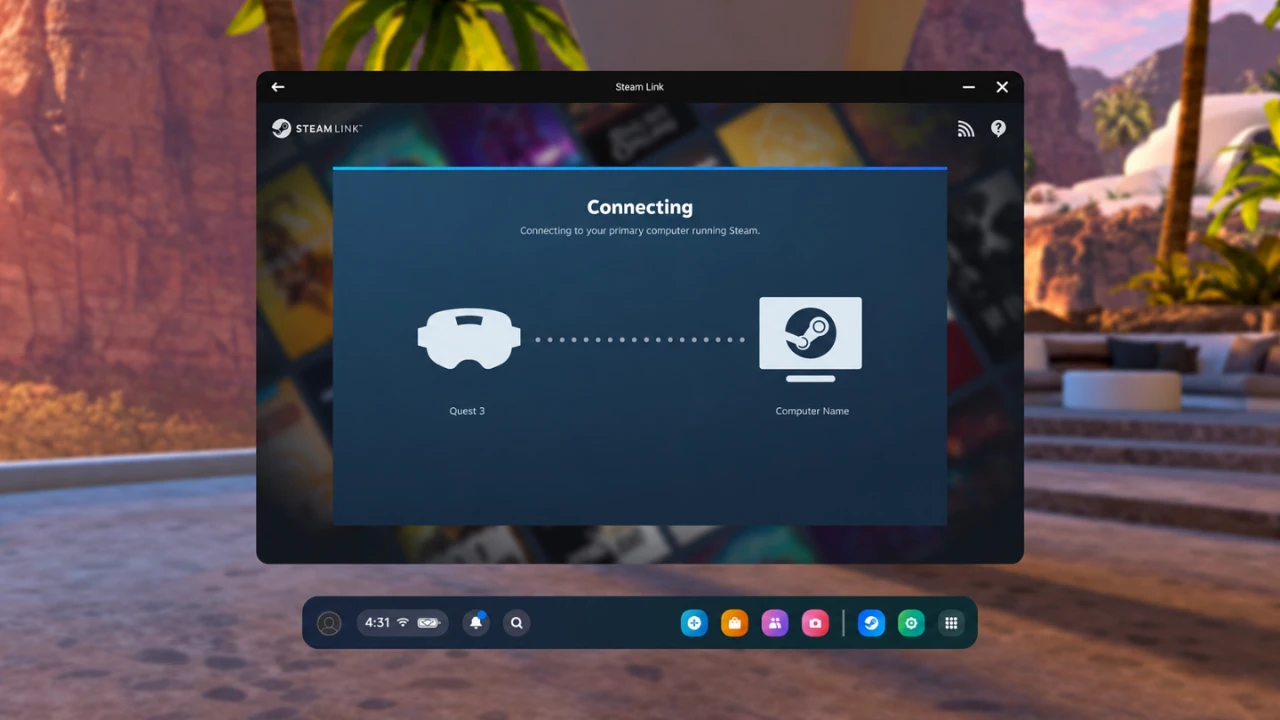
Steam Link is SteamVR’s dedicated streaming app. It lets users play Steam library games wirelessly over Wi-Fi on supported Meta Quest, HTC Vive Focus and PICO consumer headsets.
Image-quality changes across Steam Link
The beta improves streamed image quality for all supported standalone headsets compatible with Steam Link. Reported benefits cover streaming VR applications, the SteamVR interface, desktop streaming, third-party overlays and theater screens, rather than only the game view.
Steam Link now uses a higher recommended render resolution for streamed PC VR, targeting 1.4× the headset’s panel resolution. Valve also improved color clarity with a higher-quality filter that downsamples color before encoding, preserving more fine colored detail.
Update (2026-11-05): new controls and Linux support
Update (2026-11-05): MIXED reports that manually selected Steam Link encoded video size or render resolution remains unchanged. Users must set those controls to Auto to receive Valve’s new recommendations. MIXED also reports that Steam Frame’s default encoded video size increases from 1152 to 1216.
MIXED reports that Steam Link adds Default and Legacy stream-quality modes for comparing new and previous image-quality processing. MIXED also reports that SteamVR beta 2.19.1 adds a Preferred Foveated Sharpness control for the system interface, per-application refresh-rate overrides and a prompt about sharing eye-tracking data with PC applications.
MIXED reports that the beta fixes a 72Hz notification that could remain visible on Quest in Battery Saver mode. MIXED also reports that SteamVR on Linux now uses the Sniper runtime, supports Steam Runtime 3 clients and can run OpenVR and OpenXR runtimes inside Flatpak and other sandboxes.
How to join SteamVR Beta
SteamVR 2.19.1 is a beta release. Users must opt into SteamVR Beta to receive it.
- With Steam running, open the Library.
- Right-click “SteamVR” in the library list.
- Choose “Properties” from the context menu.
- Open the “Game Versions & Betas” tab.
- Select “Beta – SteamVR Beta Update”.
Reports and official release
Road to VR reported the update on November 4, 2026, describing it as an image-quality update for all Steam Link-compatible standalone headsets. Its report identified Meta Quest, HTC Vive Focus and PICO consumer headsets among compatible devices.
Valve published an official Steam News entry titled “SteamVR - SteamVR Beta Updated - 2.19.1 - Steam News”. The supplied material does not provide the full official changelog.
Enjoyed this story?
Like it to tell the editors, or save it to read later.


Comments
Sign in to join the conversation.
Sign inNo comments yet. Start the conversation.
·