Prescription lenses and glasses in VR
How to use a VR headset if you wear glasses: when glasses fit, how to use spacers and eye-relief settings, and how prescription lens inserts work on Meta Quest, PS VR2 and Apple Vision Pro.
- Beginner
- 10 min
What you need
- Your current glasses prescription
- Headset glasses spacer or prescription inserts made for your headset (optional)
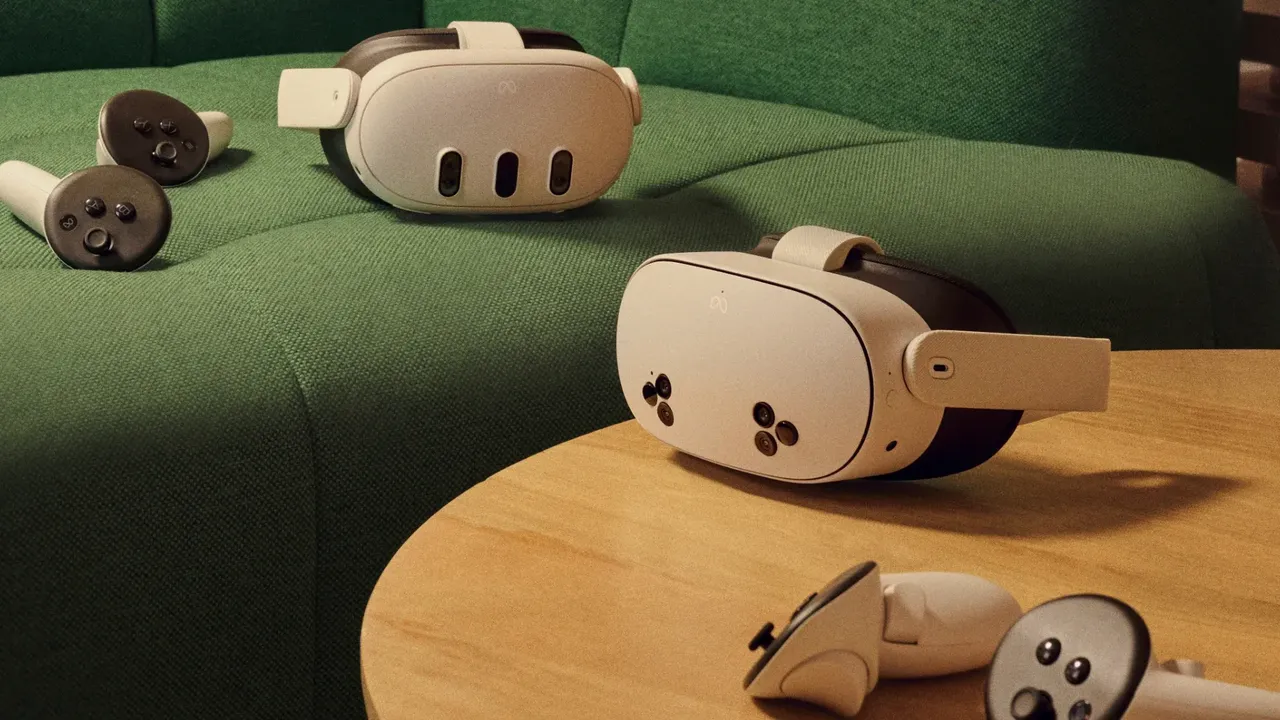
If you need glasses to see clearly at a distance, you will usually need some form of vision correction in VR too. Depending on the headset, you can wear your glasses inside it, add a spacer, or fit prescription lens inserts that clip onto the headset lenses. This guide covers the official options for popular headsets. It is not medical advice; ask your eye-care professional about your own prescription.
Glasses or inserts: which is better?
- Glasses cost nothing extra, but they can press on your face, fog up, narrow the field of view and scratch the headset lenses.
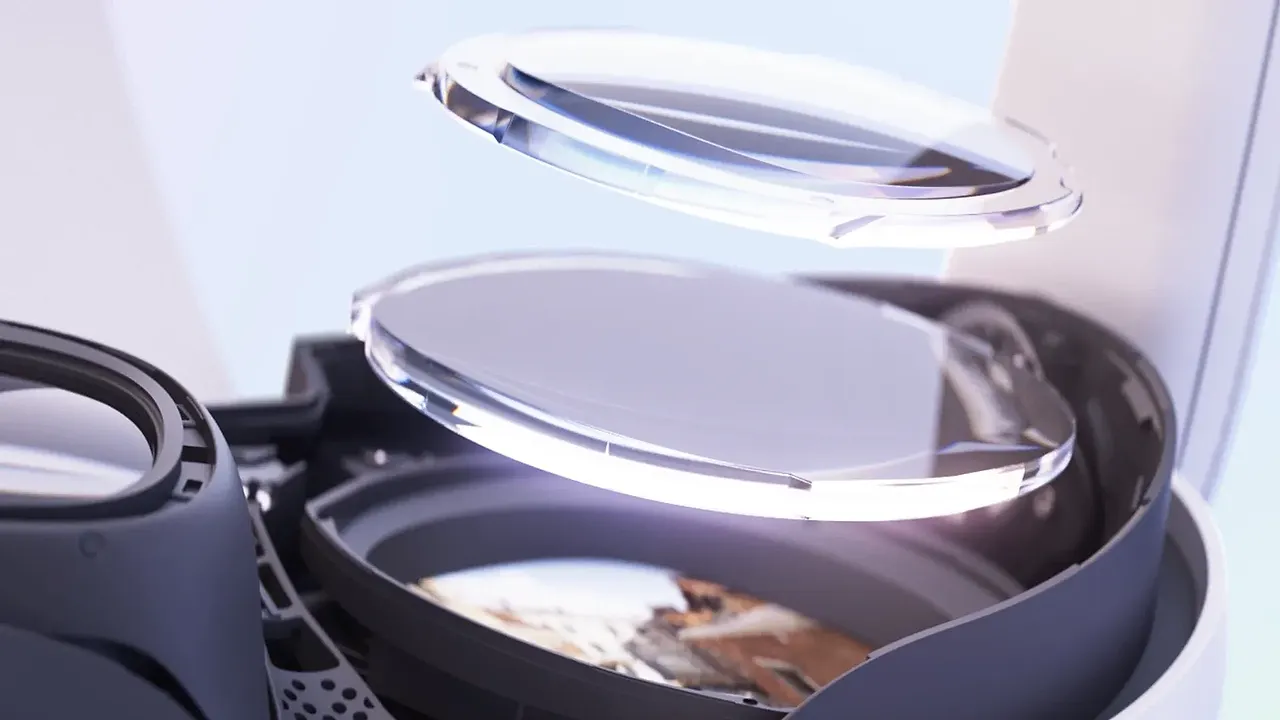
- Prescription inserts are made for one headset and one prescription. They are more comfortable and protect the headset lenses, but cost extra and must be reordered if your prescription changes.
- Contact lenses work with all headsets.
Meta Quest 3
- Take the headset off and tilt the arms upward.
- Hold the eye-relief button beside one lens and slide the facial interface outward to make more room between your eyes and the lenses. Repeat on the other side so both settings match.
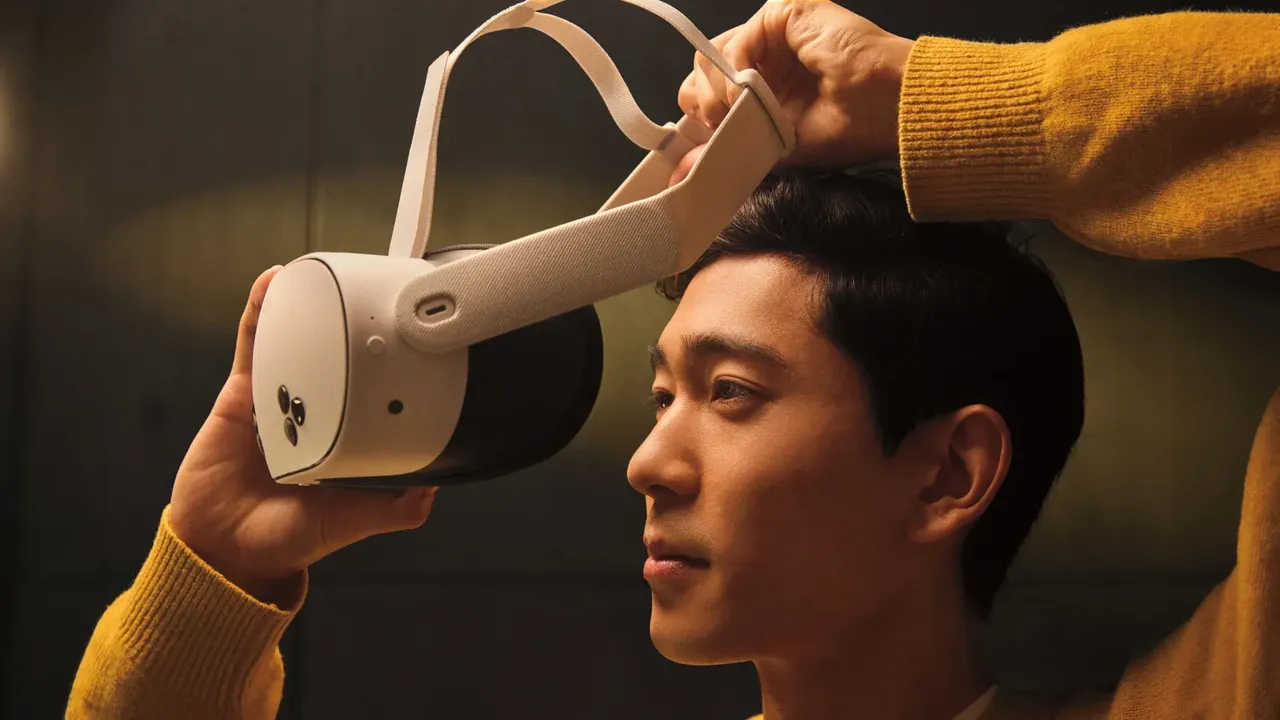
- Put the headset on from front to back with your glasses already on, and take it off by pulling it forward first.
- Adjust the lens spacing wheel until the image is clear.
Meta Quest 3S
- Carefully remove the facial interface.
- Press the included glasses spacer into the spot where the facial interface was, then reattach the facial interface on top.
- Meta says frames should be no wider than 142 mm and no taller than 50 mm (Meta's glasses article).
- Put the headset on from front to back with your glasses on, and remove it by pulling it forward first.
Prescription inserts for Meta Quest
Meta's help center covers prescription inserts made by Zenni (Meta's Zenni article). There is one insert style for Quest 3 and another shared by Quest 3S and Quest 2.
- In the US, buy an eVoucher on Meta.com or order directly from Zenni.
- Submit a valid prescription to Zenni within 90 days of your order confirmation. After you submit it, the order cannot be canceled, refunded or exchanged.
- Check your prescription is in range: sphere from -10.00 to +6.00 and cylinder from -6.00 to +6.00.
- To install, face the lenses toward you, match the left and right inserts, and press each onto the headset lens until it snaps into place.
- Readjust the lens spacing until the image is clear. If the inserts need more room, use the depth buttons on Quest 3 or the glasses spacer on Quest 3S and Quest 2.
PlayStation VR2
- Sony's manual confirms you can use the PS VR2 while wearing glasses.
- Use the scope adjustment button to move the front scope away from your face so there is room for your frames.
- Put the headset on, then bring the scope closer carefully. Sony warns not to let the headset lenses hit your glasses when you adjust the scope.
- Turn the lens adjustment dial until the image is clear.
Apple Vision Pro
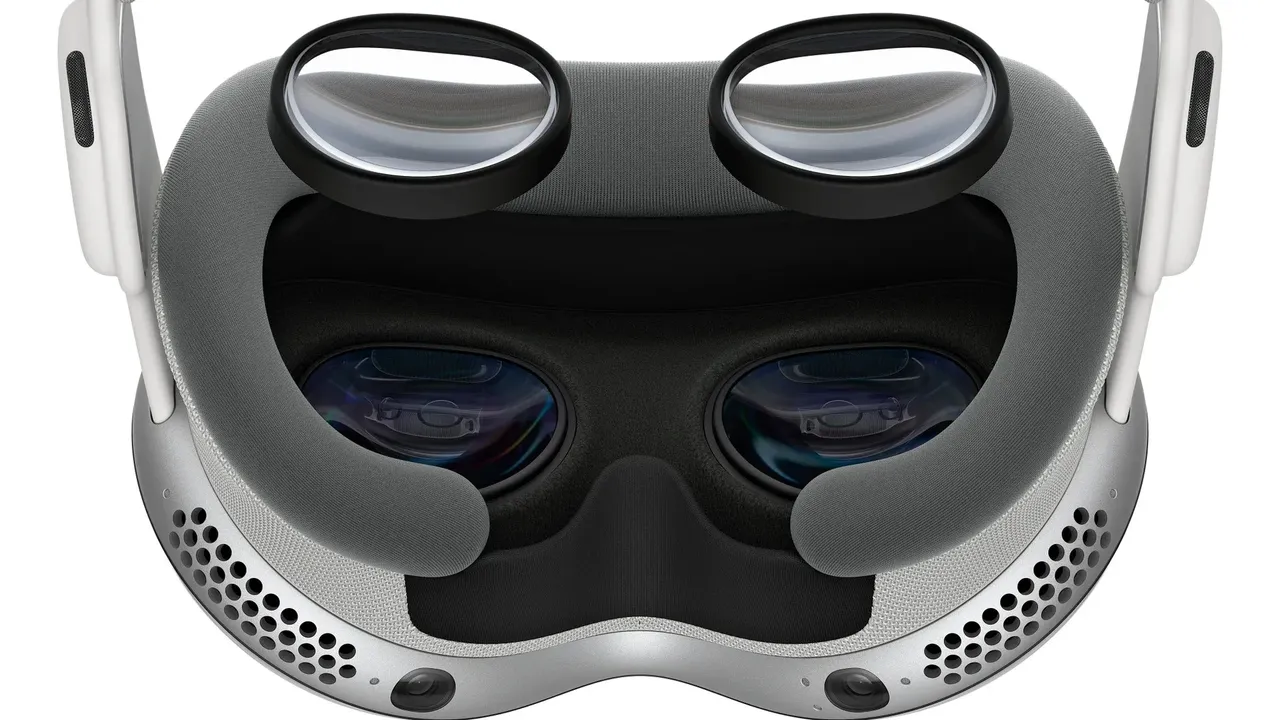
Eyeglasses are not compatible with Apple Vision Pro. Apple's options are contact lenses, ZEISS Optical Inserts and, for prescriptions that include prism, Digital Prism Correction.
- Order ZEISS Optical Inserts for your prescription.
- With the cover on the device, attach the inserts following the ZEISS instructions, then remove the cover and put the device on.
- Pair the inserts: quadruple-click the top button and use the Digital Crown to choose Pair New Optical Inserts, or go to Settings, Eyes & Hands, Set Up New Optical Inserts (Apple's ZEISS inserts guide).
- Clean the inserts as ZEISS instructs.
Other headsets
- Samsung Galaxy XR: optical inserts are available separately.
- Bigscreen Beyond 2: Bigscreen sells prescription lens inserts separately.
Tips
- Never let glasses rub against the headset lenses. Scratches are permanent.
- Use a current prescription. An out-of-date one can make VR look blurry or cause eye strain.
- After fitting glasses or inserts, recheck your lens spacing and fit, and keep everything clean as shown in how to clean VR lenses safely.
Questions & answers
Can I wear glasses with Meta Quest 3?
Yes. Use the eye-relief buttons inside the facial interface to move the lenses farther from your eyes, then put the headset on from front to back.
What glasses fit in a Quest 3S?
With the included glasses spacer, Meta says frames should be no wider than 142 mm and no taller than 50 mm.
Who makes official prescription lenses for Quest?
Meta works with Zenni. Inserts cover sphere from -10.00 to +6.00 and cylinder from -6.00 to +6.00, and you submit your prescription to Zenni after ordering.
Can I wear glasses with Apple Vision Pro?
No. Apple says eyeglasses are not compatible. Use contact lenses or ZEISS Optical Inserts, which you pair with the device after attaching them.
Can I wear glasses with PS VR2?
Yes. Sony says PS VR2 can be used with glasses. Slide the scope forward before putting it on and take care that the lenses do not hit your glasses.