Meta Quest 2 setup: first-time guide for new and used headsets
Follow this Meta Quest 2 setup guide for new, used or factory-reset headsets, from charging and app pairing to updates, fit, boundaries and your first app.
- Beginner
- 30 min
- Checked on Meta Horizon OS for Quest 2 (menus may vary by release)
- Last checked November 4, 2026
What you need
- Meta Quest 2 headset
- Two Quest 2 Touch controllers with AA batteries
- Smartphone with the Meta Horizon app
- Meta account
- Wi-Fi network
- Clear indoor play space
Meta Quest 2 setup covers the first steps for a new, used or factory-reset headset: prepare the hardware, pair the Meta Horizon app, connect to Wi-Fi, install updates, set the fit and create a safe play boundary. Oculus Quest 2 is now called Meta Quest 2.
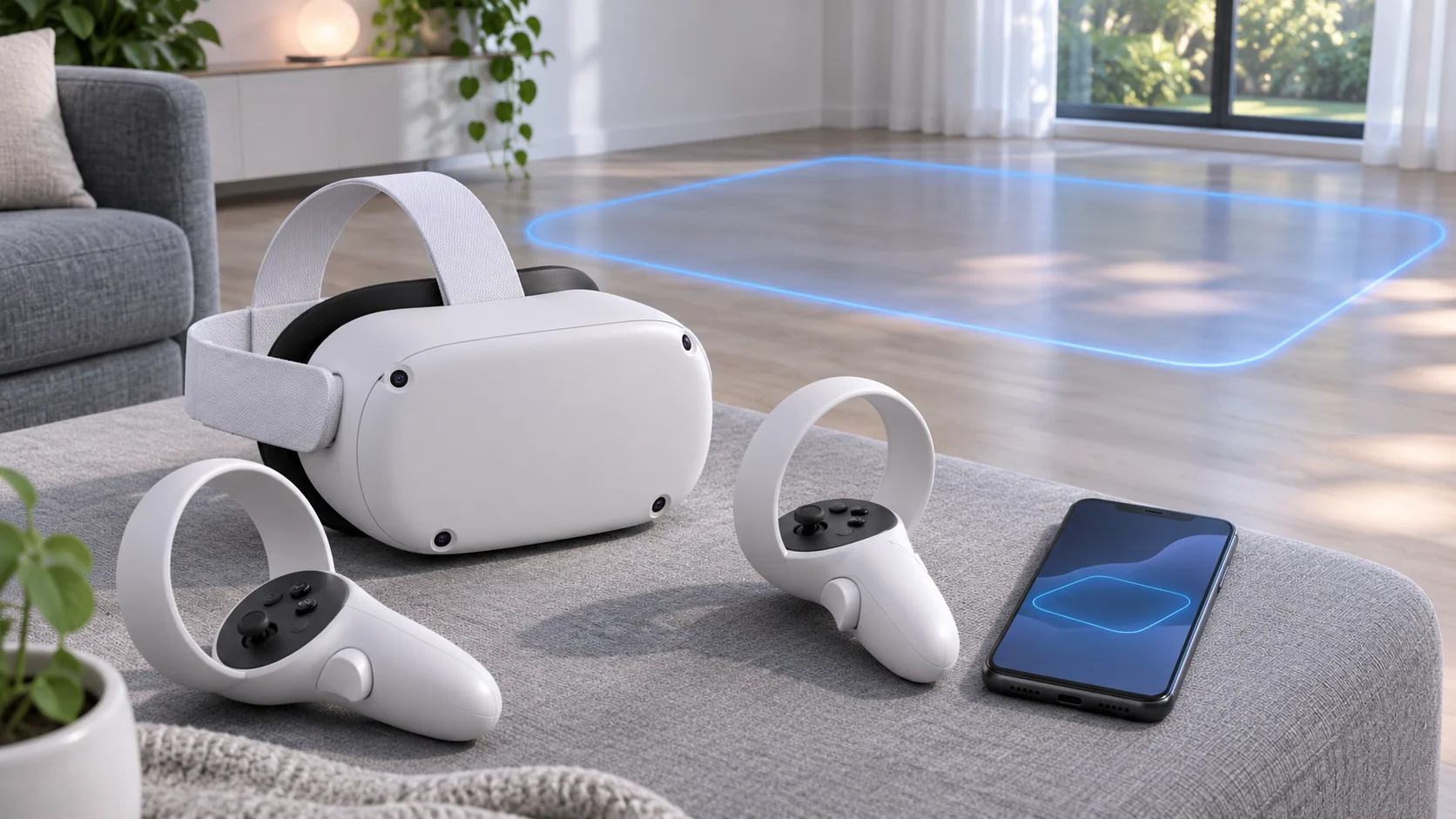
Before you start
Gather the Meta Quest 2 headset, two Quest 2 Touch controllers with AA batteries, a smartphone with the Meta Horizon app, a Meta account, a Wi-Fi network and a clear indoor play space. Keep the phone available during setup because the Meta Horizon app handles account and headset pairing.
For a used headset, ask the previous owner to remove their account and factory-reset the device before you add your own account. Inspect the headset, facial interface, lenses, controllers and charging port.
1. Charge and prepare the headset
- Connect Quest 2 to power and let it charge before setup.
- Check the headset, facial interface, lenses and charging port.
- Keep the lenses out of direct sunlight during setup and storage.
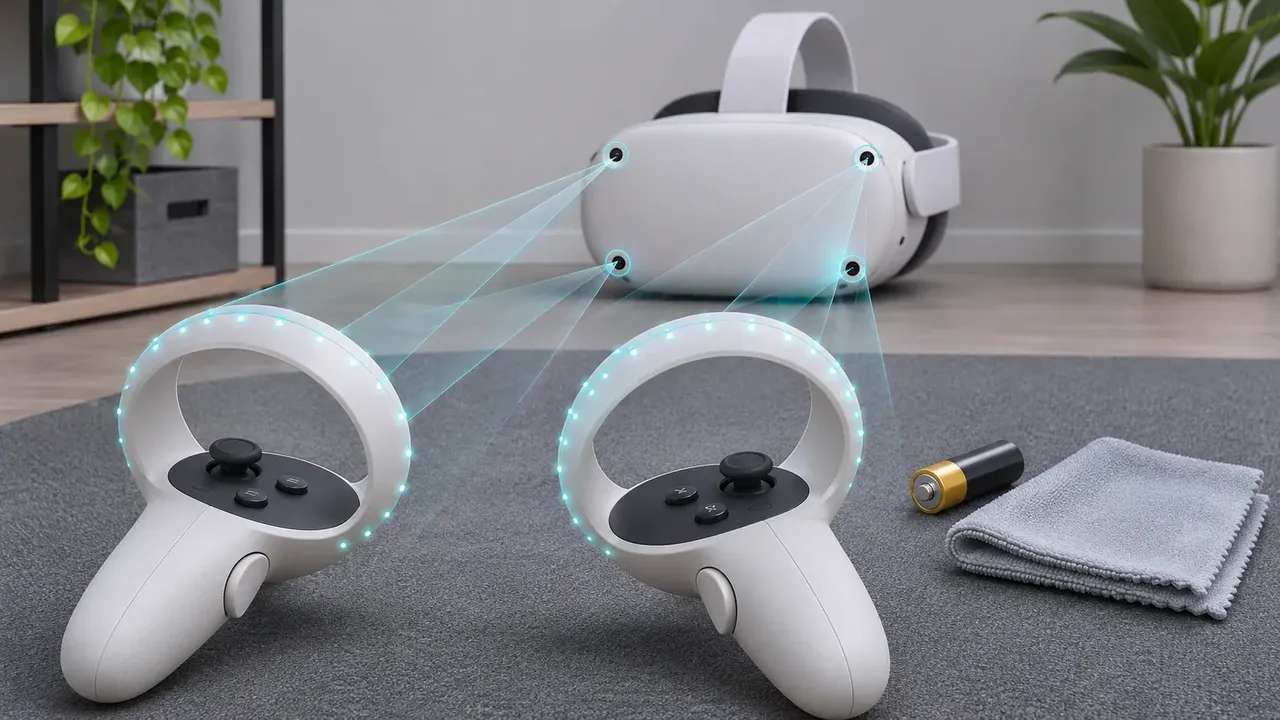
- Insert fresh AA batteries in both Touch controllers and attach both wrist straps.
Prepare both Touch controllers. Fit fresh AA batteries, then attach and use both wrist straps. Wrist straps help keep controllers from leaving your hands during play. Check that each controller is ready before putting on the headset.
2. Install the Meta Horizon app and sign in
- Install the Meta Horizon mobile app on a supported phone.
- Open the app and sign in with the Meta account you want to use on Quest 2.
- Turn on Bluetooth and keep the phone near the headset.
- Keep the app open while you start Quest 2.
Exact menu labels can vary by Meta Horizon OS release. Follow the matching setup prompts shown on your headset and phone rather than relying on a particular label or menu position.
3. Pair Quest 2, connect Wi-Fi and install updates
- Turn on Quest 2 and follow the pairing prompts shown by the headset and Meta Horizon app.
- Select your Wi-Fi network and enter its password.
- Let the headset check for and install available updates.
- Keep Quest 2 charged and connected to Wi-Fi until the update and restart finish.
Meta Horizon OS for Quest 2 may show different menu labels across releases. Meta announced that v213 will be the final Quest 2 OS release, with rollout by March 2027. Meta also plans security patches and critical fixes through the end of 2027.
4. Fit the headset and choose a clear IPD position
- Loosen the side and top straps before putting on the headset.
- Place the headset against your face and tighten the straps evenly until it stays secure without excessive pressure.
- Choose the IPD position that gives you the clearest comfortable view.
- Recheck the fit before creating the boundary.
Recheck the facial interface and strap after putting on the headset. A stable fit matters before you draw a boundary or start an app. If the view does not feel clear, adjust the strap and lens position again.
5. Create a safe play boundary
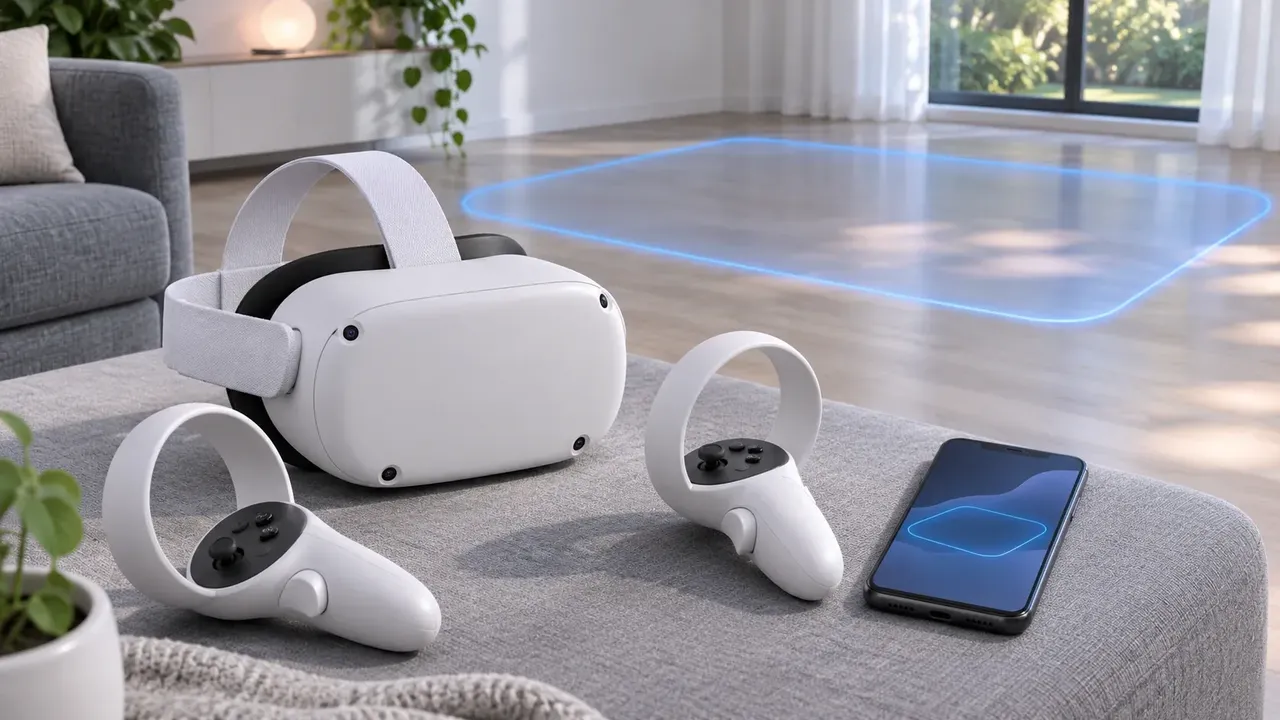
Clear furniture, pets and people from the play area before creating your boundary. Choose a stationary boundary if you will remain in one position. Choose room-scale when you need to move within the available space.
For room-scale play, Meta lists a 6.5 by 6.5 foot minimum. Leave extra clearance between the boundary and walls, furniture or other obstacles. Draw the boundary inside the genuinely clear area, not across objects that could be reached while wearing the headset.
Review the boundary whenever the room changes. Move furniture, people and pets away before each session. Use both controller wrist straps, and keep the lenses away from direct sunlight when the headset is not in use.
6. Download and test your first app
After setup, open the Store and download a first app. Check that the headset remains connected to Wi-Fi while the app installs. Existing apps and purchases continue to work on Quest 2, along with the Store, cross-play and PC VR via Link.
Meta no longer sells Quest 2. Existing owners can still complete setup and use supported features, but feature development is ending. The announced support timeline includes v213 as the final Quest 2 OS release, rolling out by March 2027, followed by security patches and critical fixes through the end of 2027.
7. Fix common setup problems
If pairing does not complete, confirm that the Meta Horizon app is installed, you are signed in to your Meta account and the phone is available during setup. If the headset cannot connect, check the Wi-Fi network and retry after charging the device.
If a used Quest 2 still shows another person's account, the previous owner needs to remove it and factory-reset the headset. If an update screen uses different wording, remember that labels can vary by Meta Horizon OS release.
Official sources
- Meta Quest 2 product status
- Meta Quest 2 support timeline
- Meta Quest software update tool
- Meta Quest boundary safety
Frequently asked questions
Can I still set up and use a Meta Quest 2 in 2026?
Yes. Meta no longer sells Quest 2, but says existing apps, purchases, the Store, cross-play and PC VR via Link continue to work. Feature development is ending, with security patches and critical fixes planned through the end of 2027.
Do I need a phone to set up Quest 2?
Keep a supported phone with the Meta Horizon app available for account and headset pairing during first-time setup.
Can I set up a used Quest 2?
Yes, after the previous owner removes their account and factory-resets the headset. Inspect the headset, controllers and charging port before adding your account.
Questions & answers
Can I still set up and use a Meta Quest 2 in 2026?
Yes. Meta no longer sells Quest 2, but says apps, purchases, the Store, cross-play and PC VR via Link continue to work. Feature development is ending, with security patches and critical fixes planned through the end of 2027.
Do I need a phone to set up a Quest 2?
Keep a supported phone with the Meta Horizon app available for account and headset pairing during first-time setup.
Can I set up a used Quest 2?
Yes, but the previous owner should remove their account and factory-reset the headset first. Inspect the lenses, facial interface, controllers and charging port before adding your account.
How much space should I leave for Quest 2?
Meta lists a 6.5 by 6.5 foot minimum for room-scale play and recommends extra space between the boundary and walls, furniture or other obstacles.