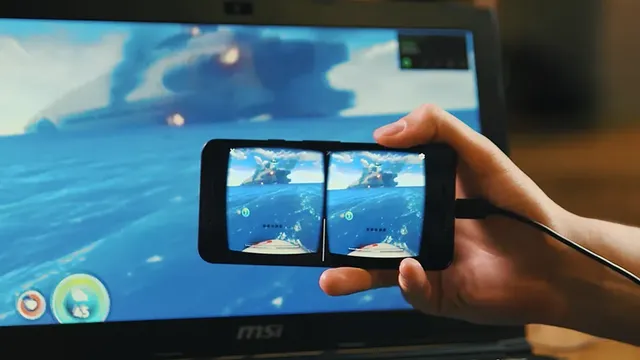
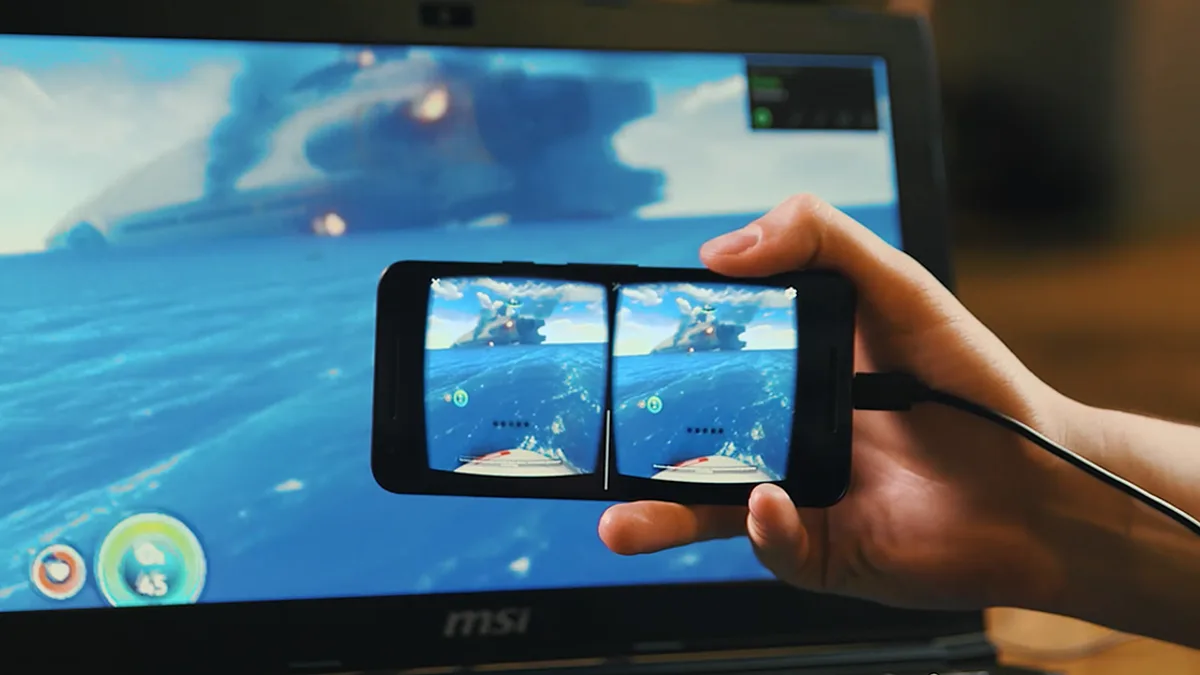

A PC streaming app that sends SteamVR and regular PC games to a Quest or Oculus Go over Wi-Fi, with GameWarp turning flat games into side-by-side 3D.
Screenshots
Photos: 5
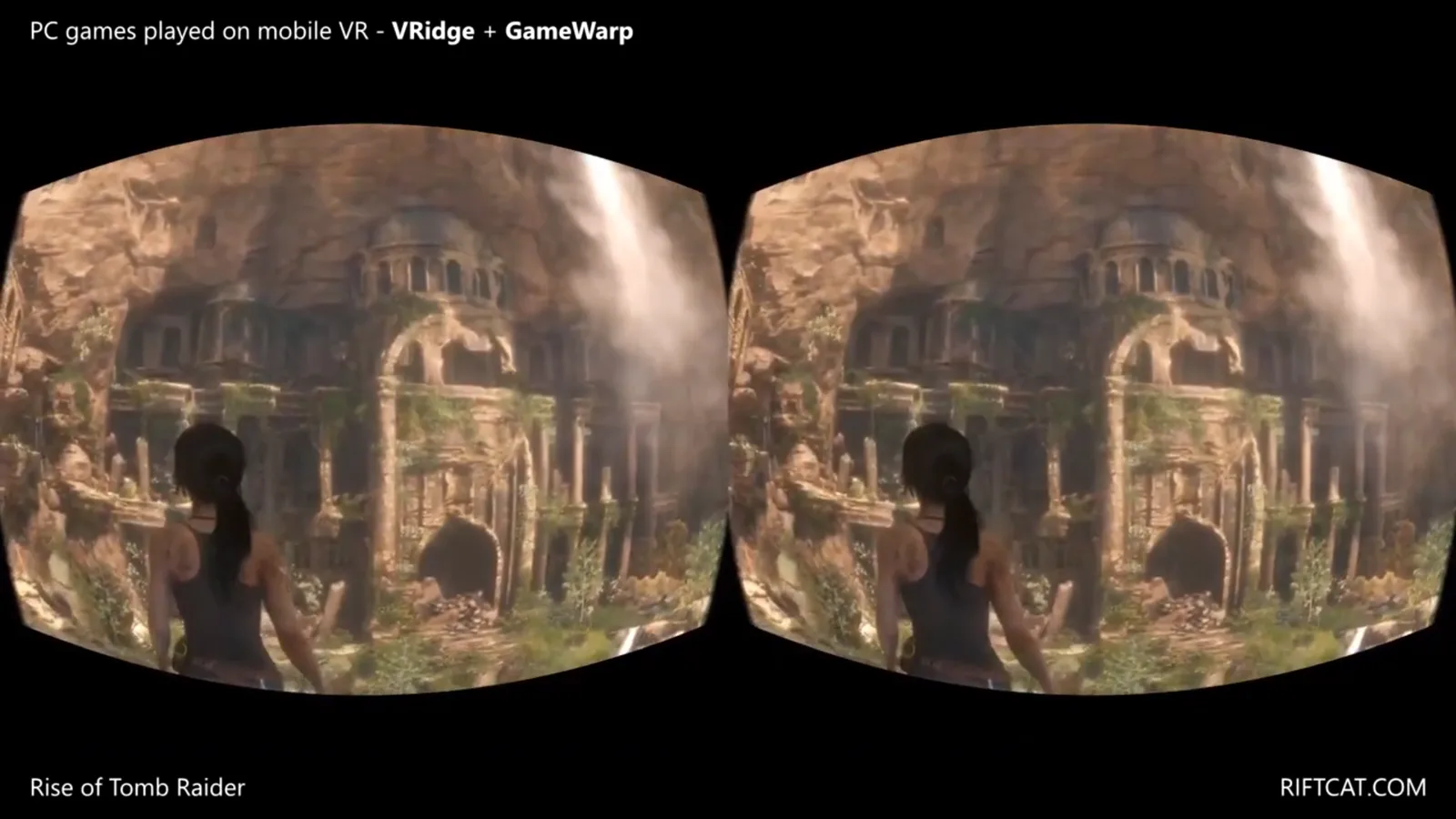
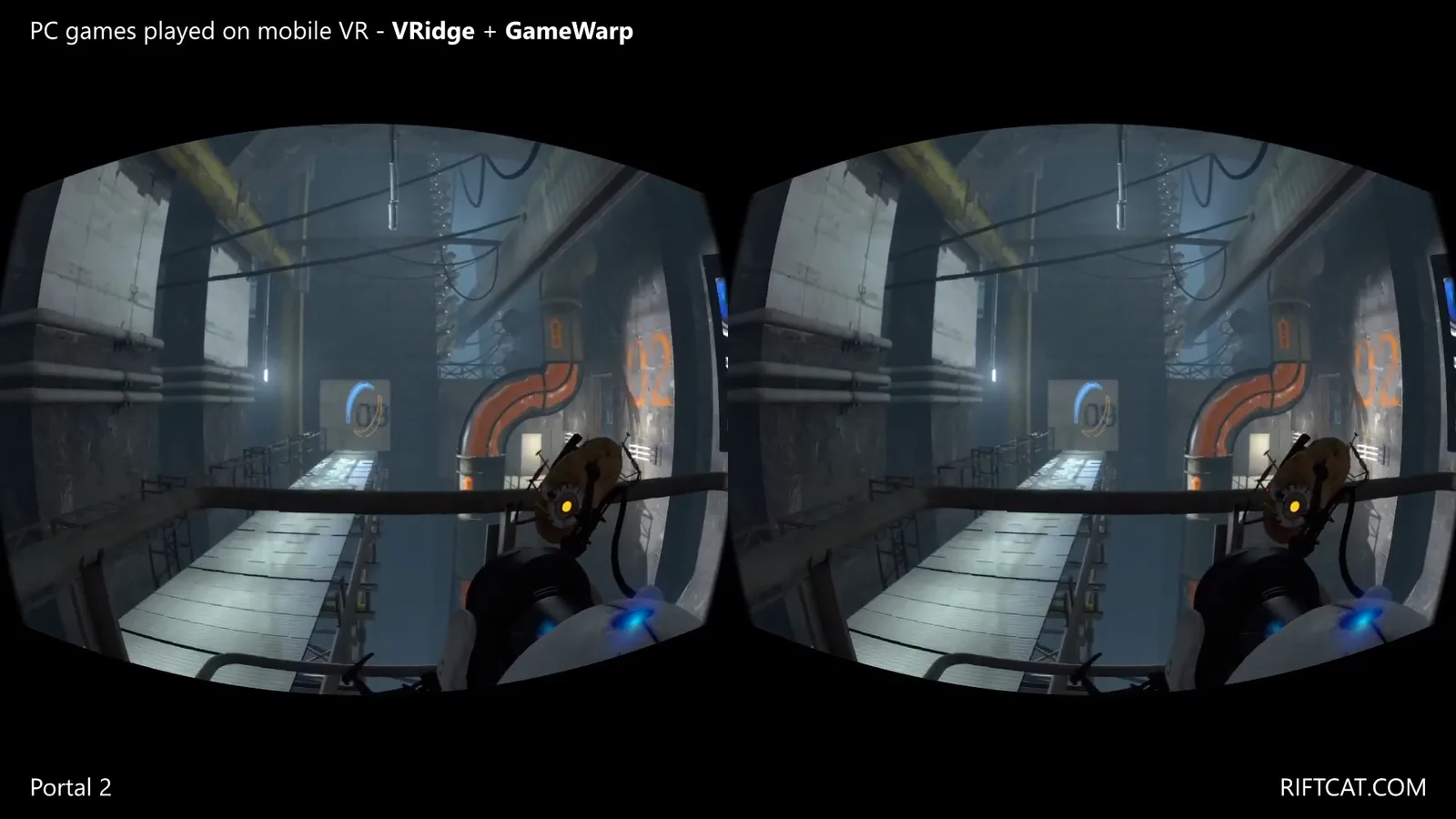
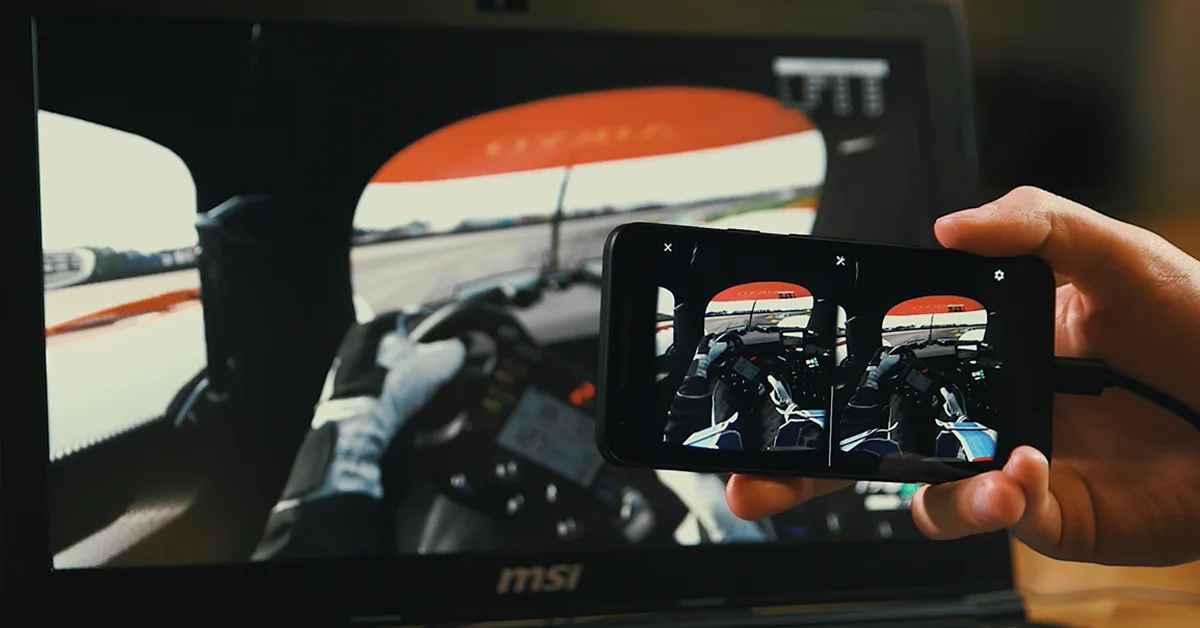
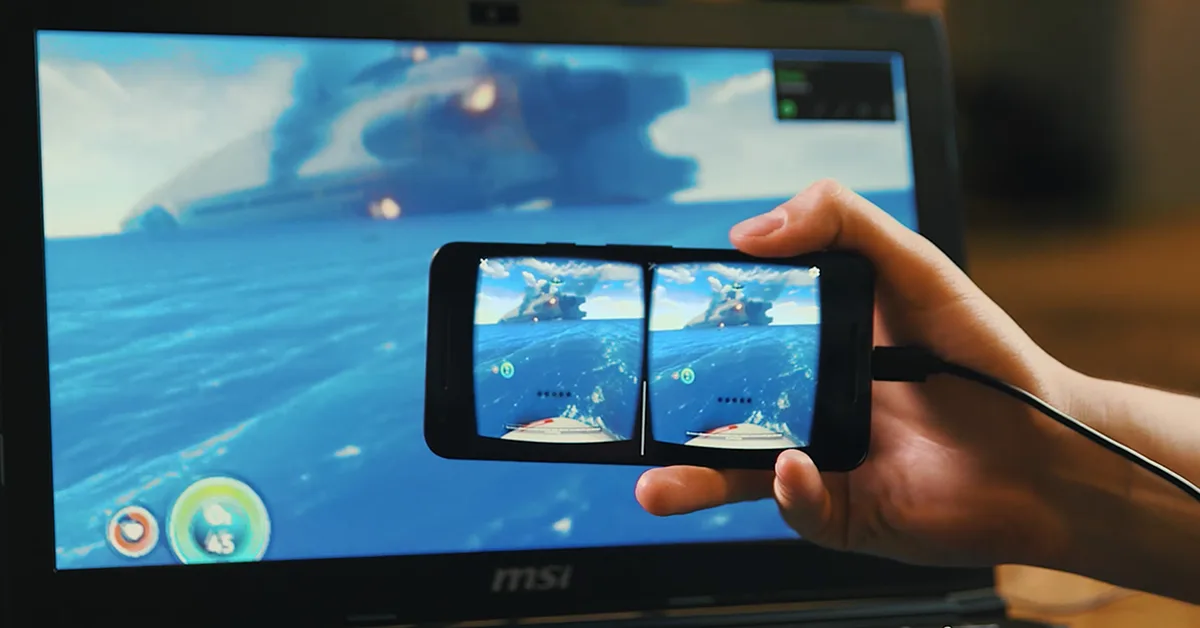


VRidge 2 is a PC-to-headset streaming app in the productivity category from RiftCat. It streams games from your computer to a standalone headset over Wi-Fi, so you can play SteamVR titles without a cable. It is distributed through SideQuest, where it was first listed in July 2019.
What you can do
VRidge sends both VR and non-VR games from your PC to the headset. To keep latency low and the stream stable, it uses techniques such as Asynchronous Timewarp and Forward Error Correction, which the developer says reduce perceived lag.
- Stream SteamVR games from your PC
- Emulate motion controllers with a gamepad, or with a keyboard and mouse
- Use the GameWarp add-on to turn the picture of a flat PC game into a side-by-side view for the headset, with your head movement and controller buttons acting as input
VRidge needs the RiftCat desktop client running on your PC, which you download from the RiftCat website. The headset app alone will not do anything without it. The listing does not give minimum PC or network requirements, so results depend on your hardware and Wi-Fi.
How to get it and what to know
- The SideQuest listing is marked as a demo.
- It is installed from SideQuest by sideloading; see our guide to sideloading on Meta Quest.
- Supported headsets: Meta Quest headsets such as the Quest 3 and Quest 3S, plus the older Oculus Go.
- Rated 2.9 out of 5 by 35 SideQuest users.