A free app that streams your personal, shared or cloud computer into VR through the browser, with several devices shown side by side.
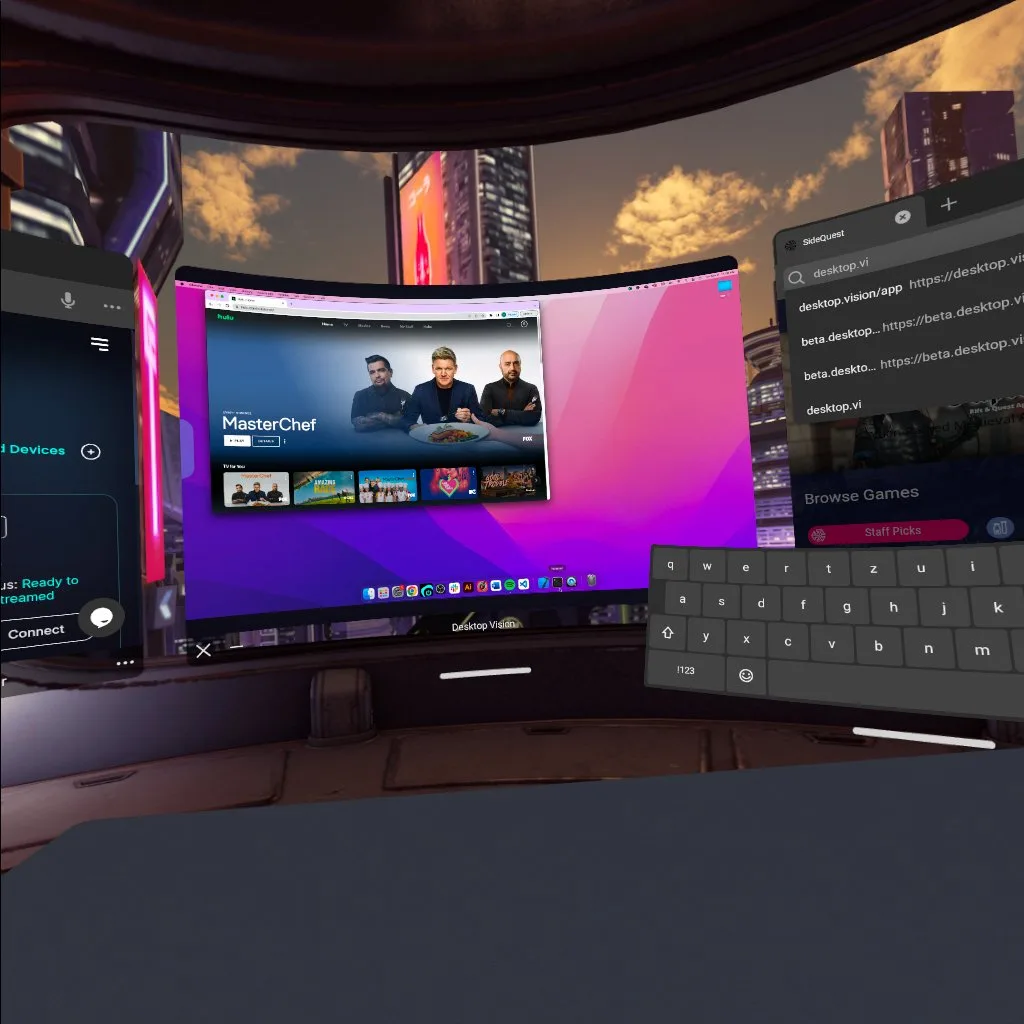
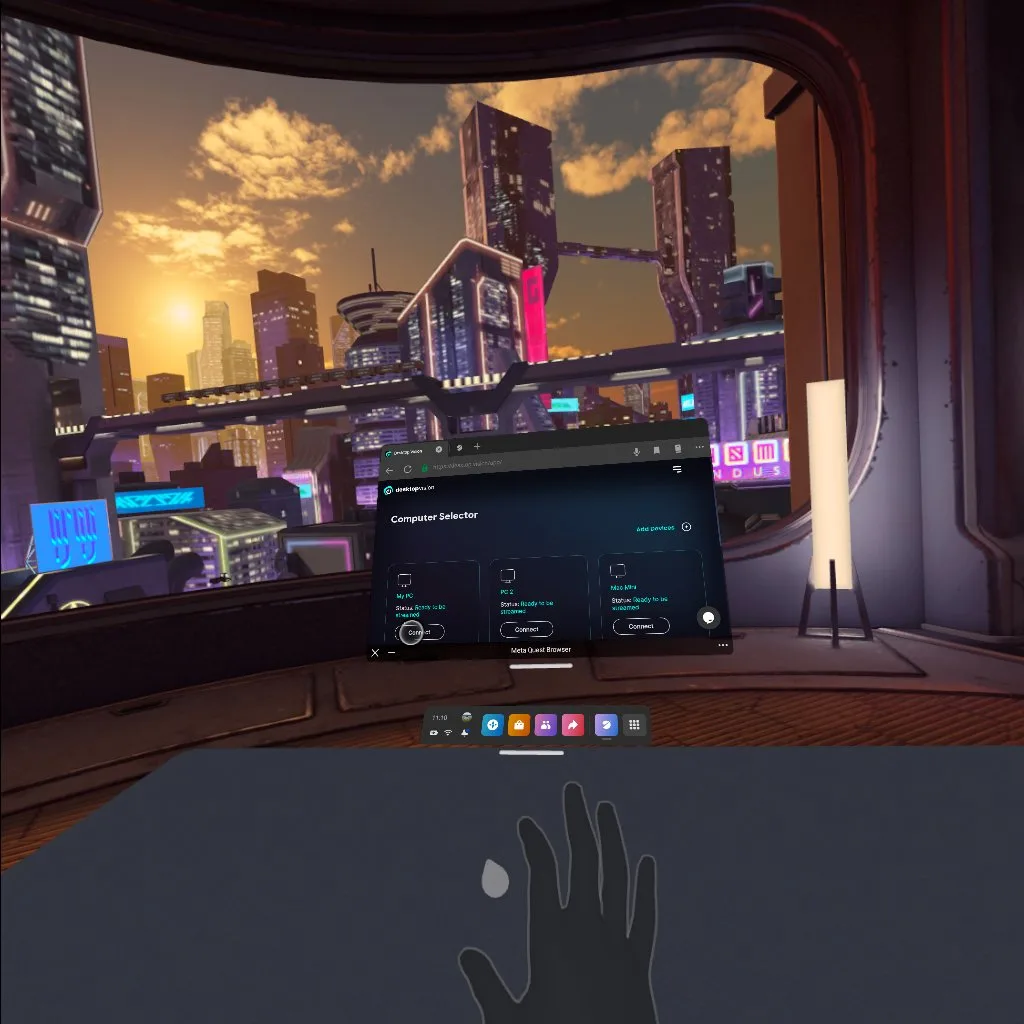
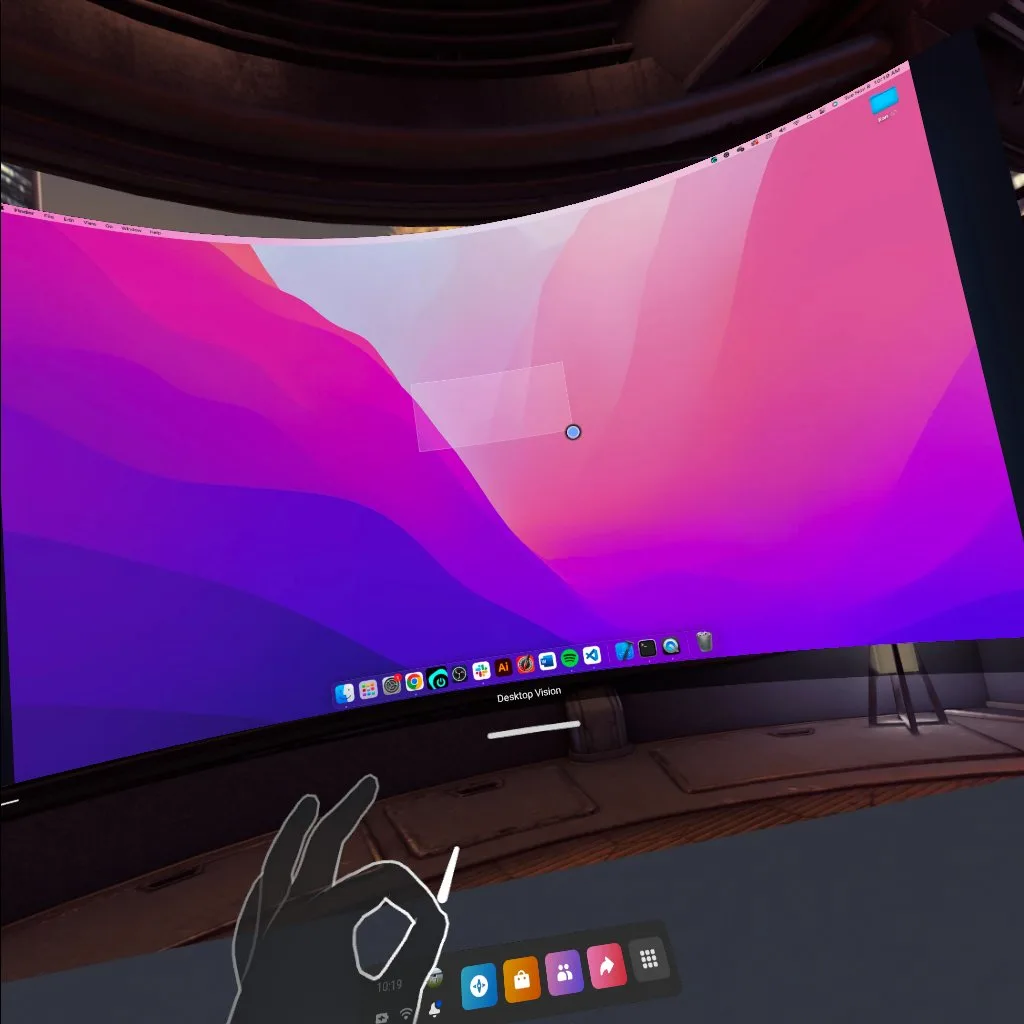
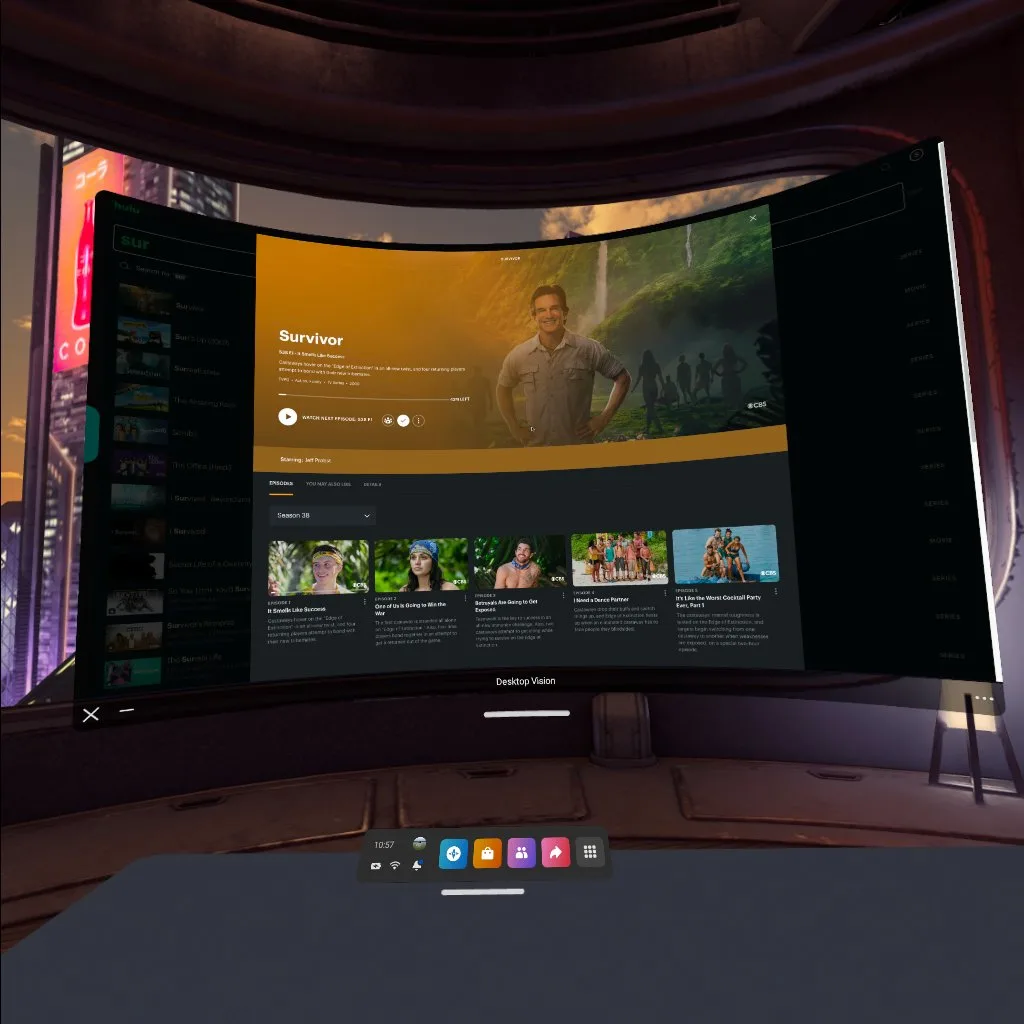
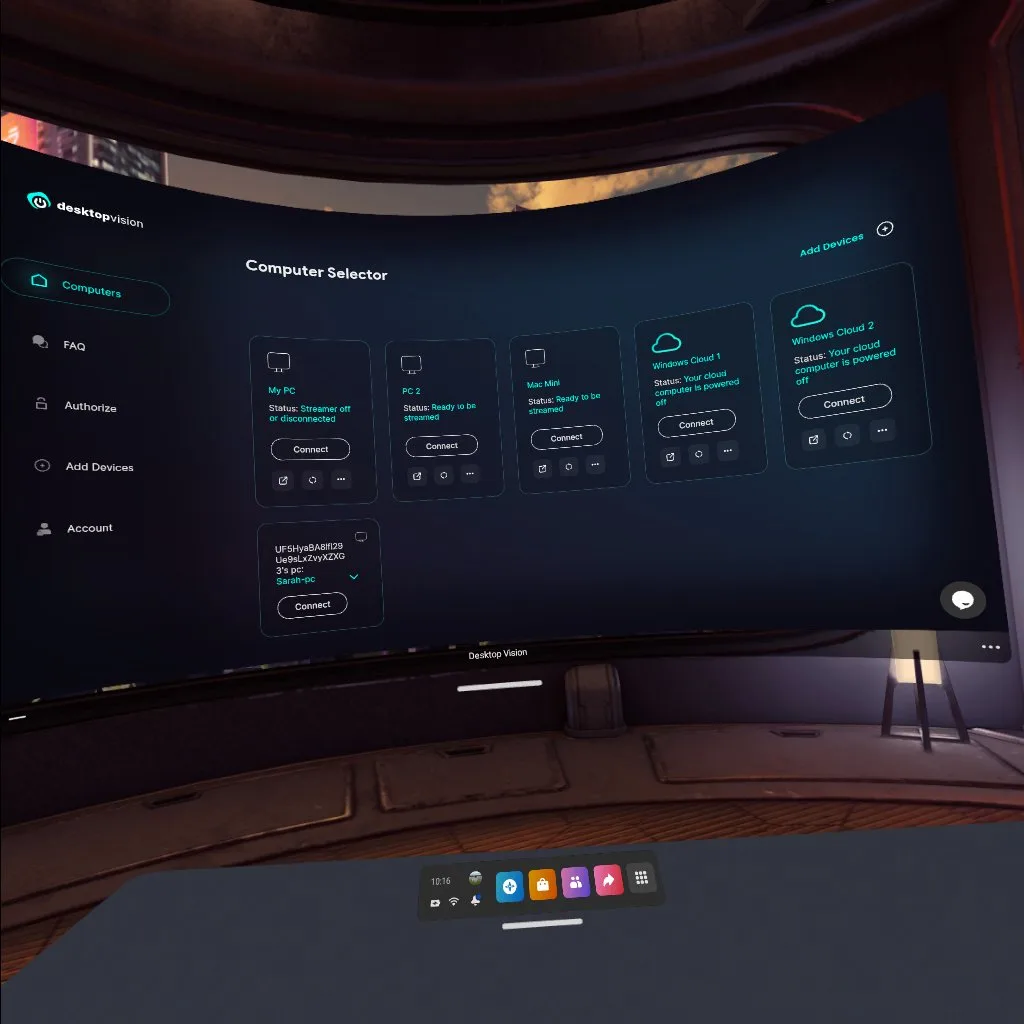

Desktop Vision is a productivity app from Desktop Vision for using your computers inside a headset. It runs through the browser with WebXR and can show a personal PC, a shared machine or a virtual cloud computer. It is distributed through SideQuest, where it was first listed in November 2022.
What you can do
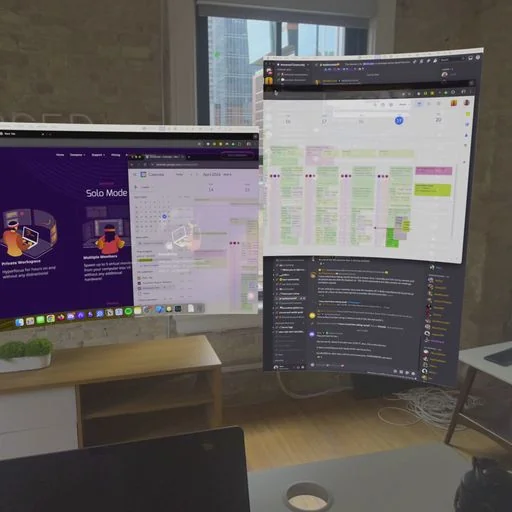
The main feature is working with more than one device at once. You can place several computers side by side in VR and control them at the same time instead of switching between single screens.
- Sharing: give coworkers, friends or family access to a device so you can help them, talk, or watch a movie together. Several people can connect at the same time.
- Background mode: when you move on to another VR app, Desktop Vision can keep running in the background and bring your desktop's audio and video along, so a podcast, show or music keeps playing while you do something else.
- Developer server: a built-in VR dev server hot-reloads WebXR content straight from your computer. The developers point to a YouTube tutorial that builds a small robot that reacts to hand gestures.
Tags on the listing group it with remote desktop, virtual display and streaming tools, and they mention a cloud computer option.
How to get it and what to know
- Price: free.
- Install it from SideQuest by sideloading; our guide to sideloading on Meta Quest walks through the setup.
- Supported headsets: Meta Quest headsets such as the Quest 3 and Quest 3S, plus the Oculus Go and Varjo headsets.
- Only 17 SideQuest users have rated it so far.