
vrOS v3 adds wireless Windows desktop and PC VR streaming to Steam Frame
vrOS v3 adds wireless Windows desktop and PC VR streaming to Steam Frame, using its dongle or home Wi-Fi, plus eye-tracking sharing and 3.0.2 fixes.
By vrBlogs
· 2 min read · Source: MIXED
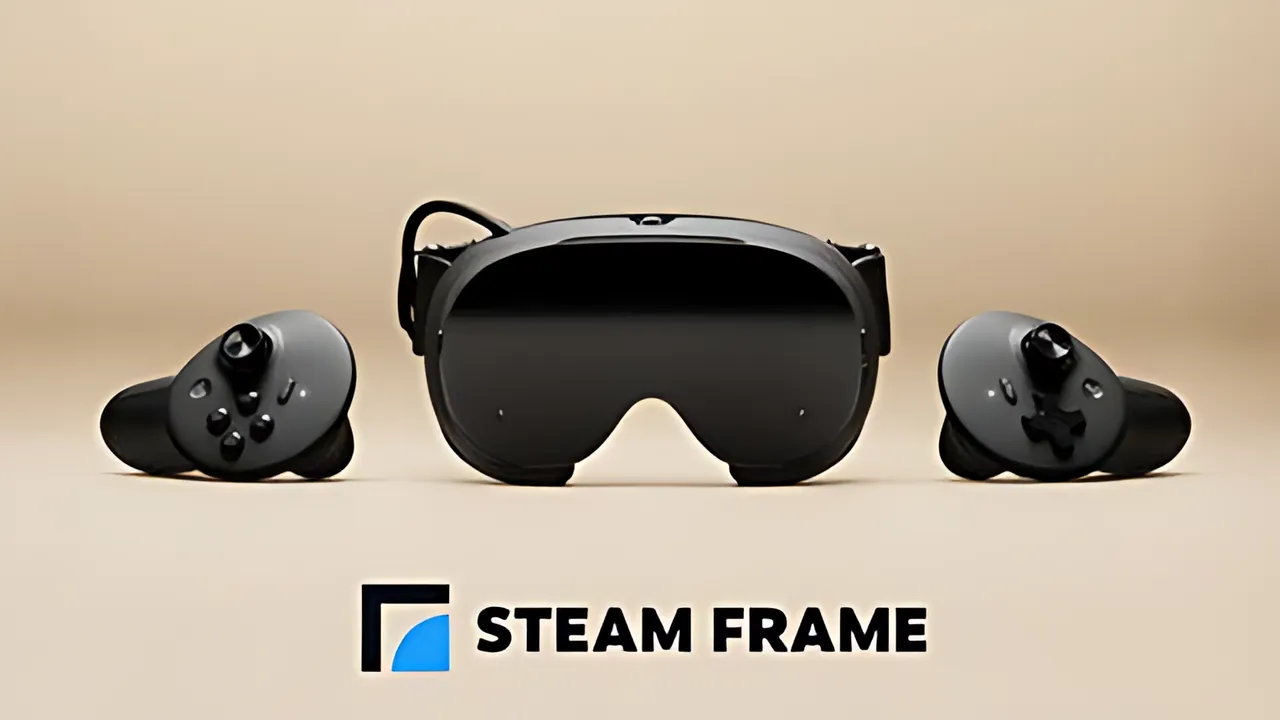
vrOS v3 adds wireless Windows desktop and PC VR streaming to Steam Frame. The paid Steam app connects the headset to a Windows PC through its dongle or a home Wi-Fi network. It can show desktop windows on movable panels and stream PC VR games without Steam Link.
MIXED reported these features on 2026-11-08. The report says PC VR still uses SteamVR on the Windows computer. vrOS is a separate application, not a Valve update bundled with Steam Frame.
Windows desktop panels
Desktop mode opens the PC’s main display as a panel over Steam Frame’s home environment without starting SteamVR on the PC. Users can add multiple displays or individual windows, reposition them inside the headset, use headset controllers as a pointer and type with a VR keyboard.
vrOS restores the panel layout the next time the PC connects. Its broader desktop tools include a laser pointer and a VR keyboard that work with the real Windows window. The app’s streaming feature currently requires both a Steam Frame and a Windows PC. Support for Linux PCs and other headsets is planned later.
PC VR streaming settings
PC VR games use a separate mode. The computer’s SteamVR installation uses a headset driver for this mode; the working information does not establish that vrOS installs that driver. Desktop panels can remain available over a game.
vrOS includes a control for switching back to Steam Link. That action restarts SteamVR and asks for confirmation. Streaming options include resolution per eye, bitrate and game encoding through HEVC or PyroWave. HEVC is the default. The developer says a computer unable to encode HEVC falls back to PyroWave.
These settings need testing on each PC and network. They do not promise specific image quality or latency.
Eye tracking, audio and updates
An optional setting shares the headset’s gaze and eyelid data with PC applications during streaming. It is off by default. Foveated streaming offers Off, Gentle and Strong choices, with Strong selected by default. The Steam listing also says vrOS can send Steam Frame eye-tracking data to VRChat.
Version 3.0.2 improves the welcome and pairing screens and fixes several startup and tracker-alignment problems. PC sound and the headset microphone use Steam’s streaming audio devices when installed, or the available PC defaults. A signed vrOS audio driver is planned for a later update.
App status and requirements
vrOS is paid Early Access software released on Steam on 12 May 2026. The fetched Steam store page lists a price of €8.15, though price regions and currencies can differ. It supports Windows 10 version 1903 or later and Windows 11.
VR use requires SteamVR and a compatible headset. The app is verified on Steam Frame under SteamOS ARM64. The reported version 3.0.0 changes include the PC connection, desktop panels, PC VR streaming, eye-tracking sharing, and HEVC and PyroWave options.
Check the current Steam listing and hardware requirements before buying. Features and compatibility can change as the project develops.
Enjoyed this story?
Like it to tell the editors, or save it to read later.

Comments
Sign in to join the conversation.
Sign inNo comments yet. Start the conversation.
·