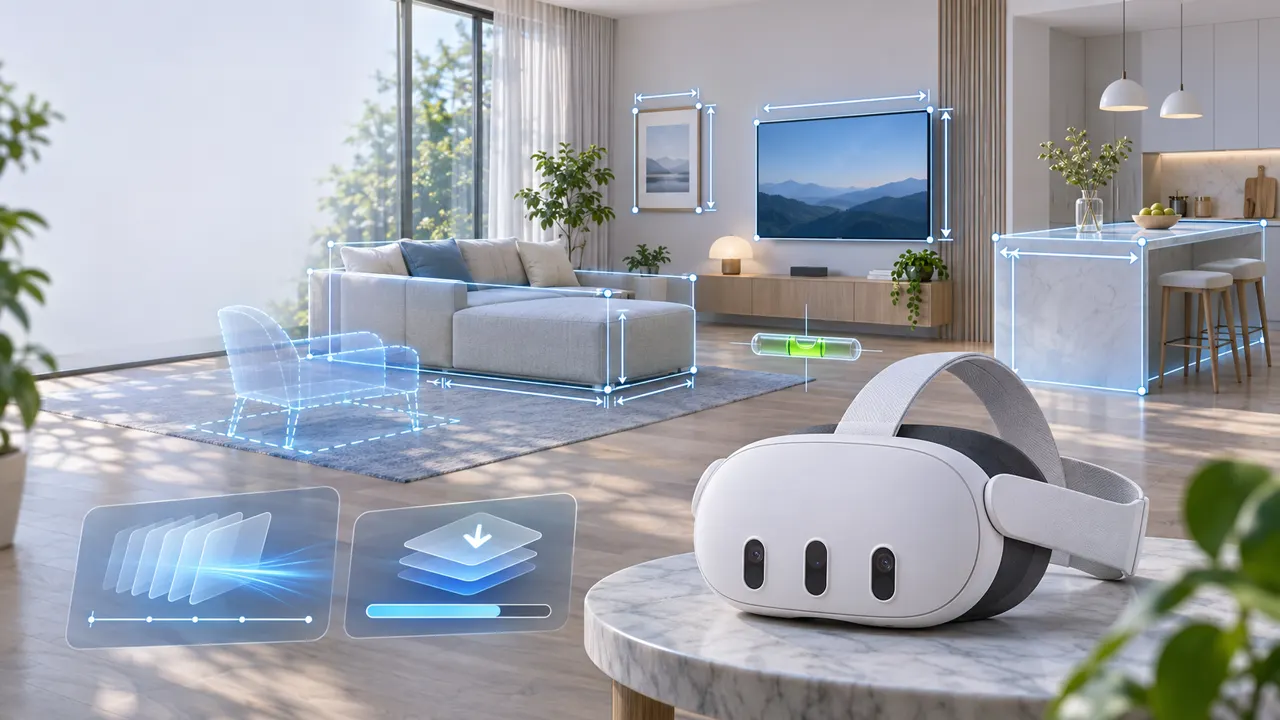
Meta Quest 3 v68: The Most Valuable Spatial Features
A retrospective Meta Quest 3 v68 review: Layout leads, OpenXR could reduce latency, Meta AI Vision was limited, and Adaptive Brightness moved to v69.

By vrblogs.net
Published · 6 min read
The verdict
Layout is the clear spatial highlight, while OpenXR frame timing delivers longer-term platform value. Meta AI with Vision was promising but limited at launch.
Reviewed on version Meta Quest v68 (released July 29, 2024)
Score breakdown
Photos & video
This is a retrospective review of Meta Quest 3 v68. Meta began rolling out Quest v68 on July 29, 2024; v68 is not the latest operating system version today. This article compares Meta's official announcement with contemporary reporting to identify which changes delivered the most meaningful value for Meta Quest 3 owners.
Quick verdict
Overall score: 8.2/10. Layout is the most valuable spatial feature in v68 because it turns mixed reality from a demonstration into a practical tool for measuring spaces, previewing TV sizes, and leveling wall-mounted objects. The new OpenXR frame-timing algorithm comes second: it is less visible, but it can directly improve the feel of VR and MR applications. Multiple-download management and 2160×2160 screenshots are genuinely useful quality-of-life upgrades. Meta AI with Vision had major potential, but at launch it remained an experiment limited by region and language.
- Most valuable: Layout.
- Most important long-term change: the new OpenXR frame-timing algorithm on Quest 3.
- Best everyday improvement: simultaneous downloads and the Downloads tab.
- Promising but not widely available at launch: Meta AI with Vision.
- Not actually part of v68: Content Adaptive Brightness was announced in the same cycle but later moved to v69.
1. Layout: the most valuable spatial feature
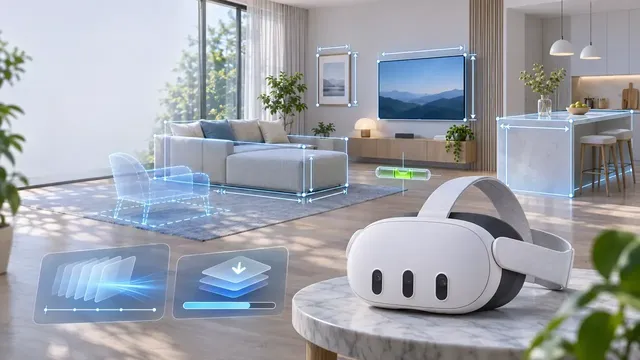
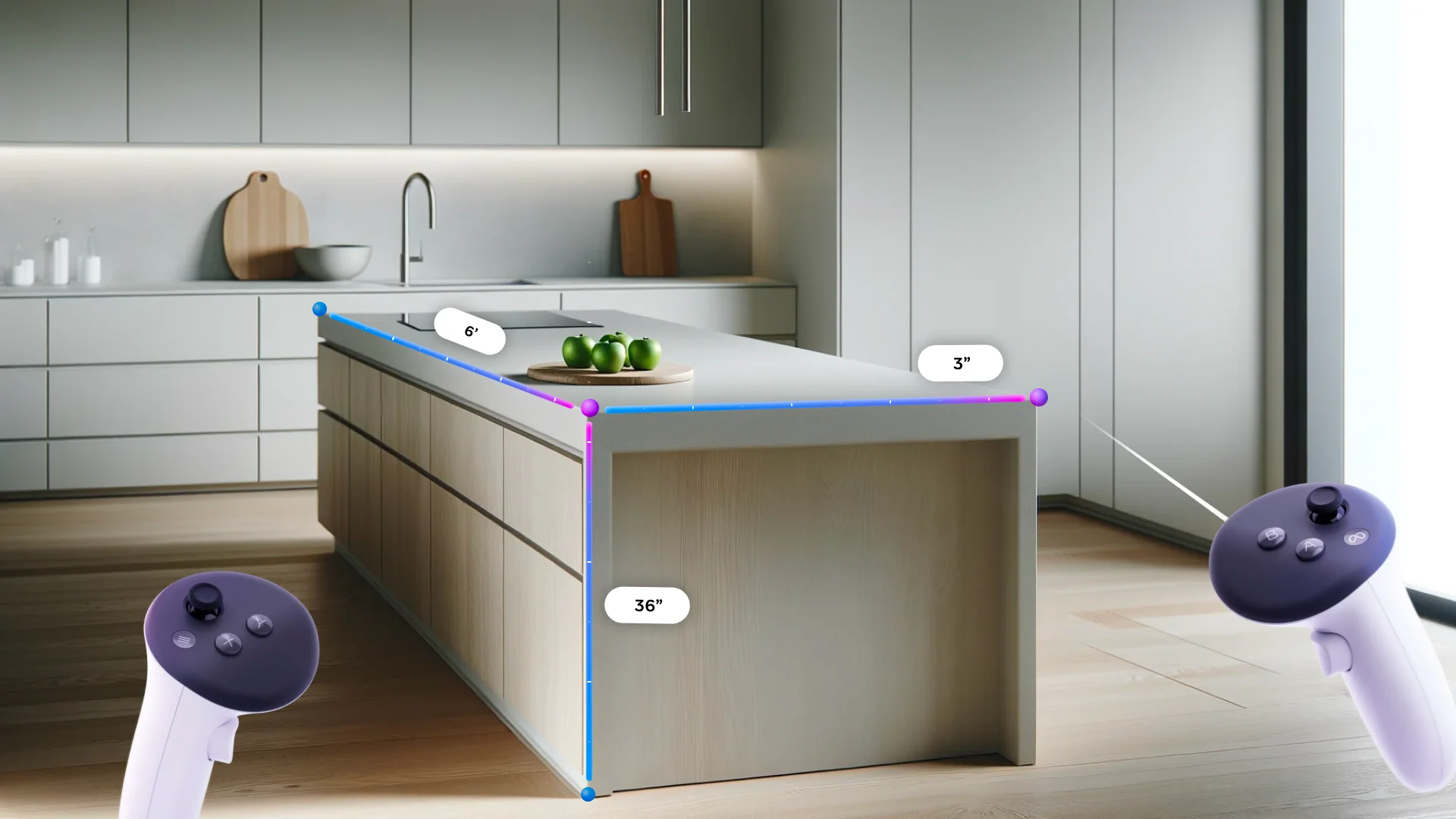
Layout is a new system utility that appeared in the App Library after a headset received v68. It uses Quest 3's color passthrough and spatial understanding to measure real-world objects, create size outlines for objects that are not yet in the room, and check whether something is level. Meta's examples included measuring an alcove, checking the height of a kitchen island, leveling picture frames, and visualizing furniture before buying it.
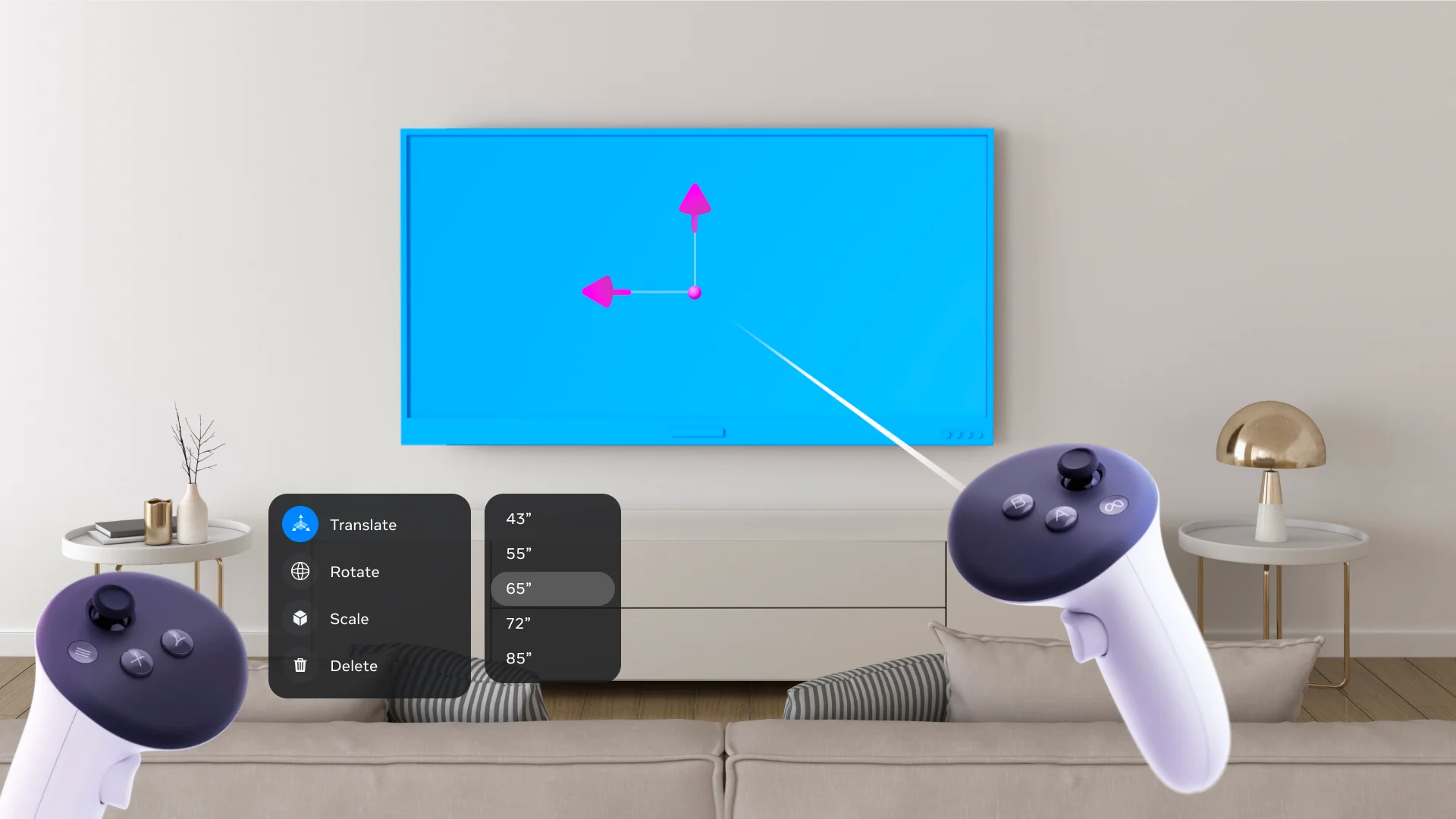
Its value is not that it completely replaces a tape measure. Layout is useful because it lets you test an idea quickly: create a rectangle matching the dimensions of a TV, place it on the wall, and immediately see whether a 75-inch screen would overwhelm the room. For a table, shelf, or chair, a virtual outline can help check walking space and proportions before an order is placed.
The limitations are equally clear: results depend on lighting, the quality of the room scan, and how accurately the user places measurement points. Layout is best for estimates, size comparisons, and planning. Construction work that demands high precision still calls for dedicated measuring tools. Even with that caveat, Layout was one of the first utilities to make Quest 3 passthrough and spatial mapping useful when no game was running.
2. OpenXR frame timing: less visible, but extremely important
Meta said v68 introduced a new frame-timing algorithm on Quest 3 to improve overall frame rate and prediction latency in OpenXR applications. In simple terms, the system schedules frames more precisely in an effort to reduce latency and stutter.
This should not be interpreted as a guaranteed, dramatic FPS increase in every game. Results still depend on the application and its CPU and GPU load. In VR, however, small improvements in frame stability and prediction latency can matter more than a flashy interface feature: head movement feels smoother, virtual objects appear more firmly anchored, and the experience can feel more comfortable. For mixed-reality applications built on OpenXR, this was an important foundation-level improvement.
3. Meta AI with Vision: an exciting spatial direction, but not yet for everyone
Around the v68 release, Meta began testing Meta AI on Quest 3 and Quest 2. On Quest 3, the “with Vision” capability allowed the assistant to use the passthrough cameras to answer questions about what the wearer was looking at. The spatial-computing idea was compelling: instead of describing an object or raising a phone to photograph it, the user could ask a question within the context they were already viewing.
At launch, however, the experiment was limited to the United States and Canada, worked in English, and rolled out gradually. Judged by its practical value at the time of v68, Meta AI with Vision therefore ranked behind Layout. It pointed toward a future in which an MR headset could act as a context-aware assistant, but it was not yet a dependable reason for every Quest 3 owner to upgrade or change their daily habits.
4. Multiple downloads and higher-resolution screenshots: small changes with immediate value
v68 allowed multiple apps or updates to download simultaneously and added a Downloads tab to the Library for viewing, prioritizing, and managing the queue. Previously, Quest generally downloaded one item at a time, and users often had to check notifications to understand what was happening. For anyone with a large game library, this removed noticeable friction.
On Quest 3, screenshot resolution increased from 1440×1440 to 2160×2160. This was especially useful for guide writers, developers, and content creators: small text became easier to read, cropped images held up better, and screenshots looked cleaner when published on the web.
5. Smaller improvements that made the experience feel more complete
- Virtual keyboard: it appeared in a more sensible position, could be pulled closer or moved to the side, and remembered placement based on context.
- Recording and casting audio: separate sliders controlled application volume and microphone volume.
- Low-battery warning: the headset played a sound when removed with little charge remaining.
- Cloud Backup: Meta began rolling out an interface for managing backups on an app-by-app basis.
- Touch controller pairing: Touch controllers could be paired inside the headset without requiring the mobile app.

None of these changes was transformative on its own, but together they showed that v68 focused on operating-system maturity by removing friction from tasks that users repeated every day.
An important clarification: Adaptive Brightness did not ship in v68
Content Adaptive Brightness Control was initially announced in the same wave of information as v68, which led many early summaries to include it in the update. UploadVR later updated its report to note that the feature had been pushed to v69. Adaptive Brightness therefore should not be counted when scoring v68 or described as a feature that shipped with this version.
Ranking the spatial features in v68
- Layout — 9/10: practical, easy to understand, and a direct use of passthrough and spatial mapping.
- OpenXR frame timing — 8.5/10: a platform-level improvement with benefits for stability and latency.
- Meta AI with Vision — 6.5/10 at launch: a powerful idea constrained by limited availability.
- Downloads and 2160×2160 screenshots — 8/10: not purely spatial, but a clear improvement to the Quest 3 ownership experience.
Does v68 deserve a strong rating?
Yes, if it is viewed as a step from “a gaming headset with passthrough” toward a more useful spatial-computing device. Layout showed that color cameras and room understanding could solve an everyday problem within minutes. Frame-timing improvements strengthened the foundation that users feel even when they cannot see it. The remaining changes made the operating system less awkward.
v68 was not a revolution, and Meta AI was not widely available enough to be its centerpiece. It was nevertheless a well-balanced update: one convincing new MR utility, one technical improvement with long-term value, and several smaller refinements that were immediately useful. For Quest 3 specifically, 8.2/10 is a fair score.
How to check the software version on Quest
In the Quest interface used during the v68 period, the common path was: press the Meta button on the controller → select the clock area to open Quick Settings → Settings → System → Software Update. Menu names or positions may have changed in newer versions of Horizon OS; if the exact label is no longer visible, search Settings for “Software Update.”