How to set up a safe VR play space at home
Make a safe VR play space at home: room sizes from Meta, Sony and HTC, clearing hazards, lighting, glass, pets and children, and setting the boundary.
- 入门
- 15 分钟
- 上次检查时间:2026年10月31日
你需要准备
- A VR headset with its boundary or play area feature (Meta Quest, PS VR2, Steam Frame, VIVE or Vision Pro)
- At least 1 m by 1 m of clear floor for seated or standing play, or about 2 m by 2 m for roomscale
- A tape measure
- Good, even lighting in the room
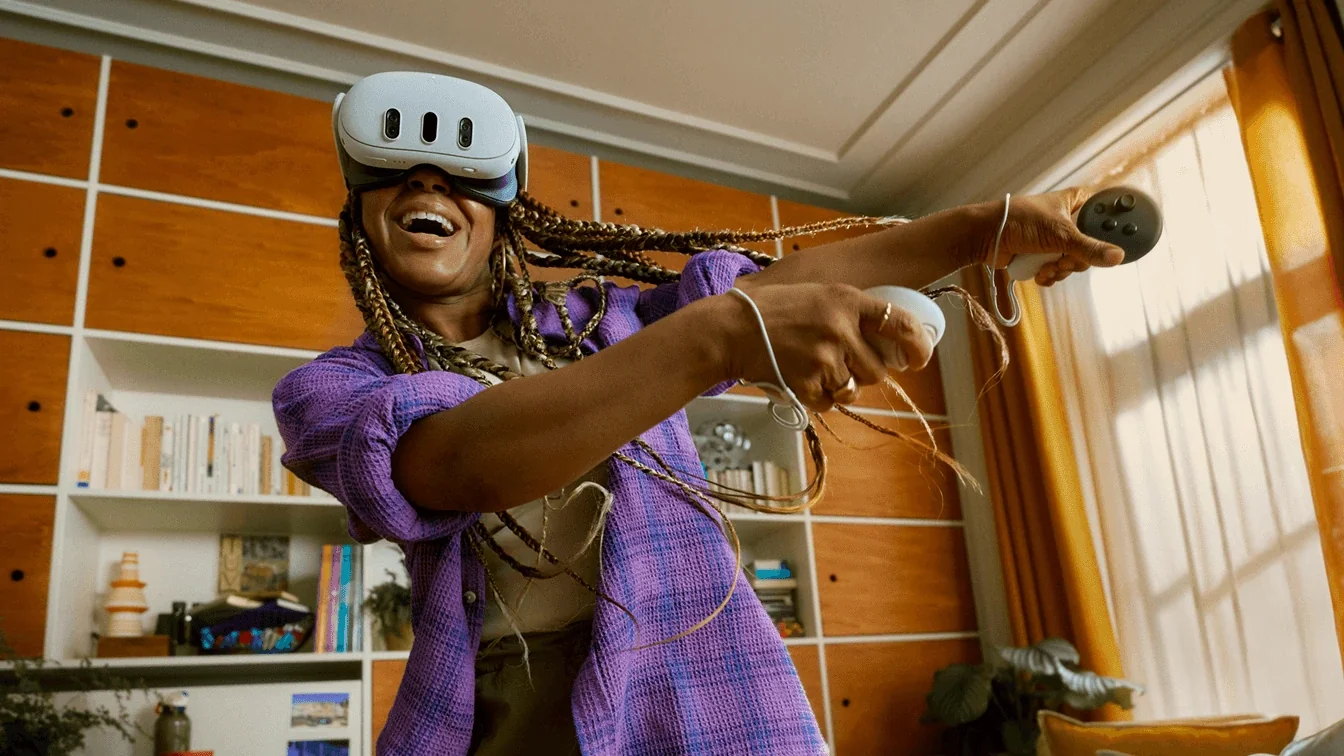
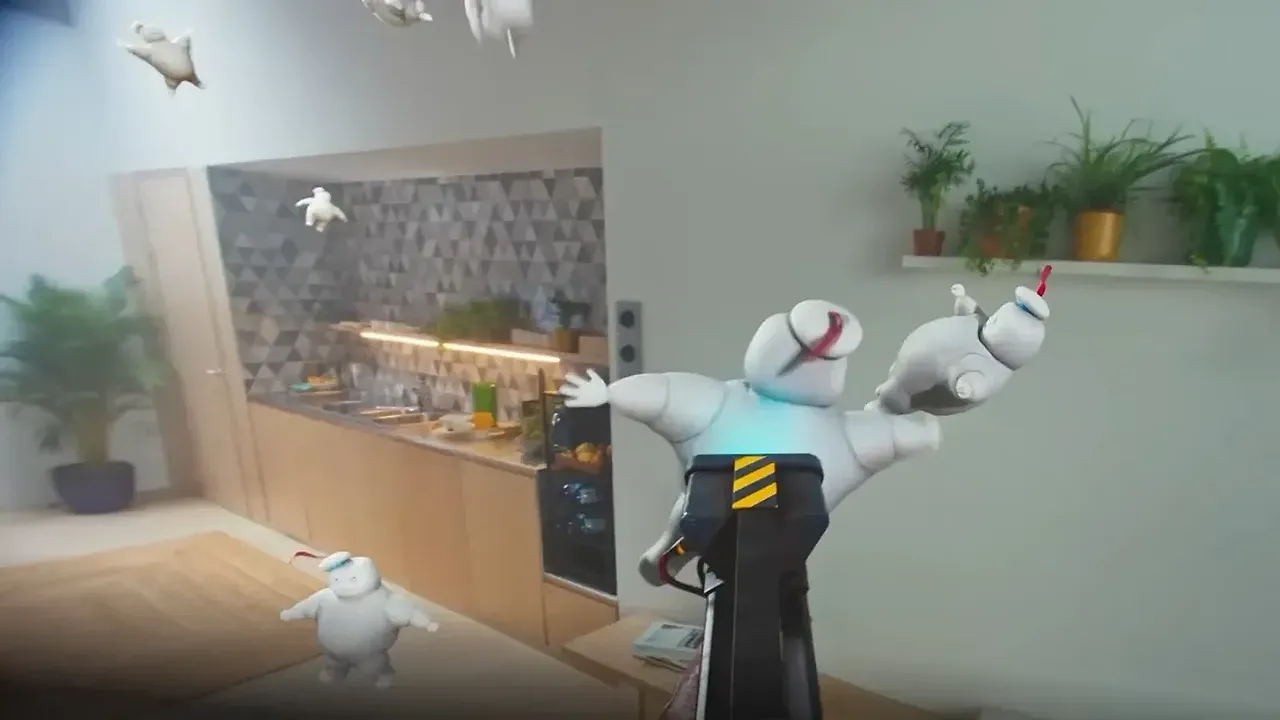
This guide helps you turn a corner of your home into a play space where you can swing your arms, step and turn in VR without hitting walls, furniture, pets or people. The advice follows the makers' own safety pages: Meta's Meta Quest safety center and Quest 3S health and safety warnings, its boundary help article, Sony's PS VR2 play area page, HTC's play area planning page, Apple's Vision Pro safety article and Valve's Steam Frame guide.
1. Measure the space your headset needs
Each maker gives its own numbers, and they depend on whether you play seated, standing or walking around:
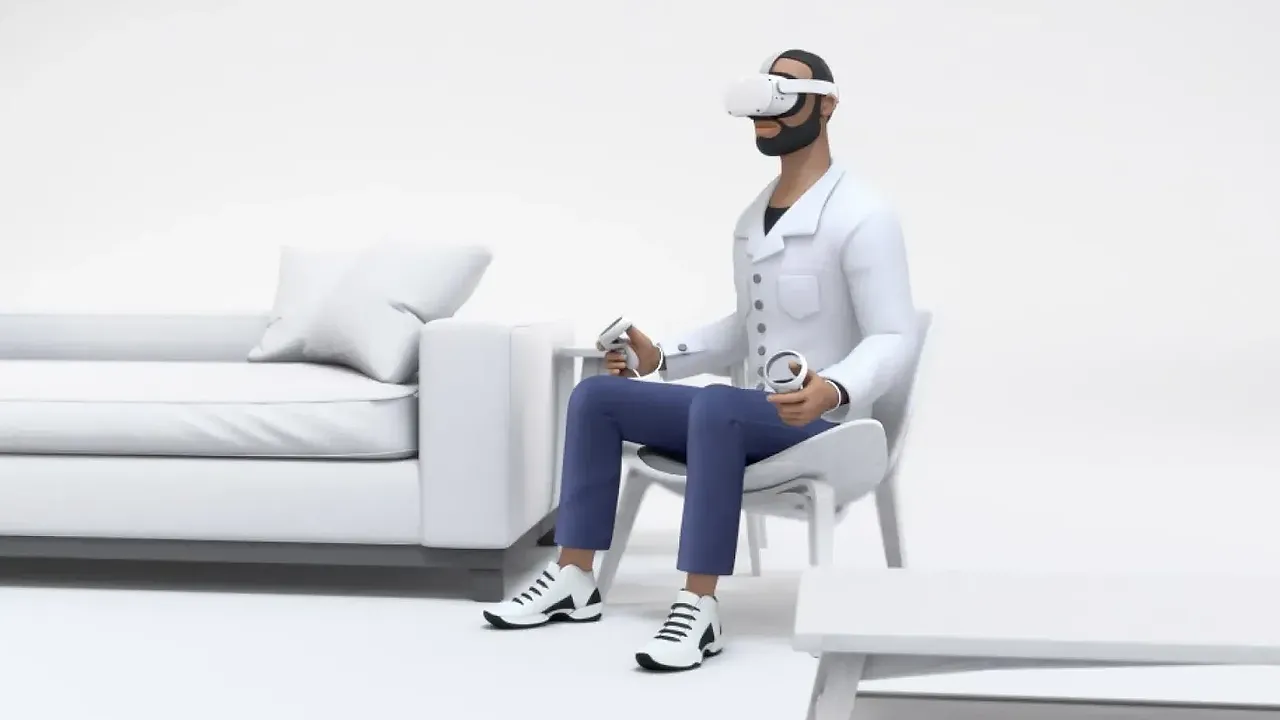
- Meta Quest: a Stationary boundary for sitting or standing in place is 1 m by 1 m (3 ft by 3 ft) by default. For Roomscale play, Meta recommends a clear space of at least 2 m by 2 m (6.5 ft by 6.5 ft).
- PlayStation VR2: 2 m by 2 m (6 ft 7 in by 6 ft 7 in) or larger for roomscale, and 1 m by 1 m (3 ft 4 in by 3 ft 4 in) or larger for sitting or standing.
- HTC VIVE Pro 2: room-scale needs a minimum play area of 2 m by 1.5 m (6 ft 6 in by 5 ft).
Meta also asks you to keep a buffer of about 30 to 60 cm (1 to 2 feet) beyond the safety boundary. Measure your floor with that buffer included. If the space is too small for roomscale, play seated or standing instead.
2. Clear the floor and the edges
Meta's warnings list the things to remove or stay away from:
- Clutter and objects on the floor.
- Doors, doorways, walls, windows and fixtures such as radiators and columns.
- Furniture like coffee tables, plus lamps, loose rugs and uneven flooring.
- Stairs, ramps and balconies.
Apple adds that the space should be dry and level, and its safety information says to keep away from sharp objects and sources of excessive heat, and not to use Vision Pro around stairs, balconies, railings, glass, mirrors or windows.
3. Look up: fans, lights and low ceilings
Check above your head too. Meta warns about ceiling fans, light fixtures and sloped ceilings, and notes that its safety boundary does not have an overhead boundary. Apple tells you to avoid moving objects like fans, and says Vision Pro can only detect objects at eye level. Raise your controllers over your head before you start to check you have room.
4. Watch out for glass, mirrors and sunlight
Headset cameras can be fooled by reflections. Meta lists transparent and reflective surfaces such as glass, mirrored tabletops and furniture as hazards. Apple says Vision Pro may not detect glass, mirrors and stairways. Valve suggests covering or removing nearby reflective surfaces if Steam Frame tracking misbehaves.
Windows matter for another reason. Meta warns that leaving the lenses exposed to direct sunlight may damage them, and Valve says even indoor sunlight can permanently damage Steam Frame's display system. Store your headset with the lenses turned away from windows.
5. Get the lighting right
Most headsets track with cameras, so light levels affect both tracking and safety features:
- Meta says the headset works best in a well-lit space, and that lighting that is too bright or too dim may stop its sensors and safety features from working well.
- Apple recommends a well-lit area and warns that low light may increase the risk of collision.
- For Steam Frame, Valve suggests turning off or removing small, bright lights in or around the play space, such as Christmas lights or high-powered LEDs, and other sources of infrared interference.
6. Keep pets and children out of the space
People and pets are the hazard most likely to move into your space mid-game. Meta lists people, especially young children, and pets as hazards, and its Quest 2 safety page states plainly that the boundary may not detect people or pets, so you should keep your play area clear even with the headset on. On that page Meta also describes Space Sense, an optional feature that shows outlines of people, pets and large objects up to nine feet away when they cross into a Roomscale boundary. Apple likewise asks you to stay aware of people, pets and children in your space.
Meta headsets are not for young children. Meta's warnings give a minimum age of 10, which may vary by country, and ask parents to supervise. If a child or teen uses your headset, our Family Center supervision guide shows how to set limits. Tell others in the room that you are playing, and close the door on pets if you can.
7. Draw your boundary and trust it
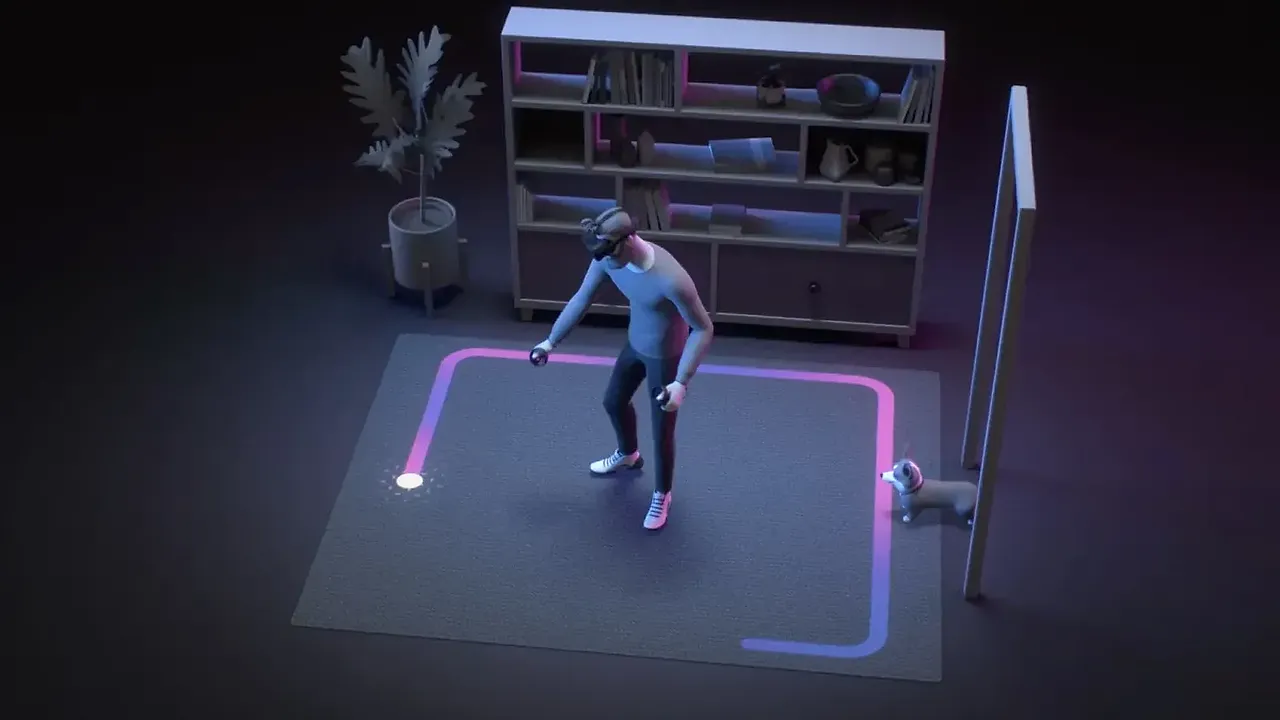
Once the room is clear, set up the headset's virtual boundary inside the cleared area, not up to the walls:
- Meta Quest: press the Meta button, select Quick controls, then Settings, Environment setup, Boundary and Adjust boundary. Our Quest boundary guide covers each option.
- PS VR2: on PS5, go to Settings > Accessories > PlayStation VR2 > Set Play Area. The edges appear when you approach them. See our PS VR2 setup guide.
- Steam Frame: open the Playspace menu from the taskbar in the VR Dashboard. The Chaperone grid appears when you near the edges, and you can change it under VR Settings > Play Area > Chaperone Style.
- Apple Vision Pro: in fully immersive experiences the system sets a boundary automatically and reveals your surroundings as you approach it.
When the boundary appears, stop and step back toward the middle. Apple also advises not to run or make sudden movements.
8. Re-check before every session
A play space only stays safe if it stays clear. Before you put the headset on, check the floor for anything new, make sure the lights are on, and confirm pets and children are out of the way. If you move furniture, redraw the boundary. For your first sessions, Meta suggests a maximum of 30 minutes followed by a 15-minute break. If you feel unwell, stop and see our tips to reduce motion sickness.
问题与答案
How much space do I need for roomscale VR?
Meta recommends at least 2 m by 2 m (6.5 ft by 6.5 ft) for a Quest Roomscale boundary, and Sony asks for 2 m by 2 m or larger for PS VR2 roomscale. HTC lists a minimum of 2 m by 1.5 m for VIVE Pro 2 room-scale.
Can I play VR in a small room?
Yes, if you play seated or standing. Meta's Stationary boundary covers 1 m by 1 m by default, and Sony asks for 1 m by 1 m or more for sitting or standing play on PS VR2.
Will the boundary warn me about my dog or my kids?
Not reliably. Meta says the boundary may not detect people or pets, so keep the play area clear even while you are playing.
Does the boundary protect me from ceiling fans?
No. Meta notes that its safety boundary has no overhead boundary, and both Meta and Apple tell you to avoid ceiling fans and other moving objects.
Why does lighting matter for VR safety?
Camera-tracked headsets need good light. Meta says light that is too bright or too dim can stop its sensors and safety features from working well, and Apple warns that low light may increase the risk of collision.