
vrOS 3.3.0 brings SteamVR streaming to Quest headsets
vrOS 3.3.0 streams SteamVR games with desktop panels on Quest 3, Quest 3S and Quest 2, but installation requires Windows sideloading outside Meta’s store.
By vrBlogs
· 2 min read · Source: MIXED
vrOS 3.3.0 is a third-party utility update that streams SteamVR games to Meta Quest 3, Quest 3S and Quest 2 while placing PC windows beside the game as virtual panels.
The Quest component requires installation from a Windows PC. It is not yet available through the Meta Horizon Store, and the update is separate from any Meta system update.
What the Quest update adds
According to the developer’s vrOS 3.3.0 patch notes, the application can show PC windows and displays inside the headset while a SteamVR game runs from the computer. The connection also includes PC audio and the headset microphone.
Version 3.3.0 brings the vrOS dashboard and virtual keyboard to Quest headsets as well. A nearby reference window can remain visible during a game, but the developer says Twitch and other extensions do not run on Quest yet.
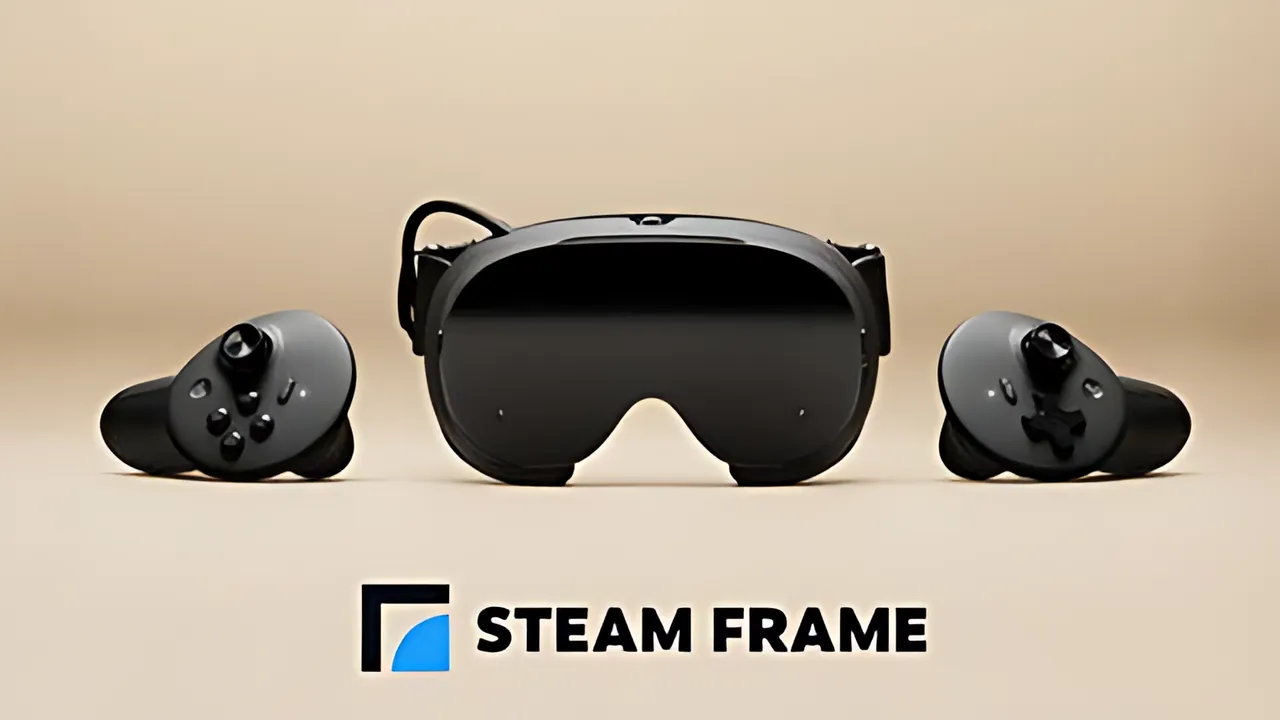
The feature still depends on a suitable PC to run the games. The paid vrOS application is listed as Early Access on Steam. Quest support is a separate addition from vrOS desktop panels and PC VR streaming previously reported for Steam Frame.
Installation requires sideloading
MIXED’s report, dated 2026-11-17, says users must first enable Developer Mode through Meta’s Horizon phone app. Meta requires a verified developer account and an organization for that step.
The built-in vrOS installer then runs on Windows. Connect the headset by USB-C, allow USB debugging and use the PC application to download the Quest component. The developer also describes manual sideloading through tools such as SideQuest or Meta Quest Developer Hub.
After installation, vrOS appears under Unknown Sources in the headset library. The PC and headset must use the same network, and streaming must be enabled in vrOS on the PC for SteamVR games. The team has not submitted a Horizon Store version yet, so users unfamiliar with sideloading should read the complete setup instructions before buying.
Quest hardware limits
The developer tested Quest 2 game streaming at 72Hz, with up to two video-playing panels beside a game. Quest Pro has not been tested, although its decoder follows the same path as Quest 2.
On Quest, vrOS currently displays no more than 16 layers. If more are present, the farthest panels are hidden. Performance depends on the user’s PC and network, and the headset does not replace the computer required for streaming.
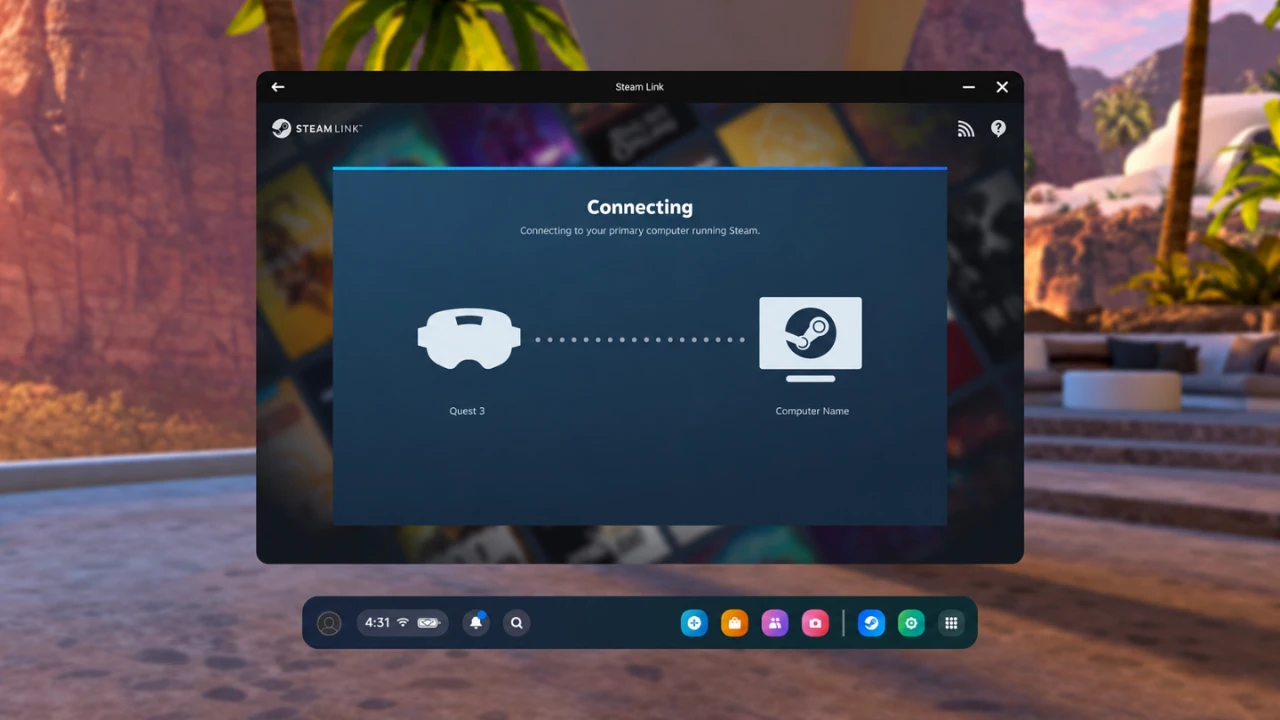
The Meta Quest 3 listing on Amazon includes a 512GB model. The featured Meta image shows Quest 3, not vrOS in use. Earlier developer promotional images from catnet systems and Steam show the vrOS interface, overlay controls, desktop panels and media panels, but may not represent the new Quest version specifically.
Image credits: Meta for the Quest 3 featured image; catnet systems and Steam for vrOS screenshots. Store links in the source report may be affiliate links. MIXED may receive a commission if a purchase follows its link, without changing the buyer’s price. MIXED also states that it earns from qualifying purchases as an Amazon Associate.
Enjoyed this story?
Like it to tell the editors, or save it to read later.
Comments
Sign in to join the conversation.
Sign inNo comments yet. Start the conversation.
·