SteamVR 2.19.5 Adds Intel GPU Steam Link Support, Frame Fixes
Valve released SteamVR 2.19.5 and SteamOS 0.5.11 betas with Intel GPU Steam Link streaming, steadier eye-tracked foveation and redesigned chroma key tools.

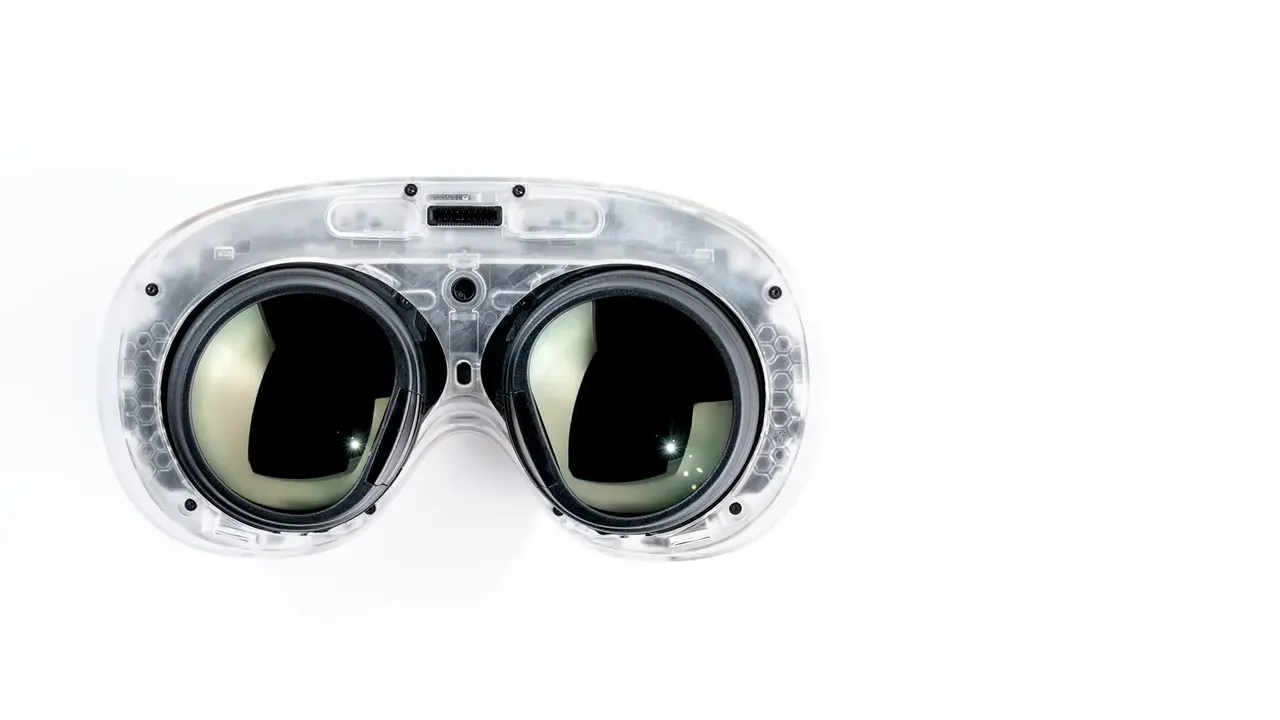
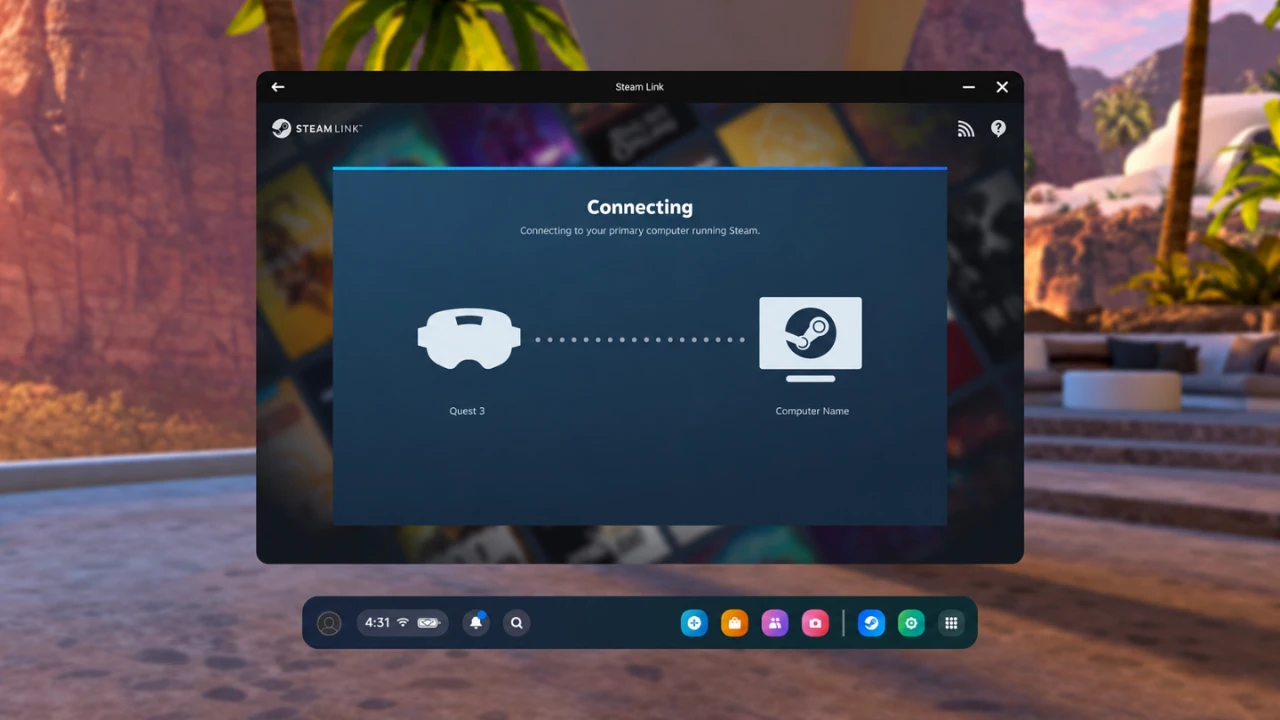
Valve has shipped release-candidate builds of SteamVR 2.19.5 Beta and SteamOS 0.5.11 Beta, expanding native Steam Link wireless streaming to Intel graphics hardware while refining passthrough, chroma keying and eye-tracked foveated rendering. Both updates sit in beta ahead of a wider stable rollout for Valve headsets and PC VR streaming setups.
Native Intel GPU support arrives in Steam Link
The headline addition in SteamVR 2.19.5 is official Steam Link host streaming support for Intel Arc discrete GPUs alongside Intel Iris and Intel UHD Graphics 700-series and newer. Previously, Windows desktops and laptops built around Intel graphics lacked official Steam Link encoding support, forcing owners toward third-party streaming utilities or preventing wireless PC VR sessions altogether.
While integrated UHD and Iris graphics still face strict performance ceilings in demanding native VR titles, native encoding support opens Steam Link to modern Intel Arc desktop builds and mid-range hybrid laptops streaming lighter VR apps or flatscreen theater sessions.
Eye-tracked foveation and chroma key controls get overhauled
For eye-tracked hardware—specifically Valve Steam Frame and Meta Quest Pro—SteamVR 2.19.5 stabilizes the size of the high-resolution foveated region when wearers glance sharply away from the center of the lenses, curbing visible edge distortion during rapid eye movement.
Valve also reorganized host-PC chroma key and Room View passthrough behavior to give mixed reality streamers and cockpit sim players finer control:
- Relocated host settings: Chroma key controls moved from the Camera menu to Play Area beneath Environment, and now apply only when no VR game is active.
- Per-application keying: Host PCs gain per-game chroma key profiles for key color, mode and threshold.
- Independent Room View toggle: Using Key Content outside a game no longer forces Room View on, allowing partial keying of the dashboard, Aurora home and backgrounds even with Room View disabled.
- Power warning: SteamVR now alerts users that enabling Key Content keeps passthrough cameras active and raises battery drain.
General fixes in 2.19.5 resolve right-eye flicker in select conditions, repair recurring reprojection failures, add a workaround for input drops in F1 '25 and fix a Linux host regression that locked certain games to half frame rate.
What SteamOS 0.5.11 Beta changes on Steam Frame
On the headset side, SteamOS 0.5.11 Beta bundles SteamVR 2.19.5 and targets streaming sharpness, tracking stability and power behavior. Valve re-enabled foveated SGSR sharpening during chroma key streaming and boosted video decode efficiency, allowing higher default streaming resolutions over wireless links.
The build also cleans up several practical annoyances: it removes Room View glare and single-frame key-color flashes when toggling passthrough, prompts users to configure a playspace when starting a PC VR stream without one set, stabilizes tracking while the wearer sits nearly motionless, lowers idle power draw when a VR game stays open and fixes low-power charging glitches alongside a black-screen bug triggered by changing refresh rates.
What to expect before stable release
Labeling both builds as release candidates signals that Valve expects them to graduate to the main SteamVR and SteamOS branches quickly unless regressions surface in beta testing. For Steam Frame owners who already rely on wireless PC streaming—and for Intel Arc desktop users previously shut out of Steam Link—2.19.5 represents one of the most consequential platform updates since Steam Frame began shipping in September.
Enjoyed this story?
Like it to tell the editors, or save it to read later.

Comments
Sign in to join the conversation.
Sign inNo comments yet. Start the conversation.
·