How to set up your play area and boundary on Meta Quest
Set up a safe VR play space on Meta Quest 3 and 3S: clear the room, choose roomscale or stationary, accept or draw a boundary, run Space Setup, and fix a boundary that keeps resetting.
- Débutant
- 10 min
Ce dont vous avez besoin
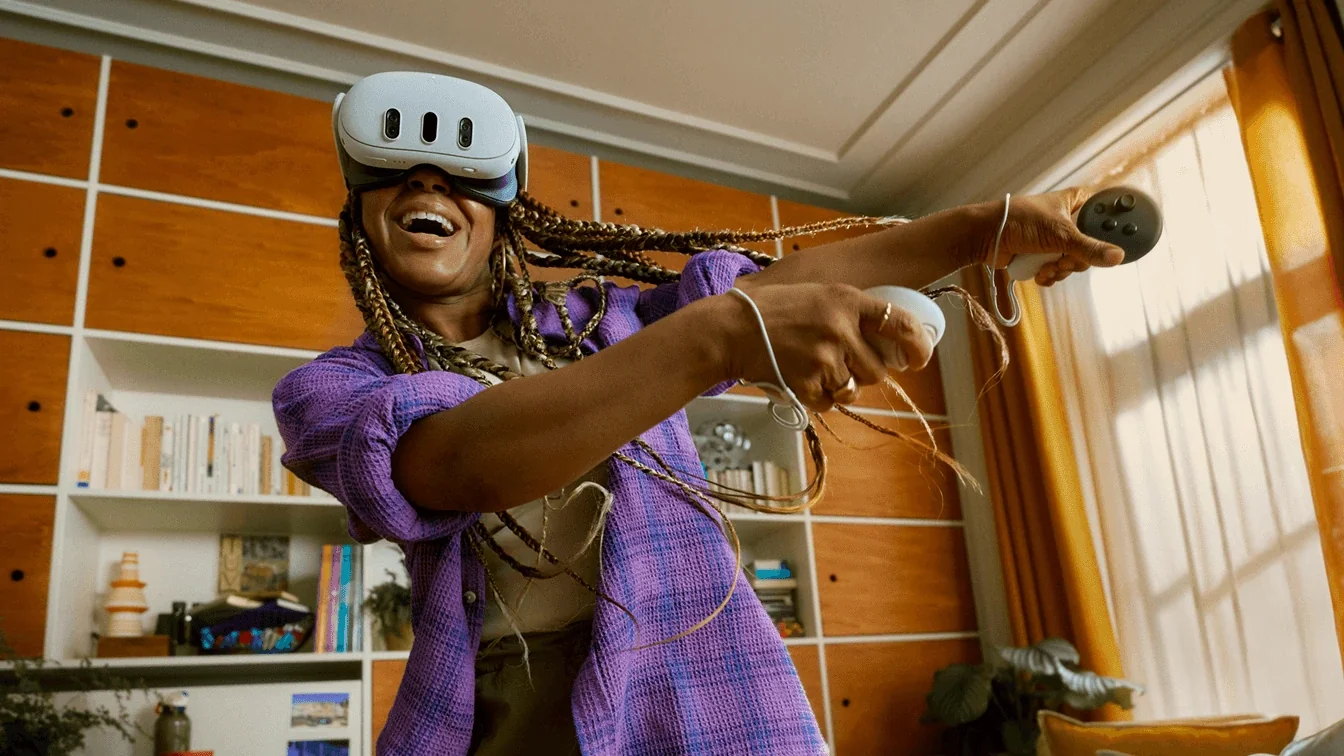
- Meta Quest 3 or Meta Quest 3S
- A clear area, ideally at least 2 × 2 m (6.5 × 6.5 ft) for roomscale
- Good indoor lighting without direct sunlight
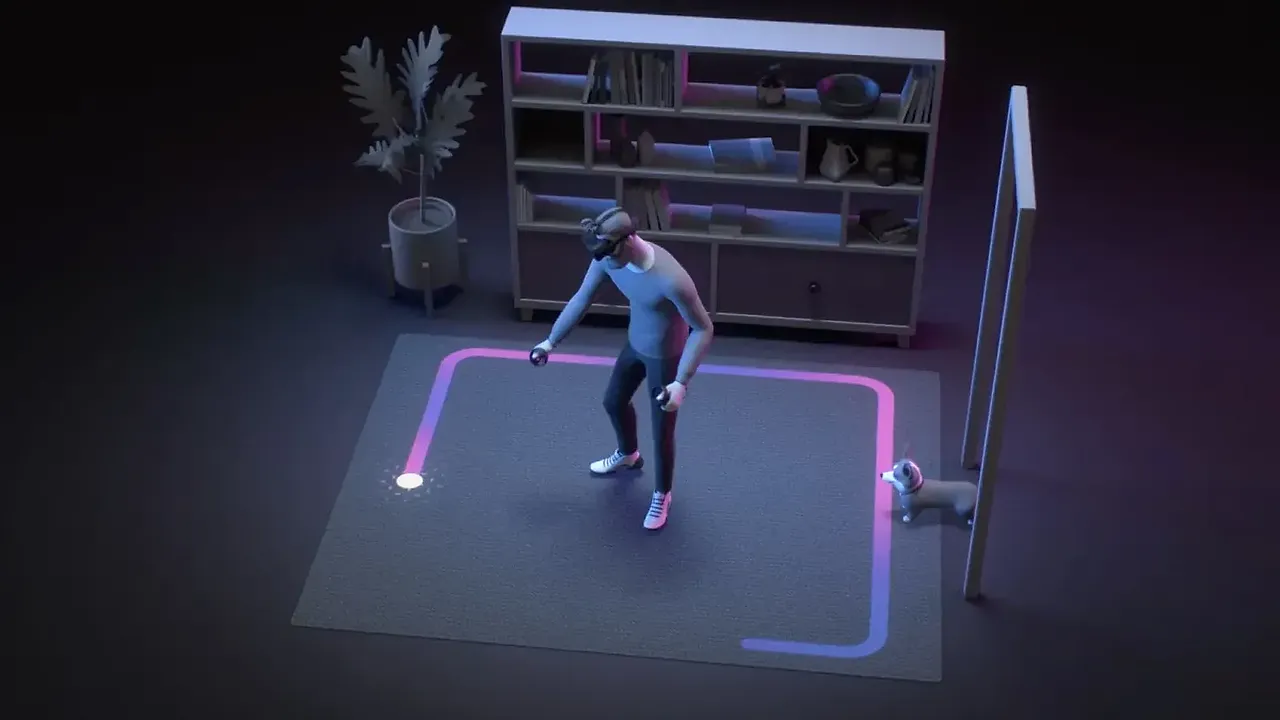
The boundary (once called Guardian) is what keeps you from walking into furniture while you play. On the Meta Quest 3 and Meta Quest 3S, the headset can suggest a boundary automatically, and you can also draw your own. This guide follows Meta's articles on suggested boundaries and Space Setup and recommended play space.
Step 1: Prepare the room
- Pick an area free of furniture, cables, rugs that slide, and anything breakable. Check above you for ceiling fans and lights.
- For roomscale play, Meta asks for a safe, unobstructed space of at least 2 by 2 meters (6.5 by 6.5 feet). Smaller spaces can still use stationary mode.
- Turn on the lights. Tracking cameras need reasonable light, but keep the headset out of direct sunlight, which can damage the lenses.
- Keep pets and children out of the area while you play.
Step 2: Choose roomscale or stationary
- Roomscale gives you an area to walk, duck and dodge in. Use it for active games.
- Stationary creates a small zone around you for seated or standing play in one place. Use it for videos, seated games or tight rooms.
Step 3: Create the boundary
- Stand in the middle of your play area and put on the headset.
- When you launch an app and no boundary exists for your space, the headset proposes a suggested boundary based on the free space it can see.
- Look around in passthrough to check the outline. You can edit the suggested boundary before accepting it, or choose to draw your own.
- If you draw your own, trace the edge of your clear space with the controller, keeping the line a little inside real obstacles.
- Confirm the boundary. To change it later, open Settings, then Environment setup, then Boundary.
Step 4: Run Space Setup for mixed reality
- Mixed reality apps use a 3D map of your room. Space Setup runs automatically the first time you open an app that needs it.
- To run it yourself, open Settings, then Environment setup, then Space Setup.
- Look slowly around the room, including walls, tables and large furniture, while the headset scans. It maps simplified surfaces so you do not have to add them by hand.
Step 5: Test it
- Walk slowly toward the edge. A boundary wall should appear before you reach any obstacle.
- If the boundary seems too tight or too close to furniture, edit or redraw it.
Troubleshooting
- Boundary keeps disappearing or asking to be redrawn: improve the lighting, avoid large mirrors and bare walls, and redo the setup after moving furniture.
- Floor looks too high or low: redo the boundary setup so the headset can find the floor again.
- Not enough space: switch to stationary mode and choose games that support seated or standing play.
Other headsets
On PC, SteamVR calls its boundary Chaperone. The PlayStation VR2 on PC sets its play area by scanning the room in the PlayStation VR2 App, and you can redo it later from the SteamVR dashboard by selecting the PS VR2 icon and then Go to Play Area Setup for PS VR2, as described on Sony's PS VR2 on PC page.
Questions et réponses
How much space do I need for roomscale VR on Quest?
Meta asks for a safe, unobstructed space of at least 2 by 2 meters (6.5 by 6.5 feet). If you have less room, use stationary mode.
Where do I change my boundary later?
On Quest, open Settings, then Environment setup, then Boundary. Space Setup for mixed reality is in the same Environment setup menu.
What is the difference between a boundary and Space Setup?
The boundary is your safety zone. Space Setup is a 3D scan of walls and furniture that mixed reality apps use to place virtual objects in your room.
Is Guardian the same as Boundary?
Yes. Guardian was Meta's original name for the feature; current Quest menus call it Boundary.