How to choose a VR headset in 2026
A buying guide to VR headsets in 2026: the questions to ask, the specs that matter, and which headsets fit beginners, PS5 owners, Steam players, PC enthusiasts and media fans.
- Débutant
- 15 min
Choosing a VR headset in 2026 is less about finding the "best" one and more about matching a headset to what you already own and what you want to do. This guide walks through the decision step by step, then suggests headsets for common needs based on official specifications and widely reported strengths and weaknesses. Prices are US list prices from the makers' sites and change often, so check before you buy.
Step-by-step: how to decide
- Decide what you want to do. Mostly games? Fitness? Watching movies and working on big virtual screens? Social apps? Each points to a different headset.
- Check what you already own. A PS5 makes the PlayStation VR2 attractive. A large Steam library and a gaming PC make PC VR worth considering. An iPhone and Mac fit Apple's ecosystem; an Android phone and Google services fit Android XR.
- Choose standalone, PC or console. A standalone headset works on its own; many can also stream from a PC. PC-only headsets need a powerful Windows computer.
- Set a budget for the whole setup, including accessories such as a better strap, a carry case, controllers sold separately, prescription inserts or base stations.
- Check fit. Make sure the headset's lens spacing covers your IPD and that you can use it with glasses or inserts if you need them.
- Compare the specs that matter (below), then read the device pages for details.
The specs that matter most
- Lenses: pancake lenses give a sharper image across more of the view than Fresnel lenses.
- Display: resolution and pixels per degree decide sharpness; micro-OLED adds deep blacks in premium models.
- Field of view and comfort: weight, balance and strap design often matter more over a long session than raw specs.
- Passthrough: color passthrough is needed for good mixed reality.
- Tracking and input: controllers matter for games; hand tracking and eye tracking matter for media and productivity.
- Store and library: the games and apps you want must be available on the headset's platform.
Headsets for common needs
For most people starting out: Meta Quest 3S
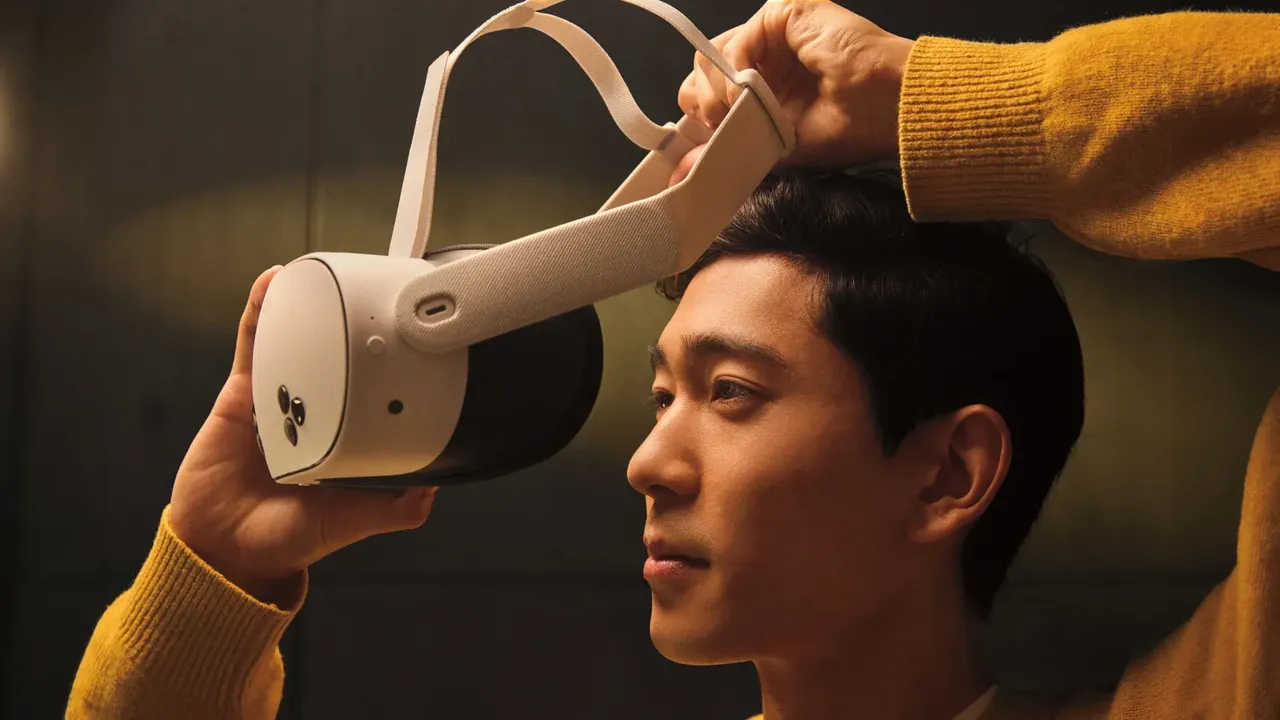
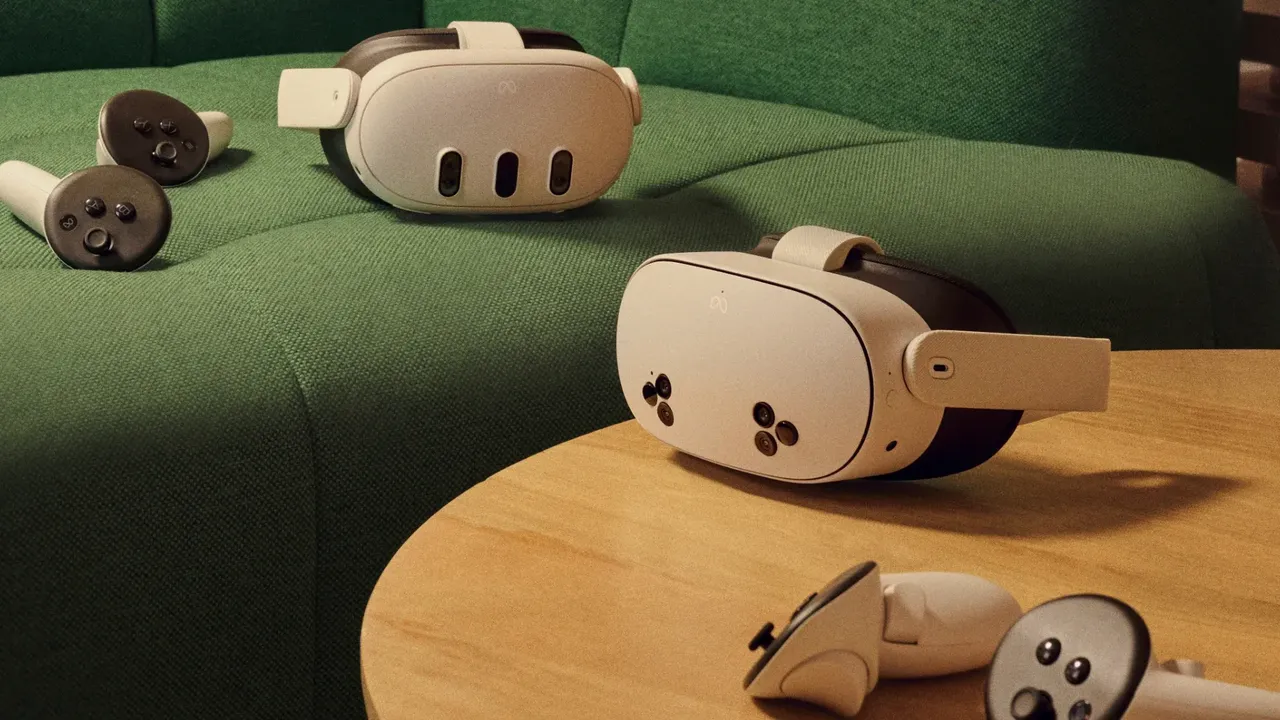
The Meta Quest 3S is the lowest-cost way into Meta's large Meta Horizon Store library, with color passthrough and the same chip as Quest 3. Meta lists it at $349.99 (128 GB) and $449.99 (256 GB). The trade-offs are Fresnel lenses, a narrower 96-degree horizontal field of view and three fixed lens positions.
Best all-round standalone: Meta Quest 3
The Meta Quest 3 adds pancake lenses, a sharper display, a wider 110-degree horizontal view and continuous lens adjustment. Meta lists it at $599.99 with 512 GB. It plays standalone games and can stream PC VR through a cable or Wi-Fi.
For PS5 owners: PlayStation VR2
The PlayStation VR2 uses OLED displays, eye tracking and advanced controller haptics on PS5. It is wired to the console and can also play SteamVR games on a PC through Sony's adapter, without eye tracking or HDR. See how to use PS VR2 on a PC.
For Steam players: Valve Steam Frame
The Valve Steam Frame runs SteamOS, plays Steam games on its own and streams heavier games from a PC through an included wireless adapter, using eye tracking for foveated streaming. Valve sells it from $1,059 (256 GB) or $1,299 (1 TB), with orders filled in waves. Its passthrough is black and white, so it is less suited to mixed reality.
For PC VR enthusiasts: Bigscreen Beyond 2 and 2e
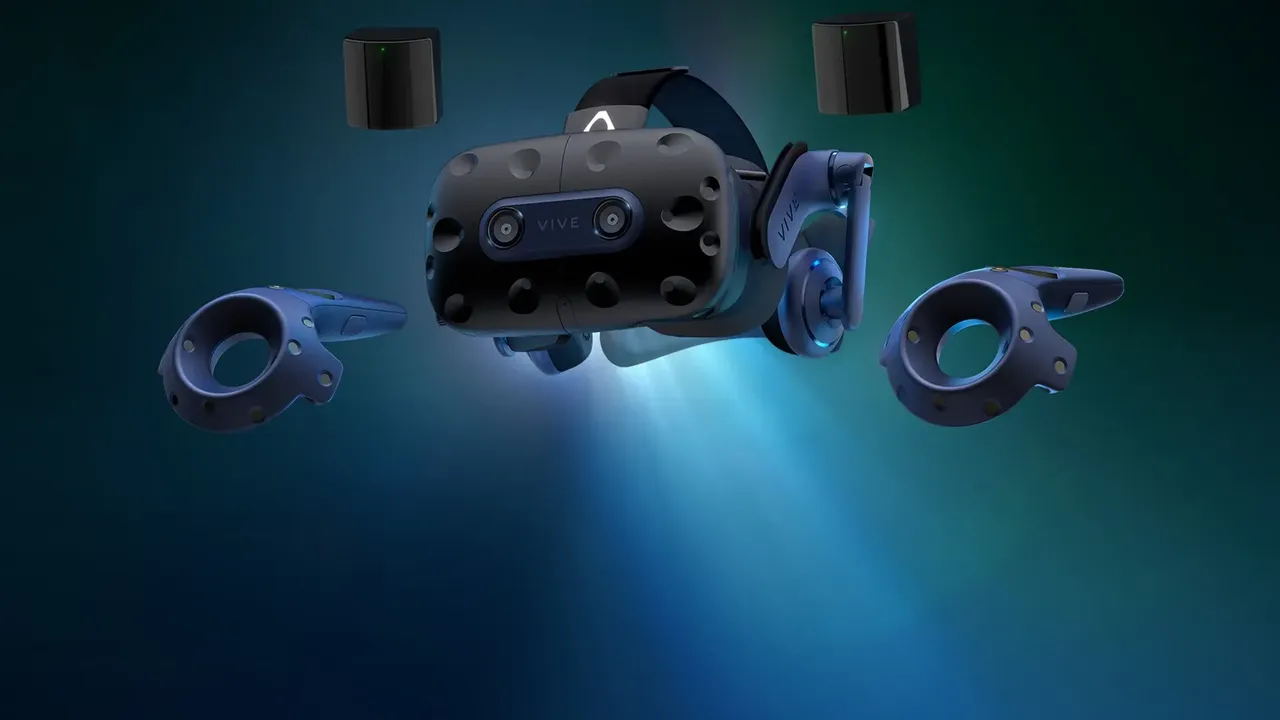
The Bigscreen Beyond 2 weighs about 107 g and uses micro-OLED displays. It is a SteamVR headset that needs a gaming PC plus at least one SteamVR base station and controllers bought separately. Bigscreen lists it from $1,019, and the Bigscreen Beyond 2e with eye tracking from $1,219.
For media, work and Android: Samsung Galaxy XR
The Samsung Galaxy XR runs Android XR with sharp micro-OLED displays, eye and hand tracking and Google Play apps. It launched at $1,799.99; controllers are sold separately.
For Apple users who want the most polished spatial computer: Apple Vision Pro
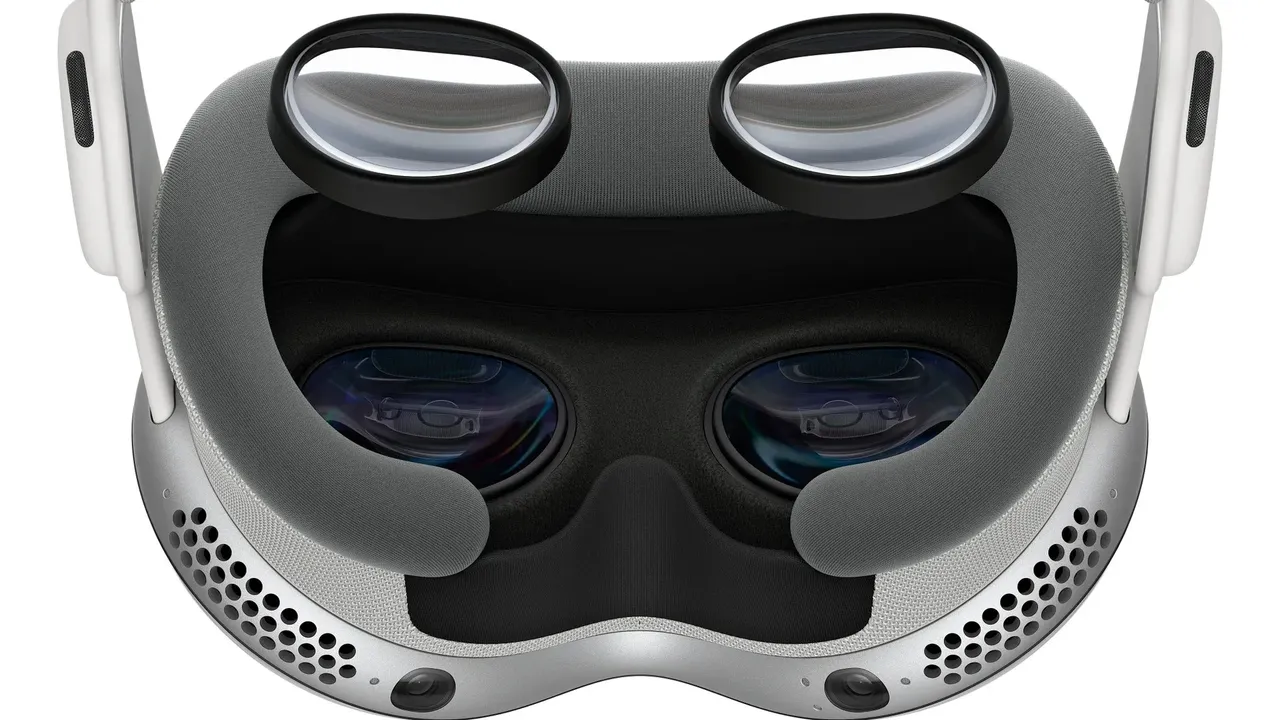
The Apple Vision Pro with the M5 chip is aimed at media, productivity and Apple ecosystem features rather than gaming, and it is by far the most expensive option here. It has no controllers in the box and cannot be used with glasses. See Apple Vision Pro: getting started.
Before you buy
- Check the return policy so you can send the headset back if it does not fit or makes you uncomfortable.
- Confirm that the specific games or apps you want are on that headset's store.
- If you wear glasses, check the options in our glasses and prescription lenses guide.
- If you are prone to motion sickness, read how to reduce motion sickness in VR and favor headsets with high refresh rates and comfortable games.
Questions et réponses
What is the best VR headset for a beginner in 2026?
For most beginners a standalone Meta Quest is the easiest start: no PC or console needed and a large game library. The Quest 3S is the cheaper option, while the Quest 3 has sharper pancake lenses.
Do I need a gaming PC for VR?
No. Standalone headsets like Meta Quest, Steam Frame, Galaxy XR and Vision Pro work on their own. A gaming PC is only required for PC-only headsets like the Bigscreen Beyond 2, or if you want to stream PC VR games.
Is PS VR2 worth it without a PS5?
It can work on a Windows PC through Sony's PC adapter, but some features such as eye tracking and HDR are not supported on PC, so it makes the most sense for PS5 owners.
Which headsets support mixed reality?
Headsets with color passthrough, such as Meta Quest 3, Quest 3S, Samsung Galaxy XR and Apple Vision Pro, are best for mixed reality. Steam Frame and PS VR2 have black-and-white passthrough.