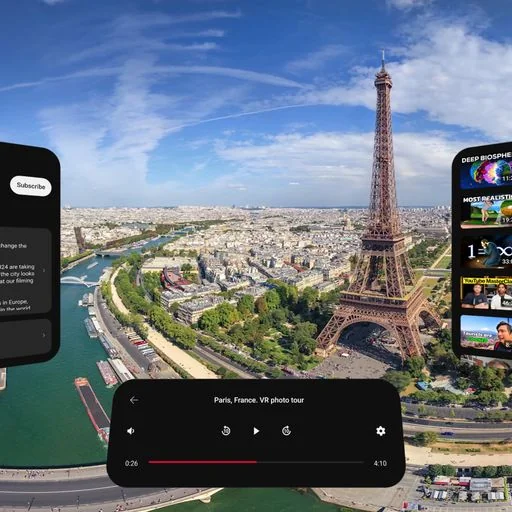


Free virtual cinema and hangout app for Quest and PC VR: share your desktop, play PC games or watch 2D and 3D video on a giant screen, alone or with friends in rooms of up to 12.

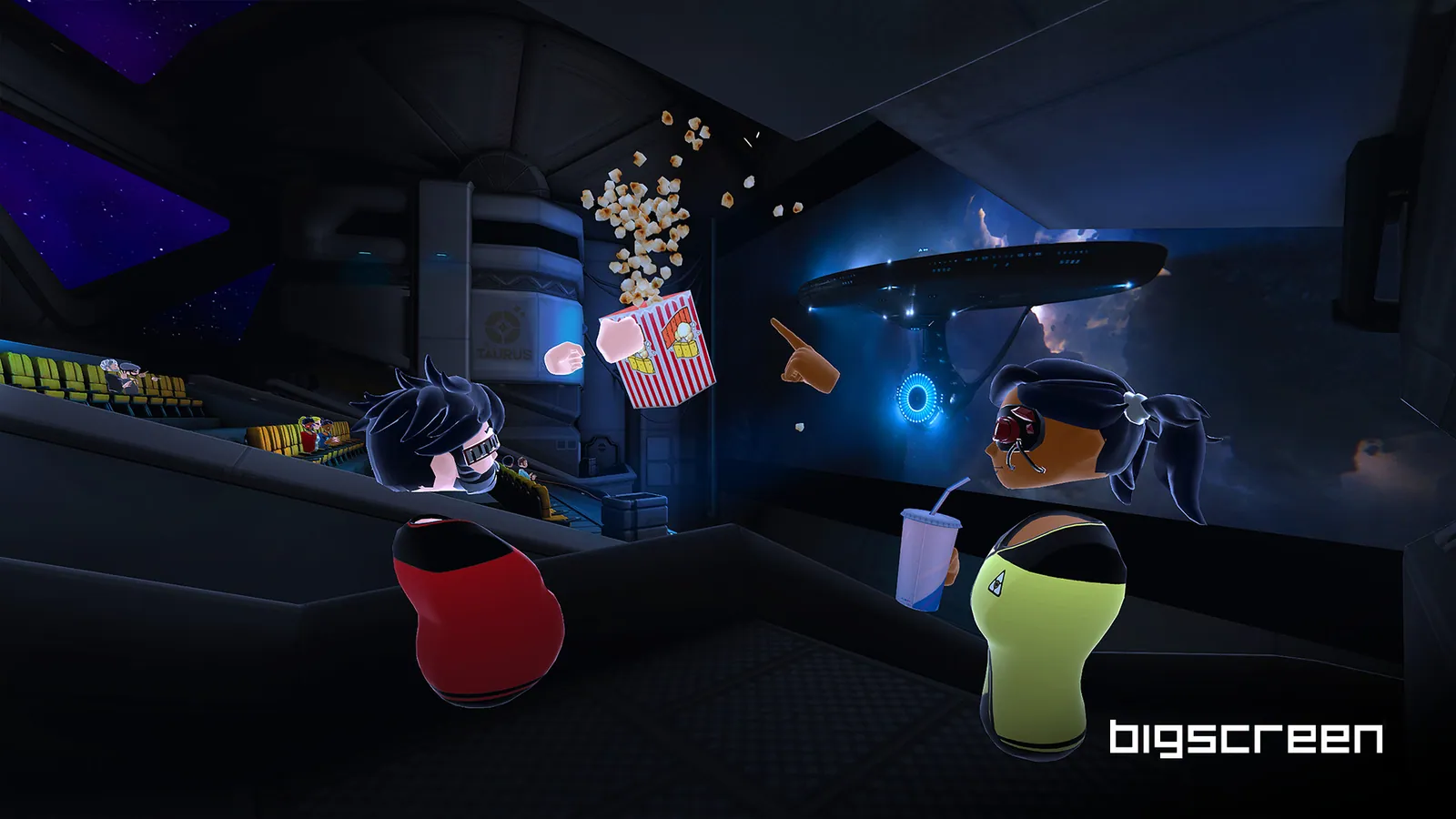


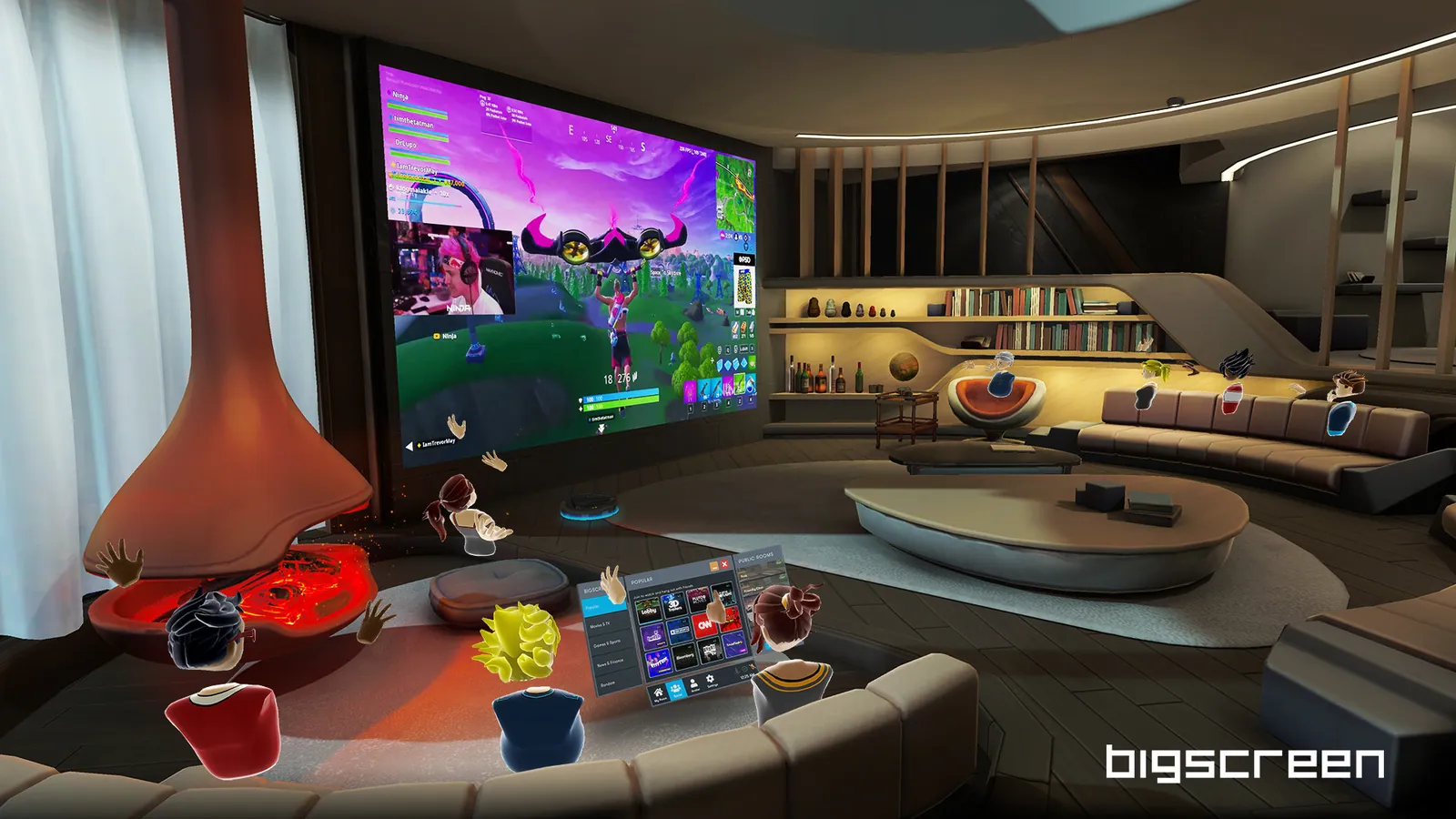
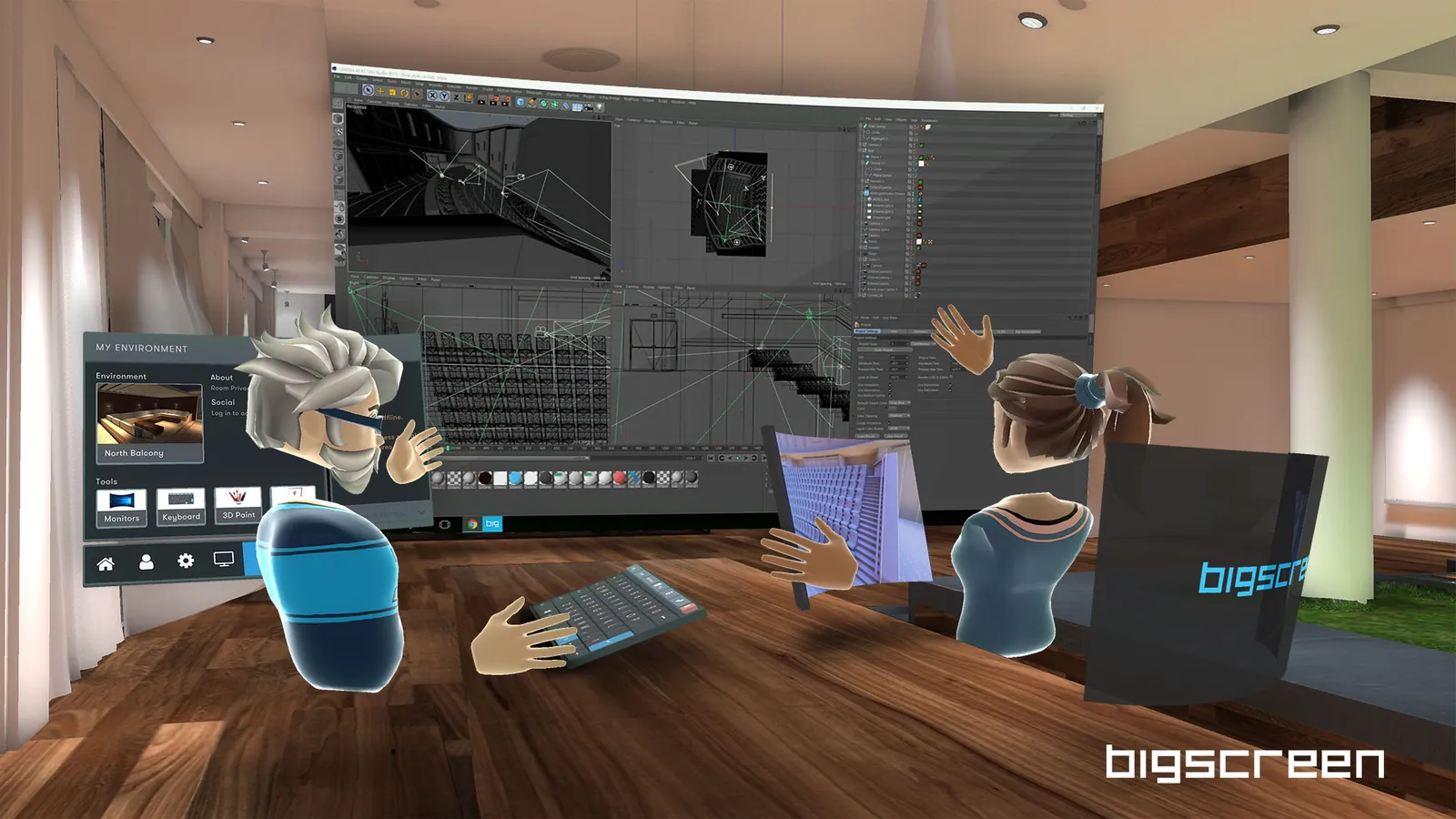

Bigscreen, listed on stores as Bigscreen Beta, is a free virtual cinema and hangout app from Bigscreen, and part of the Media & Video category. It launched for free on Steam on April 28, 2016, and has been on the Quest store since May 21, 2019. Despite its long history, it still carries the "Beta" label.
What it does
Bigscreen puts a giant screen in a virtual theater, living room or other environment. You can share your computer desktop, use up to three virtual monitors, play PC games on the big screen, and watch flat or 3D videos (side-by-side and over-under) in its built-in player. You can also stream YouTube, and the store pages list 3D movies among its features.
Watching together
The social side is the main draw. You can join public rooms or invite friends into private rooms of up to 12 people, see each other as avatars, talk by voice and draw in the air with 3D markers. Steam lists cross-platform multiplayer, so PC VR and Quest users can share a room. Public rooms mean meeting strangers, which is worth keeping in mind for younger users; Meta rates the app Teen with a "Diverse Content: Discretion Advised" notice.
Comfort
Meta rates Bigscreen as Comfortable. You mostly sit or stand in front of a screen, and room-scale play is also supported.
Platforms and what to know before buying
- It is free on the Meta Horizon Store for headsets from the Meta Quest 2 to the Meta Quest 3 and Quest 3S, with in-app purchases. A separate PC VR version is listed for Link.
- It is free on Steam for any SteamVR headset. The minimum PC is Windows 10 64-bit, a Core i5-4590, 8 GB of RAM and a GeForce GTX 970 or Radeon 290-class GPU.
- To see your PC desktop on a Quest without a PC VR setup, you install the Bigscreen Remote Desktop client on a Windows PC with hardware video encoding; the PC and headset must be on the same local network, ideally with 5 GHz Wi-Fi.
- The interface is English only.
- Steam reviews are Very Positive, and the Quest version holds 3.8 out of 5 from about 6,000 ratings.
- The company's recent focus has been its Bigscreen Beyond 2 headset, but the app still receives updates, with a new Quest build in October 2026.