Logitech MX Ink review: a precise pen for Quest creators, if your apps support it
An AI-written assessment of Logitech MX Ink from official specs and published reviews: accurate tracking, a natural pressure-sensitive pen feel, deep Quest integration and 7-hour battery; a premium price, app-dependent usefulness, a grip some found awkward and no charging cable.
评测结论
Reviewers found the MX Ink accurate, natural to draw with and neatly integrated into Quest, making it the best way to sketch and annotate on a Meta headset. It is only worth its premium price if the creative apps you use support it.
分项评分
优点
- Accurate, low-latency tracking
- Pressure-sensitive tip and main button
- Built into Quest settings and pairing
- Works alongside Touch controllers
- Up to 7 hours of battery
- Light at 29 g
缺点
- Expensive, dock sold separately
- Useless in apps without support
- Grip and button spacing not for everyone
- About 3 hours with haptics on
- No USB-C cable included
- No Quest Pro Touch Pro support
照片

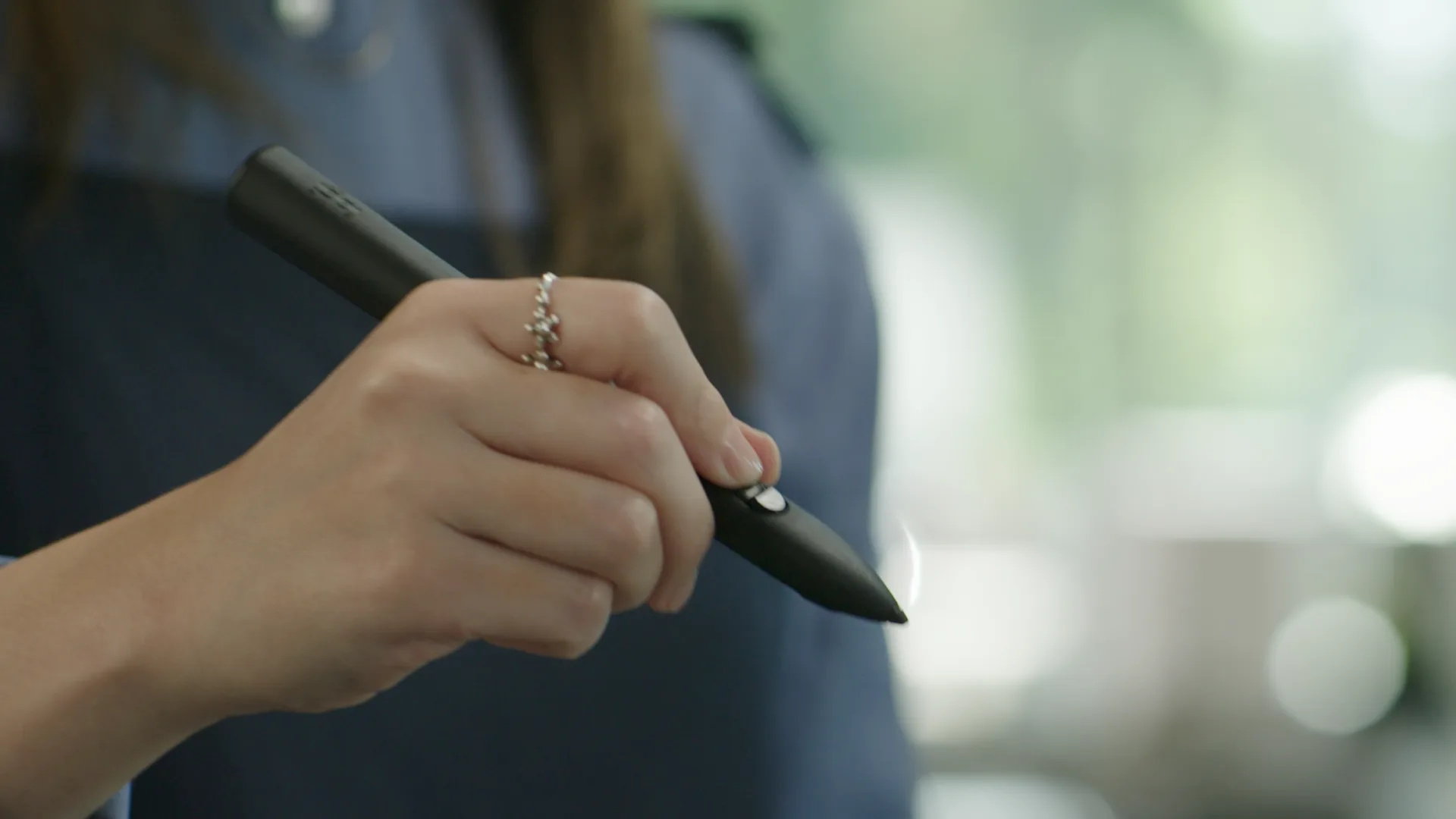
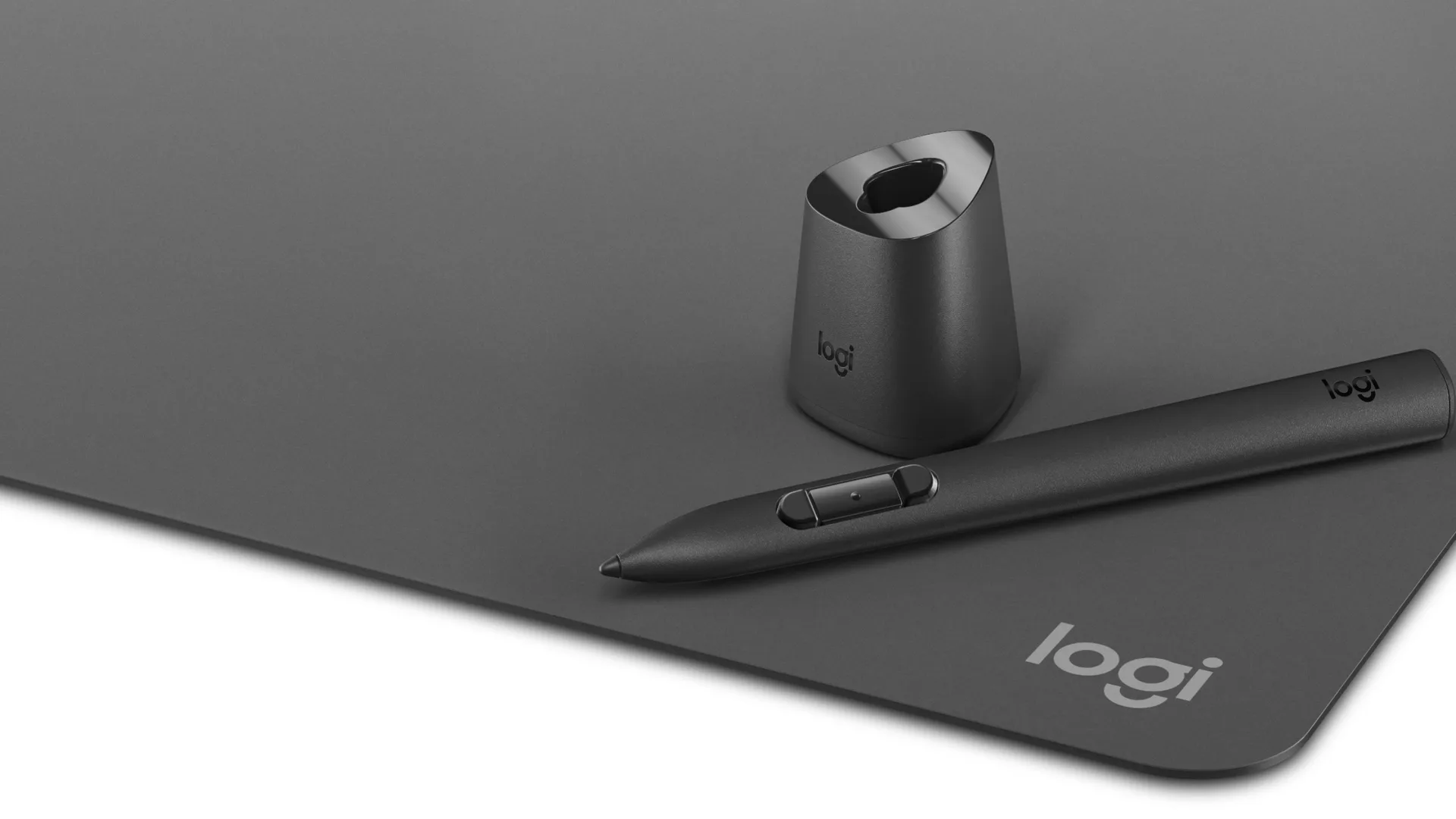
This review is an AI-written assessment. It is based on official specifications and on what published reviews broadly agree on, not on hands-on testing.
What it is
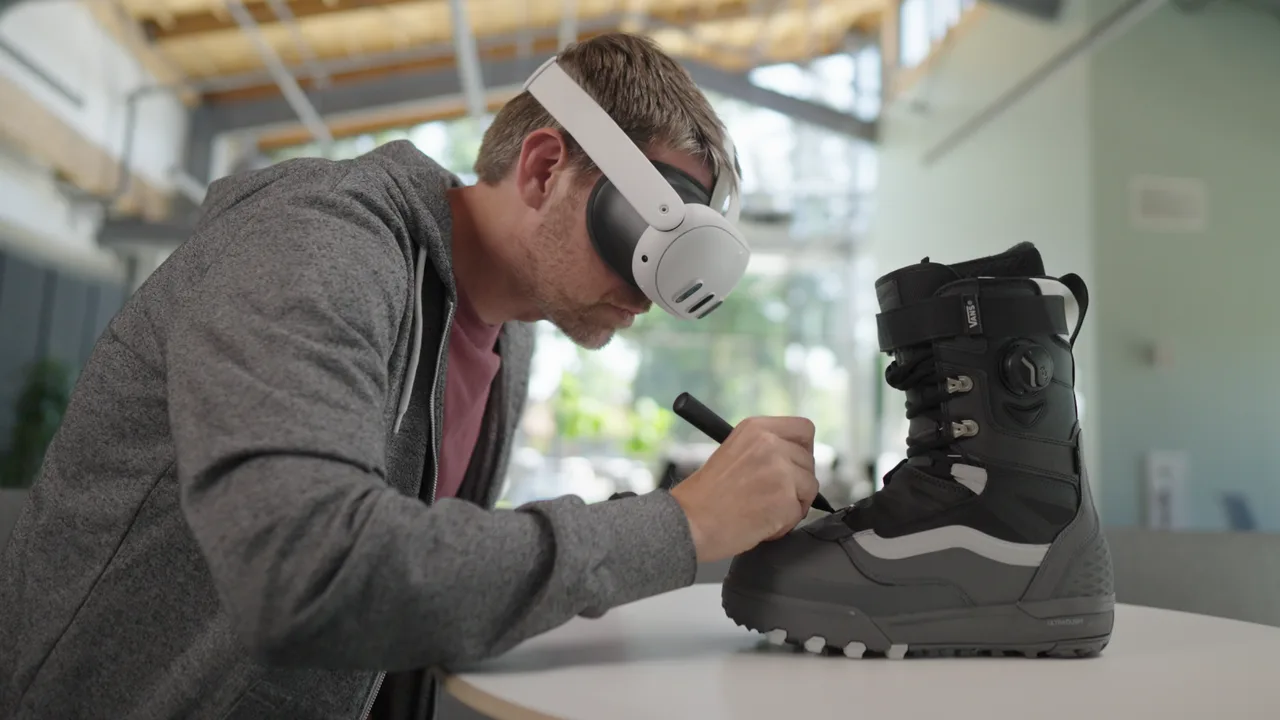
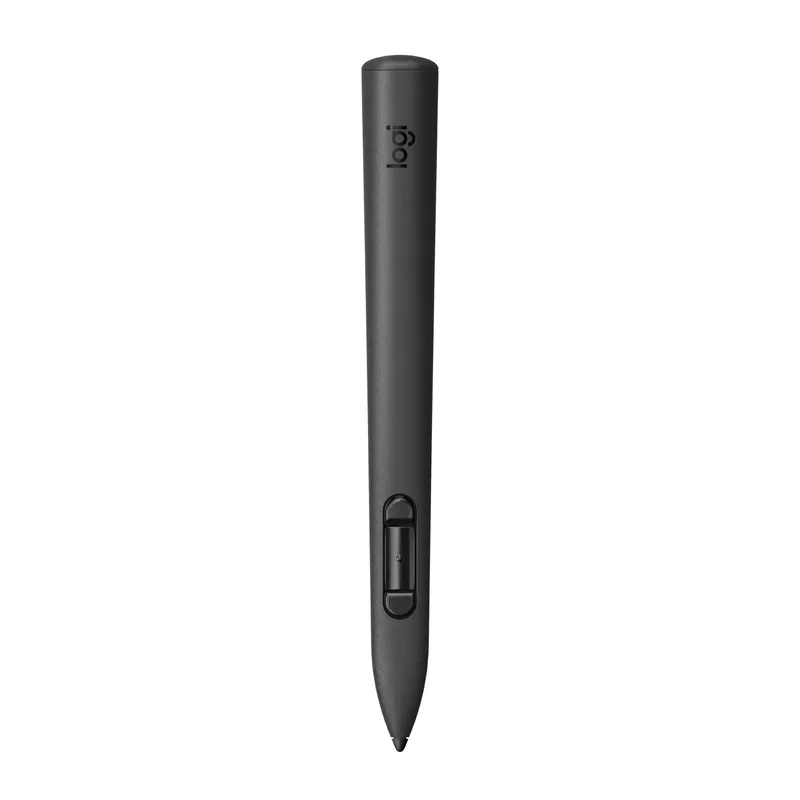
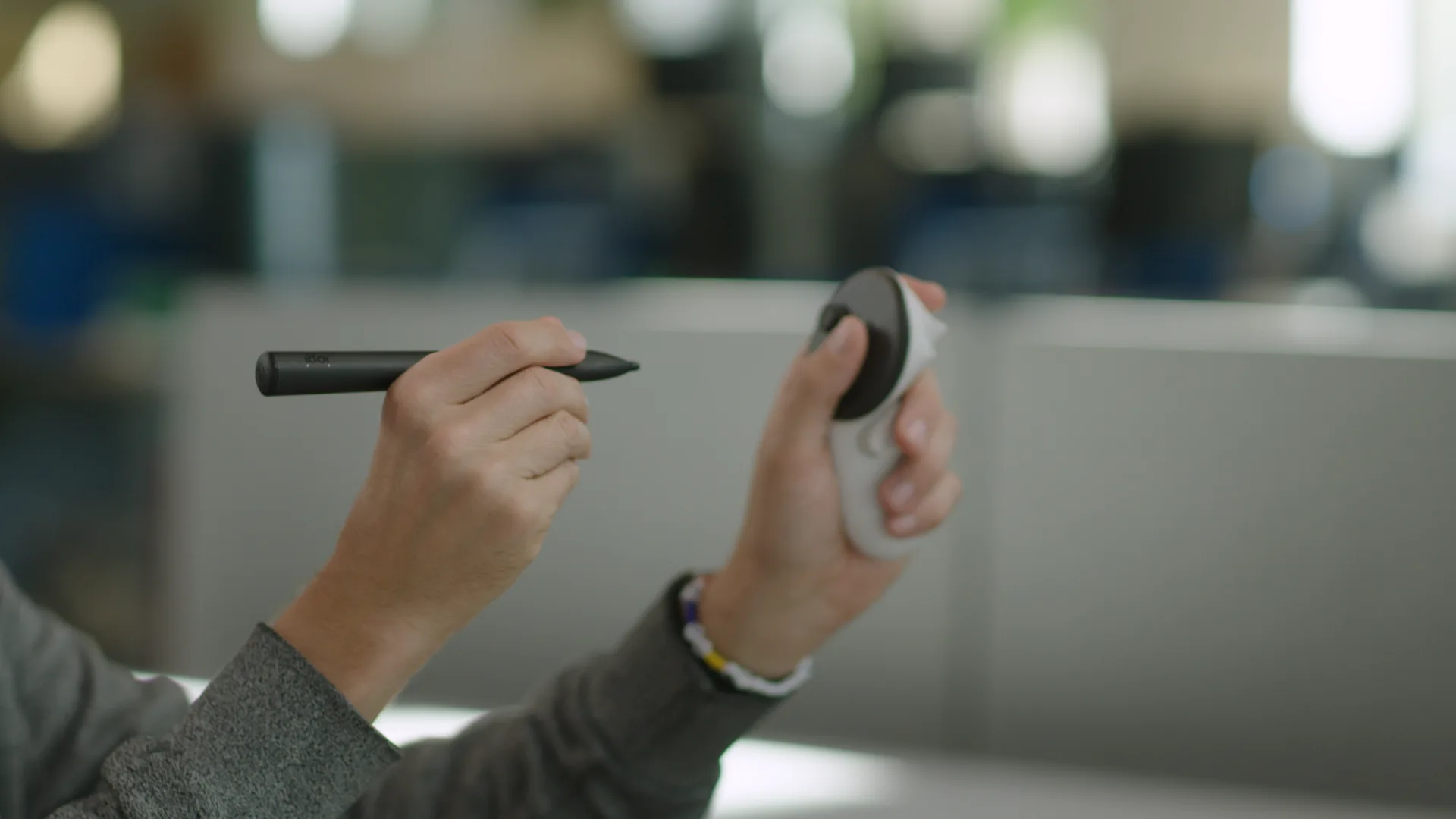
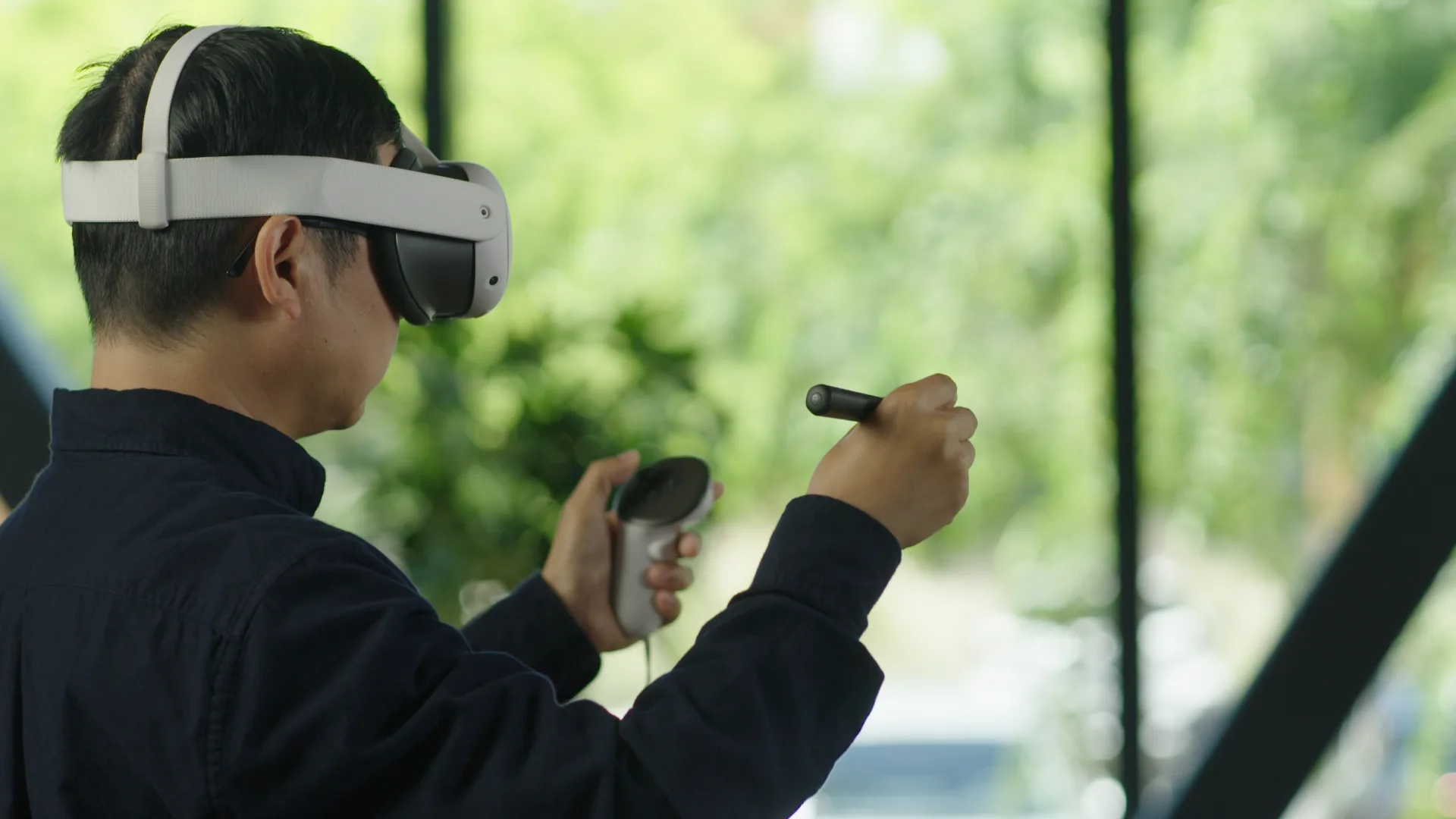
The Logitech MX Ink is a tracked stylus for Meta Quest headsets. Logitech built it with Meta, and UploadVR described it as "the first officially supported third-party tracked controller" for an Oculus or Meta headset. Instead of a controller, you hold a pen. You can write on a desk or wall with its pressure-sensitive tip, or lift it and draw in the air with full six degrees of freedom tracking.
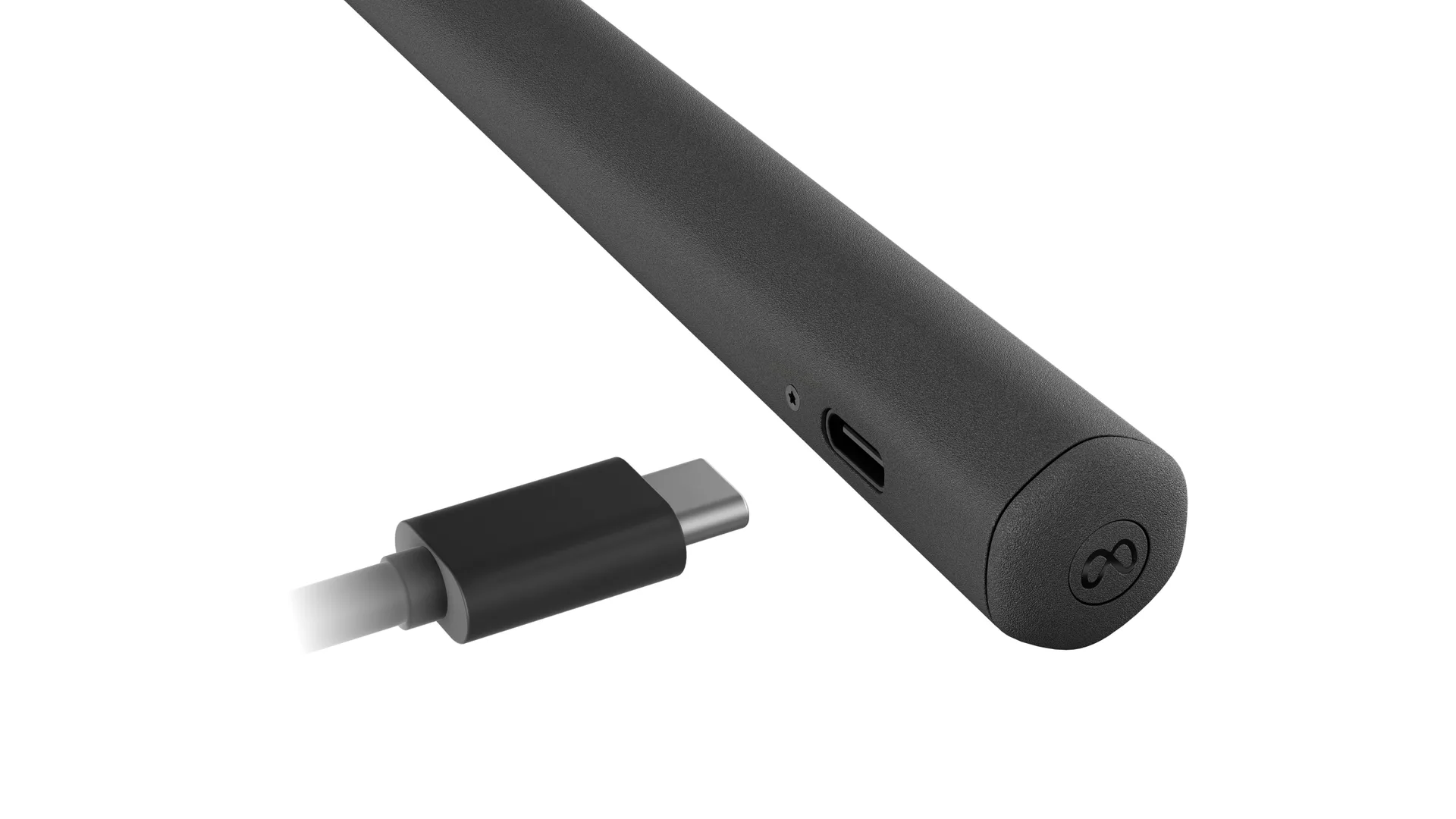
It went on sale in September 2024. UploadVR listed prices of $130 for the stylus, $170 with the MX Inkwell charging dock and $50 for the MX Mat drawing surface. MIXED's January 2025 review quoted $120 and $140, so street prices vary. Logitech's product page lists a weight of 29 g, a pressure-sensitive tip, a pressure-sensing main button, rear buttons and haptics. Battery life is up to 7 hours in typical use, or about 3 hours with haptics on. It charges over USB-C or through pogo pins on the dock, but a USB-C cable is not included. Two spare tips, one fine and one wide, come in the box.
Logitech supports it on the Meta Quest 3S, Meta Quest 3 and Meta Quest 2 running Quest OS v69 or later. Only one MX Ink can be paired alongside the Touch controllers, and Logitech says the Touch Pro controller is not compatible. Pressure curves and button mapping are set in the headset's own settings. At launch UploadVR counted 13 supported Quest apps, including Gravity Sketch, Open Brush, Painting VR and Arkio, plus PC VR apps such as Adobe Substance Modeler over Link. By its review, MIXED counted more than 17.
Strengths
- Accurate, low-latency tracking. Road to VR's Ben Lang said writing on a real whiteboard in mixed reality made it "feel like I was leaving marks". MIXED found strokes appear exactly where you expect, even with quick movements.
- A natural pen feel. MIXED said the light weight and haptics make it feel remarkably like a real brush. The Ghost Howls found drawing on surfaces "like drawing with a real pen" and more comfortable than using a controller.
- Deep system integration. Road to VR praised the stylus for being built into Horizon OS like a native controller, and MIXED found setup straightforward. You can swap between the pen and a Touch controller without re-pairing.
- Far cheaper than before. UploadVR noted that Logitech's 2019 VR Ink cost $750 and needed SteamVR base stations, while MX Ink uses the headset's own tracking.
- Useful battery life. MIXED felt the 7-hour rating covers long creative sessions.
Weaknesses
- Only as good as app support. It does nothing in apps that have not added support. Road to VR warned that "half-hearted implementations could kill" it.
- Price. MIXED said it is "definitely aimed at serious users", and the dock costs extra.
- Grip and buttons. In a short demo, The Ghost Howls found the barrel "always slightly uncomfortable", and kept pressing the wrong button because the buttons sit close together.
- Battery with haptics. Logitech's own rating drops to about 3 hours with haptics enabled.
- Small extras missing. No charging cable is included, only one stylus can be paired, and Quest Pro's Touch Pro controllers are not supported.
Who it suits
MX Ink suits artists, designers and 3D modellers who already spend time in apps like Gravity Sketch, ShapesXR or Open Brush on Quest 3 or 3S, and teachers or teams who annotate in mixed reality. Check that your apps support it before buying. Players who mainly use their headset for games will get little from it.
How it compares
The Meta Quest Touch Plus controller that comes with the headset can draw in the same apps, but reviewers found the pen gives much finer control and a more natural grip for writing and sketching. Controllers remain better for everything else, which is why it matters that MX Ink can stay paired alongside them. Logitech's earlier VR Ink did a similar job on PC VR, but at $750 and with base stations, according to UploadVR. On Quest, MX Ink is the officially supported stylus option.
Sources
- Logitech: MX Ink MR Stylus for Meta Quest
- Logitech Support: What headsets is MX Ink compatible with?
- UploadVR: Logitech MX Ink for Meta Quest (announcement, June 2024)
- UploadVR: Logitech MX Ink Tracked Stylus For Quest Headsets Now Available To Buy
- Road to VR: Hands-on: Logitech's MX Ink for Quest Could Legitimize VR Styluses as a Whole
- MIXED: Logitech's MX Ink Stylus review: A new way to draw in VR?
- The Ghost Howls: AWE: Hands-on Logitech stylus for Quest, Petaray lightfield AR, and Spacebar Arcade!