- Trọng lượng
- 110 g
Overview
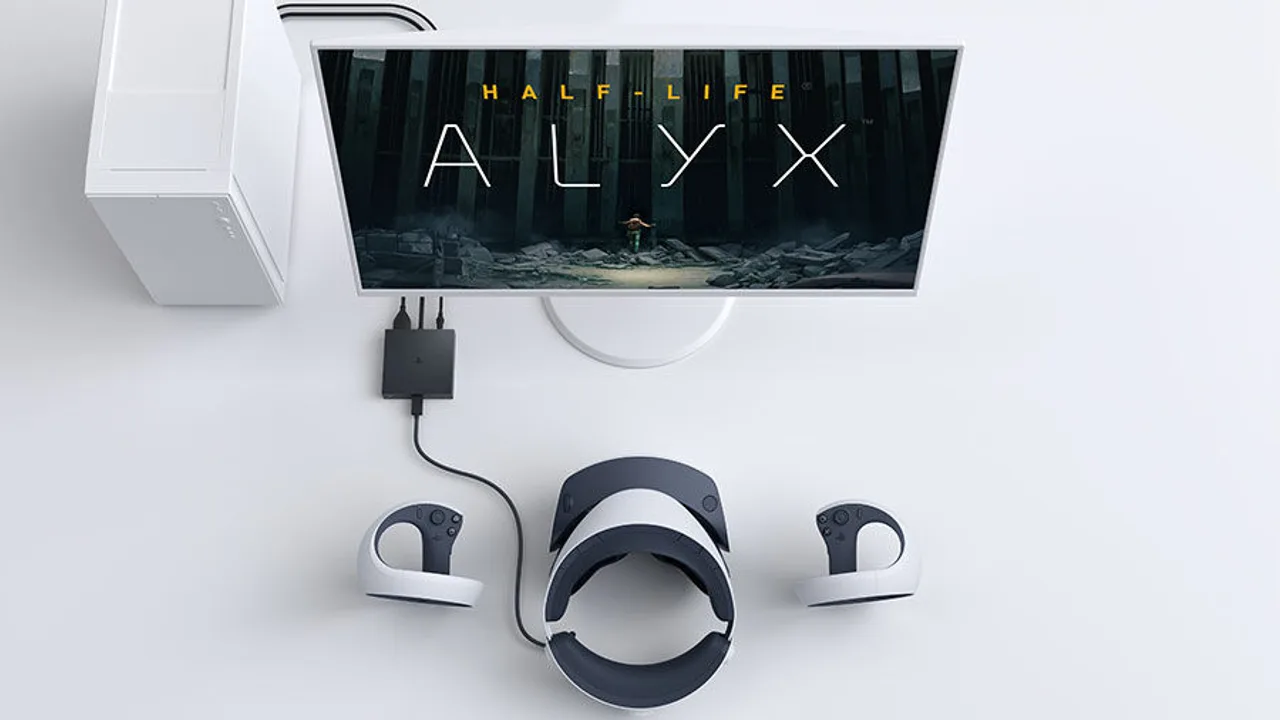
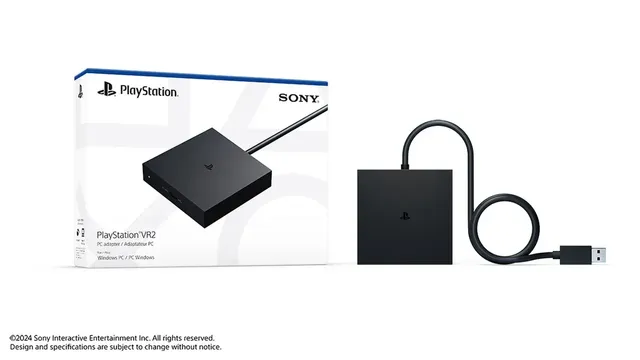
The PlayStation VR2 PC Adapter connects the Sony PlayStation VR2 headset to a Windows PC, so you can play PC VR games from Steam. Sony released it worldwide on August 7, 2024 at an estimated retail price of $59.99. The headset and Sense controllers are sold separately. At the time of writing, direct.playstation.com lists the adapter at $59.00 and shows it as currently unavailable.
Design and specs
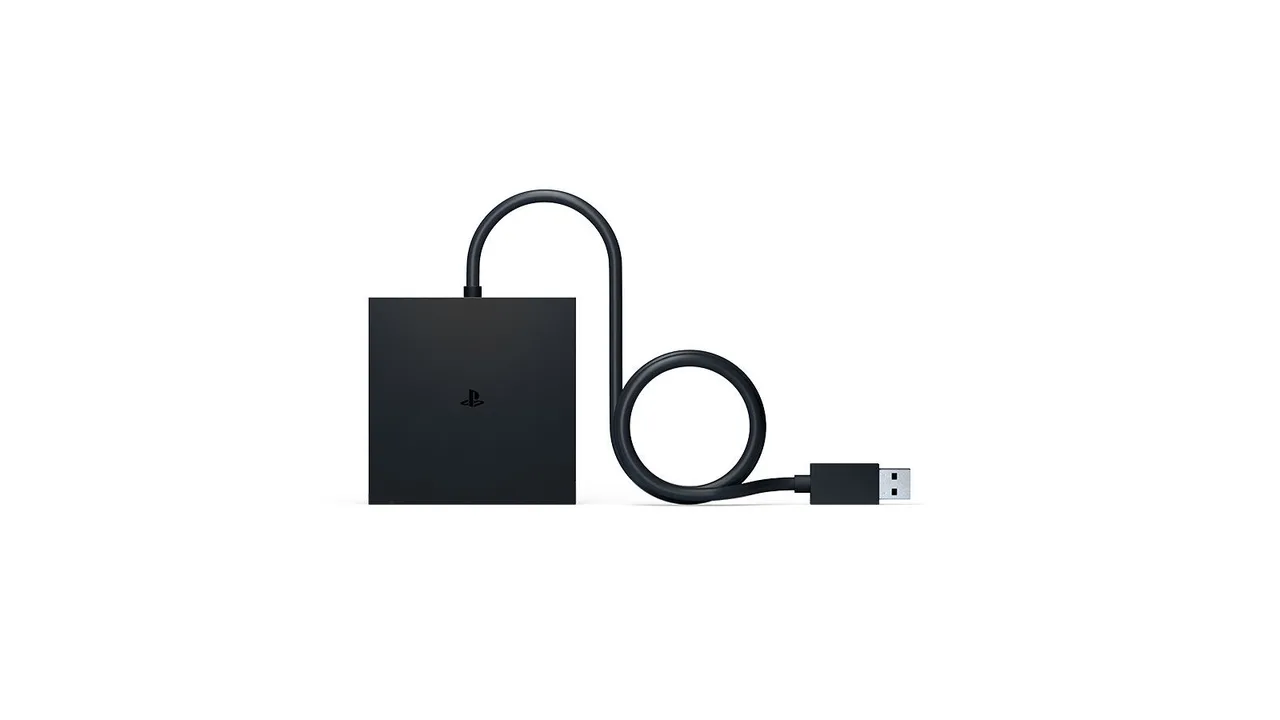
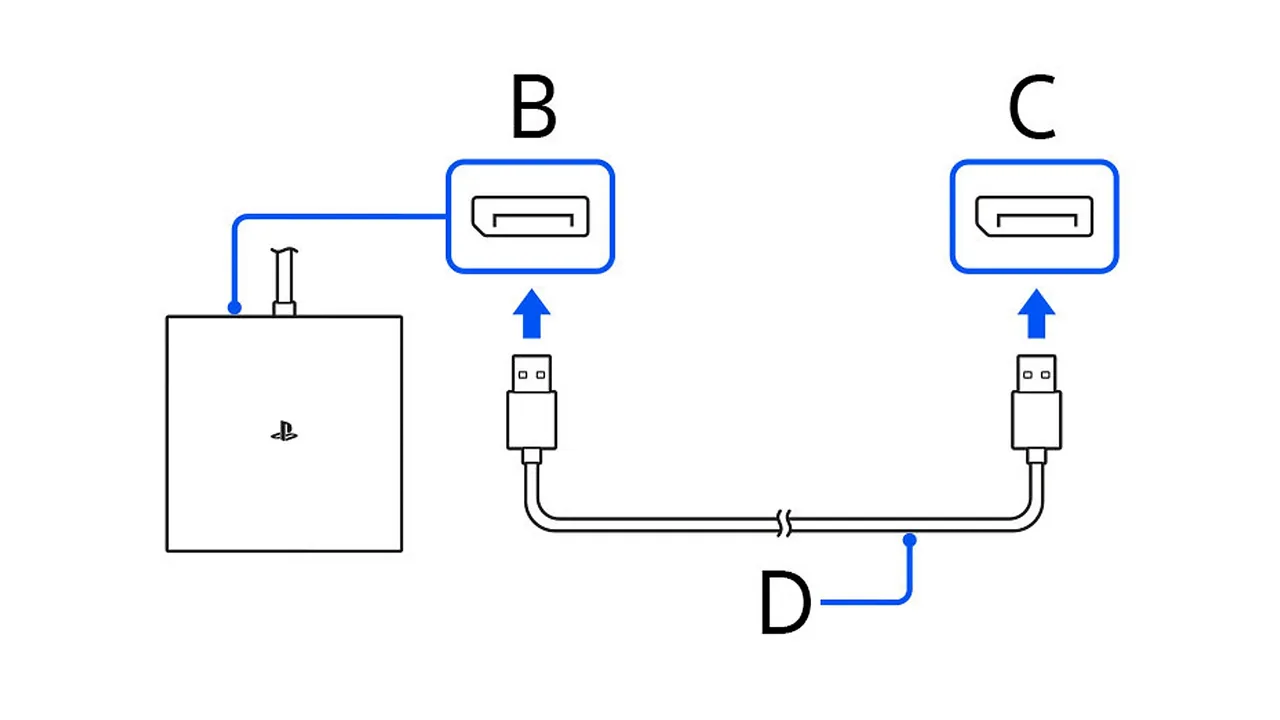
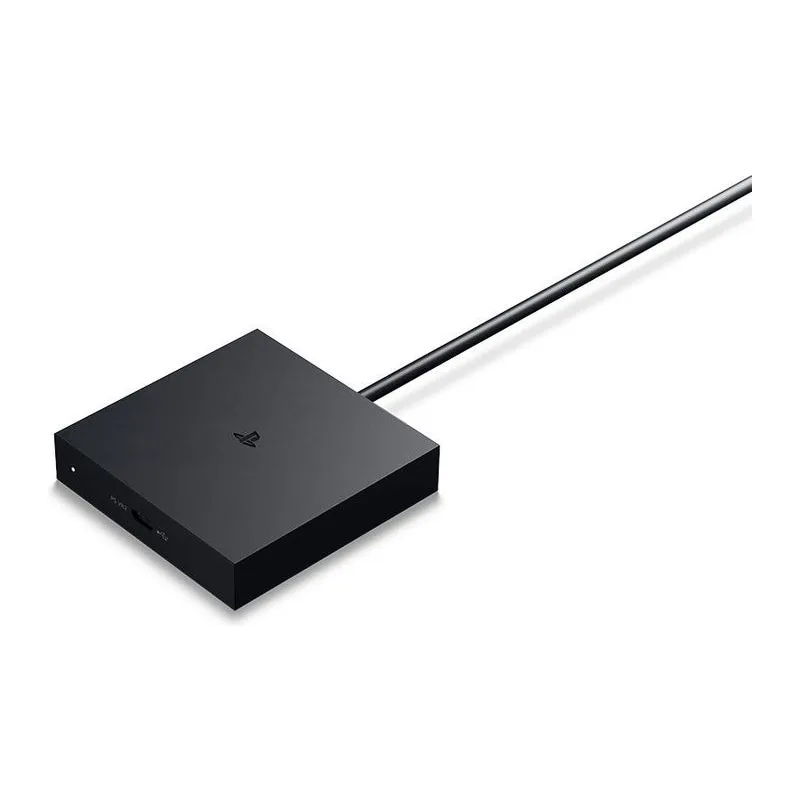
The adapter is a small black box of approximately 79 x 79 x 17 mm that weighs about 110 g. An attached USB cable goes to the PC. The box also has a DisplayPort input, a DC IN connector for its own AC adapter, and a USB Type-C port for the headset cable. A status indicator turns solid red when the adapter has power and solid white once the headset is connected and on. The box contains the adapter, an AC adapter, an AC power cord and a user manual. A DisplayPort 1.4 cable is not included.
PC requirements
Sony requires 64-bit Windows 10 or 11, an Intel Core i5-7600 or AMD Ryzen 3 3100 (Zen 2 or later), and 8 GB of RAM. Supported graphics cards are the NVIDIA GeForce GTX 1650 or later (Turing or later), the RTX series, and the AMD Radeon RX 5500 XT or RX 6500 XT or later. Sony recommends an RTX 3060 or RX 6600 XT for best performance. The PC needs a standard or Mini DisplayPort output that supports DisplayPort 1.4. DisplayPort over USB Type-C does not work. The adapter must plug directly into a USB 3.0 Type-A port, with no hub or extension cable. The Sense controllers connect over Bluetooth 4.0 or later, and Sony notes that some Bluetooth adapters are not compatible.
Setup and software
Install Steam, SteamVR and the free PlayStation VR2 App. Pair each Sense controller in the Windows Bluetooth settings. Then connect the adapter to USB, run a DisplayPort 1.4 cable from the graphics card, plug in the power, and attach the headset to the USB Type-C port. The PlayStation VR2 App handles first setup, the play area and headset firmware updates. Games are bought and launched through SteamVR. Our guide to using PS VR2 on a PC covers the steps in detail.
Limitations
Sony states that HDR output, headset feedback (the vibration in the headset), eye tracking, adaptive triggers and Sense controller haptic feedback are not available on PC. The controllers only give basic vibration. The 2000 x 2040 per eye display, 110-degree field of view, finger touch detection and see-through view still work. Foveated rendering works without eye tracking, and 3D audio uses SteamVR's audio in supported games. The headset also does not switch to see-through view automatically when you leave the play area.
Who it is for
The adapter suits PS VR2 owners with a gaming PC that has a dedicated DisplayPort output and want to play Steam VR games such as Half-Life: Alyx. Laptops that only output DisplayPort over USB-C will not work.
Thông số kỹ thuật
Phần cứng
- Trọng lượng
- 110 g (adapter only, approximate, without AC adapter)
Phát hành & giá
- Trạng thái
- Đang bán
- Ra mắt
- 7 tháng 8, 2024
- Giá ra mắt
- 59,99 US$
Ảnh
Ảnh: 3