
VR StrideS Maps Jogging to PC VR Movement for $12.99
VR StrideS turns jogging in place into smooth PC VR movement for $12.99. Here is how it works, which games support it and whether it may ease motion sickness.
By Evan Marcus
· 5 min read · Source: VR.org News
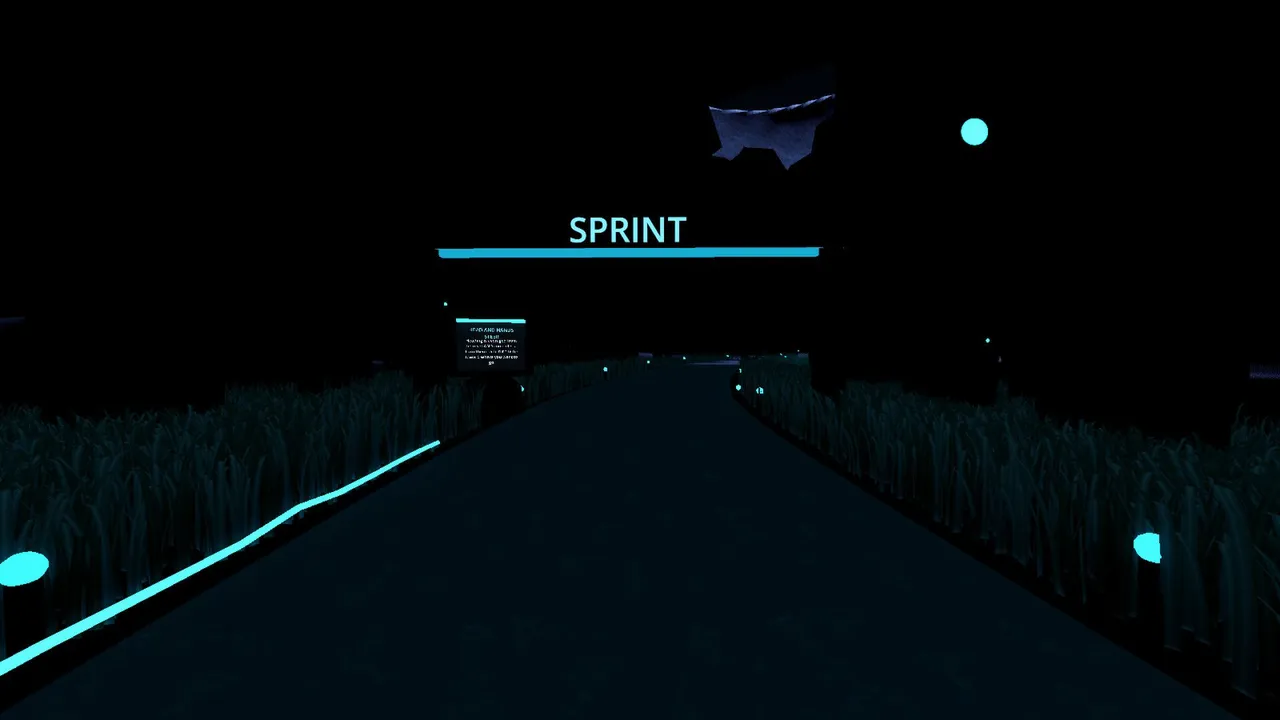
VR StrideS is a PC app that maps jogging in place to smooth movement in supported VR games. I normally use teleport movement because thumbstick locomotion makes me sick, so its promise is aimed directly at one of my biggest VR problems.
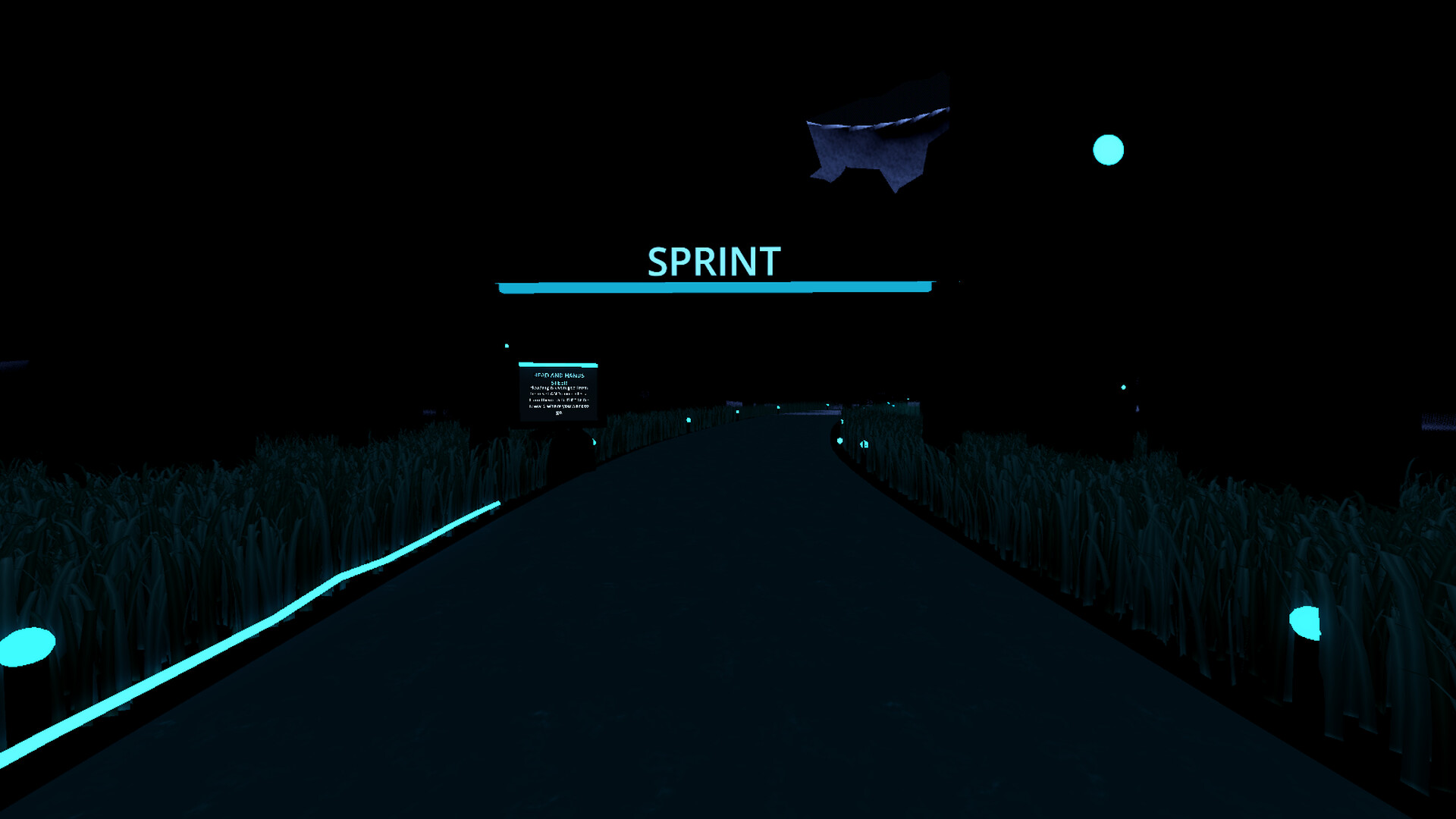
Teleport is my default whenever a game offers it. Smooth thumbstick movement starts turning my stomach around the second flight of stairs. Blinking across rooms is not glamorous, but it lets me play games that otherwise feel built for somebody else.
My last attempt to overcome that problem was Sprint Vector. Survios built its racing game around pumping your arms like a speed skater. That sounded promising because physical movement might give the brain better evidence that the body is moving. It still made me properly sick.
That gave VR StrideS a difficult starting point. The app launched on Steam on Thursday, November 5, from gnuj industries. It costs $12.99, or $11.69 until November 12. It turns jogging on the spot into thumbstick movement for games that already support smooth locomotion.
No treadmill or ankle trackers are required. The setup uses a headset and the two controllers already used for PC VR.
How VR StrideS turns jogging into movement
The PC companion app reads headset and controller motion 90 times per second. Head movement, including its bounce and rhythm, sets speed. Headset and controller tilt and motion set direction, so you can look one way while jogging another.
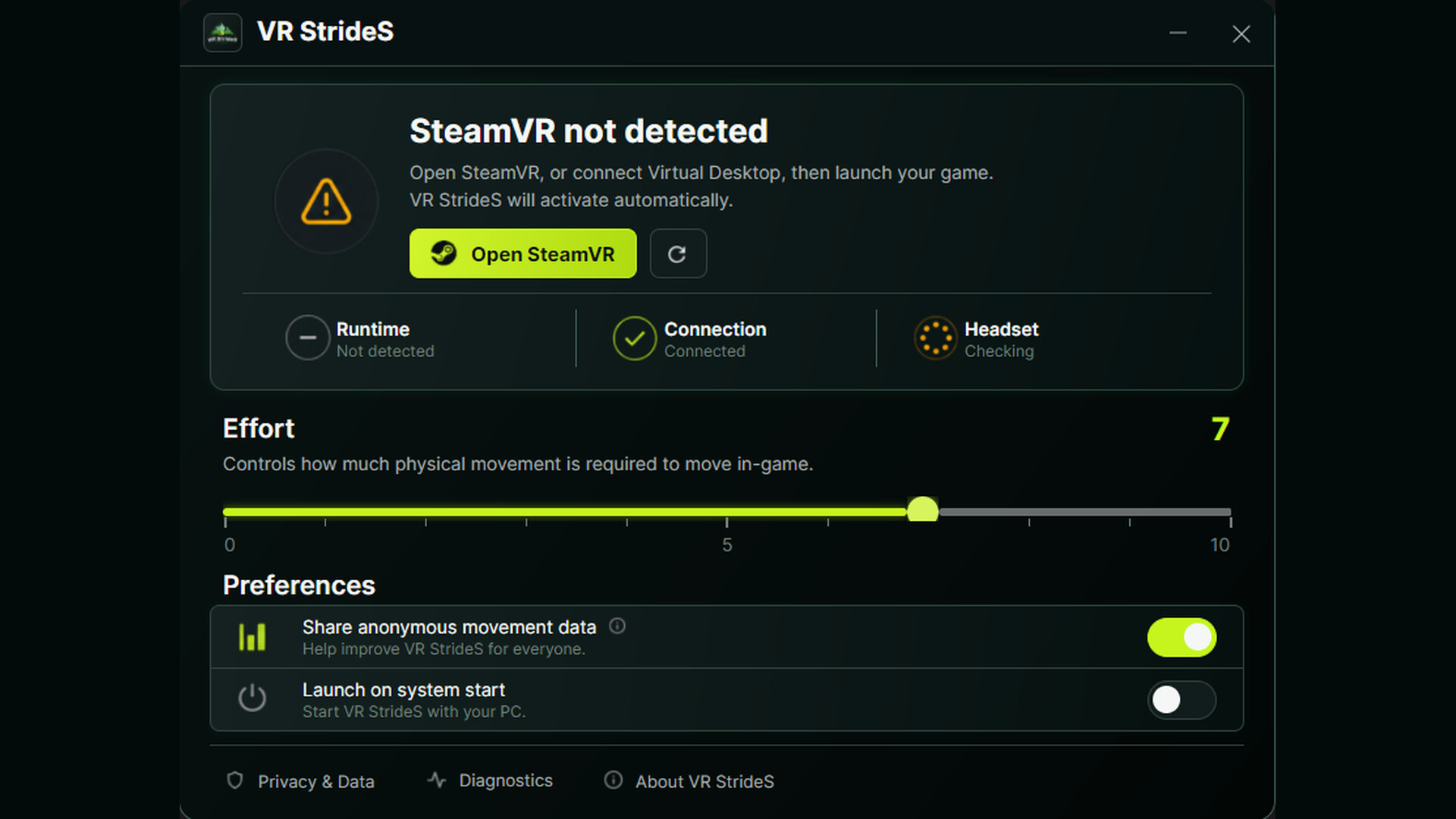
The app converts that movement into the same two-axis signal sent by a left thumbstick. It passes the signal to games through SteamVR or, when SteamVR is off, through an OpenXR layer. The game does not know the input came from jogging; it receives what appears to be thumbstick movement.
This explains its compatibility approach. Half-Life: Alyx works after switching its movement setting to continuous. Blade & Sorcery, VRChat, BONELAB and BONEWORKS are confirmed compatible.
Flat games converted with UEVR are supported too. That may help players working through our UEVR guide. Skyrim VR, No Man's Sky and Phasmophobia were still in testing. Phasmophobia stood out to me because it is the VR game I actually play with friends.
Beat Saber is unsupported because it has no stick movement to drive. Games that only allow teleport movement are unsupported as well.
Two settings control most of the experience. Effort ranges from 0 to 10, with 5 as the default, and determines how hard you must move to reach a given speed. Lower Effort lets a light jog reach top speed.
Freedom of Movement controls how far you can drift around the player, from a full circle to a forward cone. The developer suggests the narrow cone for users who slide sideways while learning. Very slow walking in place may not register; the app expects a jog.
Jogging may not solve motion sickness
Stick sickness comes from conflicting signals. Your eyes report movement while your inner ear reports that you are standing still. Real body movement may reduce that conflict, but it is not a guaranteed fix.
The evidence I found was limited. A small Scientific Reports study published in July 2025 had 15 people navigate mazes in three ways: teleporting with hand tracking, using a normal controller stick and using Cybershoes. Cybershoes are worn while sitting; users shuffle their feet to walk.
Teleportation caused the least sickness. Controller-stick movement landed in the middle. Cybershoes caused the most sickness. The authors linked that result to sensory conflict made worse by sitting still while the legs suggest that the user is walking. They also noted that Cybershoes sessions used a Valve Index, while the other two methods used a Quest 2. That makes the result one data point, not a final verdict.
My Sprint Vector experience already shows why “your body is moving, so you will feel fine” is not a rule. VR StrideS differs on paper because it has you standing and bouncing for real, giving the inner ear some version of the movement seen by the eyes. Whether that is enough remains unclear.
Headset comfort adds another limit. My Quest 3 with Meta's Elite Strap starts bothering me in under an hour when I am mostly standing still. I do not know what twenty minutes of jogging will do to that limit. The developer advises taking breaks as you would in any standing VR game and clearing enough floor space to jog without hitting anything.

A low-cost alternative to a VR treadmill
In June, I wrote about Virtuix's Omni One for Quest, a $2,595 treadmill, and said I wanted to believe in it. I still do. VR StrideS costs about a two-hundredth of that price, uses hardware I already own and limits the worst-case loss to thirteen dollars and a sweaty shirt.
The concept is not new. Natural Locomotion has sold a similar promise on Steam since April 2018 for $9.99. I have not used either app, so I cannot say which is better.
VR StrideS is focused on Quest 3 as its main tuning target. Quest 3S and Quest Pro are supported, and a free tutorial lets users try its movement before paying.
Requirements and setup
What you need: a Windows 10 or 11 PC capable of running PC VR games, a Quest 3, Quest 3S or Quest Pro, and one supported connection method: Virtual Desktop, Steam Link or ALVR.
Quest 2, PS VR2 with its PC adapter, other PC headsets, Meta Link and Air Link were still listed as in testing. The app costs $12.99, or $11.69 until November 12.
- Try the free tutorial first. The standalone VR StrideS Demo is available on the Quest store, and the free VR StrideS Tutorial is available on Steam. Both teach the motion in their own practice world. The Quest version does not add jogging to other Quest games.
- Buy and install VR StrideS on Steam. This PC companion app performs the actual movement conversion.
- Clear the play area and check the boundary. Jogging takes real floor space.
- Connect the headset to the PC. Use Virtual Desktop, Steam Link or ALVR, which the developer lists as supported.
- Start VR StrideS before the game. It detects SteamVR or a native OpenXR runtime when it launches. If it detects neither, use its Diagnostics screen.
- Switch the game to smooth movement. In Half-Life: Alyx, choose continuous movement.
- Adjust Effort and Freedom of Movement. Lower Effort if reaching top speed takes too much work. Narrow the movement cone if you drift sideways.
The developer maintains its compatibility list and FAQ on the VR StrideS site. It calls the list a sample rather than a whitelist, so check it before buying for one specific game. The Linux build remains in testing after reports of launch and connection problems.
The free tutorial is the sensible starting point because it costs nothing. If my stomach tolerates it, the $12.99 version can test whether a teleport player can run through an entire level. If not, teleport movement remains the fallback.
Enjoyed this story?
Like it to tell the editors, or save it to read later.

Comments
Sign in to join the conversation.
Sign inNo comments yet. Start the conversation.
·