
Is the Valve Index Still Worth Buying in 2026? Availability & Used Buying Guide
Valve ended Index production in October 2026 following the launch of the Steam Frame. Learn whether the Valve Index is still worth buying today, current Steam Store clearance availability, fair second-hand prices, and every common hardware failure to check before buying a used kit.
- 중급
- 20분
- SteamVR 2.8+에서 확인
- 마지막 확인 2026년 11월 6일

작성자 LongZ
업데이트됨 · 8분 읽기
준비물
- A VR-ready Windows or Linux PC with a DisplayPort 1.2+ output and a free USB 3.0 port
- At least 2m × 1.5m of clear floor space and two power outlets for the SteamVR 2.0 Base Stations
- Access to a test PC running SteamVR (or a live video call demonstration) when inspecting a second-hand kit
- A bright flashlight or smartphone light to inspect the lenses, rubber seals, tether cable, and controller seams
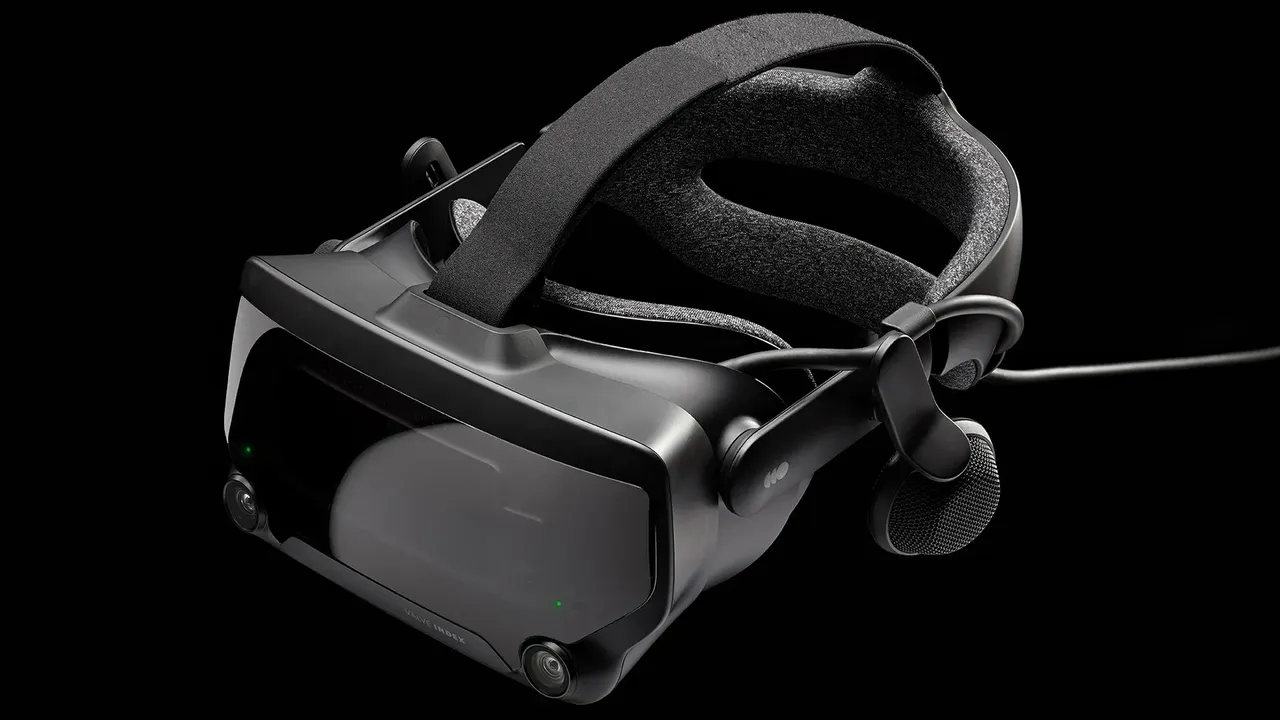
More than seven years after its June 2019 debut, the Valve Index has officially reached the end of its manufacturing run. With Valve shifting its hardware focus to the standalone-capable Valve Steam Frame, prospective PC VR buyers face a critical question: is the Valve Index still worth buying in 2026, and is it safe to buy one second-hand?
This buying guide covers the current availability of the Valve Index, how its hardware stacks up against modern headsets, what a fair second-hand price looks like today, and a comprehensive inspection checklist for every common hardware failure on used kits.
1. Is the Valve Index Still Sold in 2026?
No—the Valve Index is officially discontinued. In October 2026, following the rollout of the Valve Steam Frame, Valve confirmed that production of the Index headset and its accessories had ended.
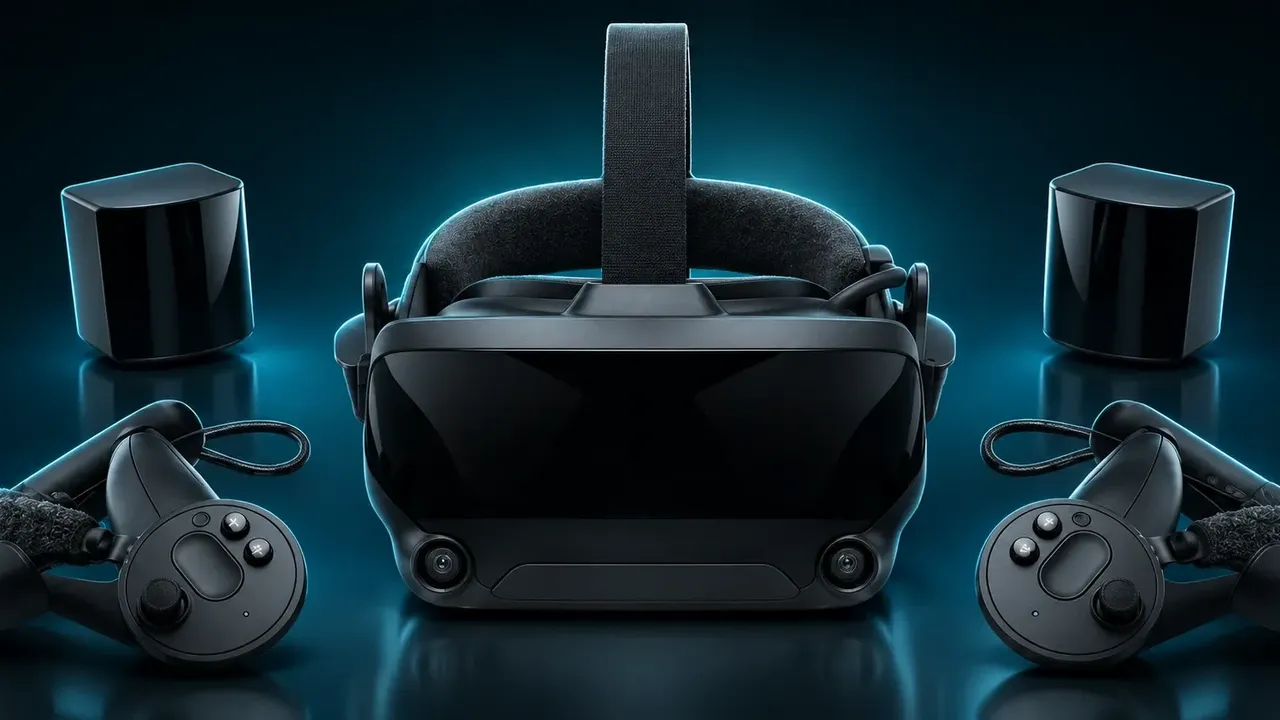
- Complete Retail Kits Are Gone: The original $999 Complete VR Kit (headset, two controllers, and two base stations) is no longer sold on the Steam Store.
- Clearance Components Only: Valve has been clearing out remaining warehouse stock by selling individual components—such as standalone headsets discounted to around $399, individual controllers, and replacement face gaskets— strictly while supplies last.
- Ongoing Software Support: Discontinuation only applies to manufacturing. Valve continues to support the Index fully inside SteamVR, and Steam Support still handles troubleshooting, though out-of-warranty replacement parts are becoming scarce.
Because factory-sealed full kits from third-party resellers are now heavily marked up, the used market is the primary way to get a complete Valve Index setup in 2026.
2. How Does the Valve Index Hold Up Today?
Where the Index Still Excels
- Zero-Blind-Spot Lighthouse Tracking: Its external SteamVR 2.0 Base Stations sweep your room with fixed lasers 100 times per second. Unlike camera-based inside-out tracking, your hands stay tracked behind your back or against your chin, and the ecosystem natively supports Vive and Tundra Trackers for full-body tracking in VRChat.
- The "Knuckles" Controllers: With 87 sensors per controller tracking individual finger curl, capacitive touch, and grip squeeze force, you can completely open your hands to drop or throw objects naturally.
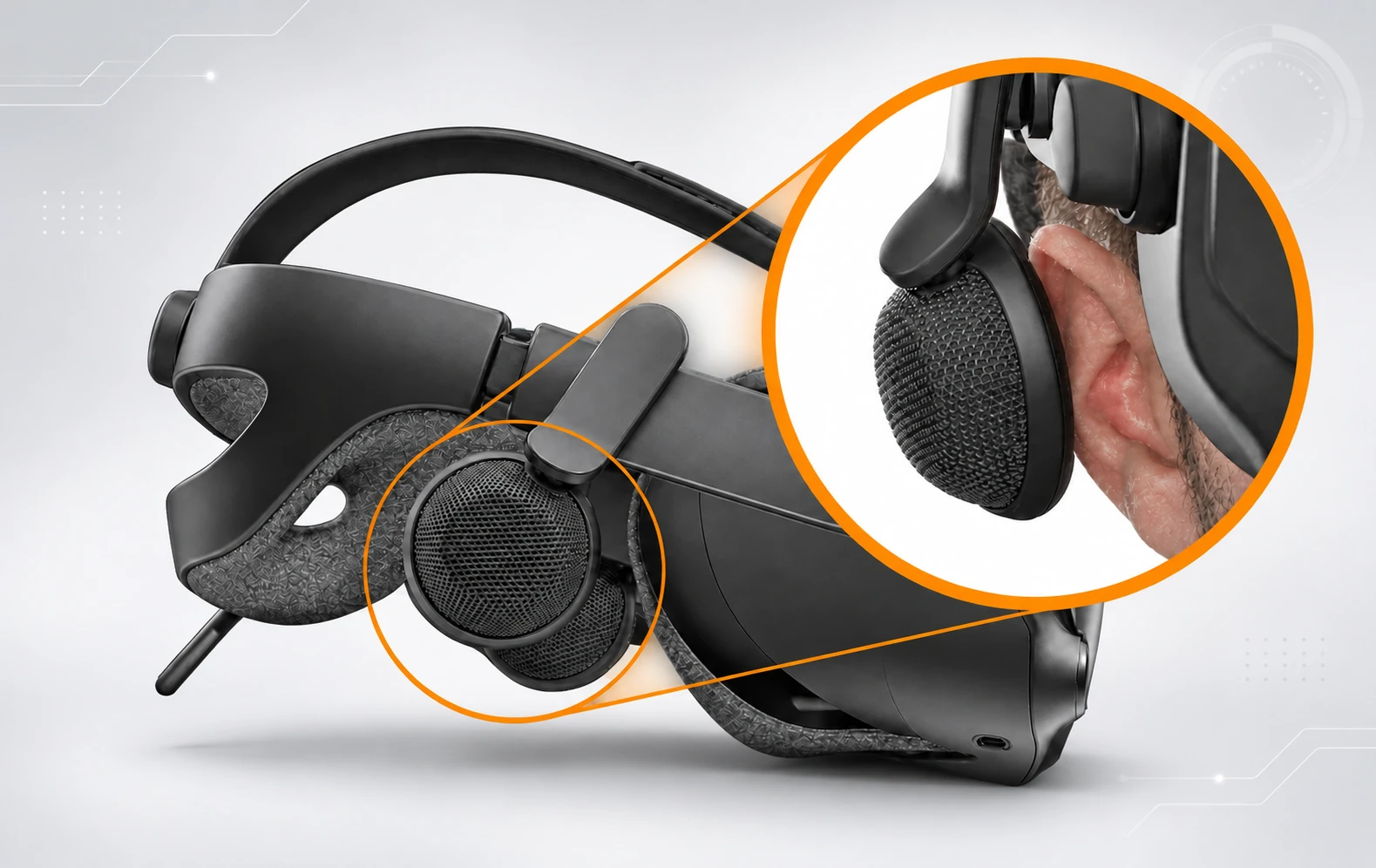
- Unmatched Off-Ear Audio & Comfort: The hovering Balanced Mode Radiator (BMR) speakers sit off your ears, preventing heat buildup while delivering wide, natural soundstage and punchy bass.
- Uncompressed 120Hz / 144Hz Native DisplayPort: Because it connects directly to your GPU via DisplayPort 1.2, there is zero wireless compression, zero encoding latency, and razor-sharp motion clarity at 120Hz and 144Hz in fast games like Beat Saber.
Where the Index Shows Its Age
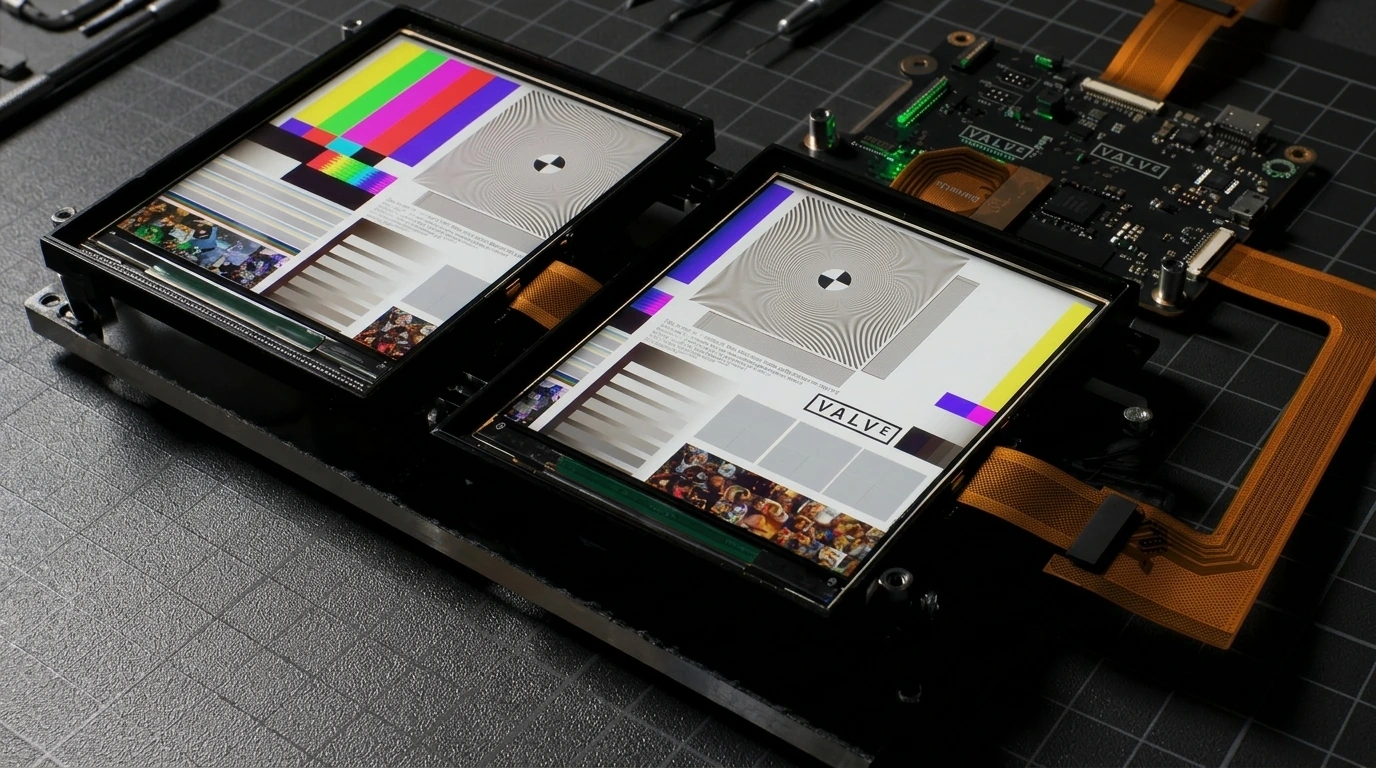
- Outdated Resolution (1440 × 1600 per eye): Compared to modern headsets exceeding 2000 × 2000 pixels per eye, fine cockpit text in flight or racing simulators looks soft, and a mild screen-door pattern is visible.
- Fresnel Lens Glare ("God Rays"): The dual-element canted Fresnel lenses suffer from noticeable internal reflections when bright white text or logos appear against dark backgrounds—an issue largely solved by modern pancake lenses on the Meta Quest 3 and Bigscreen Beyond 2.
- LCD Black Levels: Dark scenes in horror games or Half-Life: Alyx appear elevated gray rather than true black.
- Heavy Tether & Fixed Room Setup: At 809g with a thick 5-meter cable and wall-mounted base stations, the Index cannot match the convenience of wireless PC VR streaming.
3. Buying a Used Valve Index: Common Hardware Problems to Check
Most second-hand Valve Index kits have seen three to six years of heavy use and are long out of warranty. Because spare parts are no longer manufactured, a single broken component can cost $130–$160+ to replace on the secondary market. Inspect these four failure-prone areas carefully before paying.
A. Index Controllers ("Knuckles"): Drift, Sensors & Battery Wear
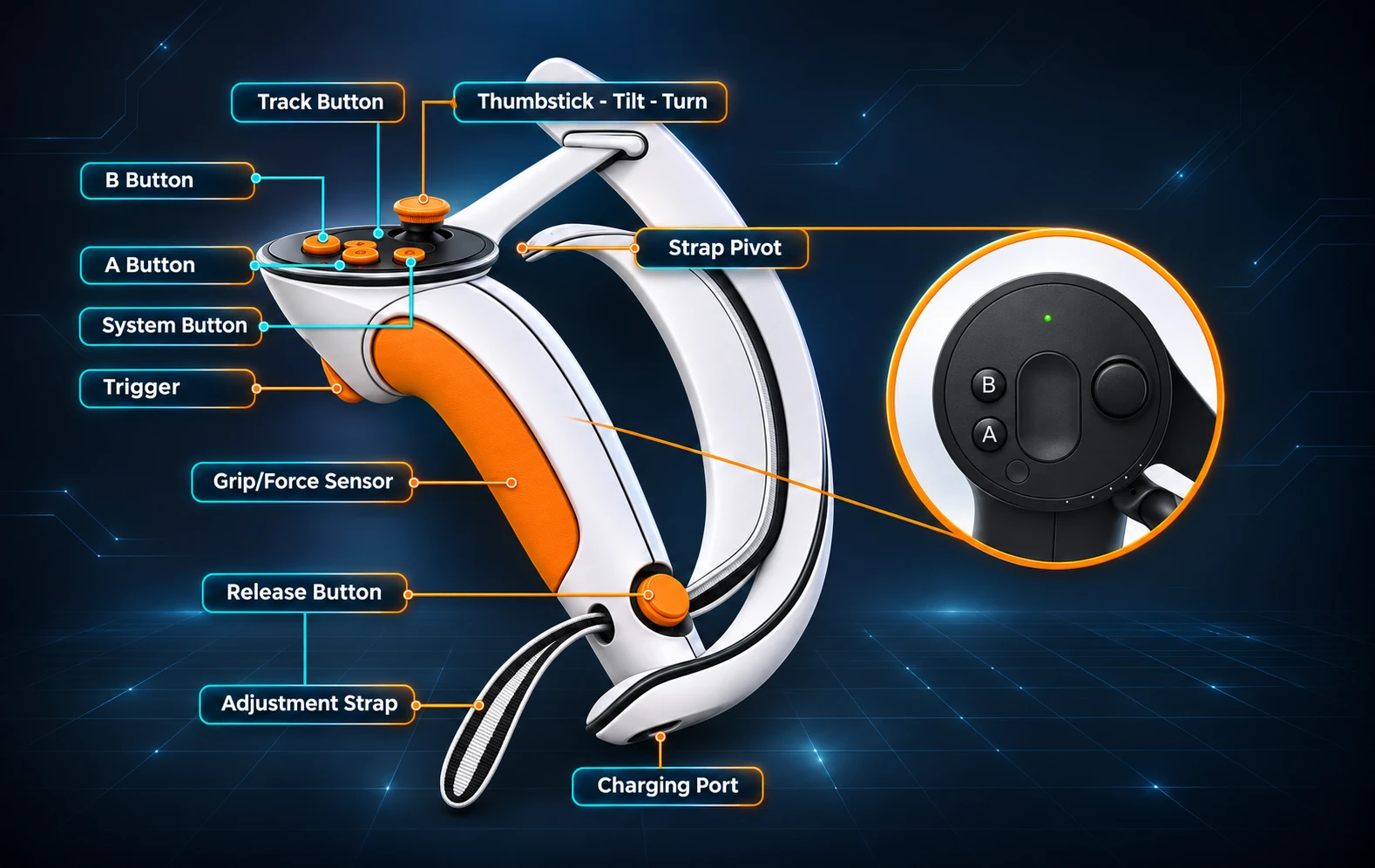
- Thumbstick Drift & Stick-Click Failure (L3/R3): This is the number-one failure on used Index kits. Repeatedly clicking the analog stick while tilting it forward to sprint wears down the internal ALPS potentiometer.
- How to check: Open SteamVR Settings > Controllers > Test Controller. Slowly rotate both thumbsticks around the outer rim and release them to center. Watch for jitter, dead zones, or phantom movement, and verify that pressing the stick clicks cleanly in all directions.
- Capacitive Finger-Tracking Glitches: Sweat ingress or impacts against walls can cause individual finger sensors (most often the ring or pinky finger) to stay stuck curled or twitch erratically.
- How to check: Strap the controllers on and drum your fingers smoothly from pinky to index several times to trigger dynamic calibration. Verify all five fingers open and close accurately in VR, and test the capacitive touch sensors on top of the thumbsticks, A/B buttons, and triggers.
- Degraded Internal Li-Ion Batteries: The controllers use non-removable 1100 mAh internal batteries rated for 7–8 hours when new. On older units, battery capacity may drop to under 2–3 hours, or a controller may refuse to hold a charge altogether.
- Broken Hand-Strap Adjustment Clip & Squeaky Triggers: Check the metal adjustment arc at the top of the grip where the strap pivots. If the internal spring lock is snapped, the strap will slip loosely instead of locking into its dotted positions. Pull both triggers slowly to check for loud mechanical squeaks or weak return springs.
B. The 3-in-1 Tether Cable & Breakaway Connector
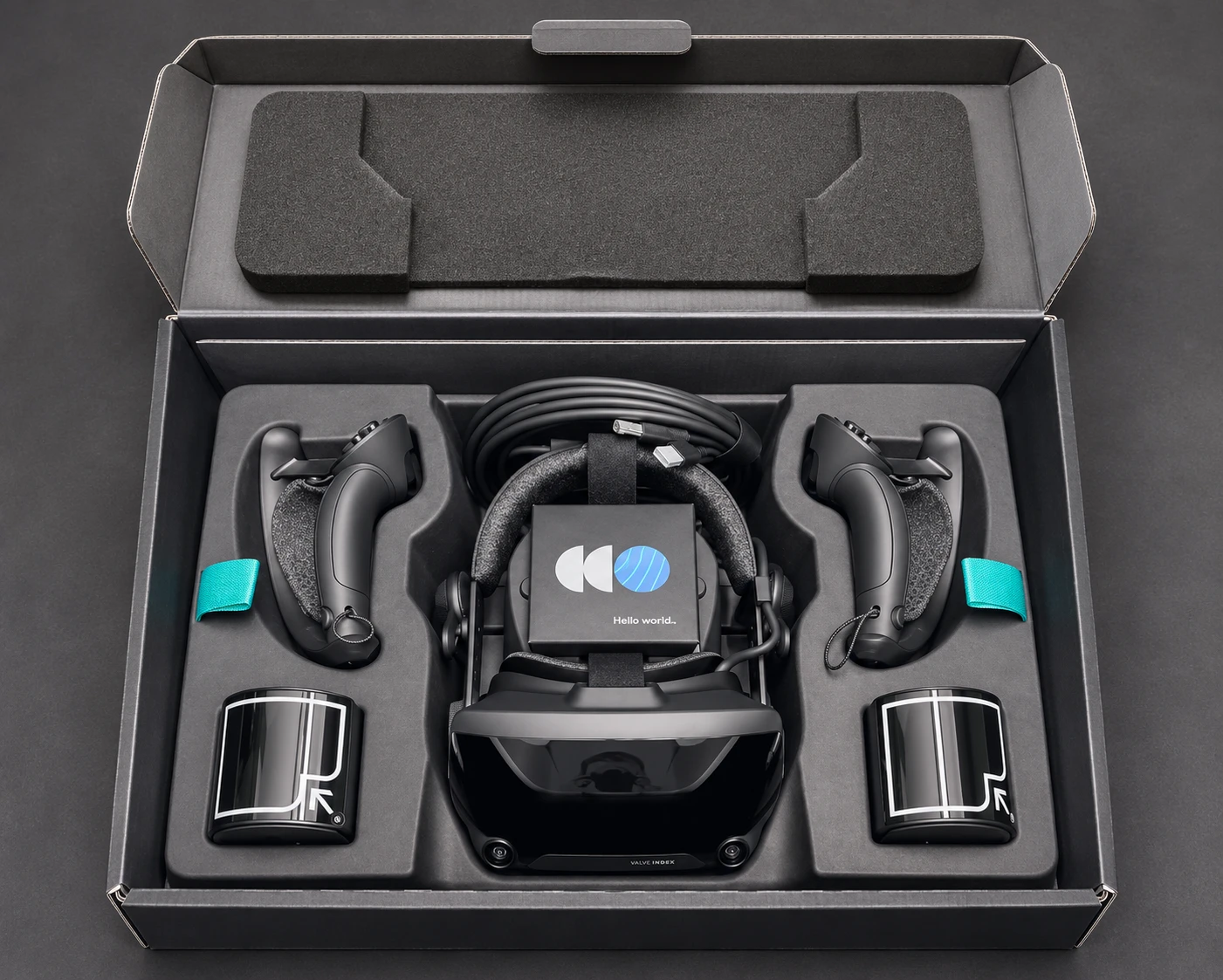
- Internal Wire Fatigue ("Sparkling Pixels" & Audio Crackling): Years of twisting, coiling, or stepping on the tether cable breaks down its internal shielding.
- How to check: Look at a dark environment inside the headset while gently flexing the cable near the headset strain relief and the breakaway joint. If you see tiny flashing RGB or white "sparkles" (snow), hear popping noises in the speakers, or trigger SteamVR Error 436 (DisplayPort connection trouble), the cable is dying and must be replaced.
- Worn Breakaway Connector: The in-line breakaway plug on the Trident splitter is an emergency trip-release rated for a limited number of disconnect cycles. If the previous owner unplugged it after every session, the fragile internal pins may be bent or intermittent.
- Snapped Cable Routing Clips: Check the plastic retention clips along the left side of the headset and the rear strap; if broken, the heavy cable pulls directly on the proprietary socket behind the face gasket.
C. Headset Lenses, Displays & Mechanical Dials
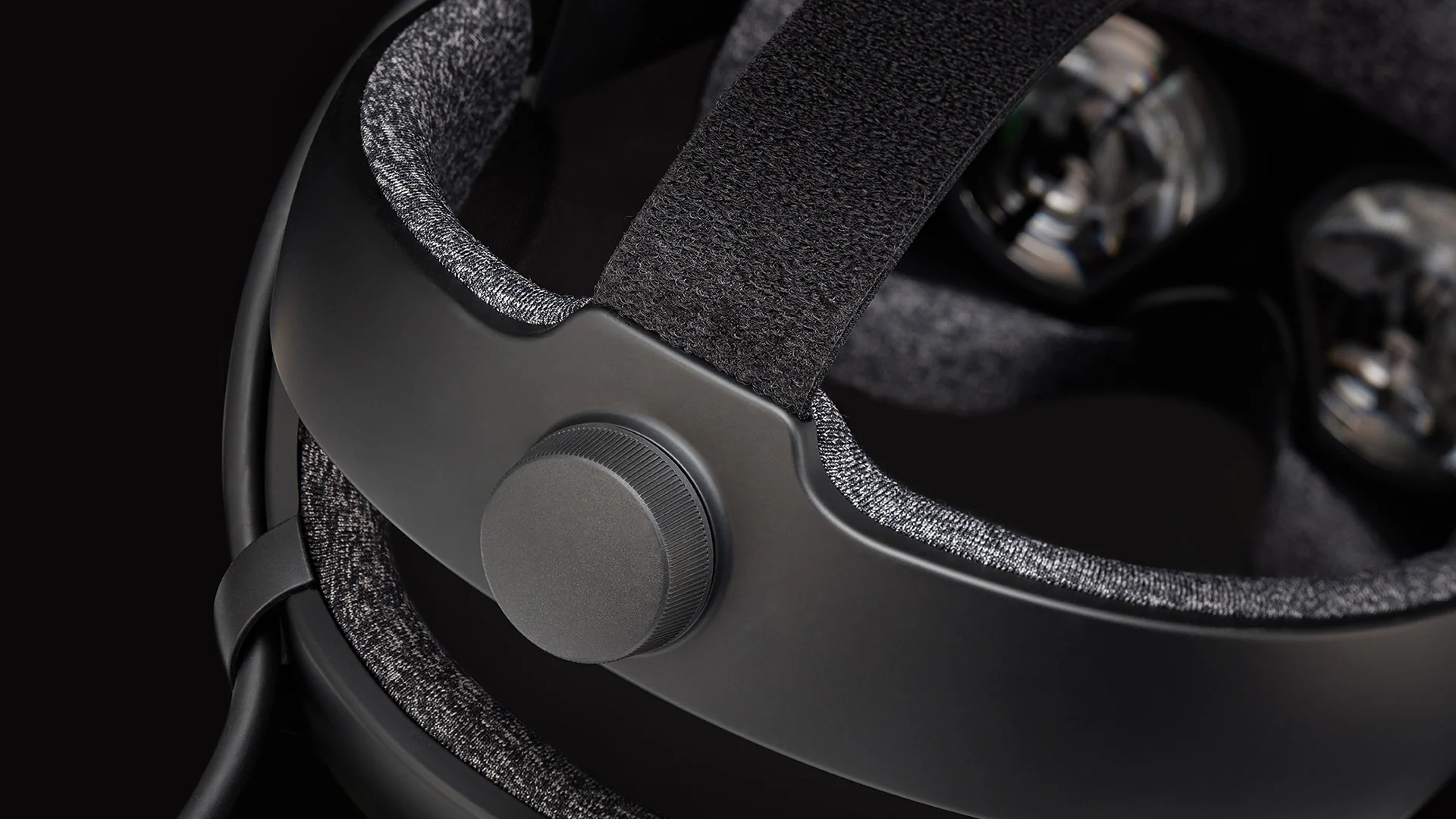
- Scratched Anti-Reflective Coating: Because the Index allows users to dial the lenses right up against their eyes, eyeglasses frequently rub the center of the plastic optics. Look for a cloudy, blurred scuff patch in the center of either lens.
- Peeling Lens Rubber Gasket & Dust Inside the Optics: Heat and facial sweat degrade the adhesive under the thin rubber ring surrounding each lens. If that rubber seal has peeled loose, check carefully with the headset powered on for dust specks or hairs trapped behind the lens—these sit directly on the internal optical element and cannot be wiped away.
- Stripped Eye-Relief Dial Gears: The eye-relief knob on the right temple must be pushed inward before turning. Many users force-turn it without pressing in, stripping the plastic gear teeth.
- How to check: Push and turn the right-side dial from minimum to maximum relief. Make sure both lenses move evenly together without loud clicking or sitting tilted at an angle.
- Vertical Column Pixel Inversion & Dead Pixels: At 120Hz and 144Hz, some aging Index LCD panels show faint vertical scanlines ("column inversion") when turning your head horizontally across solid colors. Also check for dead pixels or yellowish tinting along the panel edges.
- Loose Speaker Swivels or Audio Cutouts: If an off-ear speaker flops down loosely or cuts out when moved, the pogo-pin contacts inside the headstrap may be oxidized. Fortunately, this is an easy fix: unscrew the single T6 Torx screw, clean the gold contacts with isopropyl alcohol, and place a tiny rubber O-ring on the post to restore pivot friction.
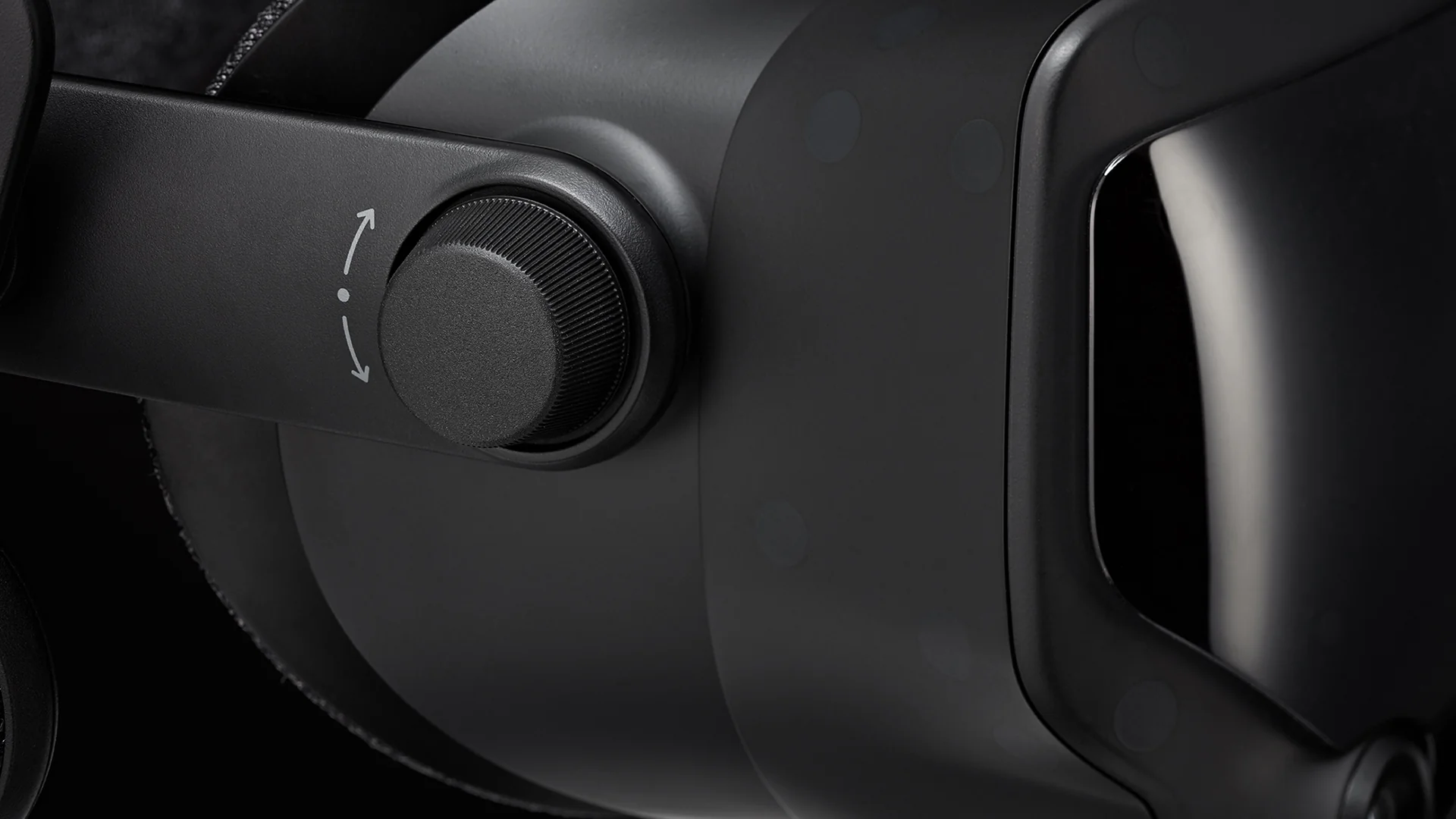
D. SteamVR 2.0 Base Stations ("Lighthouses")
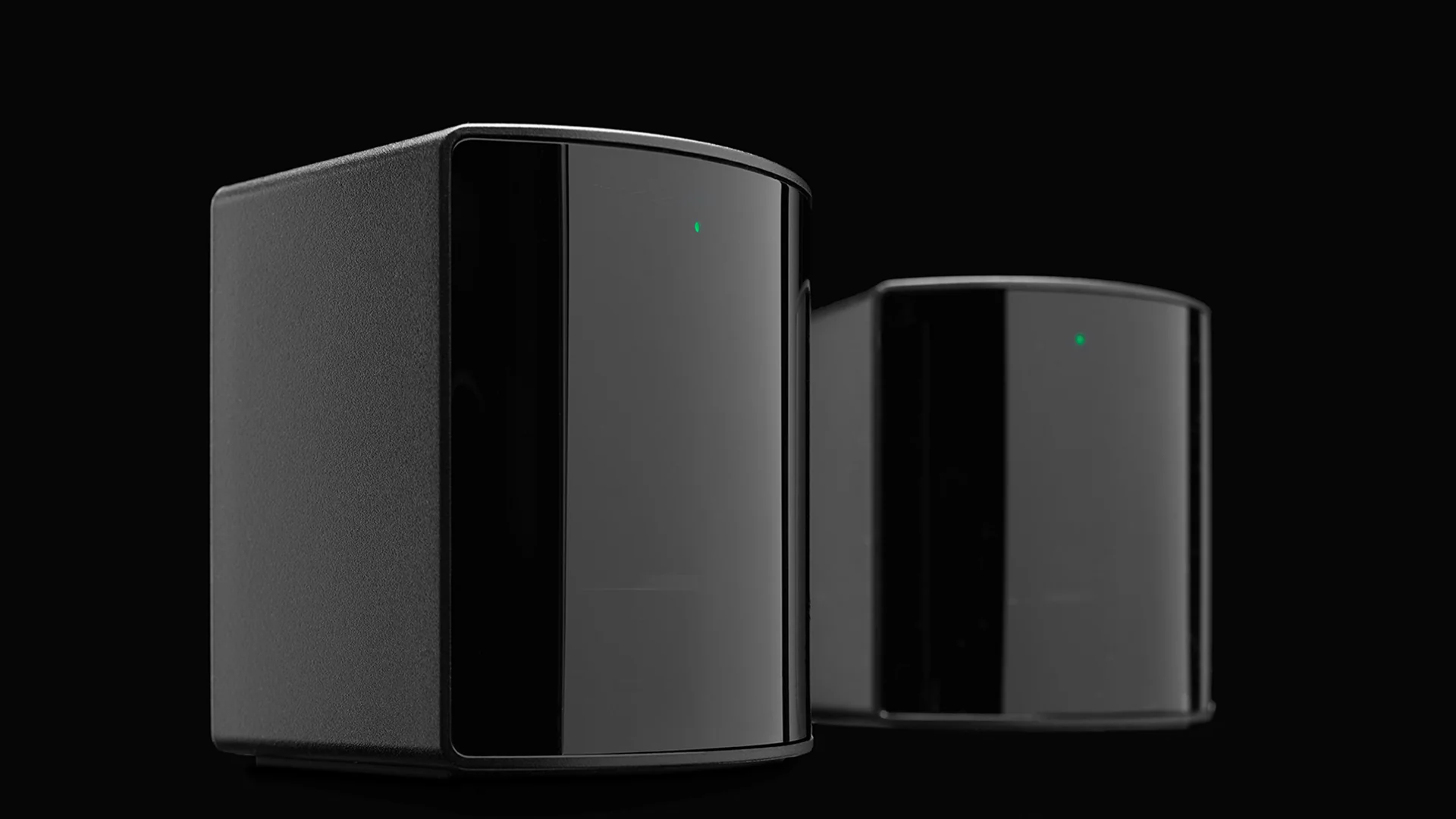
- The Blinking Red LED ("Red Light of Death"): When plugged in, a Base Station should show a solid green LED once spun up. A blinking red LED means the internal laser diode or spinning rotor has failed permanently. It cannot be fixed via firmware updates and requires a full unit replacement.
- Loud Motor Bearing Rattling: Each base station contains a physical motor spinning at high RPM. Listen closely from a foot away: a soft, high-pitched hum is normal, whereas a loud grinding buzz or heavy vibration means the bearings are worn out from running 24/7 for years without Bluetooth power management enabled.
4. Fair Used Pricing in 2026: What Should You Pay?
With production ended and newer headsets available, do not pay near-retail prices for second-hand Index hardware:
- $350 – $450 USD (Great Deal): Worth buying immediately if the Complete Kit (headset, 2 controllers, 2 base stations, all cables) passes every check above. Bear in mind that two working SteamVR 2.0 Base Stations and two Index Controllers alone are worth ~$350 on the used market for upgrades to headsets like the Bigscreen Beyond 2.
- $450 – $550 USD (Fair Market Price): Only worth paying for a late-batch, lightly used kit in mint cosmetic condition with zero thumbstick drift, clean lenses, and a pristine tether cable.
- $600+ USD (Overpriced—Pass): At this price point, modern alternatives offer vastly superior displays, pancake optics, and full manufacturer warranties.
5. Final Verdict & Better Alternatives in 2026
Buy a used Valve Index in 2026 only if you find a well-cared-for Full Kit under $500 and your top priority is entering the SteamVR Lighthouse tracking ecosystem—either for competitive rhythm/shooter games, VRChat full-body tracking, or as a stepping stone where you keep the Base Stations and Index Controllers and later upgrade the headset to a micro-OLED model like the Bigscreen Beyond 2.
Skip the Valve Index and buy one of these instead if you want sharper visuals or less hassle:
- Meta Quest 3 ($599.99 new): Features edge-to-edge sharp pancake lenses, much higher resolution, standalone + wireless PC VR play, and color mixed reality—with a full warranty and no base stations to mount.
- Sony PlayStation VR2 + PC Adapter: Delivers vibrant 2000 × 2040 per-eye OLED panels with true blacks over a direct wired PC connection at a similar price to a used Index kit.
- Valve Steam Frame ($1,059+ new): Valve's official successor brings modern high-resolution optics, eye-tracked foveated wireless PC streaming, and standalone SteamOS play without external base stations.
질문과 답변
Is the Valve Index still being manufactured and sold new in 2026?
No. Valve officially ended production of the Valve Index in October 2026 following the launch of the Valve Steam Frame. Complete retail kits are no longer sold, though Valve has been clearing out remaining individual replacement parts and standalone headsets on the Steam Store while supplies last.
What is a fair price for a used Valve Index full kit in 2026?
In 2026, a fully functional used Valve Index Complete Kit (headset, two controllers, two SteamVR 2.0 Base Stations, and all cables) in good condition is worth between $350 and $500 USD. Anything above $550–$600 USD is overpriced compared to newer headsets like the Meta Quest 3.
What are the most common problems when buying a used Valve Index?
The four most common issues on second-hand Valve Index kits are: 1) thumbstick drift or broken L3/R3 stick clicks on the Index Controllers, 2) internal tether cable wear causing sparkling pixels or SteamVR Error 436, 3) a blinking red LED ('Red Light of Death') on aging SteamVR Base Stations, and 4) lens scratches or peeling rubber lens seals from sweat and eyeglasses.
Does Valve still support the Valve Index on SteamVR?
Yes. Even though manufacturing has ended, Valve continues to fully support the Valve Index, Index Controllers, and SteamVR Base Stations within Steam and SteamVR. Moreover, the base stations and controllers remain cross-compatible with modern Lighthouse-tracked headsets like the Bigscreen Beyond 2.
How can I tell if a used Valve Index tether cable is going bad?
If you see tiny flashing white or colored dots ('sparkles') in dark scenes, hear crackling audio, or get SteamVR Error 436 when gently moving the cable near the headset clip or breakaway connector, the internal DisplayPort wiring is failing and the tether cable will need to be replaced.
Should I buy a used Valve Index or a new Meta Quest 3?
For most players, the Meta Quest 3 offers much sharper pancake lenses, higher resolution, and wireless PC VR streaming for roughly the same price as a used Index. However, the Valve Index is still better if you specifically want uncompressed DisplayPort latency, off-ear BMR audio, finger-tracking Knuckles controllers, and native Lighthouse full-body tracking for VRChat.