How to choose a VR-ready PC in 2026
What PC you need for VR in 2026: GPU, CPU, RAM, ports and Wi-Fi requirements from Meta, Valve, Sony, HTC and Bigscreen's official spec pages.
- Intermédiaire
- 10 min
- Dernière vérification : 31 octobre 2026
Ce dont vous avez besoin
- The PC VR headset you plan to use, or a shortlist
- Your PC's GPU, CPU, RAM and port details (for example from dxdiag)
- Steam installed, if you want to run Valve's readiness test
This guide turns the PC requirements that headset makers publish into a checklist for buying or upgrading a PC VR machine in 2026. Every number comes from the makers' own pages: Meta's Windows PC requirements for Meta Horizon Link, Valve's SteamVR and Are You Ready for Valve Index? store pages and Steam Link FAQ, Sony's PS VR2 on PC requirements, HTC's VIVE Pro 2 specs and Bigscreen's Beyond 2 page. If you have not picked a headset yet, start with how to choose a VR headset in 2026.
1. Start from the headset, not the PC
Requirements differ a lot between headsets, mostly because of how they connect:
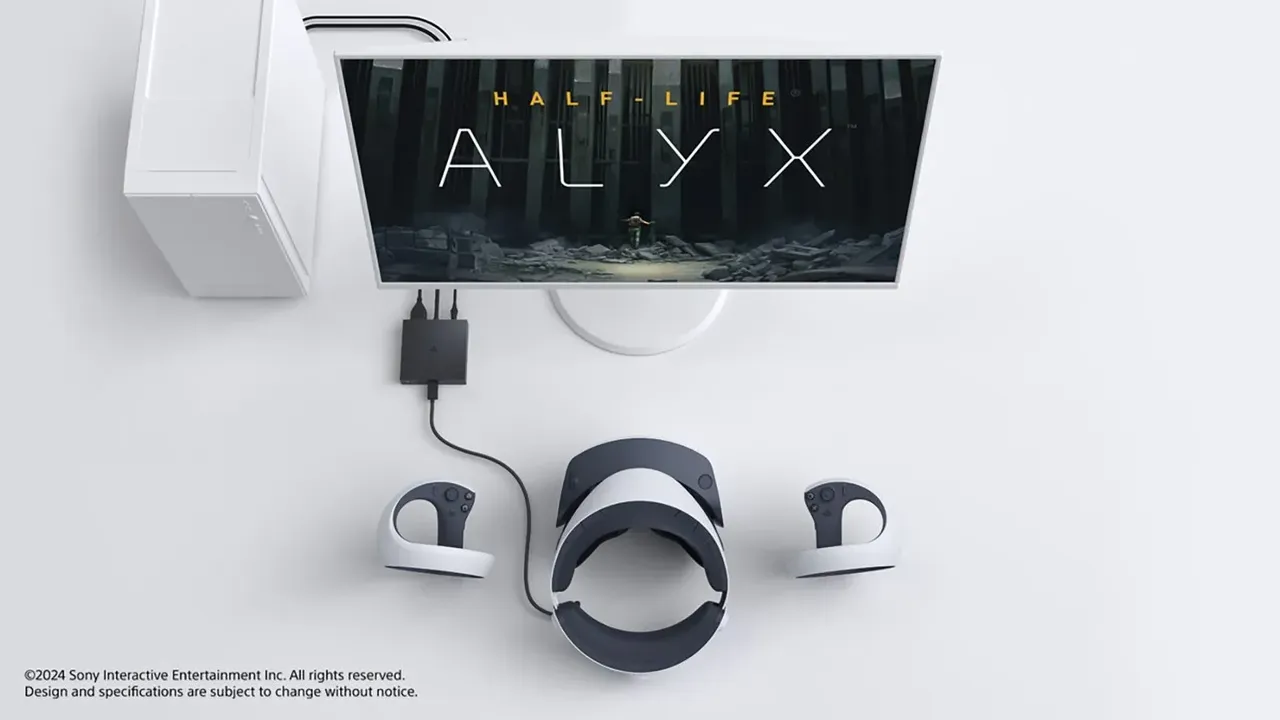
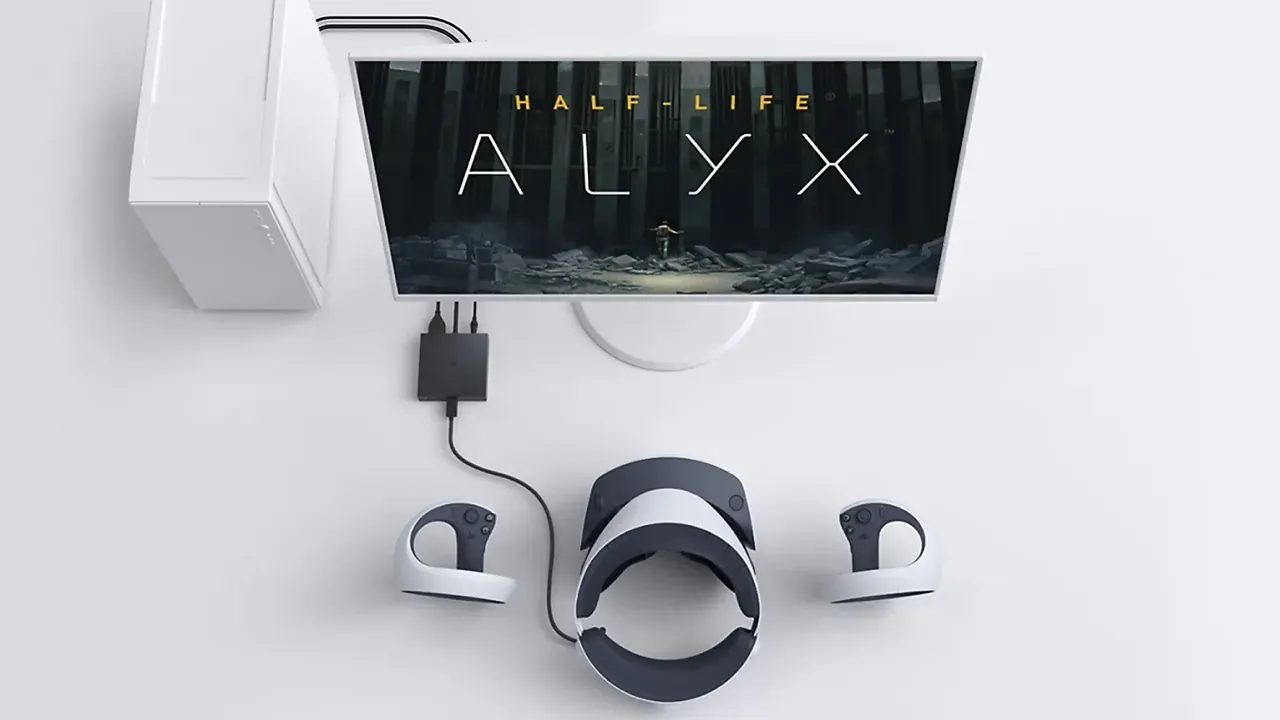
- DisplayPort headsets plug into the graphics card: Valve Index, HTC VIVE Pro 2, Bigscreen Beyond 2, and PS VR2 through Sony's PC adapter.
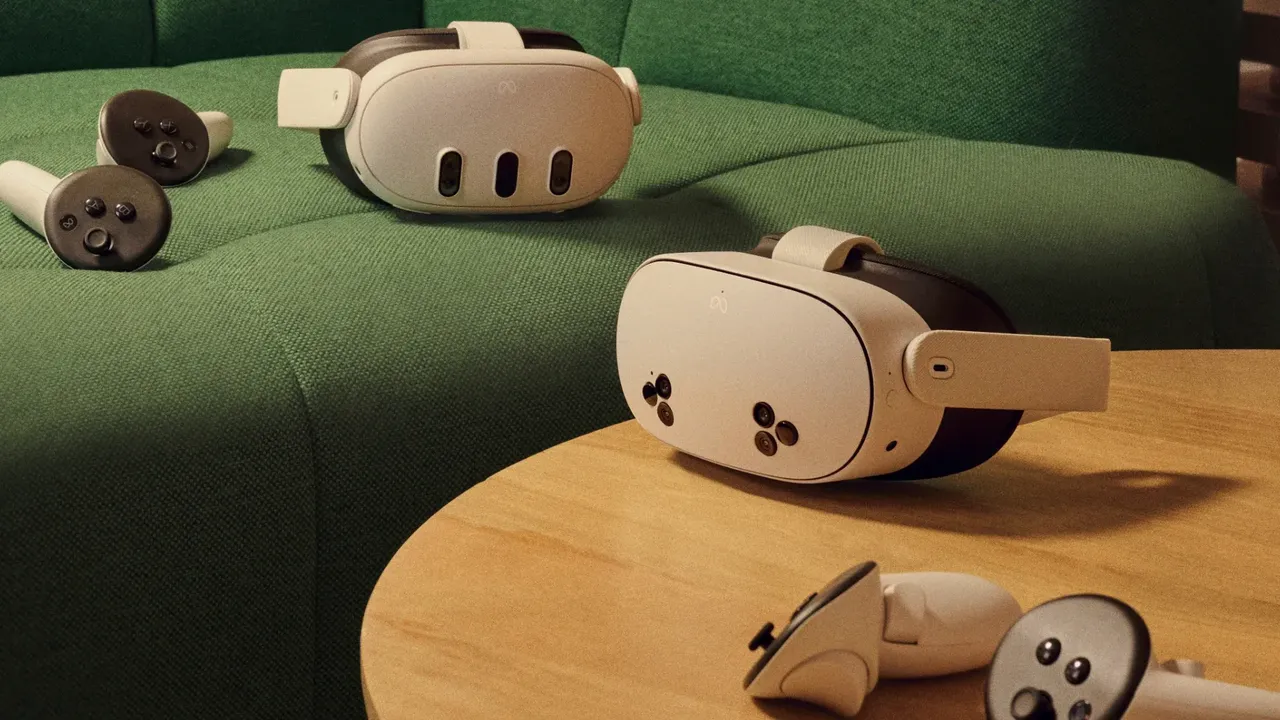
- Streaming headsets such as Meta Quest 3 connect over a USB cable with Meta Horizon Link, or over Wi-Fi with Steam Link. See how to play PC VR games on Meta Quest.
Treat published minimums as a floor. Valve explains that SteamVR measures your GPU and sets the render resolution to match, so the same headset looks sharper on a faster card. A stronger GPU buys image quality, not only framerate.
2. Choose the graphics card first
The GPU matters most. The makers' official figures are:
- SteamVR: minimum NVIDIA GeForce GTX 970 or AMD Radeon R9 290; recommended GTX 1060 or RX 480.
- Valve Index: minimum NVIDIA 970 or AMD RX480; recommended NVIDIA 1070 or better.
- Meta Horizon Link: recommended NVIDIA RTX 20 Series or AMD Radeon RX 6000 Series. Meta's supported list includes RTX 20 (except the RTX 2050), 30, 40 and 50 series and AMD RX 9070 and 9070 XT.
- PS VR2 on PC: minimum GTX 1650 or later, an RTX series card, Radeon RX 5500XT or later, or RX 6500XT or later. For best performance Sony recommends an RTX 3060 or RX 6600XT or later.
- VIVE Pro 2: minimum GTX 1060 or RX 480. Full Resolution mode needs an RTX 20 Series (Turing) or Radeon 5000 (Navi) card or newer.
- Bigscreen Beyond 2: minimum RTX 2070 or AMD RX 5700 XT, with DisplayPort 1.4 and DSC.
- Steam Link: minimum GTX 970 or AMD RX 570; recommended RTX 2070 or better.
3. Check the GPU exceptions
Some cards are ruled out even though they look new enough:
- Meta Horizon Link does not currently support Intel Arc GPUs or workstation cards. Meta also lists the GTX 1650 (non-Super), GTX 1060 3GB, GTX 1060M, GTX 1050 Ti and Radeon RX 560 as unsupported, and does not recommend the laptop RTX 3050 or the 3050 Ti.
- Steam Link does not support the AMD RX 6400 or 6500 XT, because they lack hardware encoding.
- Sony's PS VR2 adapter needs an NVIDIA card with Turing or later architecture.
4. Pick a processor and memory
- Meta Horizon Link: minimum Intel i5-4590 or AMD Ryzen 5 1500X with 8 GB RAM; recommended Intel i7 or AMD Ryzen 7 with 16 GB DDR4.
- Valve Index: minimum dual core with Hyper-Threading; recommended quad core or more.
- PS VR2 on PC: Intel Core i5 7600 or AMD Ryzen 3 3100 (Zen 2 or later) with 8 GB RAM or more.
- VIVE Pro 2: Intel Core i5-4590 or AMD Ryzen 1500 or better with 8 GB RAM or more.
- Bigscreen Beyond 2: quad-core Intel or AMD with 16 GB RAM.
- Steam Link: recommended Intel Core i5-4590 or AMD FX 8350 or better with 16 GB RAM.
Across the makers, 16 GB of RAM is the common recommendation, and Bigscreen lists it as the minimum.
5. Count your video ports
DisplayPort headsets need a free DisplayPort output on the graphics card itself:
- Valve Index: DisplayPort 1.2.
- VIVE Pro 2: DisplayPort 1.2 or higher, and DisplayPort 1.4 with DSC for Full Resolution mode.
- Bigscreen Beyond 2: DisplayPort 1.4 with DSC.
- PS VR2: DisplayPort 1.4, on a dedicated Mini DisplayPort or standard DisplayPort output, connected directly. Sony says DisplayPort over USB-C does not work with the adapter.
Laptops need extra care. Valve says a laptop may need an adapter for Index, and Bigscreen says some gaming laptops work through DisplayPort or a USB-C to DisplayPort adapter only if the dedicated GPU is wired to that output rather than routed through integrated graphics.
6. Count your USB ports and Bluetooth
- Valve Index: a USB 2.0 port minimum; USB 3.0 is needed for the headset's pass-through camera and USB port.
- VIVE Pro 2: one USB 3.0 port. Bigscreen Beyond 2: two USB 3.0 ports.
- PS VR2: a USB 3.0 port connected directly, with no extension cable or hub, plus Bluetooth 4.0 or later. Sony warns that some Bluetooth adapters are not compatible.
- Meta Horizon Link: one USB port minimum, a USB-C port recommended, and a high-quality cable at least 3 m (10 ft) long.
7. Plan your network for wireless play
For wireless PC streaming with Steam Link, Valve's minimum is a router on a 5 GHz channel with at least Wi-Fi 5, and it recommends Wi-Fi 6 or 6E. The headset and PC must be on the same network.
8. Check the operating system and drivers
Meta, Sony, HTC and Bigscreen list Windows 10 or Windows 11. Valve Index also supports Linux and SteamOS, and the Steam client itself has only supported Windows 10 and later since January 1, 2024. Keep your graphics driver up to date; Sony adds that if the latest driver causes trouble with PS VR2, you can try the previous version.
9. Test before you buy a headset
If you already own a PC, run Valve's free Are You Ready for Valve Index? app from Steam. It checks your OS, RAM, CPU, GPU, USB and other specs against Valve's requirements. Valve notes it does not guarantee compatibility with all-in-one PCs or laptops. For other headsets, compare your parts against that maker's list above, and see how to use PS VR2 on a PC if Sony's adapter is your route.
Questions et réponses
What is the minimum graphics card for PC VR?
It depends on the headset. SteamVR lists a GTX 970 or Radeon R9 290 as a minimum, while Bigscreen Beyond 2 needs at least an RTX 2070 or RX 5700 XT with DisplayPort 1.4 and DSC.
How much RAM do I need for VR?
Meta, Sony and HTC list 8 GB as a minimum, while Meta and Valve recommend 16 GB, and Bigscreen requires 16 GB for Beyond 2.
Can I use an Intel Arc GPU with Meta Quest Link?
Not currently. Meta says Intel Arc GPUs and workstation cards are not supported by Meta Horizon Link, though it is working to add support.
Does PS VR2 work with a USB-C DisplayPort output?
No. Sony says the PS VR2 PC adapter needs a dedicated Mini DisplayPort or standard DisplayPort 1.4 output, and DisplayPort over USB-C is not compatible.
What Wi-Fi do I need to stream PC VR wirelessly?
For Steam Link, Valve's minimum is a 5 GHz Wi-Fi 5 router, and it recommends Wi-Fi 6 or 6E, with the headset on the same network as the PC.