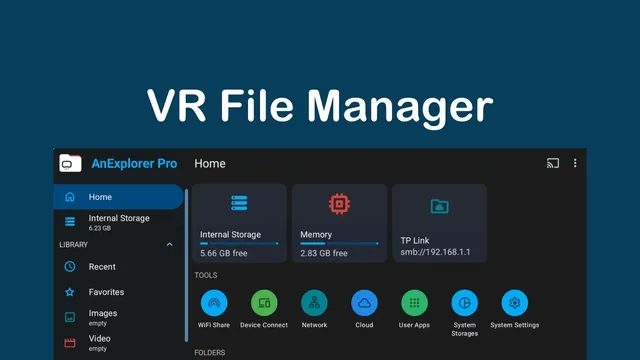
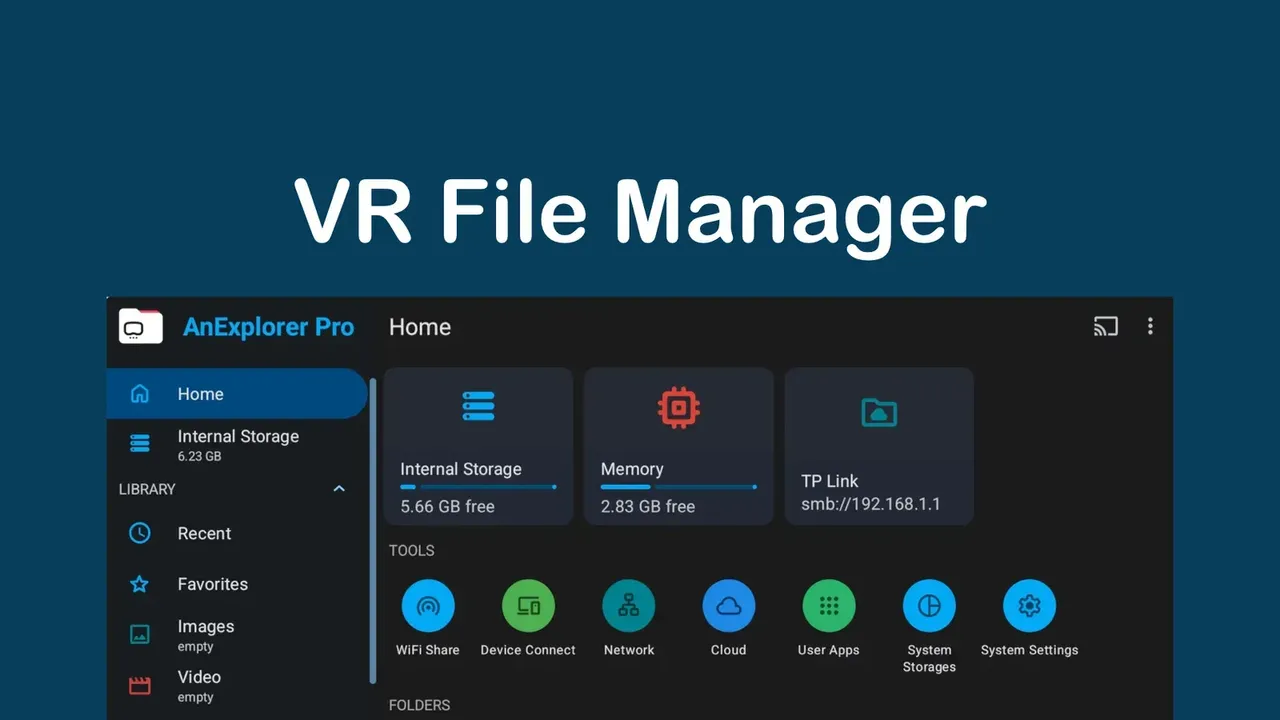
A free file manager for Quest and other Android headsets that browses local, USB, network and cloud storage and installs APK files.
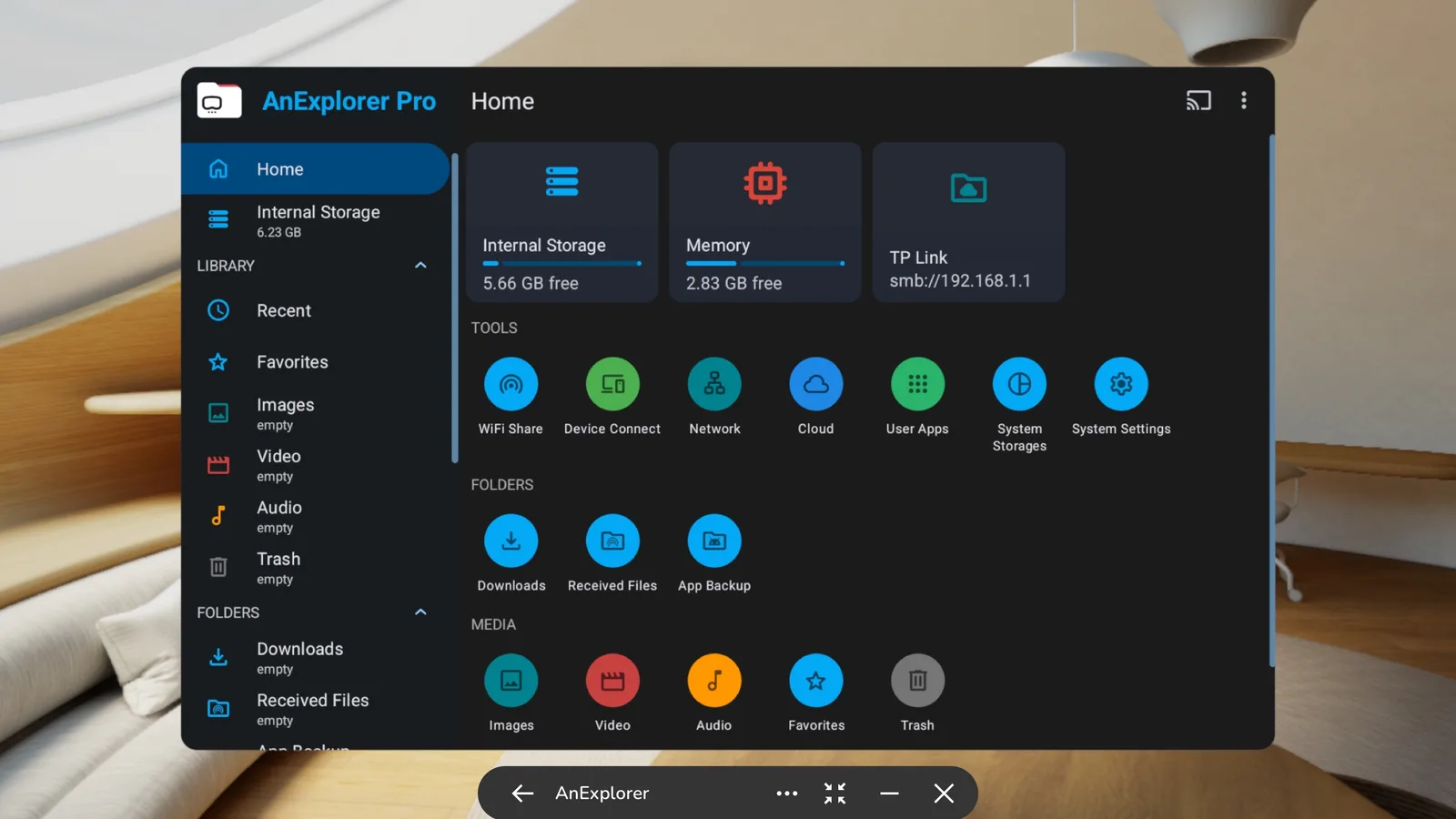
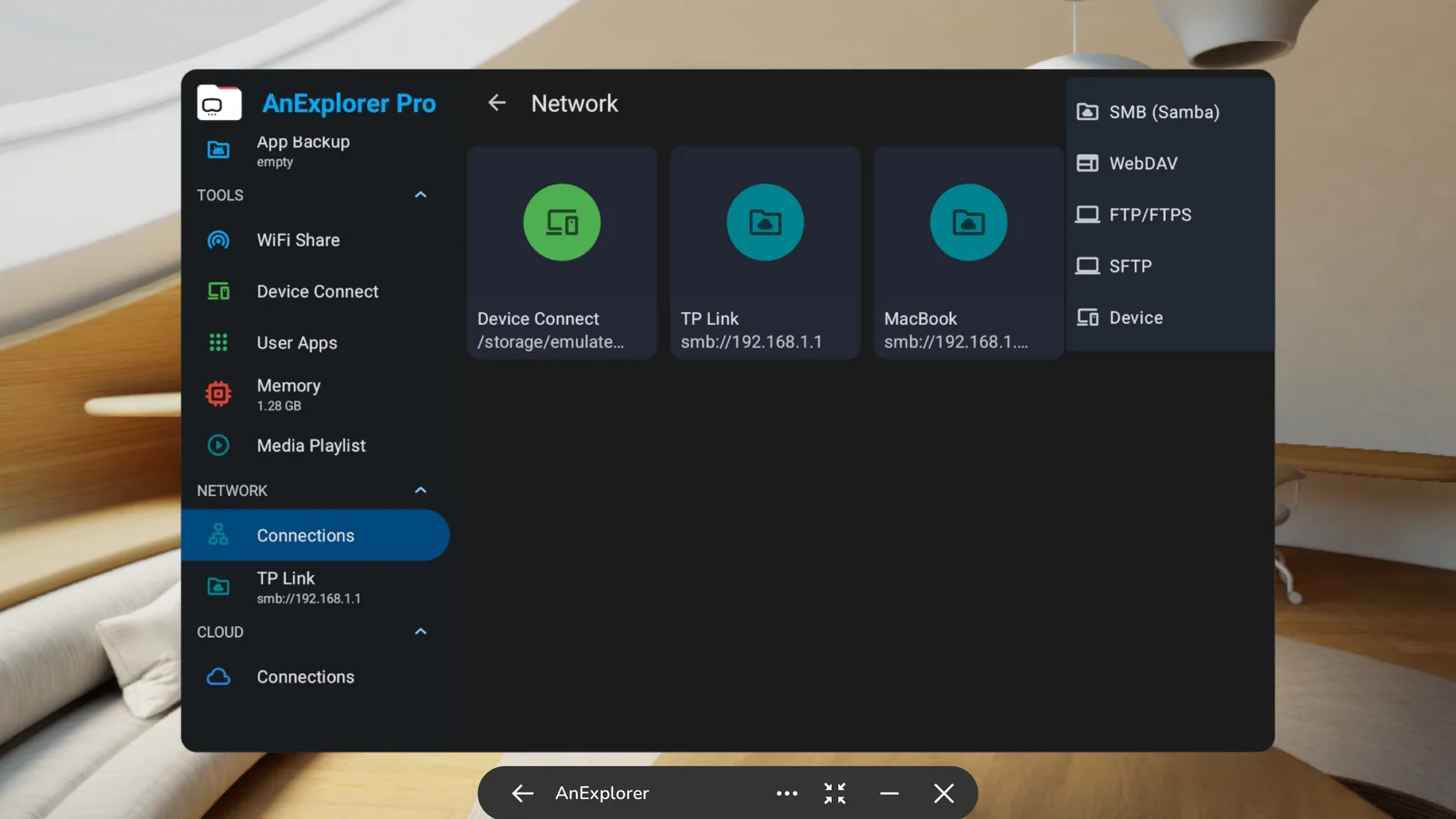
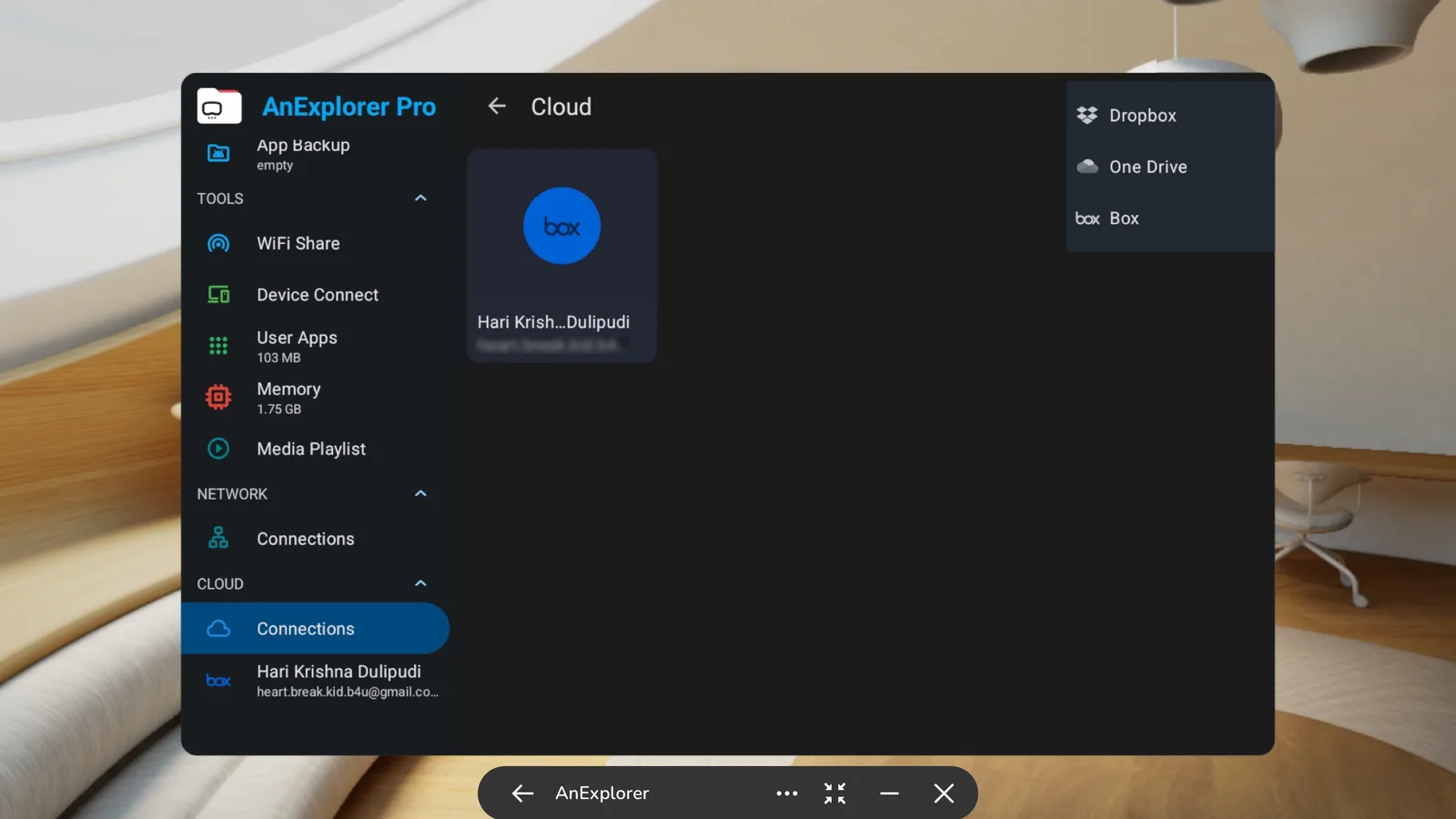
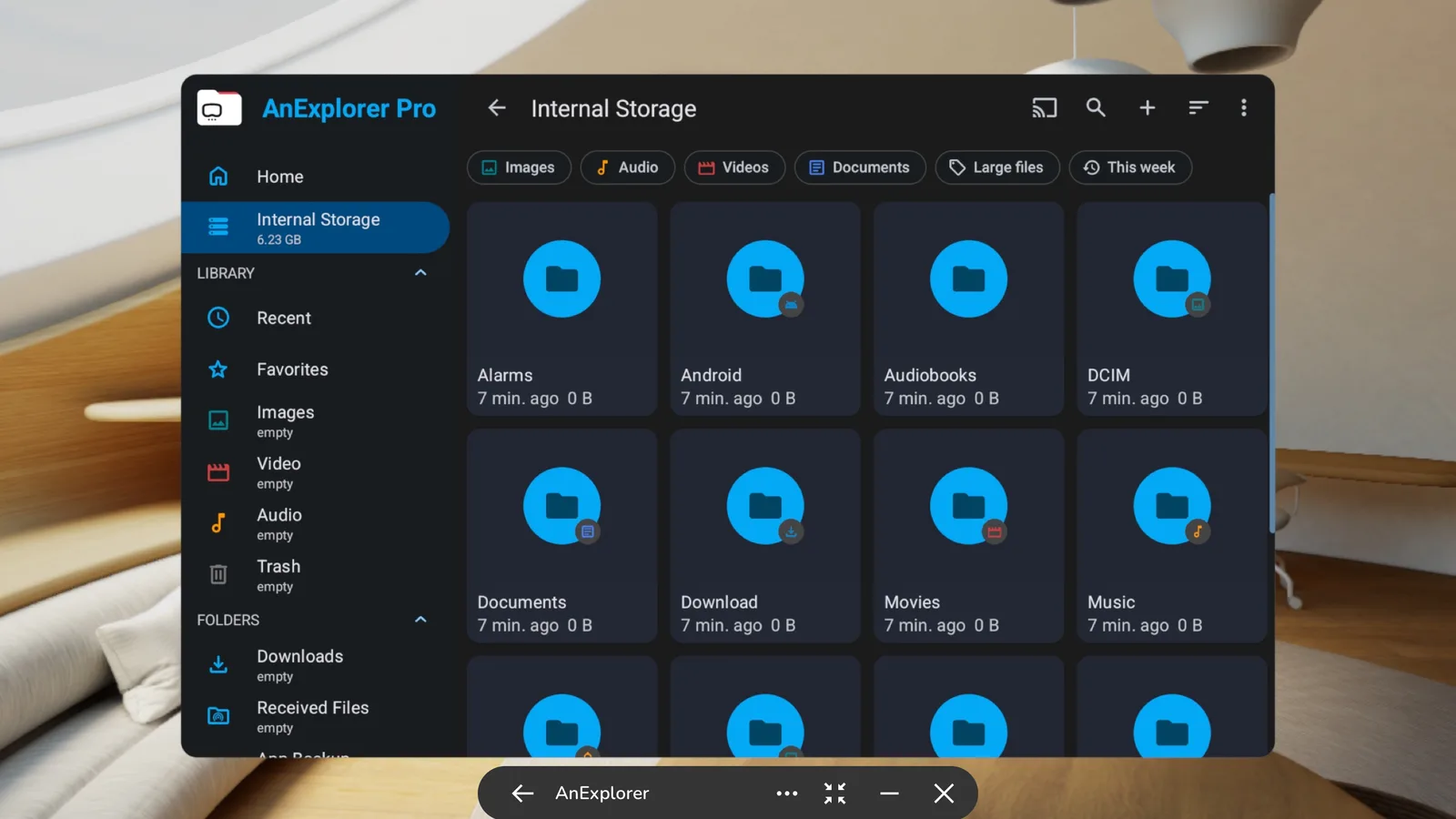
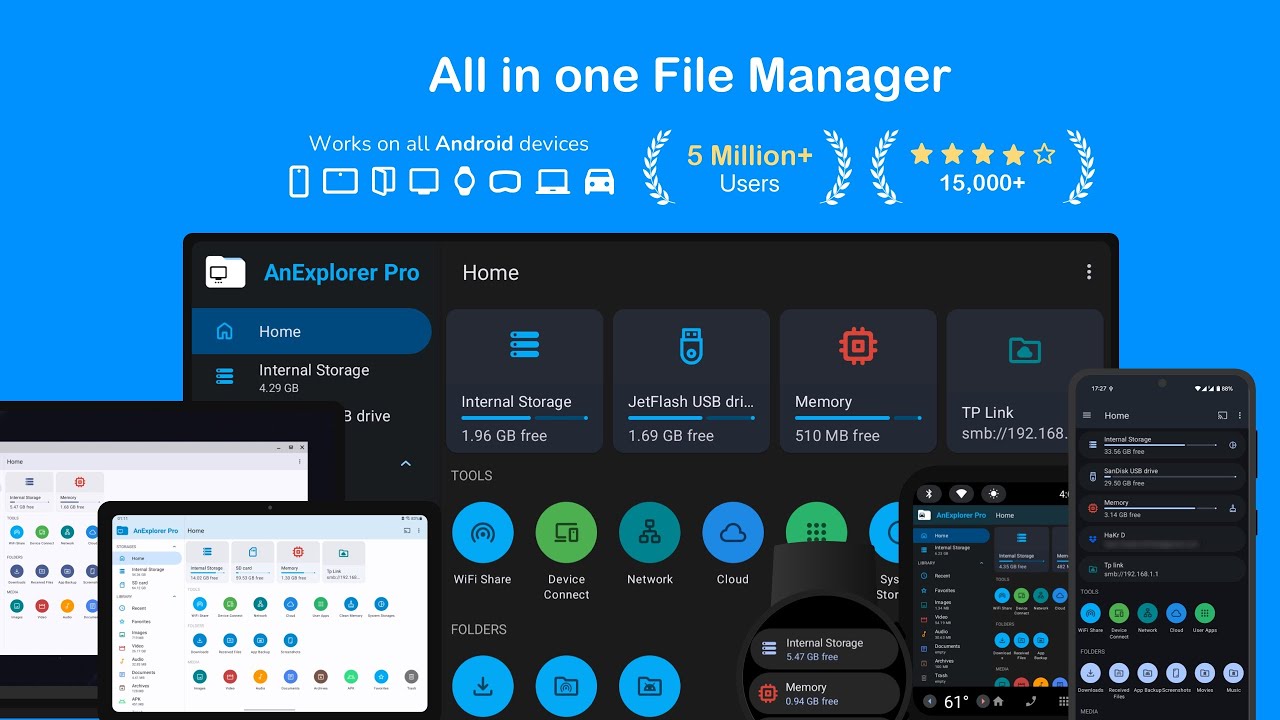
AnExplorer VR File Manager is a productivity app from DWorkS for organizing and moving files on a headset. It is an Android file manager that runs on Quest and other Android-based XR headsets, as well as on phones, tablets and TVs. It is distributed through SideQuest, where it was first listed in September 2025.
What you can do
The app goes well beyond a basic file browser. The main features named in the listing:
- File handling: copy, move, rename, delete, compress and extract; search by name, type, size or date; show hidden folders and folder sizes. FAT32 and exFAT drives such as SD cards and USB sticks are supported.
- Network and cloud: connect to SMB, WebDAV, FTP and SFTP servers or NAS shares, and work with cloud storage on Google Drive, OneDrive, Dropbox, Box, Mega and Yandex Disk.
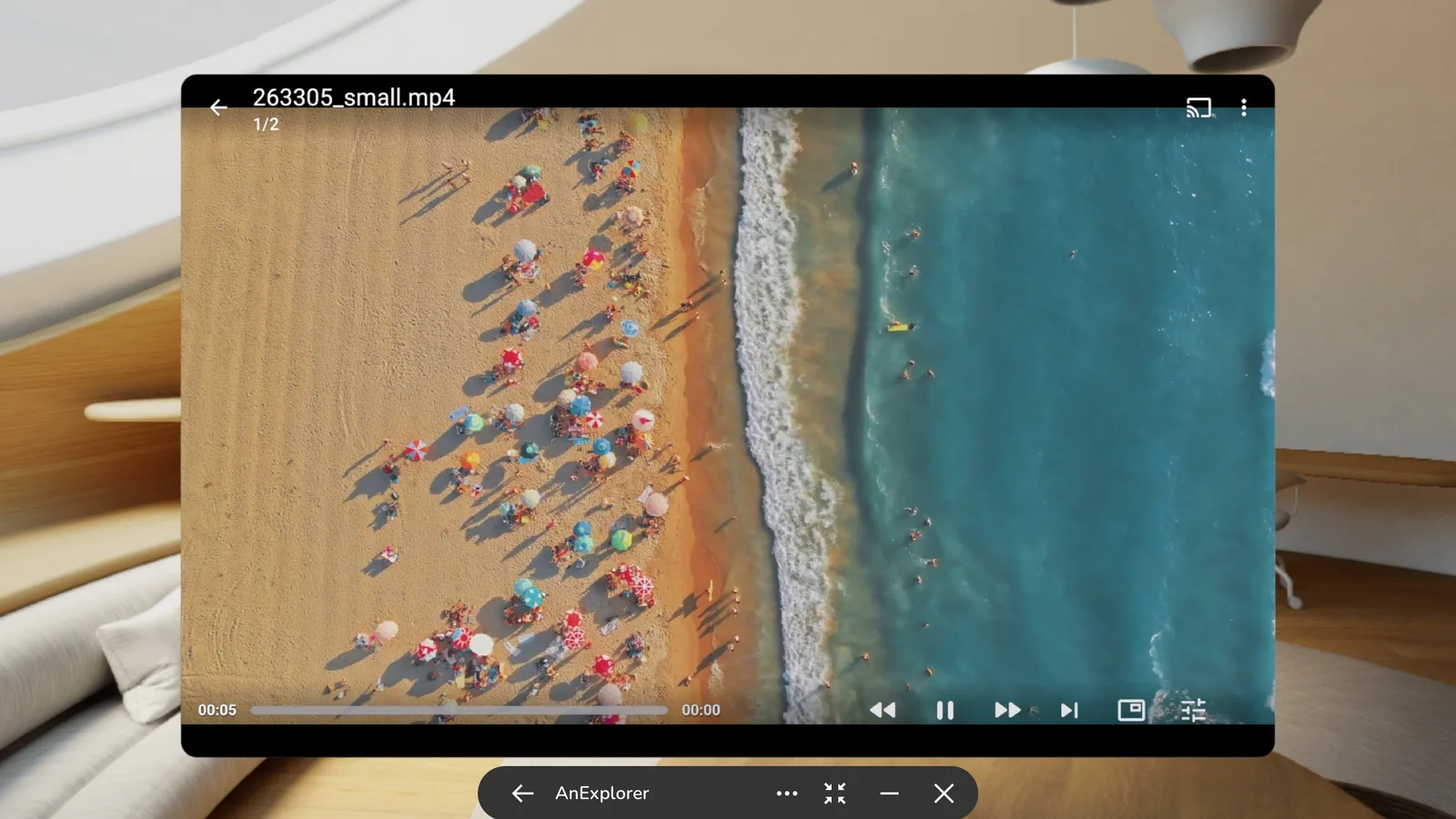
- Media and documents: a photo viewer with slideshows, an audio and video player with playlists and background playback, a text editor, and a PDF viewer with a night mode.
- Archives: open ZIP, RAR, TAR and 7z files and create new ZIP archives.
- App installs: install APK, APKM, APKS and XAPK packages, remove apps in batches, back up APKs, and install to another device over ADB by Wi-Fi or USB.
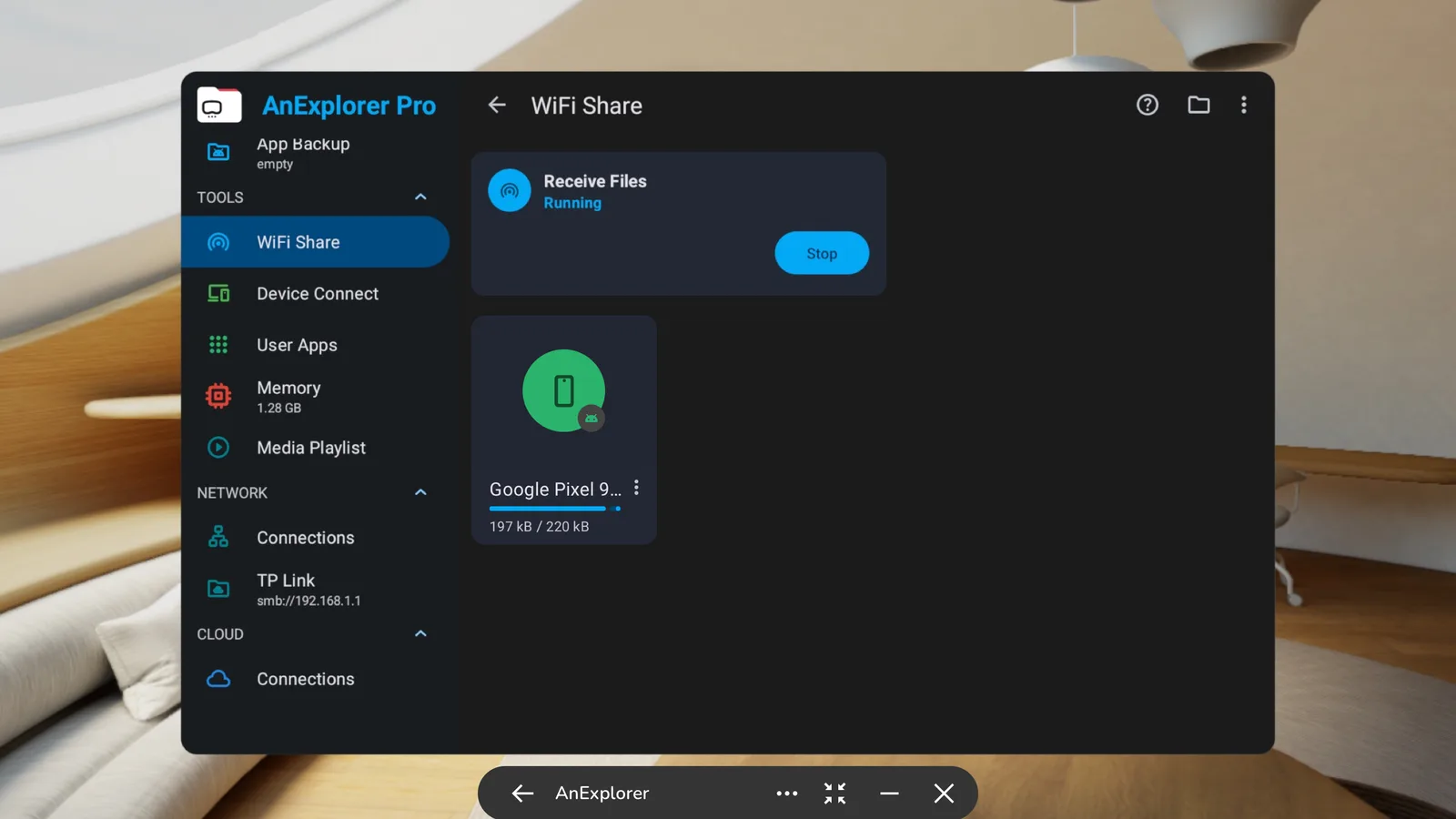
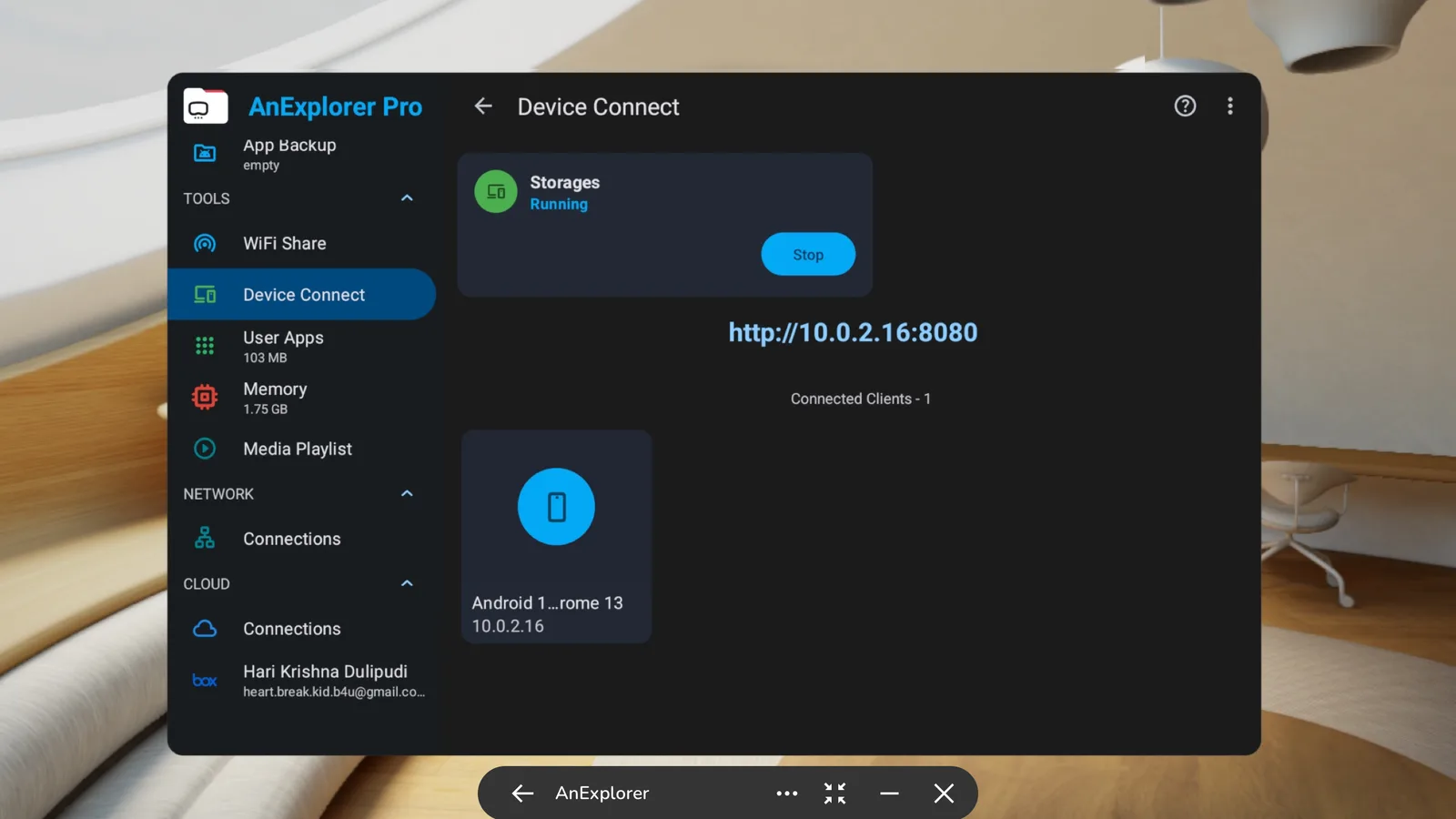
- Sharing: send files to nearby Android devices on the same Wi-Fi network, reach your files from a browser on another computer by typing the device's IP address, and cast media to Chromecast devices.
Users with root access can also browse system folders, and the app can sort downloads and messaging-app media into categories to free up space.
Comfort
SideQuest lists it as a seated app.
How to get it and what to know
- Price: free.
- Install it from SideQuest by sideloading; our guide to sideloading on Meta Quest walks through the setup.
- It is also listed on the Meta Horizon Store.
- Supported headsets: Meta Quest headsets such as the Quest 3 and Quest 3S, plus the Quest 2 and Quest Pro. The listing also names the Oculus Go, PICO headsets and Magic Leap devices.
- Only a few SideQuest users have rated it so far.