
Easy Lens CLI Adds Agent Tools for Snapchat Lens Builds
Snap’s Easy Lens CLI brings building, inspection and publishing to the command line, with npm version 0.2.99 and native support for three platform targets.
By vrBlogs
· 3 min read · Source: VR.org News
Easy Lens CLI is Snap’s npm-distributed command-line tool for building, inspecting and publishing Snapchat Lenses with coding agents. The package reached version 0.2.99 on November 17, 2026, and requires Node.js 18 or newer, according to the npm registry.
A Lens is Snapchat’s augmented-reality effect, often still called a filter. Snap’s CLI adds another workflow alongside Lens Studio, Snap’s desktop editor, and Easy Lens, its prompt-driven web and phone tool for generating Lenses from text.
Command-line workflow for coding agents
Snap’s Easy Lens CLI page presents the tool as a way to connect Lens creation with an existing AI coding workflow. Its setup page lists Claude Code, Cursor, Codex CLI and an option for any other agent.
The instructions tell an agent to install the package, print its installed version, run easylens agent print and follow the guide bundled inside the binary. Named integrations can also use easylens agent init with claude, cursor or codex as the target. That command writes project instructions where the selected tool expects them and is told to preserve existing content. Sign-in uses easylens auth login.
The same page advertises Lens+ insights from the command line. An agent can report how published Lenses are performing, giving creators information to use when deciding what to make next.
Separate from Lens Studio’s CLAD system
Easy Lens CLI is separate from CLAD, or Closed Loop Agentic Development. Lens Studio documentation describes CLAD as a suite of agents and skills for designing, building, testing and publishing Lenses in Lens Studio.
CLAD runs an MCP server and works with Claude Code, Codex, Cursor and VS Code, with setup guidance for those tools. Its documentation says the system covers Snapchat and SPECS Lenses, while Camera Kit Web and Camera Kit Mobile are not supported. The CLI is a separate installation and, in the report’s account, has no page in those Lens Studio documents.
Native binaries limit supported hardware
The npm package contains four files. Its executable entry point, bin/easylens.js, is roughly one kilobyte of Node code. It does not build a Lens or call a Snap API. Instead, it reads the host platform and architecture, resolves @snap/easylens-cli-<platform>-<arch>, and passes arguments to the compiled executable installed inside that package.
Three native packages are available: macOS on Apple Silicon, Linux x64 and Windows x64. The unpacked macOS Apple Silicon build is about 75 MB across 36 files. The Linux x64 build is about 103 MB, while the Windows x64 build is about 70 MB. The npm package therefore acts as a launcher and delivery mechanism for a native program.
No darwin-x64 package exists for Intel Macs. linux-arm64 and win32-arm64 are also unavailable, excluding ARM Linux systems and Snapdragon Windows laptops. When a package is missing, the launcher prints the architecture it checked and the package it could not find before exiting.
Release history and licensing
The npm history shows a short sequence of releases. The package first appeared on November 6, 2026, as 0.0.0-stage, followed by three smoke-test builds within the same half hour. Version 0.2.83 arrived on November 13. Versions 0.2.88 and 0.2.97 followed on November 16, and 0.2.99 became the latest release on November 17.
The package license field says SEE LICENSE IN README.md. The README directs users to Snap’s Lens Studio License Agreement, while generative functions are governed separately by Snap’s Generative Lens Tools Terms. The package has no repository link or source code, and includes a third-party notices file for libraries compiled into it.
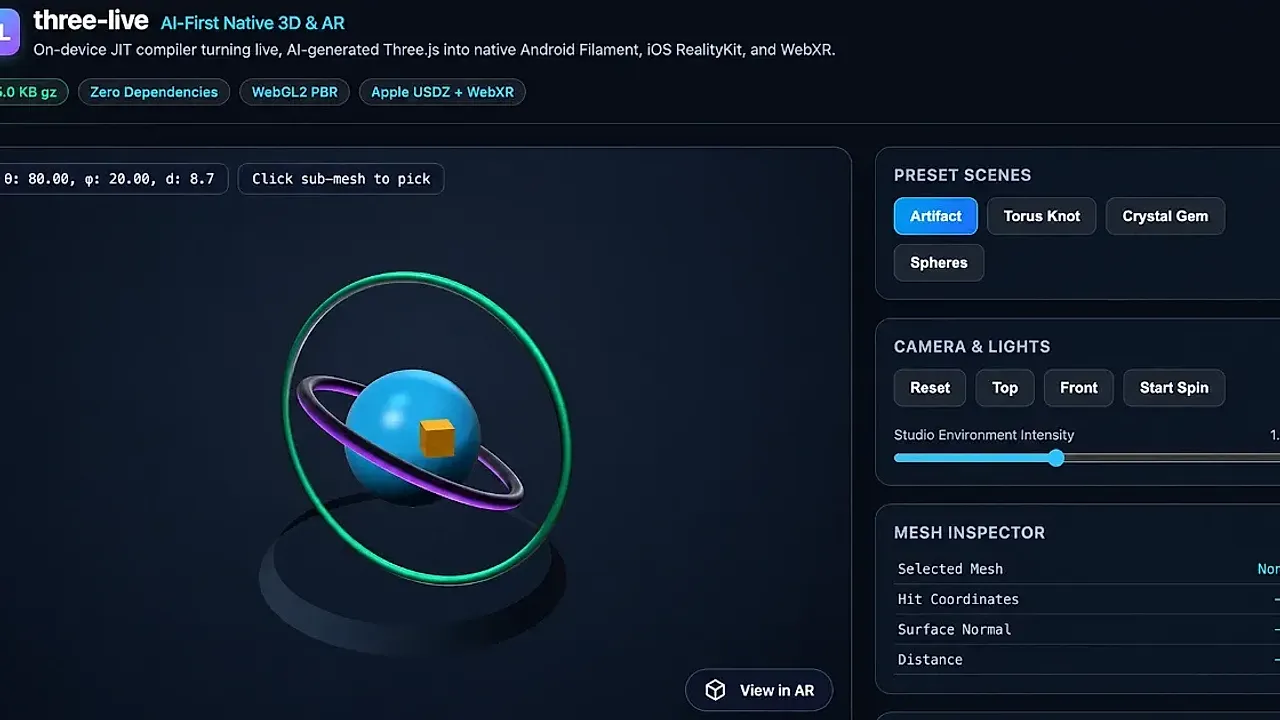
That distribution model differs from Google’s Three-Live release two weeks earlier. Google published Three-Live on GitHub under Apache 2.0, allowing developers to inspect how AI-generated code is handled before rendering. Both workflows place a vendor tool between an AI model and a shippable 3D scene, but only Three-Live offers source-code inspection of its sanitizer.
Support boundary
Snap’s Easy Lens documentation says the CLI is fully supported on Snapchat. It is not supported on SPECS, Camera Kit Web or Camera Kit Mobile. The workflow targets Snapchat’s phone app, not Snap’s AR glasses, which still have no ship date.
Enjoyed this story?
Like it to tell the editors, or save it to read later.

Comments
Sign in to join the conversation.
Sign inNo comments yet. Start the conversation.
·