How to reduce motion sickness in VR
Practical steps to avoid or ease VR motion sickness: fit the headset well, pick comfortable games and settings, take breaks, and build tolerance gradually without pushing through symptoms.
- 초급
- 10분

준비물
- A VR headset
- Games with comfort options such as teleport movement and snap turning
Motion sickness is the most common reason people give up on VR, but it is often avoidable. It usually comes from sensory conflict: your eyes see movement that your inner ear does not feel. The steps below reduce that conflict and help you build comfort over time. They complement, and do not replace, the health and safety warnings that come with your headset.
The golden rule
Stop as soon as you feel unwell. Sony's PS VR2 manual, for example, says to stop using the headset immediately if you feel motion sickness, nausea, disorientation or blurred vision, and to rest before doing anything that needs balance or coordination, such as driving, until symptoms are completely gone. Pushing through usually makes it worse and can make you associate VR with feeling sick.
Step 1: Get the basics right
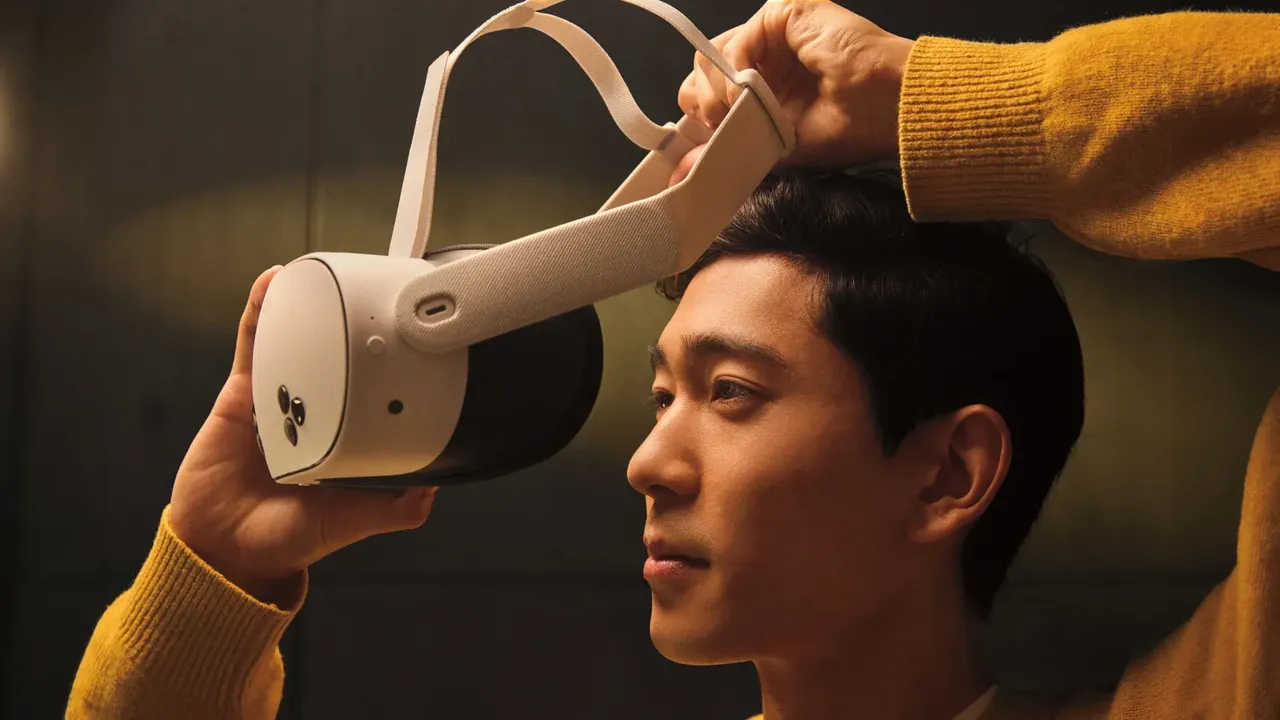
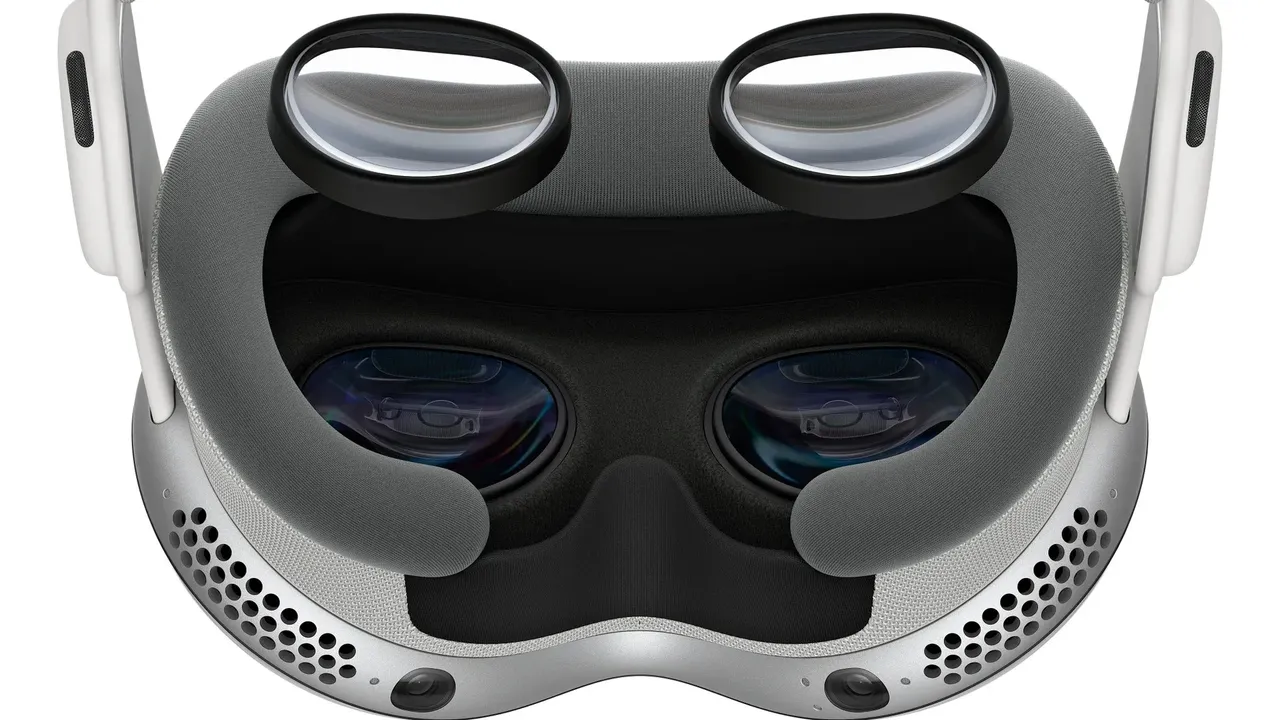
- Fit the headset properly and set the lens spacing for your eyes. A blurry image adds strain. See how to adjust IPD and lens fit.
- Keep the lenses clean so the image stays sharp.
- Play in a cool room. Many people find a fan pointed at them helps, and it also gives you a sense of direction.
- Do not play when you are tired, ill, dizzy or have been drinking.
Step 2: Start with comfortable experiences
- Begin with games where you stand still or move only with your body, such as rhythm, puzzle and seated experiences.
- Check comfort ratings before buying. The Meta Horizon Store labels apps as Comfortable, Moderate or Intense.
- Leave games with fast flying, rollercoasters or smooth thumbstick movement until you feel at ease.
Step 3: Turn on comfort settings
- Open the game's comfort or movement menu.
- Choose teleport movement instead of smooth locomotion where available.
- Switch to snap turning instead of smooth turning.
- Turn on the vignette or tunneling option, which narrows your view while moving.
- Lower the movement speed if smooth locomotion is the only option.
- Play seated for movement-heavy games so your body is not trying to balance.
Our glossary entry on comfort settings explains each option in more detail.
Step 4: Keep sessions short and take breaks
- Start with sessions of 10 to 15 minutes, then stop while you still feel fine.
- Take regular breaks. Sony generally recommends a 15-minute break for every hour of play with PS VR2, and longer if you feel any discomfort.
- Increase play time gradually over days, not in one sitting.
Step 5: Keep the frame rate smooth
- On PC VR, lower graphics settings if a game stutters. Dropped frames and reprojection artifacts can trigger discomfort.
- For wireless PC streaming, improve the Wi-Fi setup so the image does not hitch. See how to play PC VR games on Quest.
Step 6: Build tolerance gradually
Many players find their tolerance improves with short, regular sessions, after which they can relax comfort settings one at a time. Some people always need comfort options, and that is fine. If symptoms are strong, last a long time after playing, or include anything unusual like twitching or loss of awareness, stop using VR and talk to a doctor.
질문과 답변
Why do I feel sick in VR but not when playing on a TV?
In VR the virtual world fills your whole view, so artificial movement feels much more real to your eyes, while your inner ear still senses that you are standing still. That mismatch is the main cause of VR sickness.
Does VR motion sickness go away?
For many people tolerance improves with short, regular sessions. Some people continue to need comfort settings. Never push through symptoms to try to speed this up.
Is teleport or smooth movement better for comfort?
Teleport movement is generally more comfortable because you do not see continuous motion. Combine it with snap turning when you are starting out.
How long should I wait after feeling sick before driving?
Sony advises resting and avoiding activities that need unimpaired vision, balance or coordination until symptoms have completely gone.