A virtual office for VR headsets: stream a Windows, Mac or Linux computer, add up to five virtual monitors and work alone or with colleagues in shared rooms.
スクリーンショット
写真:3
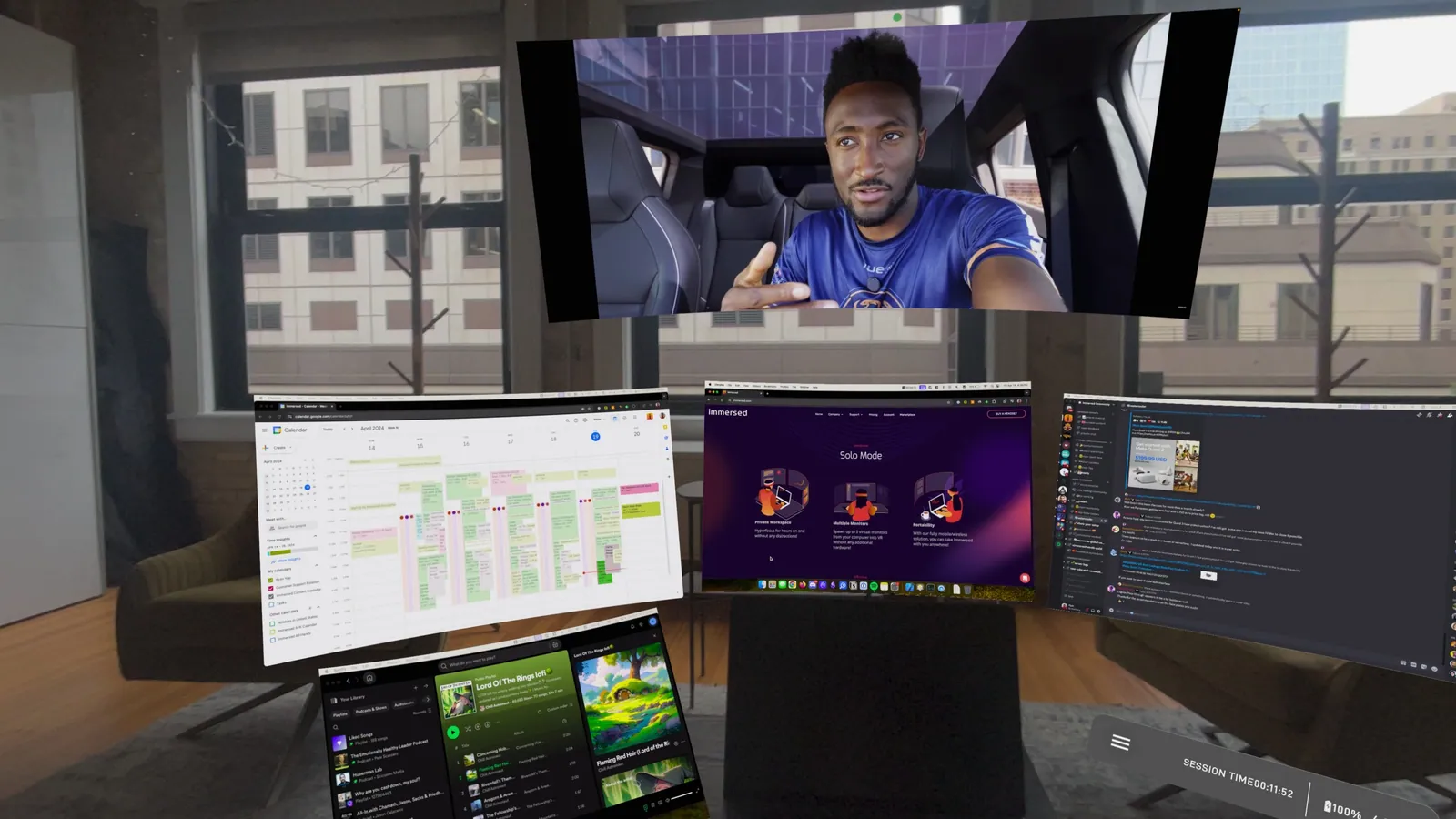
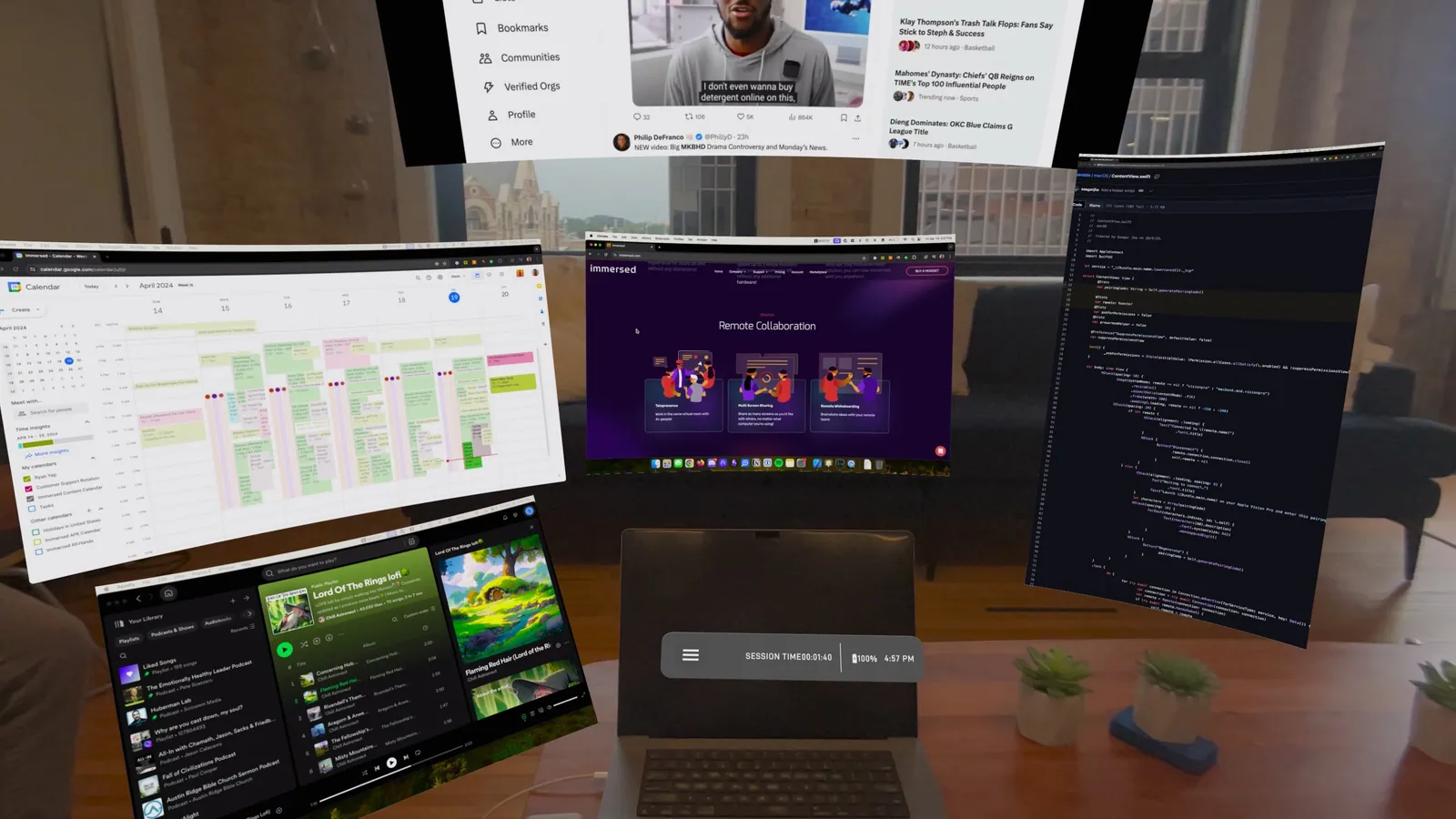
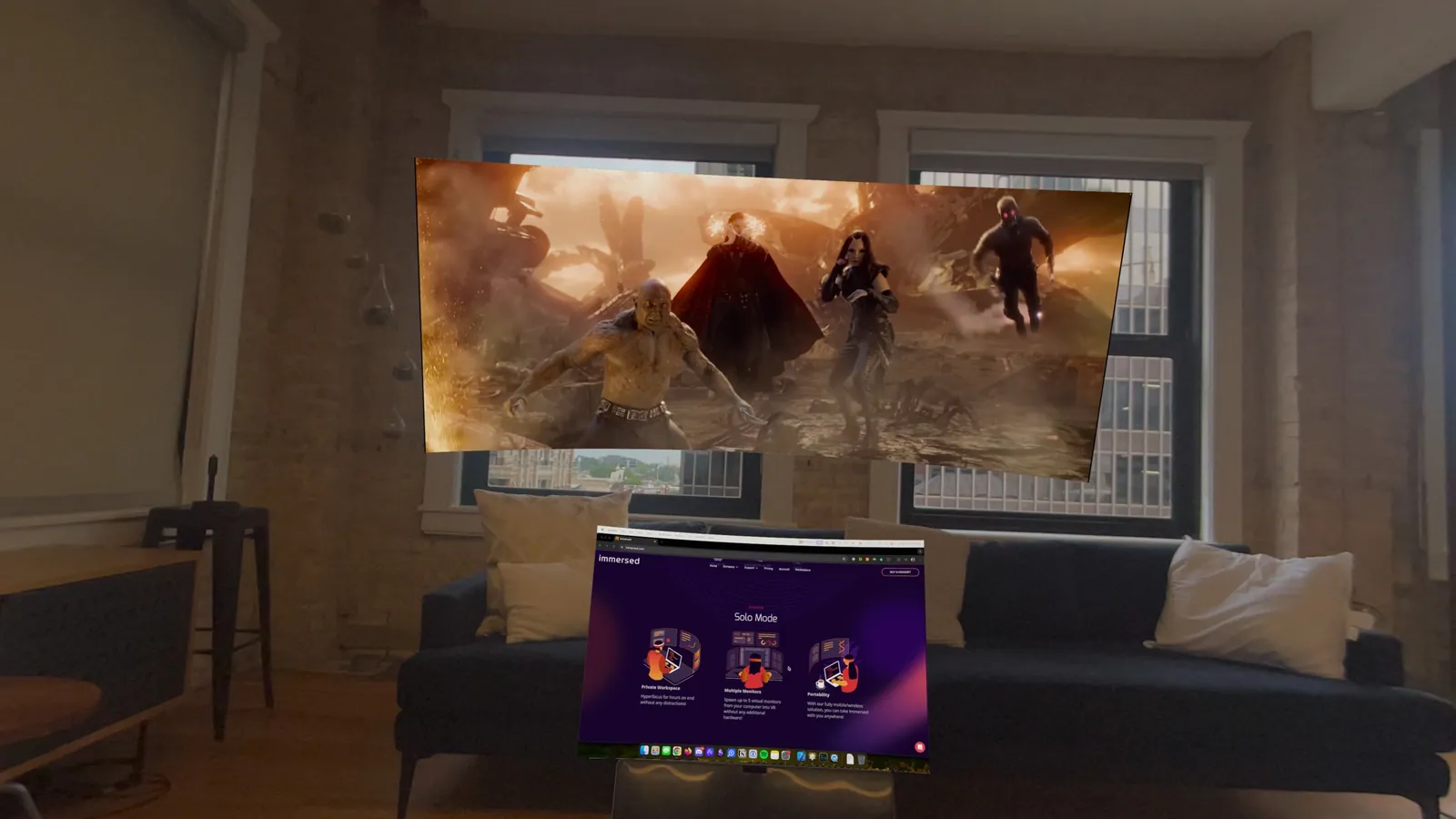
Immersed is a virtual office app from Immersed Inc. that streams your computer into a headset and surrounds you with extra virtual monitors. It is one of the best-known apps in the productivity category and has been on the Quest store since July 2020.
What it does
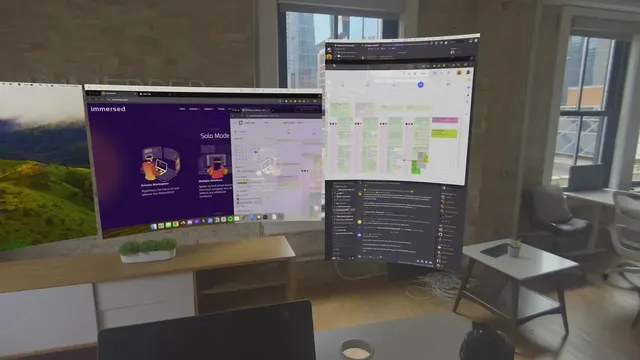
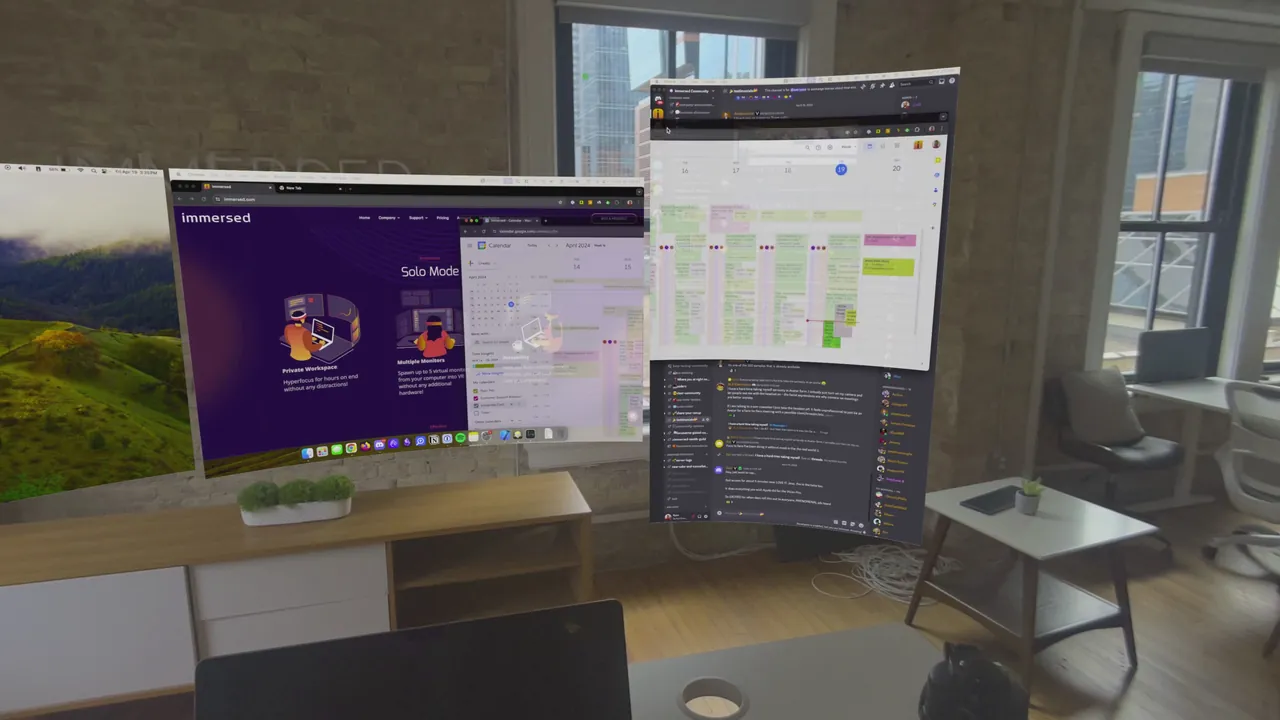
You install a free desktop agent on a Windows, Mac or Linux computer, then connect to it from the headset over your network. Immersed mirrors your real screen and can add virtual monitors that you place and resize around you. The free Starter mode allows up to three screens at standard resolutions such as 1440x900, while Immersed Pro raises that to five screens and adds sharper resolutions up to 3840x2160. You can work inside themed virtual environments, and the Meta store listing recommends a Wi-Fi Direct connection for the best image quality and lowest delay.
Collaboration
Immersed also works as a shared office. Public co-working spaces let you work next to other users, and private rooms let a team gather around shared screens and whiteboards. Starter rooms hold up to four collaborators, while Pro rooms take 15 or more, and Pro members get access to a VIP co-working space.
Comfort
You sit or stand at your desk and only move your head and hands, so there is no artificial movement to cause motion sickness. The Meta store does not show a comfort rating. For long sessions, how comfortable your headset is and how sharp text looks on its displays matter more than the app itself.
Platforms and what to know before buying
- The app is free on the Meta Horizon Store, where it runs on Quest headsets such as the Meta Quest 3. Immersed Pro is a subscription that starts at $5.99 a month on Immersed's website.
- On the visionOS App Store it is free for Apple Vision Pro, with a one-time $50 "+2 Screens" purchase; higher resolutions there also need the Pro subscription. On Vision Pro it cannot run side by side with other visionOS apps.
- Immersed's website also lists PICO headsets and the company's own Visor headset as supported.
- Your computer needs the desktop agent, which supports macOS 11 or later, 64-bit Windows 10 and Linux, and you need an Immersed account.
- It is rated 12+ on the Meta Horizon Store and 16+ on the visionOS App Store, where the listing notes unrestricted web access.