How to adjust IPD and lens fit for a sharp VR image
A blurry headset is usually a fit problem. Learn how to find your IPD, set the lens spacing and fit the strap on Meta Quest 3, Quest 3S, PlayStation VR2 and Apple Vision Pro.
- शुरुआती
- 10 मिनट
आपको क्या चाहिए
- Your VR headset
- Millimeter ruler and a mirror, or your pupillary distance from an optician
If the picture in your headset looks soft, doubled or only sharp in a small spot, the fix is usually not a new headset but a better fit. Two things matter most: the headset sitting at the right height and angle on your face, and the lenses being spaced to match your interpupillary distance (IPD).
Step 1: Find your IPD
- The most accurate way is to ask an optometrist or optician for your pupillary distance (PD). It is often printed on glasses prescriptions.
- To measure yourself, stand in front of a mirror and hold a millimeter ruler just above your eyes.
- Close one eye and line up the ruler's zero mark with the center of the open eye's pupil.
- Without moving the ruler, switch eyes and read the mark at the center of the other pupil. A friend can do this more easily than you can.
Meta notes that its Quest headsets best accommodate IPDs between 56 and 70 mm, which covers about 95% of adults (Meta's IPD article).
Step 2: Fit the strap first
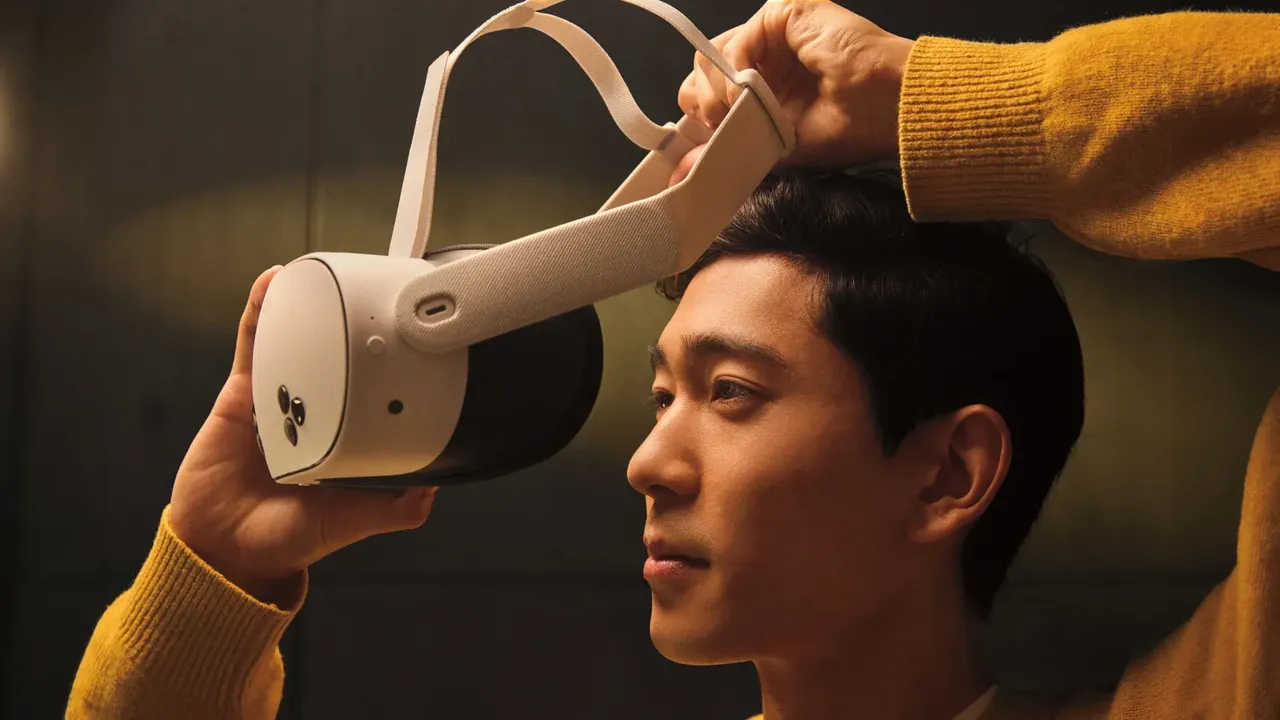
- Loosen the straps, put the headset on from front to back, and move hair away from your face.
- Tighten the rear strap until the headset is snug but not pressing hard on your cheeks or forehead.
- Adjust the top strap so the weight rests on the top of your head.
- Move the headset up and down slightly while looking at text. Stop where the text is sharpest.
Step 3: Set the lens spacing on your headset
Meta Quest 3
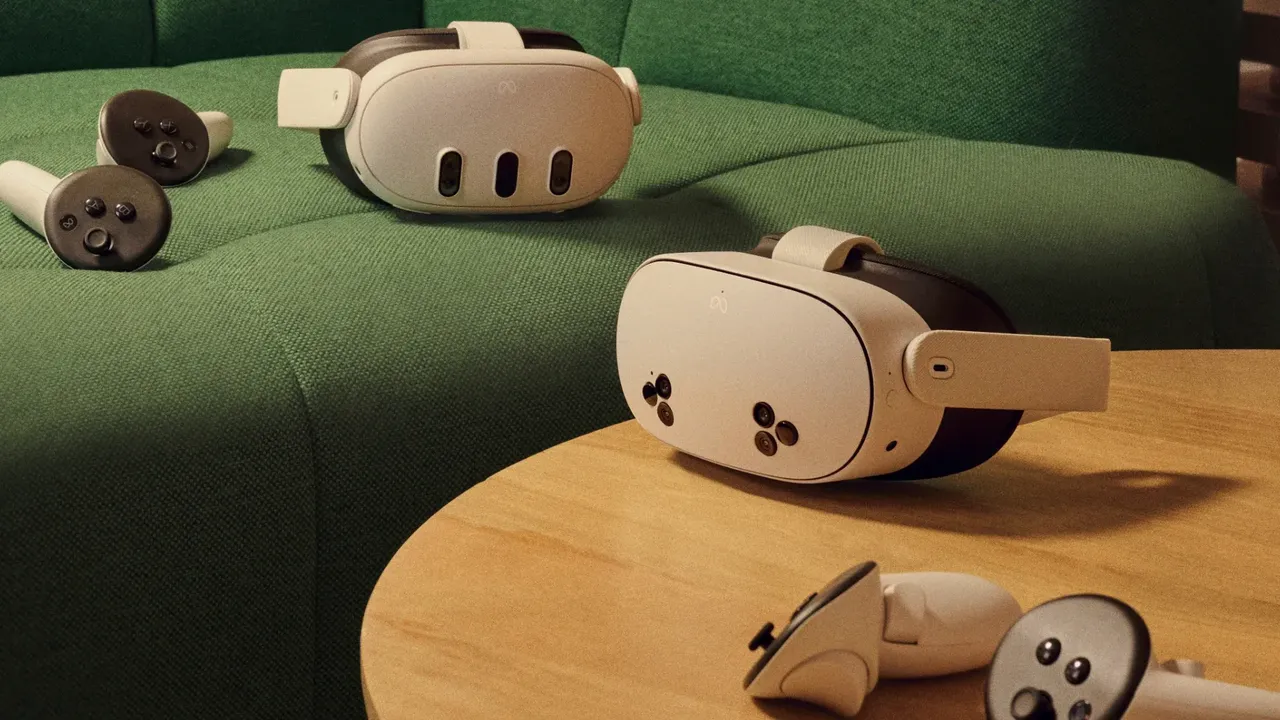
- Turn the lens spacing wheel on the bottom left of the headset. The lenses move continuously.
- Stop when the image looks clear and comfortable for both eyes.
- For lens depth (eye relief), take the headset off, tilt the arms up, hold the eye-relief button beside one lens and slide the facial interface forward or back. Repeat on the other side so both match (Meta's Quest 3 fit article).
Meta Quest 3S
- Slide the lenses sideways into one of three positions.
- Meta's guidance: position 1 (58 mm) for an IPD of about 61 mm or smaller, position 2 (63 mm) for about 61 to 66 mm, and position 3 (68 mm) for about 66 mm or larger.
- If you are between two settings, try both and keep the one that looks sharpest.
PlayStation VR2
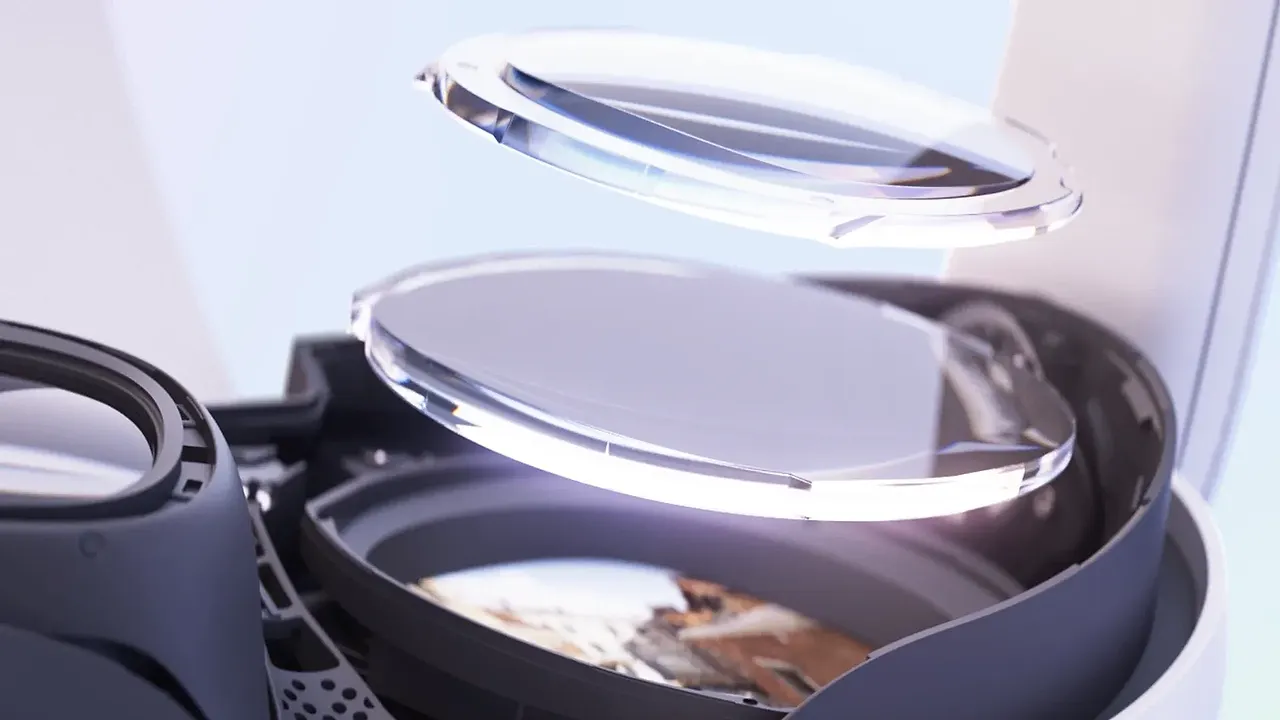
- Use the headband adjustment dial at the back to secure the headset. Sony warns not to overtighten it.
- Hold the scope adjustment button and slide the front scope toward or away from your face.
- Turn the lens adjustment dial until your eyes sit in the middle of the lenses. On PS5 you can review the fitting steps under Settings, Accessories, PlayStation VR2; on PC the PlayStation VR2 App walks you through it (Sony's PS VR2 on PC page).
Apple Vision Pro
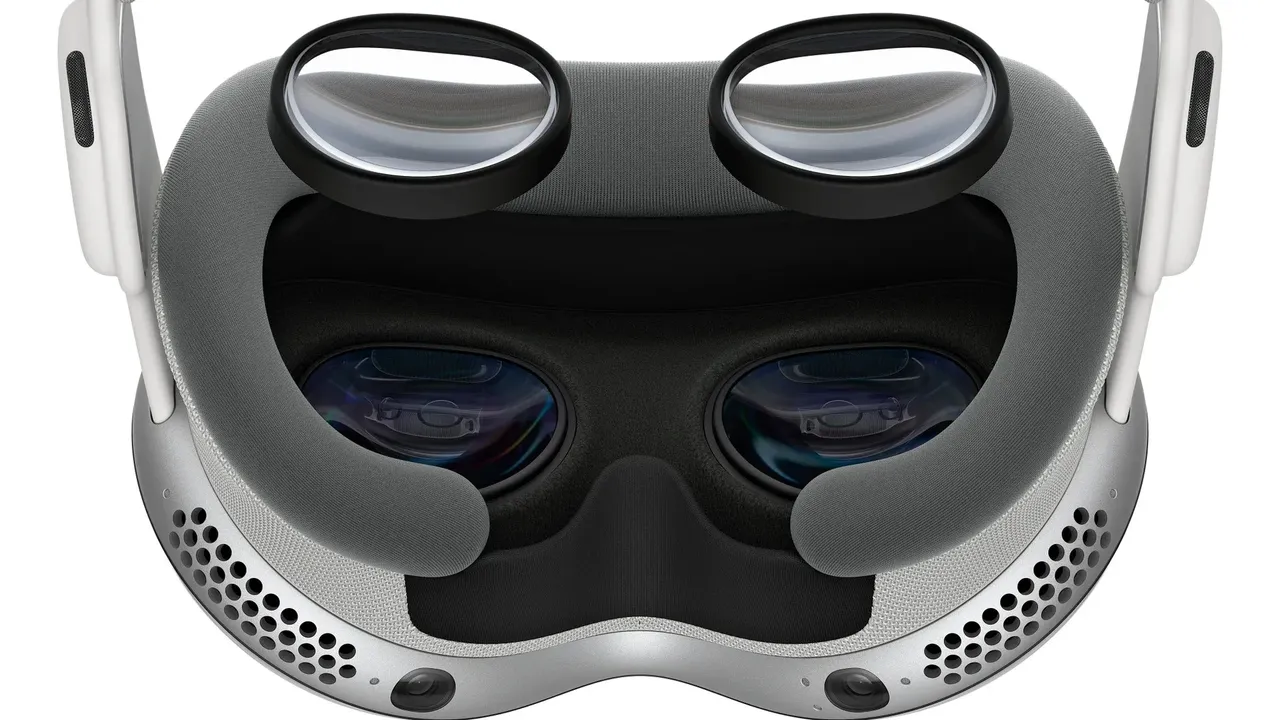
- Vision Pro aligns its displays to your eyes automatically and may prompt you to realign when you put it on.
- To realign manually, open Settings, tap Eyes & Hands, then Realign Displays, and follow the prompts using the Digital Crown and top button. Release the Digital Crown if you feel contact on your nose (Apple's display alignment guide).
- If the device says you are too close to the displays, switch to the thicker Light Seal Cushion or a different Light Seal size.
Step 4: Check the result
- Look at a menu with small text straight ahead. It should be equally sharp in both eyes.
- Close one eye at a time. If one side is much blurrier, recheck the lens spacing and headset angle.
- If the whole image is soft and you normally wear glasses, you may need vision correction in the headset.
- Smudges also cause blur. See how to clean VR lenses safely.
प्रश्न और उत्तर
Why is my VR headset blurry?
The most common causes are the headset sitting too high or low on your face, lens spacing that does not match your IPD, and smudged lenses. Fix the strap first, then the lens spacing, then clean the lenses.
What if my IPD is between the Quest 3S lens positions?
Try both nearby positions and keep the one that looks sharpest. Small differences in headset angle can also help you find the clearest view.
Is IPD the same as the pupillary distance on my glasses prescription?
Yes. Pupillary distance (PD) from an optician is the same measurement and is the most accurate way to know your IPD.
Does Apple Vision Pro have an IPD dial?
No. Vision Pro aligns its displays to your eyes automatically. You can trigger it again in Settings under Eyes & Hands, then Realign Displays.