
Meta's VR Layout SDK 1.0 Gives Flat Quest Apps Side Windows, but Gaze SDK Builds Can't Ship Yet
Meta's VR Layout SDK, published as version 1.0.0 on September 24, lets Jetpack Compose and React Native apps on Quest open extra spatial windows. Its companion Gaze SDK is still unstable and blocked from the Horizon Store.
Par vrBlogs
· 2 min de lecture · Source: Meta Horizon OS Developers
Meta now offers ordinary Android apps on Quest a way to open extra panels beside their main window without becoming immersive VR apps, according to UploadVR, MIXED and Meta's developer documentation. The Meta VR Layout SDK was introduced around Connect 2026, and its React Native packages reached version 1.0.0 on npm on September 24.
How the Layout SDK works
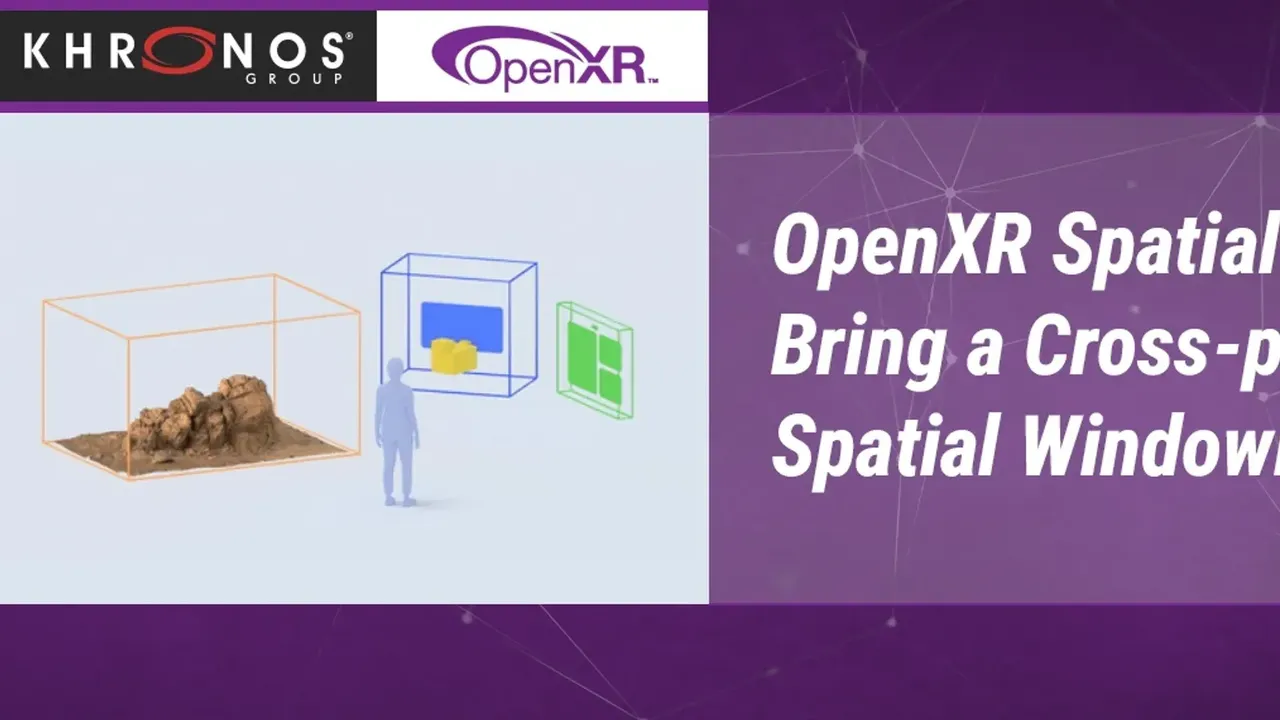
A standard Android app keeps its main 2D window and adds "spatial windows" anchored around it, such as a tools or details panel. The app stays non-immersive, can sit next to other open apps and keeps its existing activities and UI code. Developers do not have to adopt the entity-component-system design of Meta's Spatial SDK, which is still required for 3D objects or changes to the surroundings.
- Frameworks: Jetpack Compose and React Native. React Native needs version 0.85 or later and a bare project, or an Expo project that keeps its native Android files.
- Fallback: the library sets no minimum Horizon OS version. On releases before v207, on phones, or when there is no room, each window falls back to drawing inline in the main window (the default) or is dropped.
- Devices: Meta says it works on all its VR devices, including Quest 3, and is not exclusive to Meta VR Glasses.
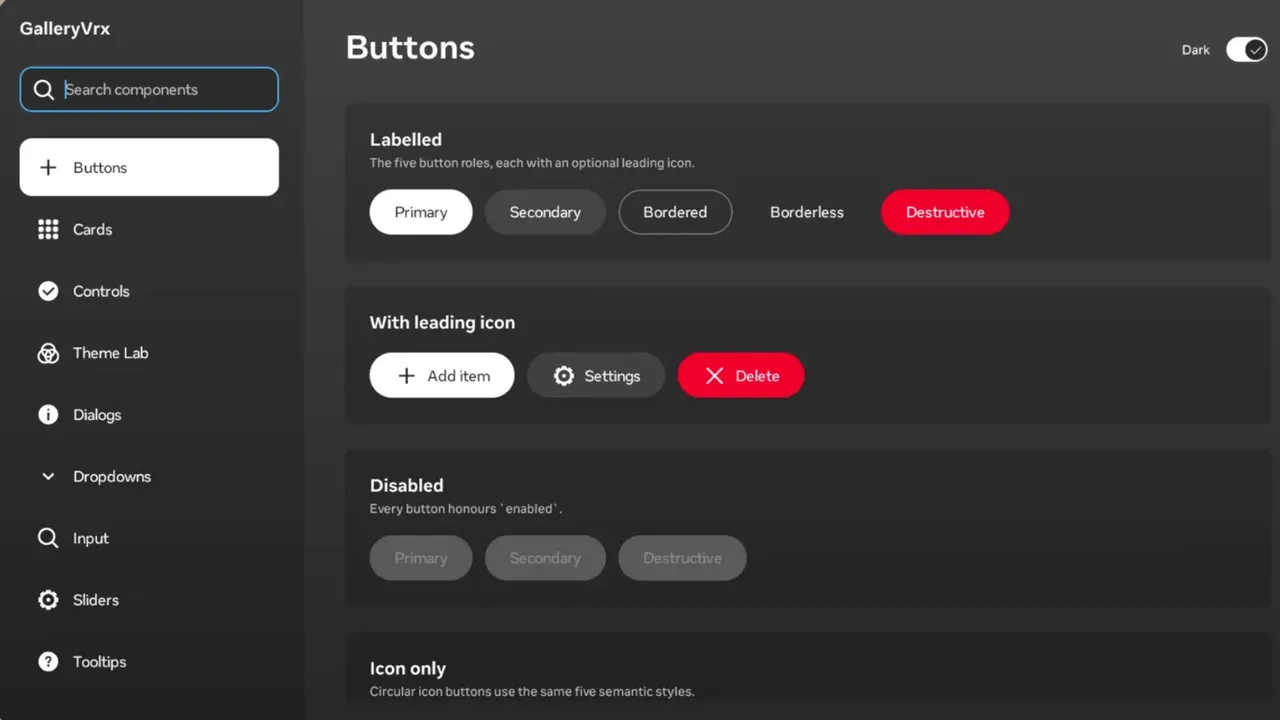
Meta's sample app CookVrx, a recipe viewer with ingredient and timer panels, is available in Compose and React Native in its MIT-licensed horizon-android-samples repository. UploadVR reports that the NBA app is one of the first to use the SDK.
The limits
Meta's best-practice guide asks for one main window and no more than two equally important spatial windows at a time. The React Native integration is capped at two window slots, spatial windows cannot be transparent, and Meta asks developers to keep window size and position stable rather than animating them.
Gaze SDK and UI Set
Meta VR Glasses default to Look and Pinch: users look at an element and pinch to select it, and flat apps receive normal touch events. The Gaze SDK lets developers correct targets the system misreads and add hover tooltips, but Meta labels it unstable and hands it out only on request. Its documentation warns that "apps submitted to the Meta Horizon Store with the SDK bundled will be rejected," and promises a stable version before Meta VR Glasses launch.
The third piece, the Meta VR UI Set SDK, is a Jetpack Compose design system with light and dark themes, typography, icons and standard controls. Meta calls it the successor to the Horizon OS UI Set that shipped inside the Spatial SDK.
Vous avez aimé cet article ?
Aimez-le pour en informer la rédaction ou enregistrez-le pour le lire plus tard.

Commentaires
Connectez-vous pour participer à la conversation.
Se connecterAucun commentaire pour le moment. Lancez la conversation.
·