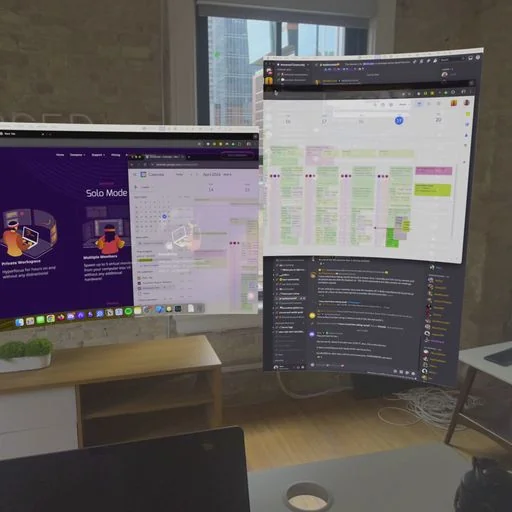
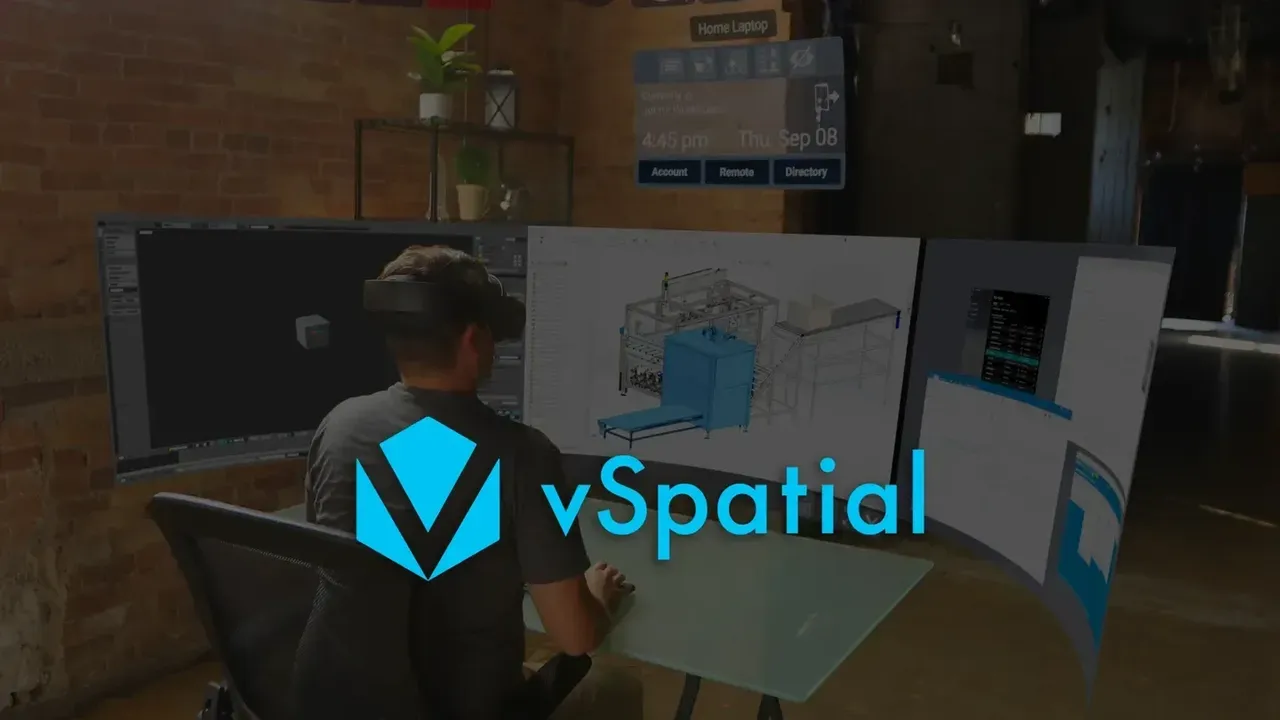
vSpatial is a free Meta Quest app that streams your Windows PC into VR, giving each program its own virtual monitor and adding shared team spaces.
Capturas de pantalla
Fotos: 5
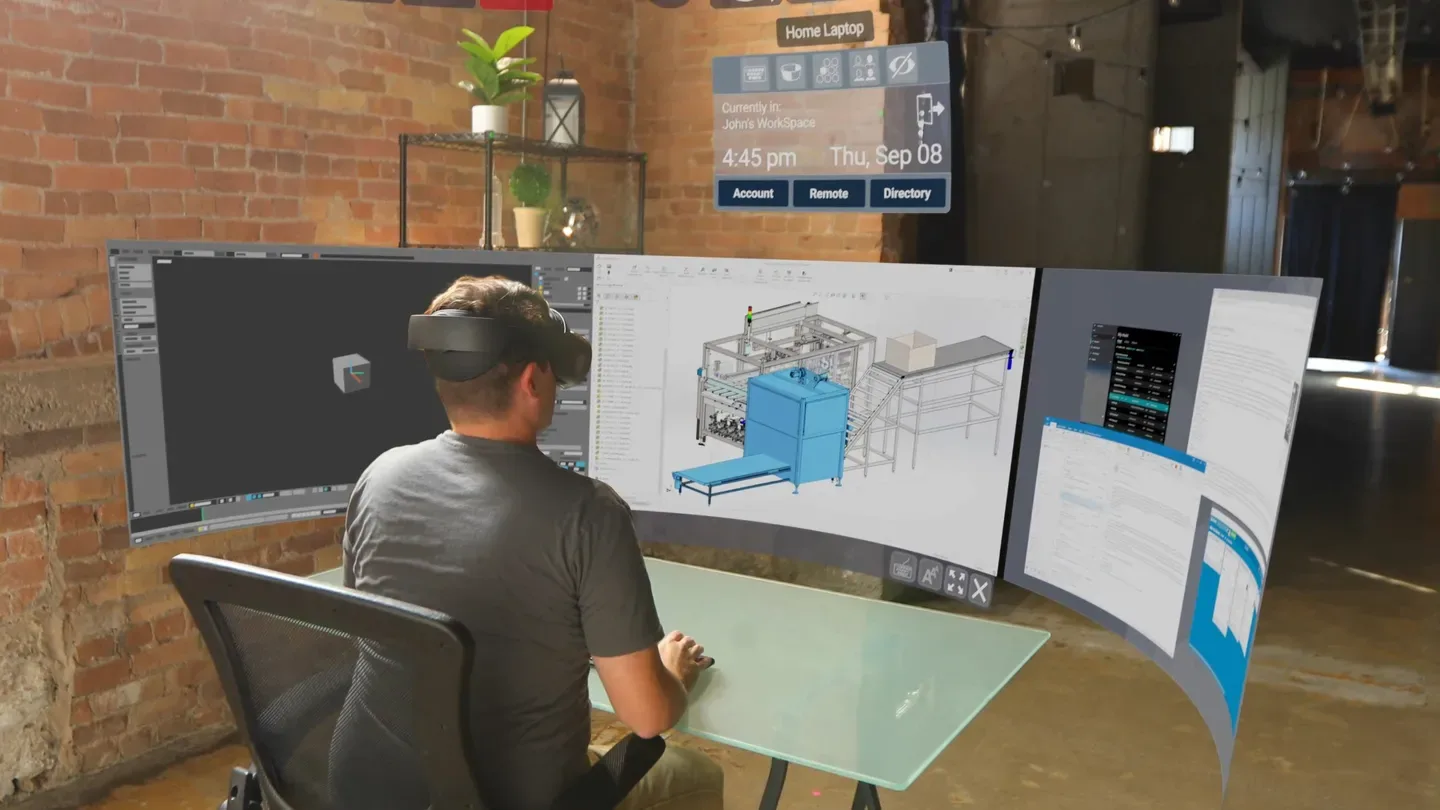
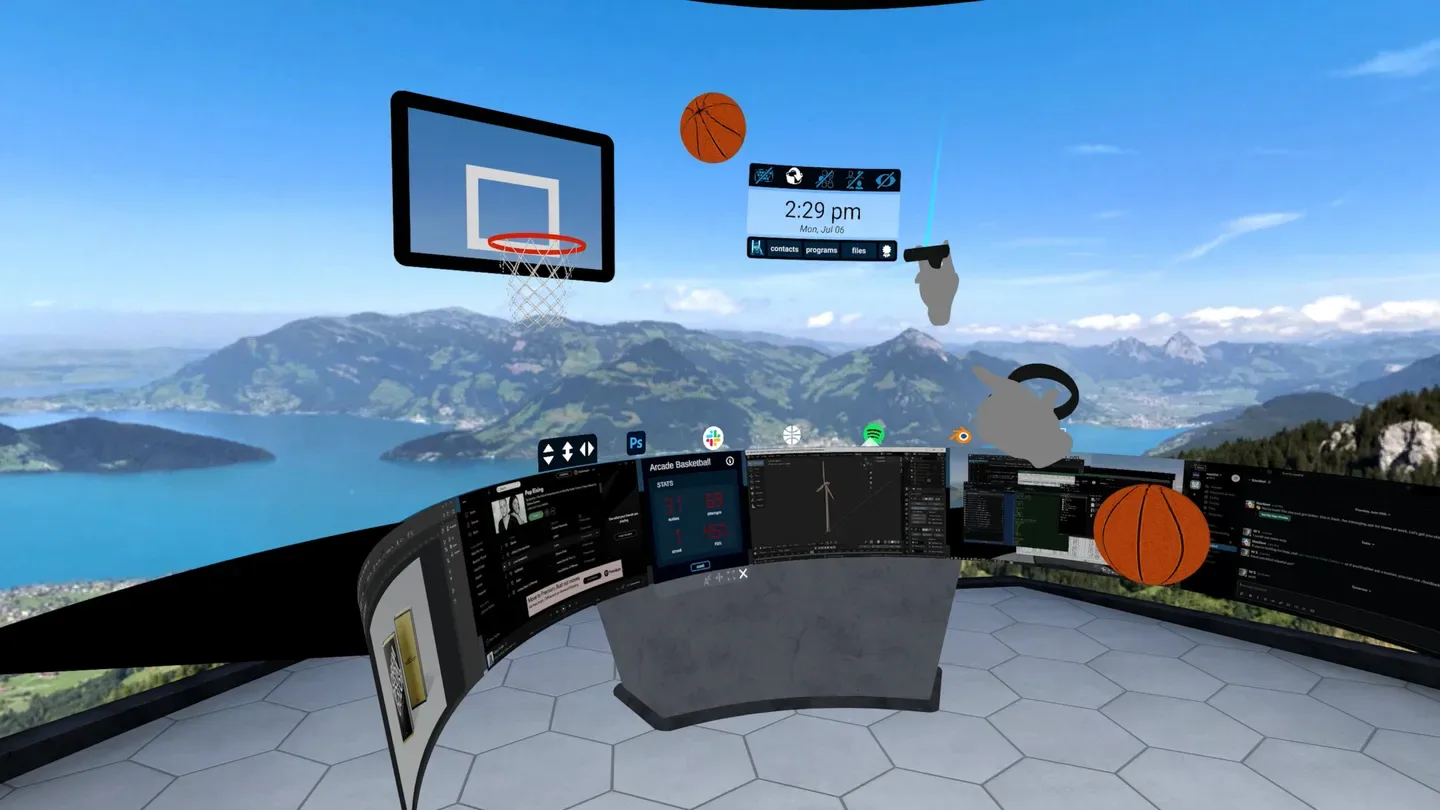
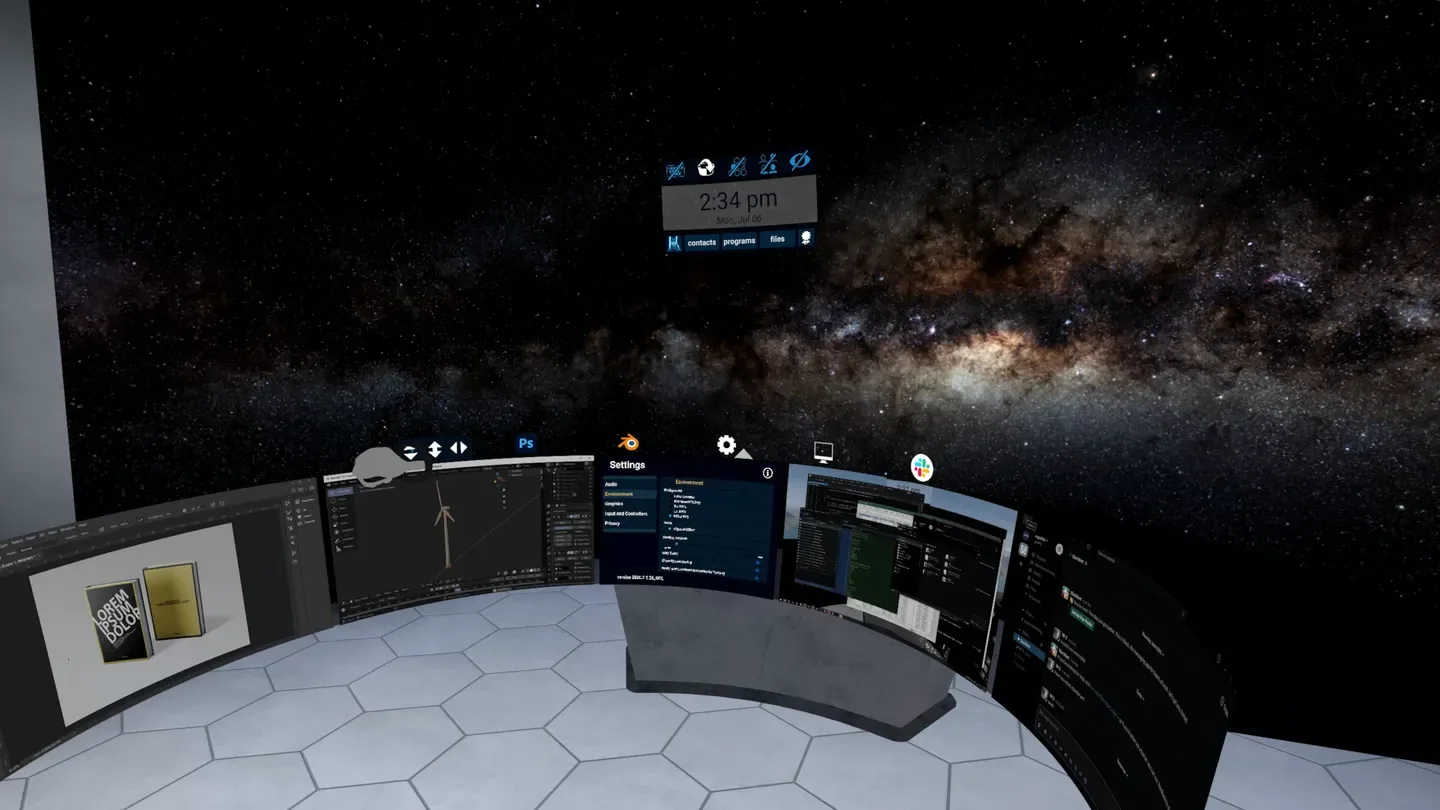
vSpatial is a free productivity app from vSpatial Inc., published under the vSpatial name, that turns your headset into a remote workspace for your computer. It connects to a Windows PC and lays out your program windows as separate screens floating around you. It has been on the Meta Horizon Store since August 13, 2020.
What you can do
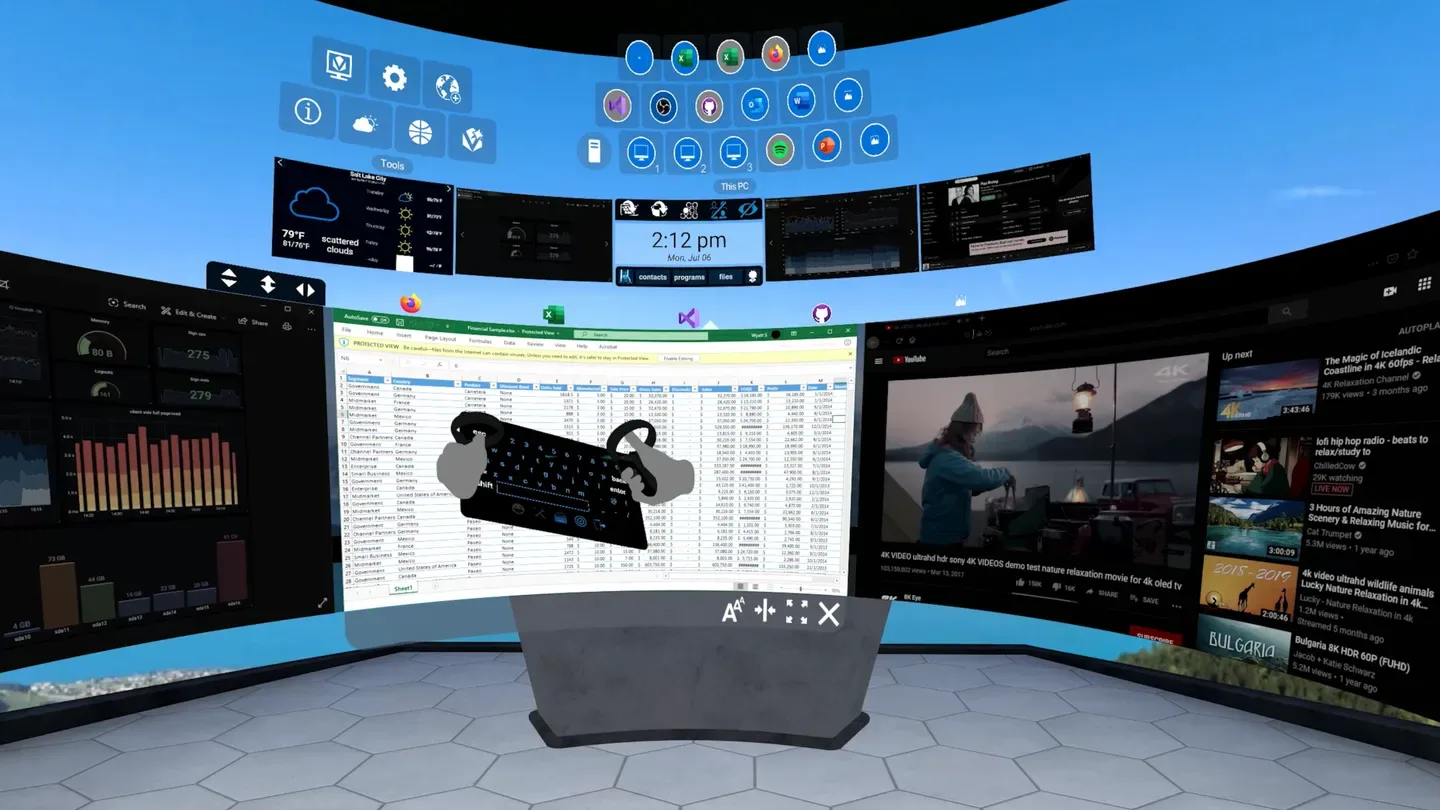
The idea is to swap a desk full of monitors for virtual ones you can take anywhere. Each window you open on the remote PC can sit on its own display, and you can pair a Bluetooth keyboard and mouse with the headset when you need to type for a long time or point precisely.
The free tier covers:
- A remote connection to a Windows 10 PC.
- One virtual monitor per remote program window.
- Bluetooth keyboard and mouse pairing.
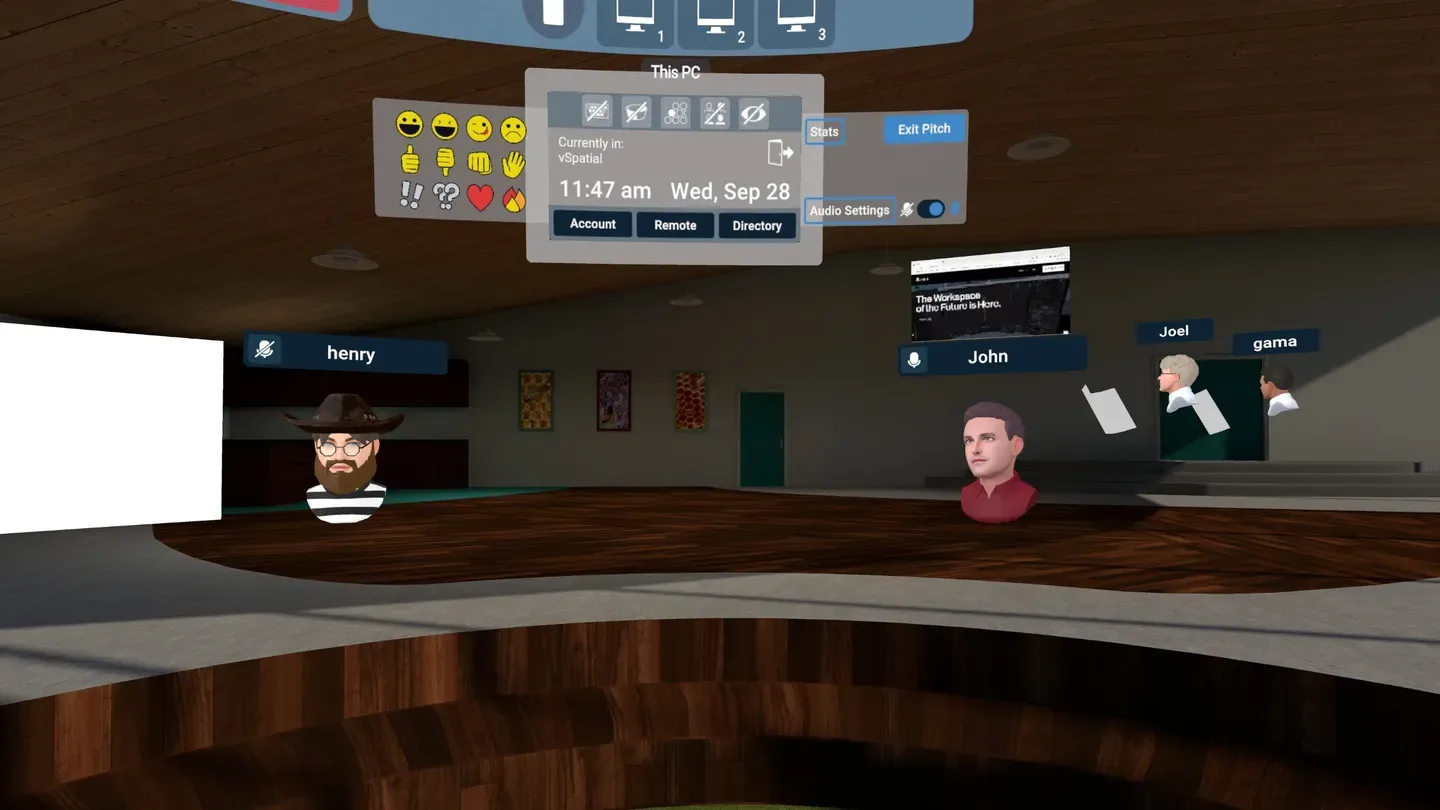
- One-on-one meetings with avatars, spatial audio and screen sharing.
- A virtual webcam and microphone, so you can join ordinary 2D video calls from inside VR.
- A basketball mini-game for breaks.
A paid Workspace Pro subscription, listed at $9.99 per month and cancellable at any time, adds enhanced remote desktop access from anywhere plus TeamSpace.
Multiplayer
Multiplayer in vSpatial is about working with colleagues rather than playing. The free version handles one-on-one sessions. TeamSpace, part of the Pro subscription, lets a team of up to 16 people meet in VR and see who is around, similar to sharing an office floor.
Comfort
Meta rates vSpatial as comfortable for most people. It supports seated and standing play, and you can use Touch controllers or a tracked keyboard. Because it is a work tool built around virtual screens, plan regular breaks during long sessions.
Platforms and what to know before buying
- Price: free on the Meta Horizon Store.
- Headsets: Meta Quest 3, Meta Quest 3S, Meta Quest Pro and Meta Quest 2.
- Requirements: a Windows 10 PC for the remote desktop features.
- In-app purchases: the optional Workspace Pro subscription at $9.99 per month.
- Internet: a connection is required.
- Ads: no in-app ads.
- Early access: no.
- Languages: English.
- Age rating: 3+.